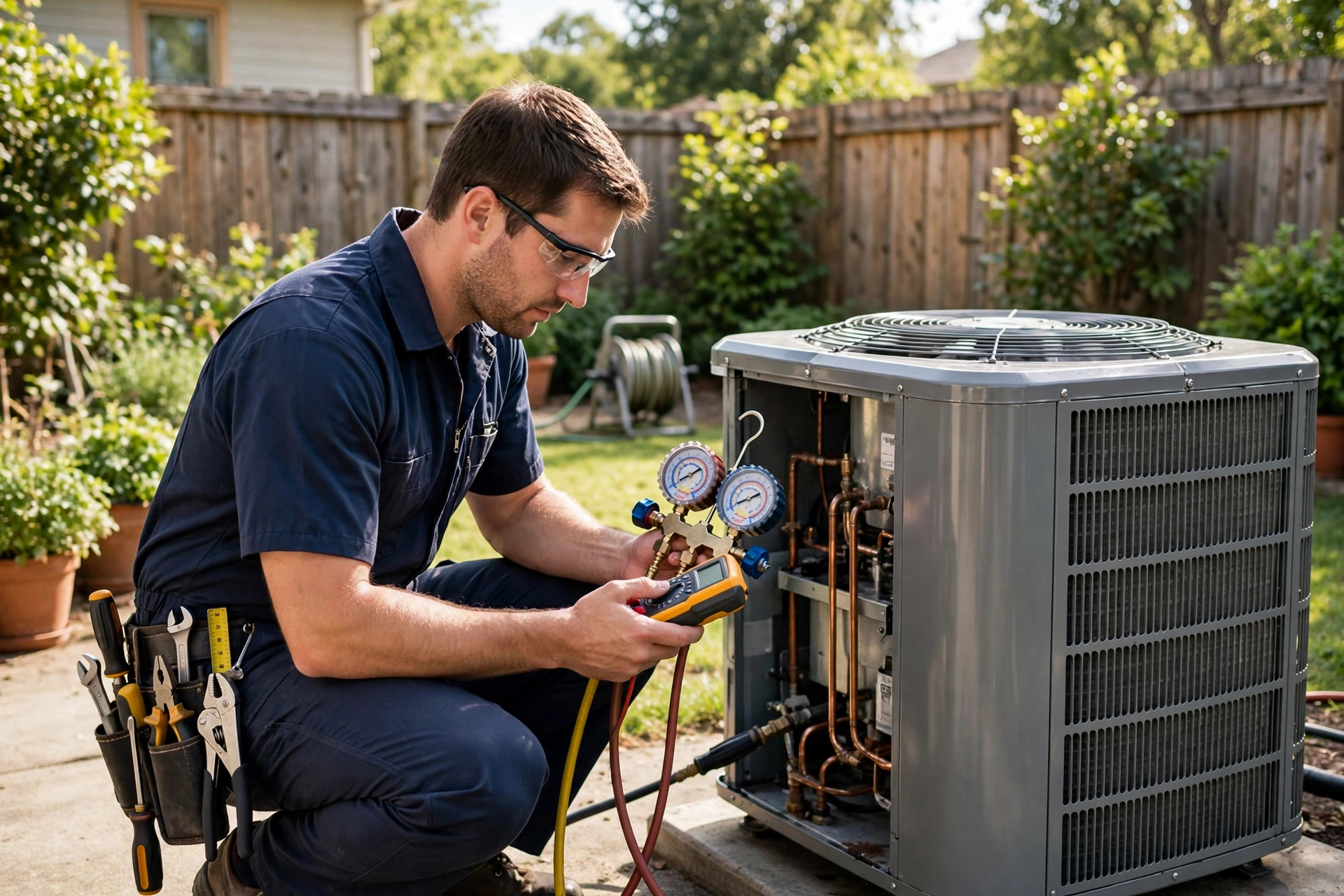
It is 11pm in January and the heat just died in a house with a newborn. The homeowner calls three HVAC companies. Two go to voicemail. The third misses the call too, but the homeowner’s phone buzzes thirty seconds later: “Sorry we missed your call. Is your heat completely out right now? Reply YES and our on-call tech will call you back within 15 minutes.” That company gets the no-heat call, a $450 emergency visit, and very likely the system replacement six months later. Missed-call text-back for HVAC companies is built for these moments: after-hours and seasonal urgency where speed-to-lead decides everything. This guide covers the scripts that save no-heat calls, emergency language detection (“no heat”, “gas smell”), the booking-link fallback for routine work, and a setup that runs on a simple CRM.
The quick answer
- What it is: every missed HVAC call gets an automatic text within a minute, triaging emergencies like no-heat and gas smells from routine maintenance.
- The key question: “Is your heat completely out right now?” sorts no-heat emergencies to the on-call tech and routine tune-ups to booking.
- Emergency language detection: replies with “no heat”, “no cool”, “gas smell”, or “carbon monoxide” trigger instant urgent alerts.
- Booking-link fallback: non-urgent callers book tune-ups and estimates online without waiting for office hours.
- Seasonal spikes: the first cold snap and first heat wave flood your phones; text-back catches the overflow your office cannot.
- Typical cost: $97 to $297 a month for the CRM plus per-text messaging costs.
HVAC runs on urgency and seasons
Few industries are as unforgiving about response time as heating and cooling. When the heat dies in winter or the AC quits in a heat wave, the customer is not comparing quotes. They are in a house that is getting colder or hotter by the hour, and they will hire the first company that responds like they understand the problem. Every HVAC owner knows this. The painful part is that these emergencies cluster exactly when you are least able to answer: nights, weekends, holidays, and the first extreme-weather week of the season when your techs are already booked solid and your office is drowning.
The seasonal pattern makes it worse. The first cold snap of winter and the first heat wave of summer produce a flood of no-heat and no-cool calls in a few days. Your office staff, however good they are, can only take one call at a time. Every caller who hits voicemail during a spike is a caller who dials your competitor next. Industry data on lead response consistently shows that contacting a lead within five minutes dramatically improves the odds of winning them, and in HVAC the window is even shorter because the customer’s discomfort is growing by the minute.
Then there is the second kind of missed call: the routine one. The spring tune-up, the filter question, the quote for a new system, the maintenance plan renewal. These callers are patient, but they are also shopping. A fast professional text with a booking link turns a missed routine call into a booked tune-up without your office doing anything. The system below handles both, with emergency language detection making sure a no-heat caller never gets treated like a tune-up shopper.
The cost of a missed no-heat call
A no-heat emergency visit typically bills $300 to $600 for the diagnostic and repair, with after-hours premiums pushing higher. But the real value is downstream: a meaningful share of no-heat calls in old systems turn into repair-or-replace conversations, and a system replacement runs $5,000 to $12,000 or more. Win the emergency call and you often win the replacement later. Lose the emergency call to a competitor and you lose both. A routine tune-up, meanwhile, runs $100 to $250 and is the gateway to maintenance plans, the recurring revenue every HVAC company wants. Missed-call text-back protects both ends of this value chain.
When the thermostat stops cooperating at midnight, the first company to text back wins the call.
How missed-call text-back works for HVAC companies
Your business number runs through a CRM with call tracking. When a call goes unanswered, is declined, or hits voicemail, the system texts the caller within seconds. The reply lands in a shared inbox your dispatcher or on-call tech monitors. Our general guide to missed-call text-back explains the concept; the HVAC version adds seasonal awareness and emergency language detection.
HVAC companies should run the trigger around the clock. Daytime misses are usually overflow: the office is on another line, the dispatcher is coordinating techs, or it is lunch. After-hours misses are where the money is, because that is when no-heat and no-cool emergencies peak. Run a daytime template that leads with booking and an after-hours template that leads with triage. The difference matters: a 2am caller with no heat does not want a booking link, and a 10am tune-up caller does not want to be asked if their house is freezing.
Emergency language detection
This is the feature that makes the HVAC version smarter than a generic text-back. Set your CRM to scan every reply for emergency keywords: “no heat”, “no cool”, “not working”, “gas smell”, “carbon monoxide”, “smoke”, “burning smell”, “frozen pipes”. When a keyword hits, three things happen automatically: the conversation is tagged urgent and pinned to the top of the inbox, an alert goes to the on-call tech’s phone, and the caller gets the emergency confirmation template. You can build this with keyword triggers in most small-business CRMs; no special software needed.
Gas smell and carbon monoxide deserve their own hard rule. If a reply mentions gas smell or CO, the automated response should tell the caller to leave the property immediately and call emergency services or the gas utility first. A human must take over from there. Write this wording into your system, train your team on it, and review it yearly. Safety automation is not the place for improvisation.
Scripts that save no-heat calls
Four copy-paste templates cover the HVAC missed-call spectrum. Keep each under 300 characters, put your company name in every message, and write like a dispatcher who has seen every emergency twice.
Template 1: the no-heat triage text
The single most important message in your system. Send it on every missed call and let the answer route the job.
Hi, this is Summit Heating and Cooling. Sorry we missed your call. Quick question: is your heat completely out right now? Reply YES or NO so we can get you help fast.
Run a summer variant during cooling season: swap “heat” for “cooling”. YES answers trigger the emergency flow below. NO answers get the routine booking template. This one question is your after-hours dispatcher.
Template 2: emergency confirmation
When the answer is YES, the caller needs to know help is actually coming. This message holds them while your on-call tech calls back.
Thanks, we are treating this as urgent. Our on-call tech will call you back within 15 minutes. If you smell gas, leave the house now and call emergency services. This is Summit Heating and Cooling.
The gas line is non-negotiable; include it in every emergency template. Behind this message, the CRM pages your on-call tech with the caller’s number and reply. Set a hard internal target: callback within 15 minutes, and track it like you track revenue, because it is revenue.
Template 3: routine booking-link fallback
Non-urgent callers get acknowledgment and a path to book without waiting for office hours. This is the template that fills your tune-up calendar while you sleep.
Thanks. Sounds like routine service, which we can handle easily. Book your tune-up or estimate online anytime: [booking link] Or reply with what you need and we will call you back during office hours.
The booking link is the hero here. Make sure it shows real availability, works on phones, and lets the caller pick the service type (tune-up, repair estimate, maintenance plan). A surprising number of callers will book at 1am rather than wait for a callback. Let them.
Template 4: existing customer
Match the number against your customer list. A maintenance-plan member or past customer should feel recognized, and you can reference their equipment.
Hi [First Name], this is Summit Heating and Cooling. Sorry we missed your call. What is going on with your system? Reply here and we will get you taken care of. Urgent? Reply URGENT.
Existing customers are your highest-margin work: no marketing cost, known equipment, faster diagnosis. If you run maintenance plans, the text-back is also a quiet retention tool; a fast response at 10pm is the reason customers renew.
Techs on roofs cannot answer phones. The triage text keeps the job queue full anyway.
Seasonal playbook: surviving the spike weeks
Text-back earns its keep year-round, but it pays for itself during spike weeks: the first cold snap, the first heat wave, and the shoulder-season days when systems that sat idle for months fail on startup. Three adjustments get you through them.
Adjustment 1: widen the net. During spike weeks, route the text-back trigger to fire on every missed call with no exceptions, including calls your office declines because the queue is full. A declined call is a missed call; treat it the same.
Adjustment 2: staff the inbox like a phone line. Assign someone to watch the shared inbox during spike weeks the way you would staff a second phone. Emergency-tagged conversations get answered first, routine bookings second. The inbox is a revenue channel during spikes, not an admin chore.
Adjustment 3: pre-write the seasonal variant. Before winter, switch the triage question to the no-heat version and load the winter emergency template. Before summer, switch to the no-cool version. Do it in October and April, not the week of the spike. Pair the seasonal push with your broader marketing; our HVAC marketing ideas guide covers how to turn spike-week demand into maintenance-plan signups that smooth out the slow months.
The simple CRM setup for HVAC companies
You need a business number with missed-call logging, SMS, a shared inbox, and keyword-based automation. Most small-business CRMs bundle all of it for $97 to $297 a month plus pennies per text. Set it up in this order.
- 1Route your business number through the CRM. Port or forward your number so every missed, declined, and after-hours call is logged with the caller’s number and timestamp.
- 2Build the missed-call trigger. Missed call, wait 30 seconds, send the triage text. Run 24/7 with a daytime variant and an after-hours variant.
- 3Load the four templates. No-heat triage, emergency confirmation, routine booking fallback, existing customer. Under 300 characters each, company name in every message.
- 4Set up emergency keyword detection. “No heat”, “no cool”, “gas smell”, “carbon monoxide”, “burning smell”, “smoke”: any hit tags the conversation urgent and alerts the on-call tech’s phone immediately.
- 5Write the gas rule. Any gas or CO mention gets the leave-and-call-emergency-services message and a human takeover. Document it, train on it, review it yearly.
- 6Connect the booking link. Real availability, mobile-friendly, service-type selection. Test a full booking from your own phone before going live.
- 7Test the full loop twice. Once as a YES emergency (verify the on-call alert fires), once as a NO routine call (verify the booking link arrives). Test after-hours with a real phone.
No-heat calls peak on the coldest nights. Your text-back works every one of them.
What it costs vs what it recovers
The cost side: $97 to $297 a month for the CRM, plus messaging at pennies per text. A busy HVAC company might spend $30 to $60 a month on texts during spike season. Total: well under $400 a month.
The recovery side: one no-heat emergency visit bills $300 to $600, and after-hours premiums push higher. Two recovered emergency calls a month cover the system several times over. The downstream value is bigger: no-heat calls on aging systems regularly turn into $5,000 to $12,000 replacements, and the company that answered the emergency call is the company that gets the replacement quote. On the routine side, every tune-up booked overnight at $100 to $250 is revenue your office never touched, and tune-ups feed maintenance plans, the recurring revenue that steadies your slow seasons. Tag every job that originated from a text-back for 60 days and add up the invoices. Most HVAC companies find the payback lands in the first spike week.
| Call type | Typical value | Text-back’s role |
|---|---|---|
| No-heat / no-cool emergency | $300 to $600+ | Triage YES pages on-call tech in minutes; first responder wins the job |
| After-hours emergency premium | 1.5x to 2x normal rate | After-hours template captures what voicemail loses |
| System replacement (downstream) | $5,000 to $12,000+ | Emergency caller becomes the replacement quote; you already have their trust |
| Seasonal tune-up | $100 to $250 | Booking-link fallback books overnight without staff involvement |
| Maintenance plan signup | Recurring annual revenue | Fast emergency response is the pitch that renews plans |
Mistakes HVAC companies make with text-back
The costliest mistake is a slow human callback behind a fast automatic text. The text buys you 15 minutes of patience; if your on-call tech takes an hour, the caller is gone anyway. Fix the on-call rotation before you launch, and track actual callback times. The second mistake is seasonal laziness: running the no-heat triage question in July confuses callers and looks sloppy. Swap the seasonal variants in October and April. The third is treating gas mentions casually. Any gas smell or CO mention must trigger the leave-and-call-emergency-services message and an immediate human takeover, no exceptions, no automation-only handling. The fourth is letting the booking link rot. If the link in your routine template shows wrong availability or breaks on phones, every routine text-back is a dead end. Test it monthly. Finally, do not forget reviews. A no-heat rescue at midnight is a five-star review waiting to happen; ask for it in the same text thread the next day. Our guide on getting more Google reviews for your HVAC company shows how to turn those rescues into the review profile that wins the next spike week’s callers.
Frequently asked questions
How fast should the text-back go out after a missed HVAC call?
Within one minute, 30 seconds is the target. Emergency callers are dialing competitors in parallel while their house gets colder or hotter. The automation handles the first text; your on-call tech should call back emergency answers within 15 minutes.
What keywords should trigger an urgent alert?
“No heat”, “no cool”, “not working”, “gas smell”, “carbon monoxide”, “smoke”, and “burning smell” at minimum. Any hit should tag the conversation urgent, pin it to the top of the inbox, and alert the on-call tech’s phone immediately.
What should the text say if someone reports a gas smell?
Tell them to leave the property immediately and call emergency services or the gas utility first, then have a human take over the conversation. Never let automation alone handle a gas or carbon monoxide report.
Should the triage question change with the seasons?
Yes. Use the no-heat version (“is your heat completely out?”) in winter and a no-cool version in summer. Swap them in October and April so the system is ready before the spike weeks hit.
How much does missed-call text-back cost an HVAC company?
The CRM typically runs $97 to $297 a month, plus pennies per text. One recovered no-heat emergency visit, billing $300 to $600, usually covers the monthly cost on its own.
Never lose another no-heat call to voicemail
Digital Hayder sets up missed-call text-back for HVAC companies: no-heat triage scripts, emergency keyword alerts to your on-call tech, seasonal templates, and booking links that fill your tune-up calendar overnight. Tell us how many calls you miss during a spike week, and we will show you what they are worth.
Contact Us