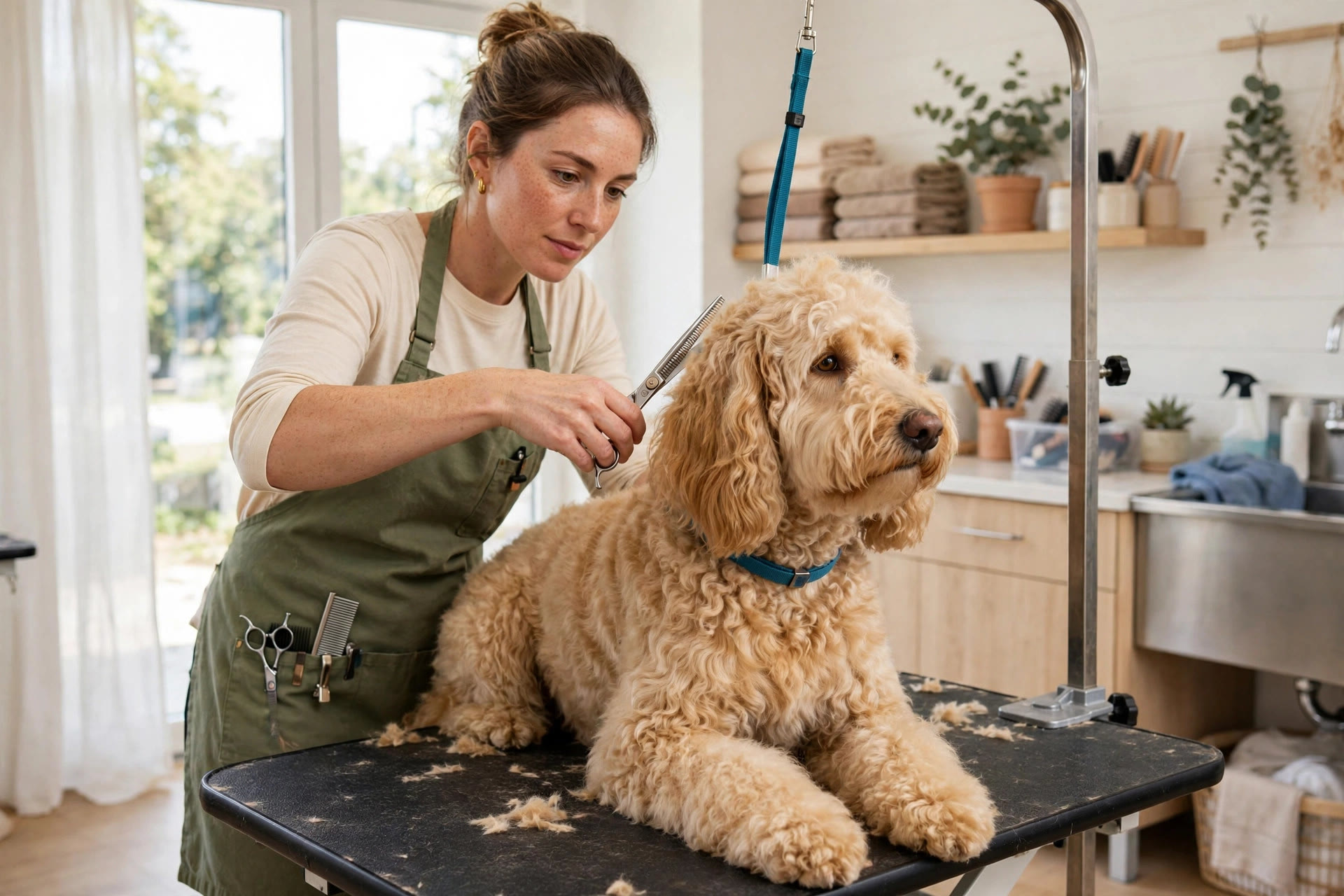
Empty grooming tables are the most expensive furniture in a pet salon. Every missed appointment is an hour your groomer stands idle while the rent, the utilities, and the wages keep running. Most no-shows are not rude clients. They are busy people who forgot, mixed up the day, or meant to cancel and never got around to it. Appointment reminders for pet groomers fix exactly that. A short text the day before, a reply-to-confirm prompt, and a rebooking nudge at pickup turn forgetful clients into reliable ones, fill the schedule weeks ahead, and bring lapsed dogs back onto their grooming cycle. This guide covers the reminder sequences that work, rebooking scripts for pickup, breed-by-breed rebooking cycles, what reminder systems cost, and the math that shows what full tables are worth.
The quick answer
- Reminders cut no-shows sharply: interactive reply-to-confirm reminders commonly cut no-show rates by half or more compared with no reminders at all.
- Make every reminder answerable: a message the client can reply to beats a one-way blast, because confirmations and reschedules happen in the same thread.
- Run the 48-24-2 sequence: reminders at 48 hours, 24 hours, and 2 hours before the visit catch every kind of forgetful client.
- Rebook at pickup: clients rebook at far higher rates when you set the next date before they leave the salon.
- Match reminders to breed cycles: poodles and doodles need recalls every 4 to 6 weeks, short-coated breeds every 8 to 12.
- Costs are small: reminder tools run $30 to $150 a month, and a handful of saved appointments covers the bill.
Why grooming appointments go missing
Grooming no-shows have a pattern, and it is rarely about the client disliking your work. The most common cause is simple forgetfulness. A client books six weeks out, life happens, and the appointment never crosses their mind again until your groomer is staring at an empty table. The second cause is day confusion: they remember Thursday but the appointment is Friday. The third is the silent cancel: they meant to call, kept putting it off, and then it felt too late to call at all.
The structure of grooming makes this worse than in many businesses. Grooming appointments are booked far in advance, often 4 to 8 weeks, which is exactly the window where memory fades. Each appointment blocks a skilled groomer for one to two hours, so one no-show wastes far more than a missed haircut slot. And unlike a restaurant, you cannot easily fill a grooming slot at the last minute: the dog needs prep, the groomer needs the breed notes, and walk-ins rarely match the open time.
Most salons try to solve this with phone calls the day before, which eats front-desk time and usually reaches voicemail. Or they send nothing and accept a 10 to 15 percent no-show rate as normal. Neither is necessary. Automated reminders cost a few cents per message, take zero staff time, and consistently pull no-show rates down to the low single digits. The salons with the fullest schedules are not the ones with the best groomers alone; they are the ones whose clients never have to remember on their own.
What appointment reminders do for a salon
An appointment reminder system sends timed messages to every booked client: a confirmation right after booking, reminders before the visit, and follow-ups after. The messages go out by text, email, or both, pulled straight from your booking software so nobody has to remember to send them. The client confirms with a reply, reschedules with a tap, and shows up prepared.
The day-to-day effect is bigger than most owners expect. The front desk stops spending mornings calling down the appointment list. The groomers get a confirmed, accurate schedule instead of surprises. Clients who would have no-showed either confirm or reschedule early enough that you can fill the slot from the waitlist. And the confirmation replies build a written record: no more arguments about whether the appointment was Thursday or Friday.
Reminders also change client behavior over time. When every appointment comes with a confirmation prompt, clients get into the habit of managing their bookings instead of drifting. Rebooking rates rise, advance bookings stretch further out, and the schedule firms up weeks ahead instead of days. If your salon takes online bookings, reminders are the piece that protects that investment; our breakdown of how much a pet grooming website costs covers the booking side, while this guide covers keeping every booked slot filled.
The reminder sequence that fills tables
One reminder is better than none, but the sequence is what drives no-shows down. Each message has a different job, and together they catch every type of forgetful client. Below is the sequence that works best for grooming salons.
| When | Channel | The message job | Example |
|---|---|---|---|
| At booking | Text + email | Instant confirmation with date, time, groomer, and prep notes | “Bella is booked for a full groom Tue Nov 3 at 10 AM with Jess. Please arrive 5 min early. Reply here with any questions.” |
| 7 days before | Text | Planning reminder with an easy reschedule link | “Reminder: Bella’s groom is one week from today, Tue 10 AM. Need to move it? Tap here to pick a new time.” |
| 48 hours before | Text | Confirmation prompt that starts the reply habit | “Hi, confirming Bella’s full groom Thursday at 10 AM with Jess. Reply YES to confirm or tap to reschedule.” |
| 24 hours before | Text | Final confirm-or-move prompt; flags unconfirmed for a personal call | “Tomorrow 10 AM: Bella’s groom with Jess. Reply YES to confirm. Running late? Reply LATE and we will adjust.” |
| 2 hours before | Text | Short day-of nudge with arrival details | “See you at 10 today. We are at 88 Park Ave, free parking behind the building.” |
Adjust the count to your clientele. Salons with mostly regulars can often drop the 7-day message and keep the 48-24-2 core. Salons with many new clients should keep all five touches, because first-time clients no-show at higher rates. The unconfirmed list is the key operational piece: every client who has not replied YES by the evening before goes on a short call list for the morning. Five personal calls beat thirty.
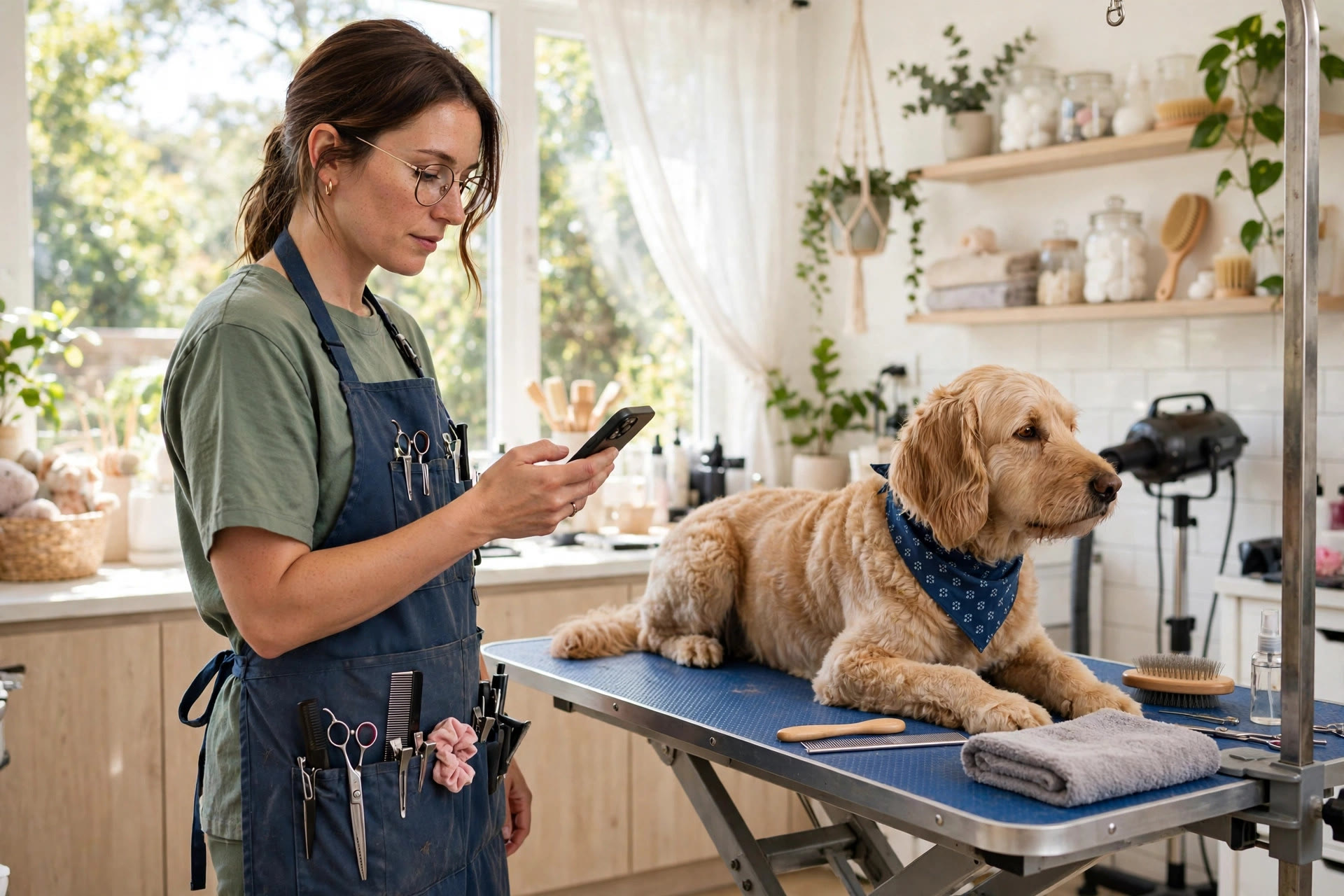
A short text the day before turns a forgotten appointment into a kept one, and the reply tells the front desk exactly who is coming.
Reply-to-confirm: make every reminder answerable
The single biggest upgrade you can make to reminders is also the simplest: let clients reply. A one-way text informs. A two-way text converts. When a client can answer YES, ask a question, or tap to reschedule inside the same thread, three good things happen at once.
First, confirmations become certain instead of assumed. Your front desk sees exactly who confirmed, who asked to move, and who went silent. The silent ones get the personal call; everyone else is handled. Second, reschedules happen early. A client who can tap a link on Tuesday will move their Thursday appointment in time for you to fill it. A client who has to call during business hours will put it off until it is too late. Third, questions get answered before they become problems: “Does Bella need to be bathed first?” or “Can I add a teeth cleaning?” The groomer walks in prepared instead of surprised.
Set up the reply handling with clear rules. YES confirms. Any other reply routes to the front desk or a smart auto-answer for common questions. Unconfirmed appointments at closing time the day before trigger one personal call attempt. Keep the tone warm and short, and always include the dog’s name. “Confirming Bella’s groom tomorrow at 10” gets answered; “This is a reminder of your upcoming appointment” gets ignored. Names make messages feel personal, and personal messages get replies.
Reply-based messaging is a pattern that works across industries. Real estate teams use the same idea to keep prospects engaged over long sales cycles; our guide to lead follow-up automation for real estate agents shows the longer-cycle version of the same playbook.
Rebooking at pickup: your highest-ROI minute
The most valuable sixty seconds in a grooming salon happen at pickup. The client is happy, the dog looks great, and the next appointment is the easiest yes you will ever get. Salons that rebook at pickup consistently report rebooking rates of 60 to 70 percent. Salons that hand the client a “call us next time” card sit around 30 to 40 percent. That gap is pure revenue walking out the door.
Make rebooking the default, not a question. Train the front desk on the assumptive script: “Bella looks fantastic. Doodles like her do best every 5 weeks, so I have Jess open on December 12th or 19th at 10. Which works for you?” Two specific options, tied to the dog’s needs, stated as the normal next step. If the client hesitates, offer the reminder instead of nothing: “No problem. I will text you in 4 weeks to set it up. Is this still the best number?”
Back the pickup script with automation. Every completed appointment triggers a thank-you text within the hour, and clients who did not rebook get a rebooking nudge timed to their breed cycle (see the table below). The combination of the in-person ask and the timed follow-up catches almost everyone. Track rebooking rate weekly; it is the clearest single indicator of whether your front desk is executing. A ten-point lift in rebooking rate is worth more than most advertising a salon will ever buy.
Breed cycles: put every dog on a schedule
Dogs do not all need grooming on the same cycle, and your reminders should not treat them that way. A poodle booked 10 weeks out will be matted; a beagle reminded every 4 weeks will feel spammed. Tag each client record with the dog’s coat type and set the rebooking reminder to match. The table below gives typical full-groom cycles to start from; adjust to what your groomers recommend for each dog.
| Coat type | Typical full-groom cycle | Rebooking reminder timing | Notes |
|---|---|---|---|
| Poodles and doodles | Every 4 to 6 weeks | Text 3 weeks after the visit | Highest matting risk; keep these clients on the tightest cycle |
| Long silky coats (Shih Tzu, Maltese, Yorkie) | Every 4 to 6 weeks | Text 3 weeks after the visit | Face trims between grooms keep them tidy and add visits |
| Double coats (Husky, Golden, Shepherd) | Every 6 to 8 weeks | Text 5 weeks after the visit | De-shedding treatments are a natural upsell at each visit |
| Short smooth coats (Beagle, Boxer, Lab) | Every 8 to 12 weeks | Text 7 weeks after the visit | Bath and nail packages keep these clients in the rotation |
| Cats (longhair) | Every 8 to 12 weeks | Text 7 weeks after the visit | Smaller base, but loyal; reminders keep them from drifting |
| Nail trims (all breeds) | Every 4 to 6 weeks | Text 3 weeks after the visit | Quick slots that fill gaps between full grooms |
The reminder message should reference the cycle so it feels like care, not marketing: “Hi, Bella is due for her 5-week groom next week. Jess has Tuesday 10 AM or Thursday 2 PM open. Want me to book one?” That message gets answered because it is specific, timely, and about the dog. Generic “time for a groom?” messages get ignored because they could have been sent to anyone.
Seasonal adjustments matter too. Double-coated breeds shed hardest in spring and fall, so tighten those reminders by a week during coat-blow season. Holiday weeks book out early; send a “holiday slots are going” note in late autumn to your regulars before the calendar fills. The salons that plan the year in cycles never have a dead month.
Winning back lapsed clients
Every salon has them: clients who came three times, then vanished. They did not leave angry; the dog got groomed somewhere closer, or they just drifted. These are the cheapest new appointments you will ever book, because the client already knows and trusts you. A lapsed-client campaign runs automatically off the same system as your reminders.
Segment by how long they have been gone. At 60 days past their usual cycle, send a friendly check-in: “Hi, we miss Bella. She is due for her groom, and Jess has openings this week. Want me to book her in?” At 120 days, add a reason: a photo of a fresh groom, a note about the season, or a small incentive like a free teeth-brushing add-on with a full groom. At 180 days and beyond, one last personal-feeling message, and then let them go rather than spamming.
A typical salon can expect a meaningful share of lapsed clients to rebook from a well-run campaign, often enough to fill several slow weeks a year. Track which segment responds best and adjust the timing. If your salon sits near a vet clinic, consider a joint effort: shared clients, cross-referrals, and coordinated reminders. Our notes on vet clinic marketing ideas include partnership angles that work well for groomers sharing a neighborhood.
Reminders, recalls, and reactivation compared
Salon owners often mix up three different jobs. Reminders protect appointments that already exist. Recalls bring due clients back on schedule. Reactivation wins back clients who left. Each needs its own message and timing, and the table below keeps them straight.
| Reminders | Recalls | Reactivation | |
|---|---|---|---|
| Purpose | Make sure booked clients show up | Bring due clients back on their cycle | Win back clients who drifted away |
| Timing | Before the appointment: 7 days, 48h, 24h, 2h | After the cycle lapses: 3 to 7 weeks post-visit by breed | 60, 120, and 180 days past their usual cycle |
| Message tone | Helpful and logistical | Caring and specific to the dog | Warm and personal, with a reason to return |
| Success metric | No-show rate | Rebooking rate | Lapsed clients recovered per quarter |
Most salons run reminders and ignore the other two, which leaves half the value on the table. The full system runs all three automatically: reminders guard the calendar, recalls keep the cycle tight, and reactivation harvests the drifters. For the texting side of recalls and campaigns, our guide to SMS marketing for pet groomers covers message ideas beyond reminders.
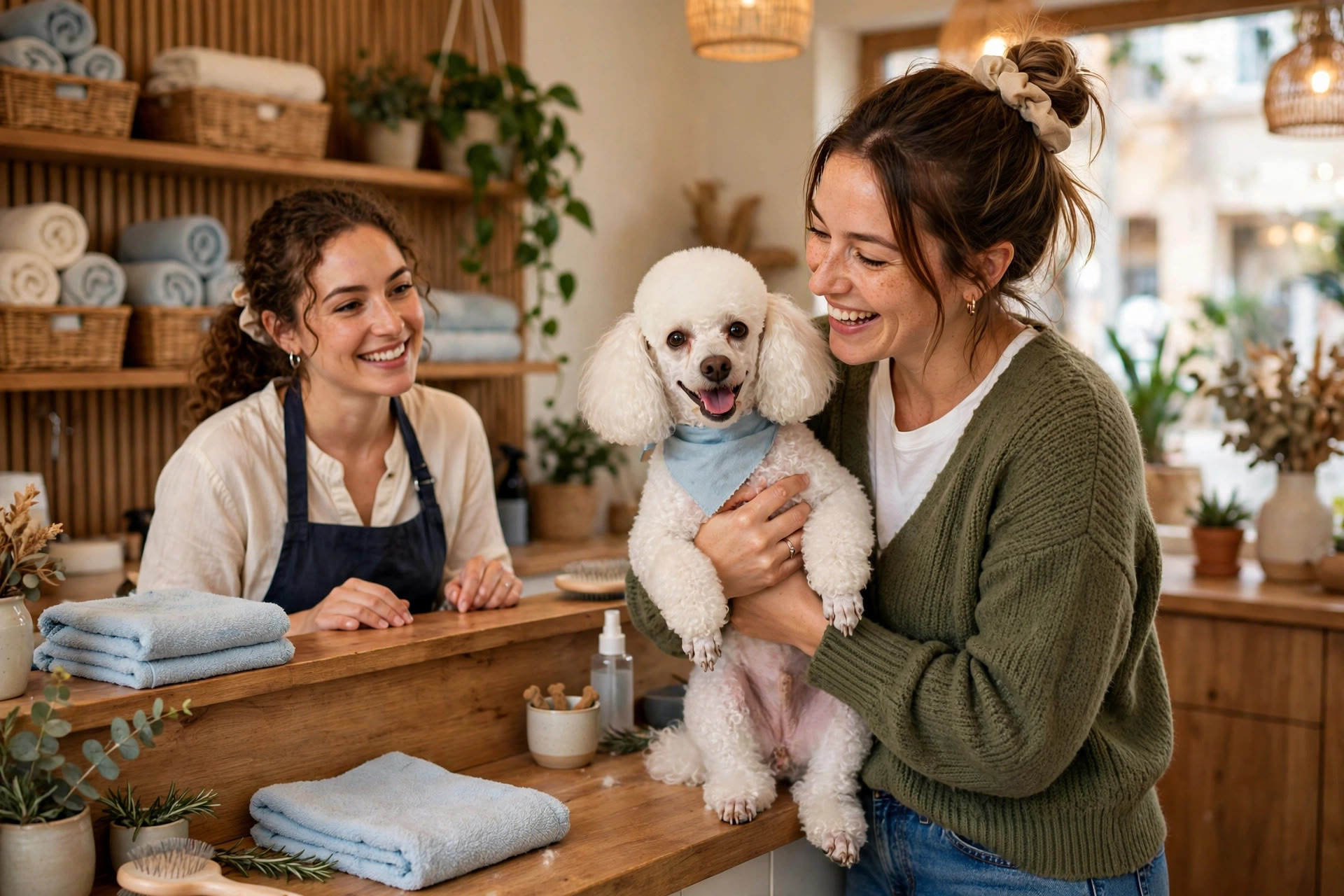
Pickup is the best rebooking moment: the client is happy, the dog looks great, and the next date is the easiest yes in the business.
What reminder systems cost
Reminder software is one of the cheapest tools a salon can buy. Pricing has three layers: the software itself, the per-message charges, and any setup help. Most salons spend well under $150 a month all-in.
Booking software add-on
Reminders built into the grooming or salon software you already use.
- Automatic texts and emails tied to your real appointment book
- Reply-to-confirm and reschedule links included
- Cheapest option, but templates and timing can be limited
- Best for salons happy with their current booking software
Standalone reminder platform
A dedicated messaging platform connected to your booking system.
- Full control over sequences, timing, and message wording
- Two-way texting with smart replies and waitlist filling
- Breed-cycle recalls and lapsed-client campaigns included
- Best for salons that want the complete reminder, recall, and reactivation system
Managed client retention
An agency runs your reminders, recalls, and reactivation for you.
- Done-for-you setup, templates, and monthly tuning
- Reactivation campaigns written and sent each quarter
- Monthly reporting on no-show rate, rebooking rate, and recovered clients
- Best for multi-groomer salons and owners who want it fully handled
| Cost layer | Typical price | What it covers |
|---|---|---|
| Reminder software | $30 to $150 per month | Automation, templates, two-way texting, reporting |
| Per-message charges | $15 to $50 per month | Usually 1 to 3 cents per text segment, based on volume |
| Setup (if managed) | $300 to $1,000 one time | Connecting software, writing templates, training the team |
A realistic budget for a two-groomer salon: $75 a month for a standalone platform plus $25 in message charges. That is $100 a month. Two saved appointments cover it. Everything after that is profit.
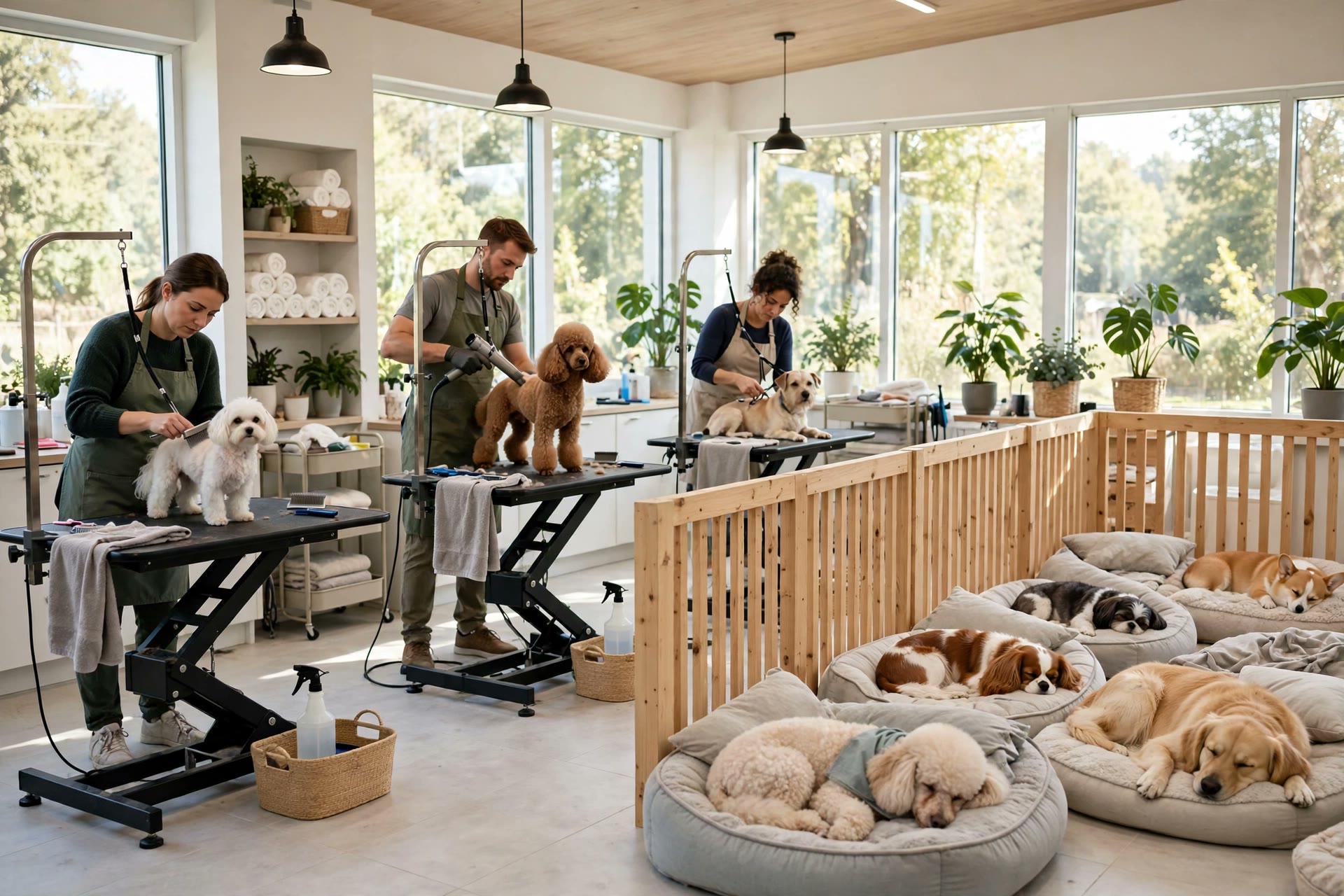
Full tables come from full calendars, and full calendars come from reminders clients actually answer.
Live in two weeks: the setup plan
A reminder system is a two-week project. The salons that stall are the ones that try to perfect every template before sending the first message. Start with confirmations and the 48-24-2 sequence, add recalls and reactivation next.
Week 1, days 1 to 3: connections and consent. Pick your reminder tool and connect it to your booking software so messages pull real appointment data. Add a consent line to your booking form and intake paperwork: one plain sentence covering text reminders. Clean up your client list: correct mobile numbers, tag each dog with coat type and usual cycle.
Week 1, days 4 to 7: the core templates. Write the booking confirmation, the 48-hour, 24-hour, and 2-hour reminders, and the thank-you text. Keep each under 160 characters where possible, always with the dog’s name and a reply prompt. Set the unconfirmed-call rule: no reply by closing time the day before means one personal call in the morning.
Week 2, days 8 to 10: testing. Book test appointments and run the full sequence on staff phones. Reply YES, reply with a question, tap the reschedule link, ignore everything. Confirm the front desk sees every reply and the calendar updates correctly.
Week 2, days 11 to 14: launch and train. Turn reminders on for all new bookings first, then add them to existing future appointments. Train the front desk on the reply inbox, the unconfirmed call list, and the pickup rebooking script. In week three, add breed-cycle recalls; in week four, launch the first lapsed-client campaign.
Mistakes that empty your tables
Reminders nobody can reply to. A one-way blast tells the client the appointment exists but gives them no easy way to confirm or move it. Every reminder should invite a reply.
Too many messages. Five reminders for a regular who has never missed is noise. Match the sequence to the client: full sequence for new clients, the 48-24-2 core for regulars.
Generic messages with no name. “Reminder: appointment tomorrow at 10” feels like a bill. “Bella’s groom is tomorrow at 10 with Jess. Reply YES to confirm” feels like care. Always use the dog’s name.
No reschedule link. If moving the appointment requires calling during business hours, busy clients will simply no-show. A tap-to-reschedule link turns would-be no-shows into moved appointments you can refill.
Forgetting the unconfirmed list. Reminders identify who has not confirmed; someone still has to call them. The evening-before call list is where the last few percent of no-shows get saved.
Skipping rebooking at pickup. Reminders protect the calendar you have. Rebooking at pickup builds the calendar you want. Salons that do one without the other leave money behind.
Never cleaning the contact list. Wrong numbers and dead emails waste money and skew your metrics. Review bounced messages monthly and fix or remove bad contacts.
Your rollout checklist
Work through these in order. Each one builds on the last.
- 1Collect mobile numbers and consent. Add a text-reminder consent line to booking forms and intake paperwork.
- 2Pick your reminder tool. Booking software add-on or standalone platform, connected to your real appointment book.
- 3Clean the client list. Correct mobile numbers, and tag every dog with coat type and usual grooming cycle.
- 4Write the booking confirmation. Date, time, groomer, prep notes, and a reply prompt, sent instantly at booking.
- 5Build the 48-24-2 sequence. Every reminder replyable, every one using the dog’s name.
- 6Set the unconfirmed call rule. No reply by closing time the day before means one personal call in the morning.
- 7Train the pickup rebooking script. Two specific date options, tied to the dog’s cycle, as the default next step.
- 8Add breed-cycle recalls. Timed rebooking nudges matched to each coat type’s schedule.
- 9Launch the lapsed-client campaign. 60, 120, and 180-day messages to clients past their usual cycle.
- 10Review the numbers monthly. No-show rate, rebooking rate, and recovered lapsed clients. Tune the weakest message.
Frequently asked questions
Will appointment reminders annoy my clients?
Not when they are useful and well timed. Clients welcome reminders that help them keep appointments they want. What annoys people is excessive messaging, so match the sequence to the client: the full sequence for new clients, the shorter core for regulars, and always an easy opt-out.
Should I send reminders by text, email, or both?
Text first, email as backup. Texts get opened and answered within minutes; emails are better for detail like prep instructions and receipts. The booking confirmation should go out on both, and the timed reminders can be text-only for most clients.
What about clients without smartphones?
Keep a phone-call list for them. Your reminder system should flag clients with no mobile number so the front desk calls them the day before. It is usually a small group, and one short call list is easy to manage.
How do reminders handle same-day cancellations?
The 2-hour reminder often surfaces them early enough to act. When a client replies to cancel, the system should alert the front desk immediately and offer the slot to your waitlist by text. A filled cancellation is almost as good as a kept appointment.
Can reminders collect deposits for new clients?
Yes, and for first-time bookings it is smart. New clients no-show at higher rates, so include a deposit link in the booking confirmation for first visits. Frame it as policy, not suspicion: “First visits need a $25 deposit, applied to your groom.”
Does the reminder tool need to connect to my booking software?
It should. The connection is what makes reminders automatic and accurate: real appointment times, real groomer names, automatic reschedule updates. Without it, someone has to send reminders by hand, which defeats the purpose.
How far ahead should clients book?
As far as your regulars will commit. Encourage booking 2 to 3 cycles ahead at pickup, especially before holidays. Reminders make advance booking safe because clients can easily move appointments instead of forgetting them.
Can reminders help sell add-on services?
Yes. The confirmation and 48-hour messages are natural places for one relevant upsell: teeth brushing, de-shedding treatment, or a face trim between grooms. Keep it to one offer tied to the dog’s needs, not a menu of options.
What if a client replies with a question the system cannot answer?
Route it to the front desk. Set up smart auto-answers for the common questions, hours, parking, prep, and send everything else to a monitored inbox. Reply-time target: under 15 minutes during business hours.
How do I measure whether reminders are working?
Track no-show rate, rebooking rate, and the number of lapsed clients recovered each quarter. Compare against the two months before launch. Most salons see the no-show rate move within the first 30 days.
Keep every grooming table full
Digital Hayder builds reminder, rebooking, and client-retention systems for pet groomers: reply-to-confirm sequences, breed-cycle recalls, pickup rebooking scripts, and lapsed-client win-back campaigns on your real booking software. Tell us about your salon and we will design the system around it.
Contact Us