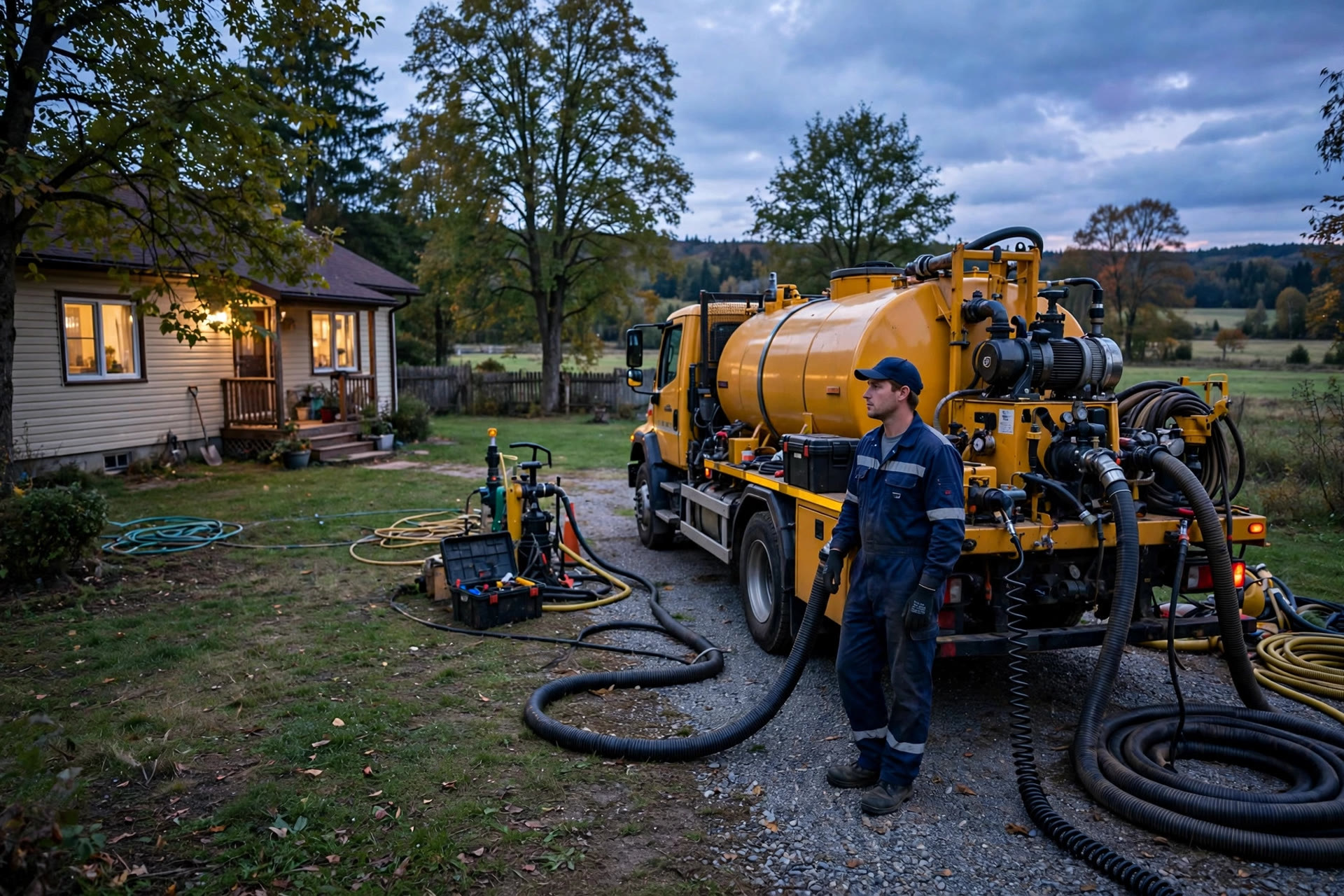
Septic companies live on the phone. Most new jobs start with a call: a homeowner with a backed-up drain at 9 PM, a landlord who needs a pump-out before a tenant moves in, a property manager comparing prices for three buildings. The problem is that the owner is usually in the truck, on a job, or asleep when the most valuable calls come in. Voicemail picks up, and the caller dials the next company on the list. An AI chatbot for septic service companies fixes this exact leak. It answers every chat, text, and website message in seconds, day or night, triages emergencies from routine pump-outs, books the job on the real schedule, and answers pricing questions while you are elbow-deep in a tank. This guide covers what the chatbot does, how the emergency triage works, what it costs, how to set it up, and the math on how many emergency jobs it pays for.
The quick answer
- Every inquiry answered in seconds: the chatbot replies to chats and texts 24 hours a day, so no caller hits voicemail and dials your competitor.
- Emergency triage built in: it sorts true backups and alarms from routine pumping questions and routes the urgent ones to your on-call phone.
- Pump-outs booked on your real schedule: customers pick a time from live availability and get a confirmation, without you touching the phone.
- Pricing questions answered safely: it gives honest price ranges and collects job details, instead of quoting blind on a panicked call.
- Costs run a few hundred a month: chatbot software runs $50 to $300 a month plus setup, against emergency tickets worth $400 to $1,200 each.
- Live in two to three weeks: connect your number, build the triage and booking flows, connect the schedule, test, then launch.
Why septic companies lose jobs to voicemail
The septic business has a timing problem. Your best calls arrive when you are least able to take them. Emergency backups happen at night, on weekends, and during dinner. Routine pump-out inquiries come in while you are on a job site with a noisy truck and both hands on a hose. Industry-wide, service businesses that cannot answer after hours lose a large share of those callers to competitors who pick up first. In home services the pattern is brutal: a caller with sewage backing into a shower does not leave a message and wait until morning. They call the next number.
The economics make every missed call hurt. A routine pump-out runs $300 to $500 in most US markets, and an emergency backup visit often bills $500 to $1,200 depending on the situation, after-hours timing, and the work required. Inspections for home sales can run $400 to $800. Losing even five or six jobs a month to missed calls means thousands of dollars walking away every month, and those jobs rarely come back. The customer who got fast help from a competitor at 10 PM is now that competitor’s customer for the next pumping cycle too.
The owner-operator reality makes this hard to fix with people. Hiring an after-hours dispatcher for a two or three truck operation costs more than the jobs it would save, and an answering service takes messages without booking the job. What you need is instant response plus real scheduling, not just a message taker. That is exactly what an AI chatbot delivers: immediate answers, job details collected, and the booking confirmed before the customer opens another tab.
What an AI chatbot for septic service companies actually does
An AI chatbot for a septic business is an automated assistant that talks with customers in plain text on your website, by text message, or on messaging apps like Facebook. Customers message the same way they message a friend. The bot answers in seconds, asks the right questions, books the job, and hands anything unusual to you or your office with the full conversation attached. It is not a dumb contact form. It holds a back-and-forth conversation and remembers what the customer already said.
Triages emergency backups vs routine pumping
This is the feature that matters most for septic work. The bot asks what is happening: sewage backing up, alarm going off, slow drains, foul smell, or routine maintenance. Based on the answers it routes the conversation down one of two paths. Emergencies get your on-call number, an emergency slot offer, and clear instructions on what not to do until help arrives. Routine requests get booked into the normal schedule with no panic. Our guide to AI chatbots for HVAC companies shows how other trades run the same kind of triage.
Books pump-outs on your real schedule
The bot shows live availability for pump-outs, inspections, and maintenance visits, takes the customer’s pick, and writes it into your dispatch calendar. It collects the details your dispatcher collects: address, tank size if known, last pump-out date, gate codes, dog on the property, where the lids are. The job arrives on your schedule fully qualified, so the office does not play phone tag confirming details.
Answers the same ten pricing questions
Every septic company answers the same questions all day: how much to pump a tank, how often should I pump, do you service my area, do you take credit cards, what does an inspection cost. The bot answers these instantly from your price list and service area map. It gives ranges where ranges are honest, and it collects the details needed for a firm quote instead of guessing. That honesty builds trust and keeps you out of pricing fights later.
Follows up on estimates and reminders
The bot can chase the jobs that stall. It texts back customers who asked for a quote but never booked, reminds homeowners when their three-year pumping cycle is due, and sends day-before confirmations with the arrival window. These follow-ups quietly add jobs to the schedule without anyone in the office remembering to call. If you send texts to customers, pair this with solid software, as covered in our guide to the best SMS marketing software for small business.
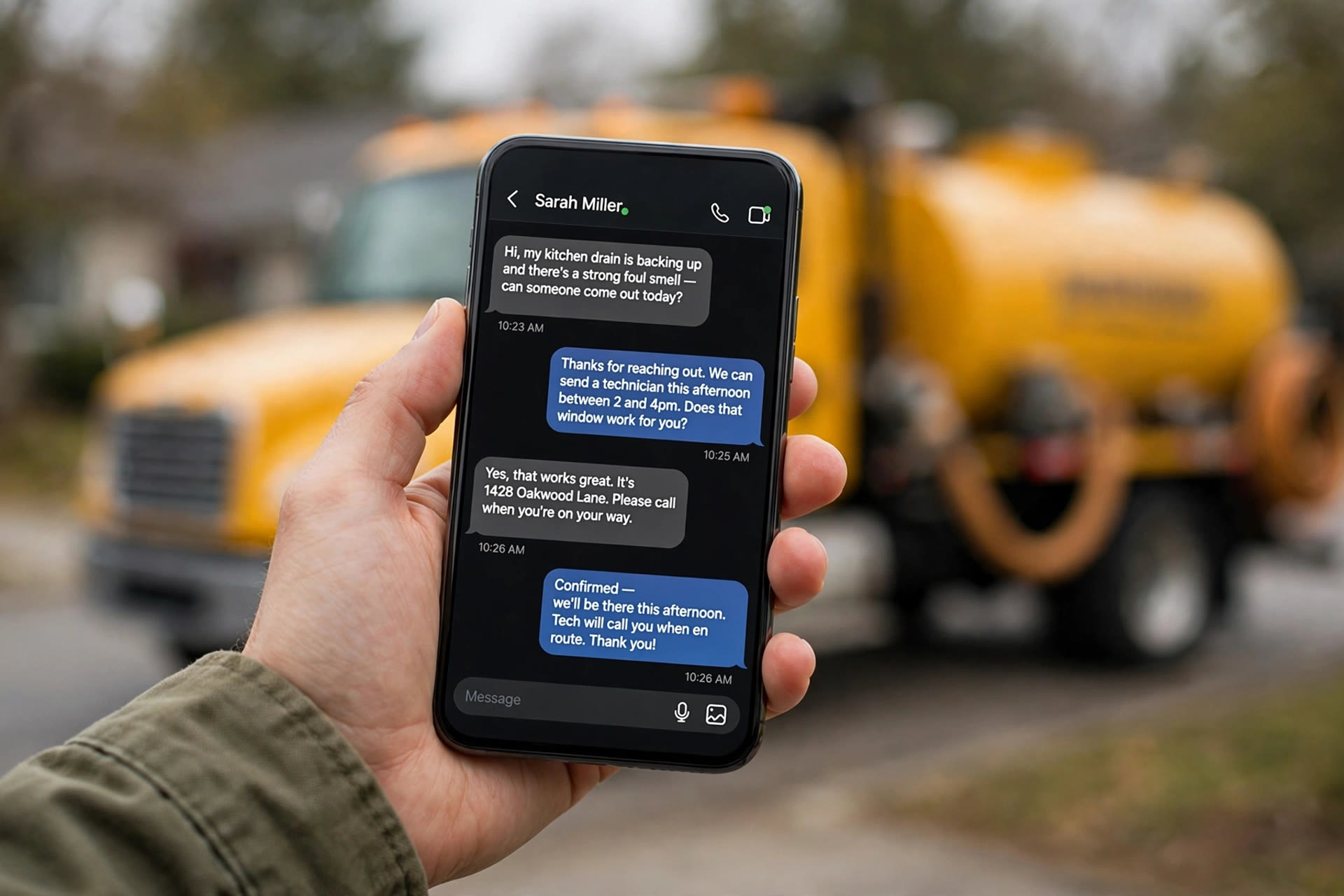
The chatbot meets the customer where they already are, on their phone, and turns a panicked 10 PM message into a booked job before morning.
Emergency or routine: the triage that saves the night
Getting triage right is the difference between a chatbot that protects your sleep and one that lets emergencies slip through. The flow needs to be fast, simple, and conservative: when in doubt, the bot treats it as urgent. Below is a proven triage flow for septic companies.
Question 1, what is happening. “Is this an emergency or a routine request? Reply 1 for sewage backing up or an alarm going off, 2 for slow drains or bad smells, 3 for a routine pump-out or inspection.” Three options, no open-ended question to a panicked homeowner.
Question 2, the details. If they pick 1: “Is sewage coming up inside the house right now? Reply YES or NO. And is your alarm panel beeping or flashing? Reply ALARM or NO ALARM.” If they pick 2: “How long have the drains been slow? Reply DAYS or WEEKS.” If they pick 3: “When was your tank last pumped? Reply with a month and year, or say UNKNOWN.”
Path A, true emergency. Sewage inside the house or a beeping alarm gets this reply: “This sounds urgent. Stop using water in the house right now. Our on-call technician is being notified. Call us directly at (your number) if you do not hear from us in 10 minutes.” The bot sends you an instant alert with the address and the customer’s answers, and offers the customer the next emergency slot.
Path B, urgent but not flooding. Slow drains, bad smells, no sewage inside: “This needs attention soon but is not an emergency tonight. The soonest we can get to you is (next available slot). Should I book it?” It books the job and adds the note to the work order.
Path C, routine. Pump-outs, inspections, maintenance: “No rush needed. Here are our next open pump-out days. Pick one and I will lock it in.” It collects address, tank size if known, and service history, then confirms.
Two safety rules matter here. First, the bot never diagnoses the tank and never tells a customer a repair is minor; it sorts and escalates. Second, every triage conversation lands in an inbox you check first thing in the morning, so nothing the bot classified gets ignored. The goal is simple: true emergencies reach you in minutes, and everything else gets booked without waking anyone.
The pump-out booking flow homeowners finish
A booking flow that works keeps every step short and asks one thing at a time. Homeowners bail when they face a long form or a wall of time slots. Here is a five-step flow that works for septic pump-outs.
Step 1, the greeting. “Hi, this is (your company name). Are you looking to book a pump-out, schedule an inspection, or report a problem? Reply 1, 2, or 3.”
Step 2, the address check. “What is the service address? Just the street address and zip.” The bot checks the address against your service area. Out-of-area requests get a polite decline with a referral suggestion instead of a dead end.
Step 3, tank details. “Do you know your tank size? Reply 500, 1000, 1500, or UNKNOWN. And roughly when was it last pumped?” Unknown is always an acceptable answer. The bot should never punish a customer for not knowing their system.
Step 4, the time pick. “Here are our next open pump-out days: Tuesday morning, Wednesday afternoon, Friday morning. Reply 1, 2, or 3, or say MORE for more days.” Three options at a time. The bot writes the booking straight into the schedule with an arrival window, not a vague “sometime Tuesday.”
Step 5, confirmation and access notes. “You are booked for Wednesday between 9 AM and 12 PM. Please leave the gate open and make sure the tank lids are accessible. We will text you the day before. Anything else?” The access notes cut down the failed visits that waste a truck roll.
The full exchange takes about two minutes. Compare that with the phone version: the customer calls during a job, nobody answers, they leave a voicemail, you call back at lunch, they do not answer, and the booking finally happens two days later, if it happens at all. Chat booking removes all of that back and forth.
Pricing answers that quote without guessing
Septic pricing questions are tricky. Every tank, soil condition, and access situation is different, so firm quotes over the phone are risky. But customers still want numbers before they book, and the company that gives a straight answer wins the job. The chatbot solves this with ranges tied to collected details.
The rule: give the standard range, name the variables, collect the details. “A standard residential pump-out in our area runs $350 to $500 for tanks up to 1,000 gallons with clear access. The price moves up if we have to dig to find the lids, if the tank is oversized, or if it has been many years since the last pump. What size is your tank, and do you know where the lids are?” This is honest, it sets the expectation, and it gathers the information you need for a firm quote on site.
Some answers should stay firm and simple. Inspection fees for home sales, per-gallon pumping minimums, service call fees, and after-hours rates can be published as fixed numbers because they do not change job to job. Put those numbers in the bot word for word so every customer gets the same answer your office would give. Where you really cannot quote, like a full system replacement or a drain field repair, the bot’s job is to collect photos, system age, and the problem description, then hand the lead to you for a callback with a promised time: “Our owner will call you tomorrow between 8 and 10 AM with next steps.” A promised callback time is what keeps a quote-shopper from calling three more companies.
After-hours capture: your emergency job pipeline
After-hours inquiries are the highest-value traffic a septic company gets. A homeowner with sewage in the bathtub is not shopping for the cheapest quote; they want the first competent company that answers. The chatbot turns those moments into booked jobs with a simple pipeline: instant answer, triage, booking, alert.
Here is how a typical night plays out with the system running. At 9:40 PM a homeowner messages from the website: “Water coming up in the shower, help.” The bot replies in seconds with the triage questions, confirms it is an emergency, tells the homeowner to stop using water, and sends you an alert with the address and the conversation. At 9:45 PM the homeowner books the emergency visit through the chat for first thing in the morning, with a service call fee quoted up front. By 9:50 PM the job is on the schedule. Without the chatbot, that homeowner leaves a voicemail, calls two competitors, and books whoever answers. Your morning starts with the job already sold.
The same pipeline catches the routine jobs too. Pump-out inquiries that arrive at 7 AM before your office opens, at lunch, on Sunday: all get answered, quoted, and booked. Over a month, the after-hours pipeline typically captures the jobs that used to die in voicemail. For many small septic companies, that is several thousand dollars of work a month that required zero extra staffing.
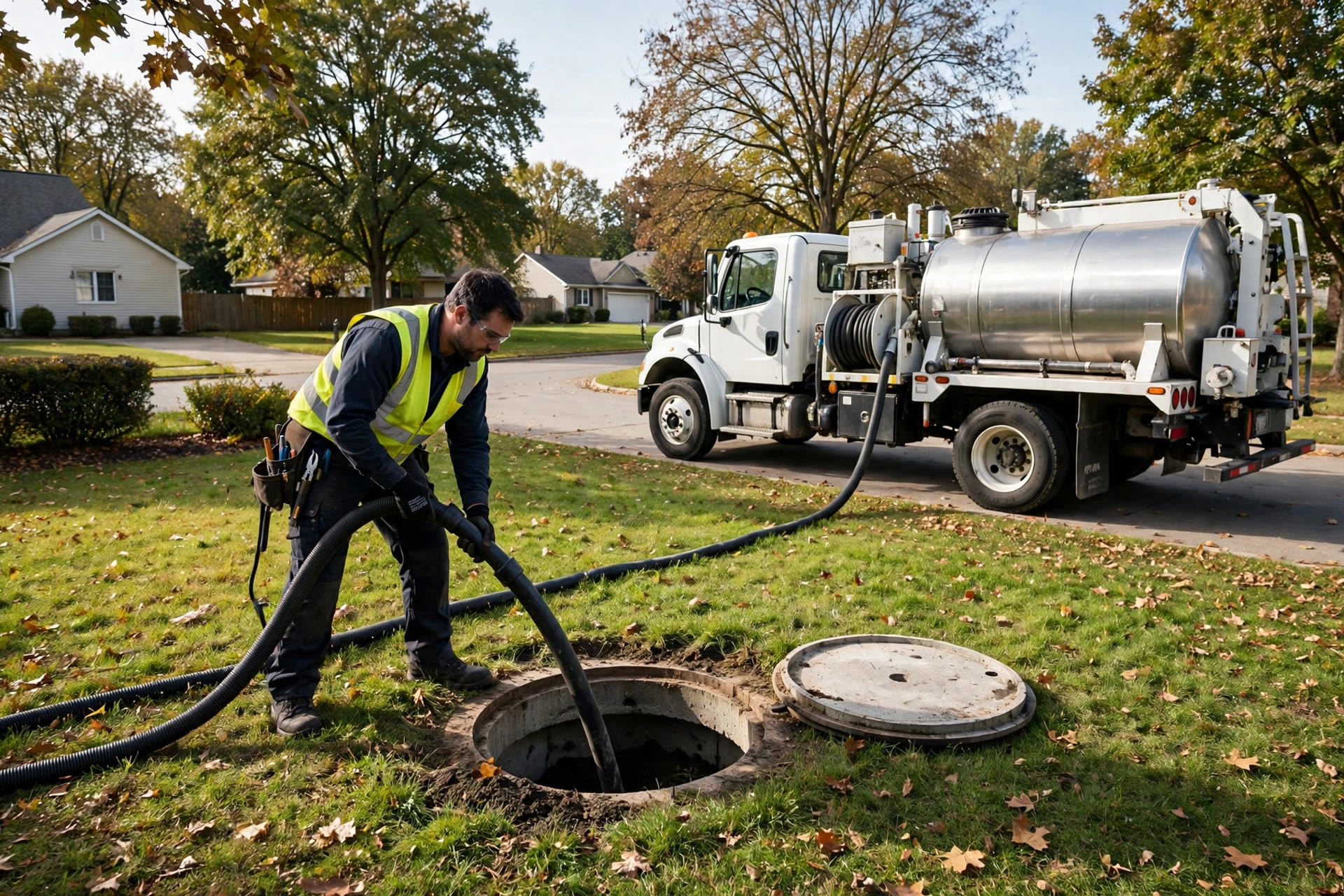
After-hours emergency calls carry the highest ticket values in the business, which is why instant triage pays for itself so fast.
Chatbot vs answering service vs a bigger front desk
Most septic owners consider three options for handling calls they cannot take: an answering service, hiring office staff, or a chatbot. They are not the same, and the right choice depends on what the call needs to do.
| Job | AI chatbot | Answering service | Extra office staff |
|---|---|---|---|
| Answers instantly at 2 AM | Yes, in seconds | Yes, after several rings | No, office hours only |
| Books on your real schedule | Yes, live availability | No, takes a message | Yes |
| Tells emergencies from routine | Yes, triage flow | Rarely, message only | Yes, with training |
| Answers pricing questions | Yes, from your price list | No, takes a message | Yes |
| Sends reminders and follow-ups | Yes, automatic | No | Yes, if they remember |
| Monthly cost | $50 to $300 | $150 to $500 | $2,500 to $4,000+ |
| Handles a complex complaint | Hands off to you | Takes a message | Best option |
The practical setup for most septic companies is the chatbot plus the office you already have. The bot handles the after-hours work, the repetitive questions, the booking, and the follow-ups. Your office or the owner handles the complex jobs, the callbacks, and the relationships. You get round-the-clock coverage for less than one answering service bill, and every booking lands on the schedule fully qualified.
What an AI chatbot costs for a septic company
Pricing has three parts: the software, the messaging, and the setup. All of them are small next to the value of one captured emergency job.
| Cost layer | Typical price band | What it covers |
|---|---|---|
| Chatbot software (DIY) | $50 to $150 per month | Flow builder, website chat, text messaging, booking integration; you build and maintain it |
| Chatbot software (managed) | $150 to $300 per month | Done-for-you flows, triage setup, ongoing tuning, human handoff alerts |
| Text messaging volume | $20 to $80 per month | Per-message charges for reminders, confirmations, and follow-ups |
| One-time setup | $800 to $3,000 | Number and account setup, triage and booking flows, calendar integration, price list loading, testing |
| Ongoing management | $150 to $500 per month | Monthly review of conversations, flow updates, new FAQ answers, reporting |
DIY: build it yourself
Best for owners who like tinkering and have a few evenings to spare. You get the flow builder, website widget, and text messaging; you write the triage questions and load your own price list. Expect a week of evenings to get it right.
- Full control over every word the bot says
- No monthly management fee
- You handle updates and broken flows yourself
Managed: done for you
The most popular option. A provider builds the triage, booking, and pricing flows, connects your schedule, and tunes the bot monthly based on real conversations. You approve the wording once and it runs.
- Live in two to three weeks with professional flows
- Monthly tuning from real chat logs
- Emergency alerts wired to your phone
Full service partner
For companies running two or more trucks that want the bot plus marketing support: review requests after every job, reactivation texts to old customers, and monthly reporting tied to booked revenue. Our guide to how much a septic service website costs covers the other half of the online setup that feeds this pipeline.
- Chatbot, reviews, and follow-up campaigns in one system
- Monthly revenue reporting
- Quarterly strategy review
A realistic budget for a one to three truck company: $1,500 one-time setup plus $300 a month for software and management, plus messaging costs. That is roughly $350 a month all-in after setup. One captured emergency job covers the month. The expensive option is the current one: voicemail eating your best calls.

The chatbot does not replace your office; it clears the repetitive work so the humans handle the jobs that need judgment.
From zero to live in three weeks
A septic chatbot is a three-week project if you start with the flows that matter: triage, booking, and pricing answers. Everything else can wait.
Week 1, days 1 to 3: the number and the accounts. Decide where the bot lives: your website chat, a business text number, or both. Set up the business texting account on your main company number if possible, because that is the number customers already have. Add the website chat widget.
Week 1, days 4 to 7: the flows. Write the triage questions, the pump-out booking flow, and the pricing answers. Load your service area, your price ranges, and your after-hours policy. Connect the dispatch calendar so the bot offers real slots.
Week 2: testing. Run every flow from a personal phone. Report a fake emergency at midnight, book a pump-out, ask weird questions, give a wrong address. Check that emergency alerts reach your phone in seconds. Fix the dead ends. Test the handoff: when the bot gives up, do you get the full conversation?
Week 3: team training and soft launch. Show the office how the handoff inbox works and who answers what. Agree on response targets: emergency alerts answered immediately, handoffs within 15 minutes during the day. Turn the bot on for website visitors first, then add texting, then announce the chat line on invoices and the website.
Mistakes that burn the budget
Letting the bot quote firm prices on unknown jobs. A blind quote on a drain field repair will come back to hurt you. Ranges and collected details, then a promised callback time.
No escape hatch in the triage. Every automated message needs “reply 0 to reach our team.” A panicked homeowner who cannot reach a human becomes a one-star review.
Skipping the calendar connection. A bot that takes booking requests and promises a callback is a contact form with extra steps. Real availability or do not launch.
Forgetting the service area check. Nothing frustrates a customer more than booking a job and then learning you do not come to their town. Check the address in step one.
Training it on nothing. A bot that answers pricing questions from guesses will invent prices. Load the real price list, the real service area, and the real policies.
Never reading the chat logs. The logs show you exactly where customers got confused and which questions the bot fumbled. Thirty minutes a month keeps the flows sharp.
Launching on every channel at once. Start with the website chat, prove the triage works, then add texting and social messaging. Each channel doubles the testing.
Your rollout checklist
Work through these in order. Each one builds on the last.
- 1Pick where the bot lives. Website chat, business text number, or both; use your main company number if possible.
- 2Write your triage questions. Emergency vs routine, inside-the-house sewage check, alarm check; when in doubt, escalate.
- 3Load the real price list. Ranges for pump-outs, firm numbers for inspections and fees, variables that move the price.
- 4Map your service area. Zip codes or town names the bot checks before it books anything.
- 5Connect the dispatch calendar. Real slots with arrival windows the office trusts.
- 6Build the booking flow. Five steps or fewer, three slot options at a time, access notes collected.
- 7Wire the emergency alerts. Instant phone alert to the on-call person with address and conversation attached.
- 8Build the reminder sequence. Day-before confirmation, pumping-cycle reminders, estimate follow-ups.
- 9Test everything at midnight. Fake emergencies, wrong addresses, weird questions, and the handoff path.
- 10Soft-launch, then announce. Website chat first, then texting, then put the chat line on invoices and the site.
Frequently asked questions
Will the chatbot handle a real septic emergency safely?
It sorts and escalates, never diagnoses. The triage flow identifies true emergencies, gives the homeowner safe immediate instructions like stopping water use, and alerts your on-call phone within seconds. Every triage conversation is flagged for your review. The bot never tells a customer a problem is minor.
How much does an AI chatbot cost for a septic company?
Most companies pay $50 to $300 a month for the software, plus $20 to $80 in messaging costs, plus a one-time setup of $800 to $3,000. Managed setups with monthly tuning run $250 to $600 a month. A realistic all-in budget after setup is about $350 a month for a one to three truck operation.
Can it book jobs on my actual dispatch schedule?
Yes, if your scheduling software has an open calendar or API. The bot pulls live availability and writes bookings directly into it with the customer details attached. Confirm the integration works before launch, because a bot offering slots you do not have is worse than no bot.
What happens when the bot cannot handle a question?
It hands the conversation to you with the full chat history attached, so the customer never repeats themselves. Set a response target, 15 minutes during business hours is a solid standard, and route emergency handoffs to the on-call phone immediately.
Will customers actually chat with a septic company?
Yes. Homeowners message every other business in their life, and septic problems often surface at night when calling feels awkward but texting feels natural. Website chat and texting capture the inquiries that voicemail loses. The phone line stays open for anyone who prefers to call.
How does it avoid quoting the wrong price?
You load your real price list with ranges and the variables that move prices. For jobs you cannot quote blind, like system replacements, the bot collects details and photos and promises a callback at a specific time. The bot never invents numbers.
Do I need to be technical to run one?
Not for a managed setup. You approve the wording, the triage questions, and the price list; the provider builds and maintains everything. DIY builders need a few evenings to learn the flow builder, but no coding is required on any modern platform.
Can it remind customers when pumping is due?
Yes. The bot tracks the last service date per customer and sends a reminder when the pumping cycle comes due, usually every three to five years for residential tanks. These reminders book maintenance work that otherwise drifts to whoever the customer finds first.
How long does setup take?
Two to three weeks for triage, booking, and pricing answers on the website chat. Text messaging and reminder sequences can be added in the same window. Start with the core flows; the companies that try to automate everything on day one take far longer.
How do I know it is paying off?
Track five numbers monthly: after-hours inquiries answered, jobs booked in chat, emergency alerts sent, estimate follow-ups converted, and reminder bookings. Compare against your voicemail-era baseline. Most companies see the after-hours bookings move first, usually within the first month.
Stop losing your best calls to voicemail
Digital Hayder builds AI chatbots for septic service companies: emergency triage that protects your sleep, pump-out booking on your real schedule, pricing answers from your real price list, and after-hours capture that turns midnight panics into booked jobs. Tell us about your operation and we will design the system around it.
Contact Us