
The crew rolls up the last drop cloth, and the homeowner walks through a living room that looks completely new. She is smiling, taking photos, already planning which friend to show first. The foreman says thanks, hands over the final invoice, and drives away. Two weeks later that same homeowner needs a recommendation for nothing, because the painting company never asked for a review, and the job that should have produced five fresh five-star ratings produced zero. This is the quiet pattern across the painting trade: the work is visual, customers are delighted at the reveal, and yet most companies sit on a dozen reviews while competitors with half the skill sit on two hundred. This guide fixes that. It covers exactly when to ask, what to say in person and by text, how to respond to the complaints painting companies get (touch-ups, scheduling, drips), and how review volume opens the door to higher-ticket commercial work.
The quick answer
- Ask at the final walkthrough: the reveal moment is when satisfaction peaks. Ask in person before you pack up, then text the review link the same day.
- Text beats email for painters: homeowners open texts. A short personal message with a direct Google link gets 3 to 5 times the review rate of an email blast.
- Rotate the ask-moment: for repeat clients, do not ask after every job. Ask after the biggest or most impressive job, and vary who on the crew asks.
- Respond to every review: replies to positives take 30 seconds; replies to complaints follow a template that shows future customers how you handle problems.
- Review volume feeds commercial work: property managers and general contractors check reviews before handing over 5-figure repaint contracts.
- Automate the trigger: tie the text request to the paid invoice in your system so the ask goes out even on your busiest weeks.
Why painting companies leave reviews on the table
Painting has a natural review advantage that most owners ignore. The before and after is dramatic, the customer watches the transformation happen in their own home, and the emotional peak comes at the final walkthrough when the room looks new. That peak fades fast. Three days later the homeowner has moved on, and a review request feels like a chore instead of a celebration. Companies that ask in the moment capture the feeling. Companies that remember to ask “sometime this week” capture almost nothing. The fix is simple: assign the review ask to a specific person at a specific moment in the job workflow, and the numbers change within a month.
The three moments that actually produce reviews
Not every point in a painting job is equal. Reviews come from moments of peak satisfaction, and in painting there are exactly three worth building into your process.
1. The final walkthrough
This is the money moment. The client tours the finished rooms, everything looks sharp, and they are happiest they will ever be with your company. The foreman or project lead should ask right there, before packing the last ladder. Keep it human and specific: “You look thrilled with how this turned out. Reviews are how we get our next jobs, and it would mean a lot if you left us one on Google. I can text you the link right now.” Hand them the ask while they are still standing in the transformed room. Do not delegate this to the invoice email later.
2. The same-day text
Even the happiest client forgets by dinner. Send the text within a few hours of the walkthrough, while the memory of the room is fresh. Include the crew lead’s name, the job they did, and a direct link to your Google review page, not your homepage. The message should feel like it came from a person, not software: “Hi Sarah, this is Mike from Brightline Painting. Your living room turned out great today. If you have 60 seconds, a Google review from you would really help our crew: [link]. Thanks again!” One polite follow-up two days later for non-responders, then stop.
3. Rotate the ask across repeat clients
Repeat customers are your best review source and the easiest to annoy. A homeowner who uses you every year does not want a review request after all four jobs. Pick one moment per client per year, usually the biggest or most visually impressive job, and make the ask there. Vary who asks too: the foreman one year, the owner the next.
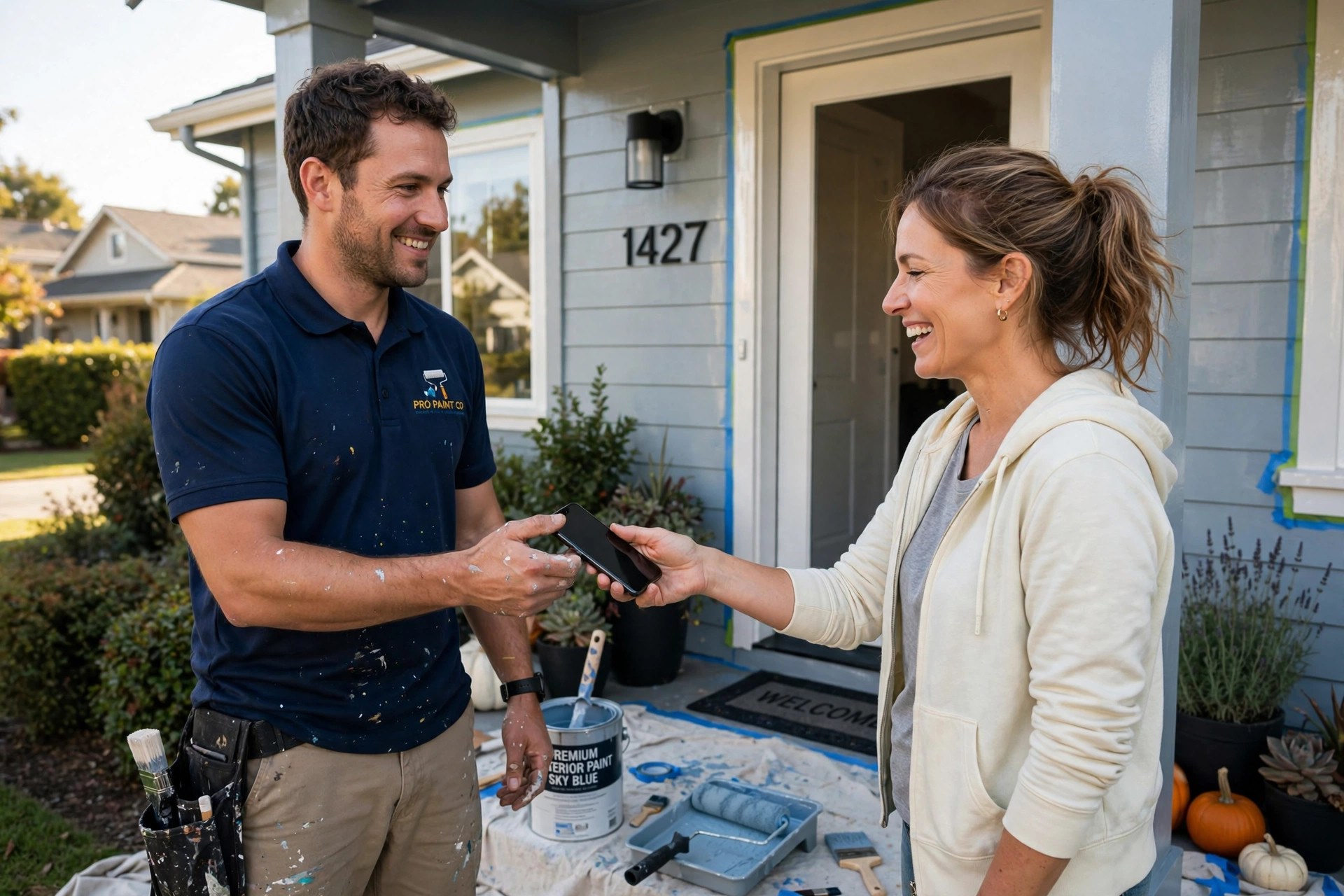
Ask while the customer is still standing in the finished room, then text the direct review link the same day.
Scripts that get answered
Painting crews are not salespeople, so give them words to use instead of telling them to “ask for reviews.” Print these on a card in the job folder and rehearse them once.
| Situation | Who asks | What to say |
|---|---|---|
| Final walkthrough, residential | Foreman | “Everything look good? Great. Google reviews are how we earn our next jobs, and yours would really help. I will text you the link today.” |
| Same-day follow-up text | Office | “Hi [Name], this is [Name] from [Company]. Loved how your [rooms] turned out today. If you have a minute, a Google review helps our crew a lot: [link]” |
| Repeat client, annual job | Owner | “You have been with us three years now, thank you. Would you be willing to add a line to your Google review about this year’s work?” |
| Exterior job, neighbor interest | Foreman | “Your neighbors have been watching all week. A review from you helps us win the next house on this street: [link]” |
| Commercial touch-up visit | Project manager | “We will keep your building looking sharp. A review mentioning our commercial work helps us win more properties like yours.” |
What not to do
Do not offer discounts or gifts in exchange for reviews. Google prohibits review incentives, and a “get 10 percent off for a five-star review” scheme risks your whole profile. Do not review-gate either: sending happy customers to Google and unhappy ones to a private form violates Google policy and can get reviews removed. Ask everyone, and handle the unhappy ones well.
Response templates for the classic painting complaints
Every painting company gets the same handful of complaints: touch-ups needed, scheduling delays, drips or mess, and price grumbles. How you reply is public customer service, and future customers read it before calling you. Respond within 24 to 48 hours, acknowledge the specific issue, and take the fix offline. Never argue in public.
Template 1: touch-ups needed
“Thank you for letting us know, [Name]. We stand behind our finish, and touch-ups after the walkthrough are part of the job. I have flagged this with your crew lead, and we will be back out this week to make it right. Please call me directly at [number]. [Your name], Owner.” This works because it treats the touch-up as normal, not as a favor, and it names a person.
Template 2: scheduling delays
“You are right, [Name], we missed the start date we promised, and I am sorry. Weather and crew illness pushed us back, but that is on us to communicate better. We would like to make this up to you on the final detail work. Please reach me at [number] so I can confirm the new schedule personally.” The apology is specific and the fix is concrete.
Template 3: drips, mess, or damage
“That is not the standard we hold our crews to, [Name]. Please send me photos at [number] and we will fix the affected areas and cover any damage, no charge. I appreciate you bringing this to me directly.” Fast, no defensiveness, and the word “free” is implied by “no charge.”
Template 4: the price complaint
“Thanks for the feedback, [Name]. Our pricing covers licensed crews, premium materials, and a written warranty. If there is anything about the finished work itself that needs attention, we will make it right. [Your name].” Do not debate the price in public. Pivot to the quality guarantee.
For positive reviews, reply in one or two sentences and name the crew or the job: “Thanks, Maria! The crew loved how the kitchen color turned out. Enjoy it.” Replies signal to Google and to readers that you are an active, attentive business. Our guide to responding to negative Google reviews covers the full playbook.
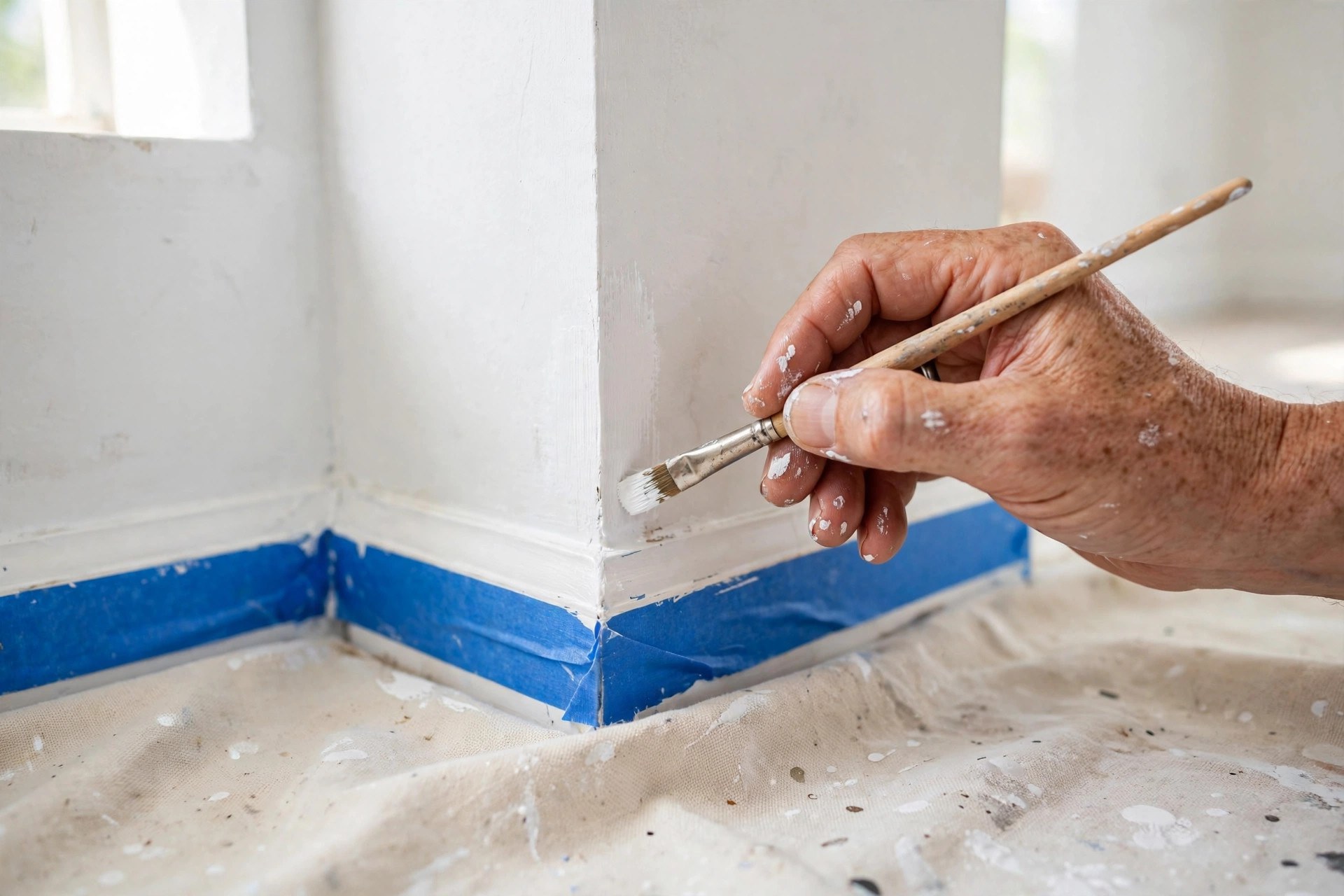
Touch-up complaints are normal in this trade. A fast, specific public reply turns them into trust signals.
How review volume feeds commercial painting work
Residential repaints run a few thousand dollars. Commercial repaints, apartment turnovers, HOA contracts, and office buildings run five and six figures, and the buyers are different animals. Property managers, facility directors, and general contractors do not choose painters from yard signs. They shortlist from Google, and the first filter is review count and rating. A painter with 24 reviews does not make the bid list against one with 240, even at a lower price.
Commercial buyers read reviews differently too. They scan for words like “on schedule,” “crew,” and “communication,” because their fear is a painter who shuts down their building for a week. When you ask commercial clients for reviews, prompt them on exactly those points: “If you mention how the crew worked around your tenants, that helps us win more buildings like yours.”
Automate the ask so it survives busy season
The in-person ask is the highest converter, but it dies in busy season when crews are sprinting between jobs. That is why the text request must be automated. The trigger should be the paid invoice, not job completion, so you only ask customers who paid in full. Build the sequence once: text on paid invoice, one follow-up after two days to non-responders, then stop.
Track one number: reviews per completed job per month. If you finish 40 jobs in a month and gain 12 reviews, your capture rate is 30 percent, which is strong. If it drops to 10 percent, the crews stopped asking in person. The automated text is the floor; the in-person ask is the ceiling. For more on texting customers the right way, see our text message marketing guide for contractors.
Your rollout checklist
Build the system in this order. It takes one afternoon to set up and runs itself after that.
- 1Claim and complete your Google Business Profile. Correct categories, service areas, photos of real jobs, and your review link saved where the office can grab it.
- 2Write the walkthrough script. One short ask for the foreman, printed on a card in the job folder. Rehearse it once with the crew.
- 3Set up the same-day text. Template with the client’s name, crew lead’s name, the job done, and the direct Google review link.
- 4Automate the trigger on paid invoice. Text fires when the invoice is paid in full. One follow-up after two days, then stop.
- 5Set the repeat-client rule. One ask per client per year, on the biggest job, with the asker rotated between foreman and owner.
- 6Load the response templates. Touch-ups, scheduling, mess, and pricing replies ready for the owner to personalize within 48 hours.
- 7Add the commercial closeout ask. Review request alongside warranty paperwork, prompting the client to mention schedule and minimal disruption.
- 8Track reviews per job monthly. Target 25 to 30 percent capture. When it dips, the crews need a reminder, not a new tool.
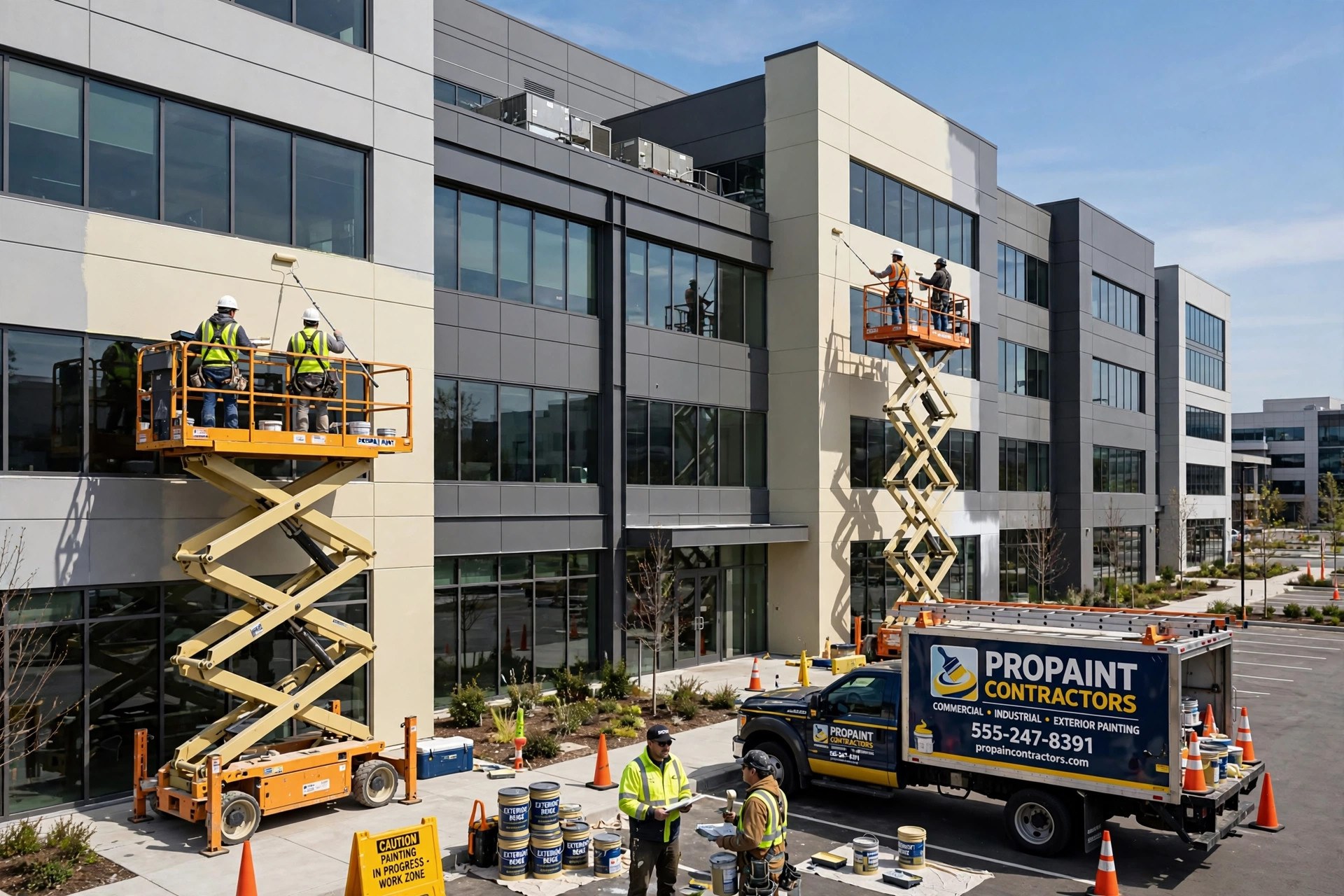
Commercial buyers shortlist painters on review count first. Volume is the entry ticket to five-figure contracts.
Frequently asked questions
When is the best time to ask a painting customer for a review?
At the final walkthrough, while the customer is standing in the finished room and satisfaction is at its peak. Follow up with a text containing the direct review link the same day. Asking a week later converts far fewer customers because the excitement has faded.
Should I offer a discount for a Google review?
No. Google prohibits offering incentives for reviews, and a discount-for-review offer puts your whole profile at risk. Ask every customer the same way, deliver work worth reviewing, and let the volume build naturally.
How should a painting company respond to a negative review about touch-ups?
Acknowledge it fast, treat the touch-up as part of the job rather than a favor, and move the fix offline with a direct phone number. A calm, specific reply often matters more to future customers than the complaint itself.
How many Google reviews does a painting company need?
Aim to pass 100 with a rating of 4.7 or higher for residential work. For commercial work, 200-plus reviews make you shortlist-safe against bigger competitors. What matters most is steady fresh reviews, not a one-time push.
How do reviews help win commercial painting contracts?
Property managers and general contractors filter painters by review count and rating before requesting bids. Reviews that mention staying on schedule and minimal disruption speak directly to what commercial buyers fear most.
What is review gating, and should painters do it?
Review gating means sending happy customers to Google and unhappy ones to a private form. It violates Google policy and can get your reviews removed. Ask every customer for a review and handle unhappy ones with strong public replies instead.
How often should I ask repeat painting clients for reviews?
Once per client per year, on their biggest or most impressive job. Rotate who asks between the foreman and the owner. Asking after every small job trains your best customers to ignore the request.
Turn every finished job into your next five jobs
Digital Hayder builds review and follow-up systems for painting companies: automated text requests, response templates, and the website that converts review traffic into estimate requests. Tell us about your company and we will design the review engine around your crews.
Contact Us