
A driver’s car breaks down on a Tuesday. By Wednesday it is fixed, washed, and parked out front with the keys in their hand. That moment, relief plus gratitude, is the most powerful marketing asset an auto repair shop owns, and it evaporates within a day. The shop that captures it as a Google review wins the next breakdown search. The shop that lets it pass stays invisible. Most drivers choose a repair shop the same way: a fast search, a glance at the map results, and a tap on the shop that looks most trusted. Reviews are the trust signal that wins that tap. This guide shows repair shops how to capture reviews at the pickup moment: the service advisor’s verbal ask, the automated text within 24 hours, QR codes on the invoice, and the shop-management triggers that make it all run without anyone remembering.
The quick answer
- The pickup moment is everything: relief plus gratitude makes car pickup the highest-converting moment for a review ask in any local business.
- The three-step capture: the service advisor asks in person while handing back the keys, a QR code on the invoice gives a one-scan path, and an automated text within 24 hours catches everyone else.
- Automate with your shop software: most modern shop management systems can fire a review text when a work order closes, so the system runs on every ticket.
- The benchmark: 100 or more Google reviews, a 4.5 star average, and a steady flow of new reviews each week.
- Respond to everything within 24 hours, and treat negative reviews as public demonstrations of how your shop handles problems.
- Never pay for reviews or filter unhappy customers. Google removes paid and faked reviews and can suspend profiles; the honest system is faster anyway.
Why the pickup moment beats every other review tactic
Think about what a customer feels at pickup. Their car was broken, they were stressed about the cost, and now it runs. The advisor explains what was fixed, the price matches the estimate, and the car is clean. That combination of relief and gratitude is rare in local services, and it is strongest in the ten minutes after the keys change hands. A week later the feeling is gone. The customer is busy, the car is old news, and your text is competing with everything else on their phone. Every review tactic in this guide is built around one idea: be present at pickup, and have a backup that fires within 24 hours for everyone you miss.
The stakes are real. Car repair is a fear purchase. Drivers worry about being overcharged, about unnecessary work, and about shops that talk down to them. Reviews are how a driver checks whether a shop is honest before trusting it with a thousand-dollar repair. Studies of local consumer behavior keep finding the same thing: most people read reviews before choosing a local business, Google is where most of that reading happens, and review count, rating, and recency all shape who gets the call. A shop with 8 reviews from last year loses to a shop with 200 fresh ones, even when the first shop does better work. Reviews do not reward the best shop. They reward the best shop that asks.
What drivers look for in your reviews
Searchers scan fast. They check the star rating and the count, then they read the recent ones for proof of honesty. The reviews that sell a repair shop mention fair pricing, clear explanations, and no upsell pressure: “told me what it needed and what could wait,” “price matched the quote,” “explained everything before doing the work.” Those phrases answer the exact fear the next customer has. When you ask for reviews, nudge customers to describe their experience in their own words rather than just leaving stars. A review that says “fixed my brakes same day and showed me the old pads” does more work than twenty five-star ratings with no text.
The pickup playbook: three steps on every ticket
Every completed ticket should trigger the same three steps, in the same order. The advisor owns step one. The invoice owns step two. The software owns step three. When all three fire, review flow becomes a property of the shop rather than a habit of one person.
Step one: the service advisor’s verbal ask
While handing back the keys, the advisor explains the work, confirms the price, and makes the ask. The script is short: “Everything is done and the car is ready. We are a local shop and reviews are how new customers find us. If you were happy with the work, a Google review would really help us. I can text you the link right now.” Three elements make it work: the explanation of why reviews matter, which gives the customer a reason; the promise of the texted link, which removes all friction; and the timing, which is the peak of the customer’s gratitude.
Train every advisor to say it on every ticket, not just the smooth ones. The smooth ones produce the most reviews, but the difficult tickets, the ones where the advisor communicated well through a surprise repair, produce the most persuasive reviews. Customers respect honesty about bad news more than they enjoy good news. Role-play the ask until it sounds like the advisor, not a script. And connect it to the key handoff so it becomes muscle memory: keys, explanation, ask, text the link. Shops that answer every call with an AI receptionist for auto repair shops already know the value of never missing the moment; the review ask deserves the same always-on treatment.
Step two: the QR code on the invoice
Some customers will not do it on the spot, and some pickups happen when the customer is rushing. The invoice catches them all. Add a small box to the invoice layout or staple a card to it: a thank you, one line about reviews helping a local shop, and a QR code that opens your Google review page directly. One scan, the review screen opens with your shop already selected. No searching, no spelling your business name into Google, no steps. Print the code large enough to scan easily and test it on both iPhone and Android before it goes live.
Place the same QR code in two more spots: a small tent card on the pickup counter where customers pay, and a card in the waiting area for customers who wait on site. The counter card works because the customer stares at it while paying. The waiting room card works because a customer who watched your team work for two hours is already forming opinions; give them somewhere to put the good ones. Keep the design simple and clean. This is a thank you, not an advertisement.
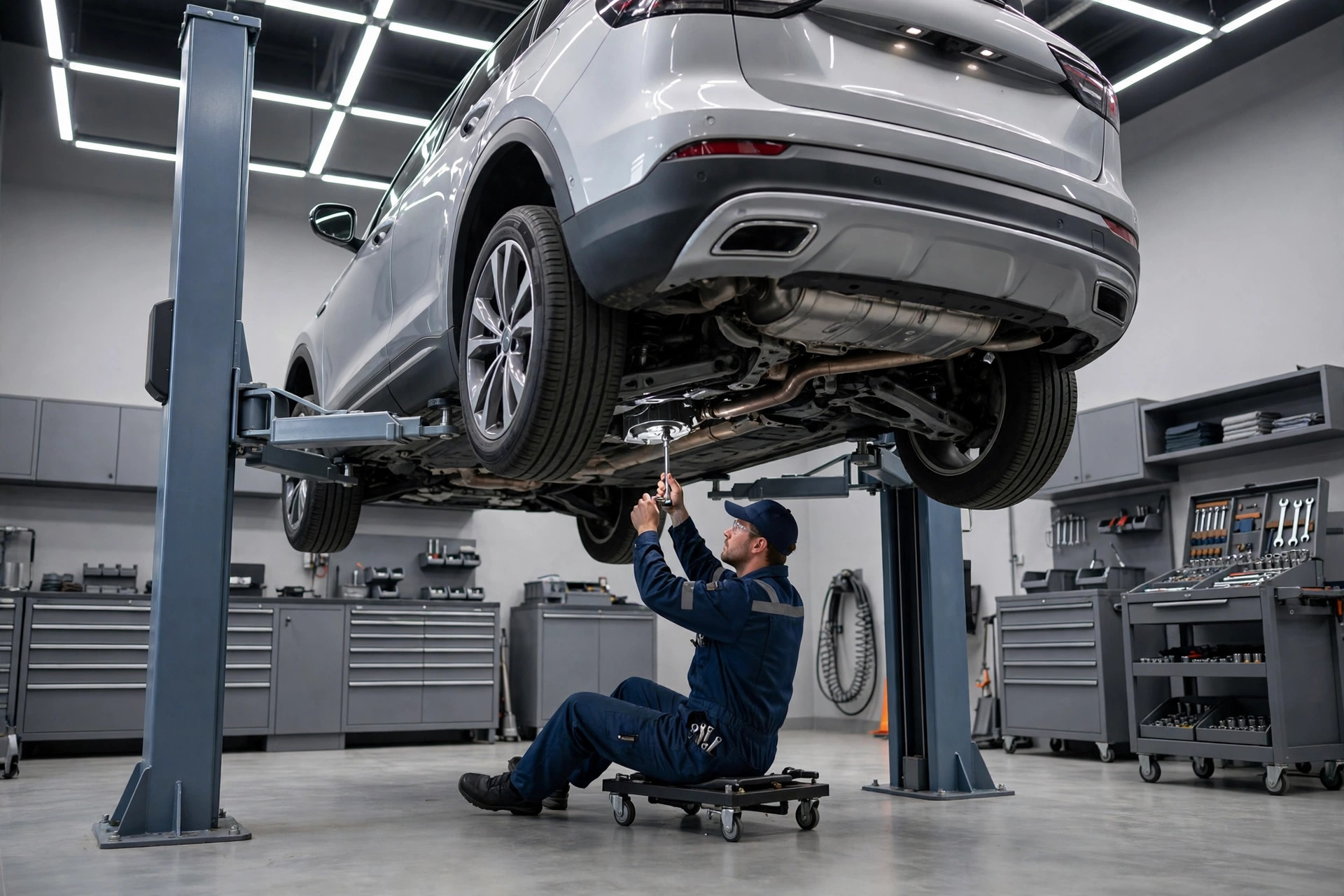
Customers review the shop they trust. A clean, professional bay is part of the review before a word is written.
Step three: the automated text within 24 hours
The next morning, the customer gets a short text from the shop’s number. It thanks them, checks that the car is running well, and includes the direct review link. This message catches the customers who meant to leave a review and forgot, and it reaches the ones who were not in the mood at pickup. Keep it to three short lines: “Hi, this is [Name] from [Shop]. Just checking the car is running well after yesterday’s repair. If everything feels good, a quick Google review would really help our shop: [link].”
Timing and restraint both matter. Send it between 9am and noon the next day. Send one reminder three to five days later if there is no review, and then stop. The second message is a reminder; the third is spam, and the customers most annoyed by spam are the ones who were about to leave good reviews. This is also where automation earns its keep, which the next section covers in full.
Automating it with your shop management software
The verbal ask depends on people. The text and the tracking should depend on software, because software does not have bad days. Most modern shop management systems, the platforms that run your work orders, estimates, and invoicing, can trigger a text when a work order moves to completed or paid. That trigger is the engine of your review system.
The trigger every shop should set
The setup is the same shape in almost every platform. When the work order status changes to completed or the invoice is paid, the system waits until the next morning and sends the review text. One week later, if the customer has not left a review, it sends the single reminder. Both messages pull the customer’s first name and the advisor’s name from the ticket so they read as personal. The shop owner checks one screen a week: tickets closed, texts sent, reviews received. That is the entire system. It runs while you fix cars.
If your current software cannot do this, you have three options. First, check whether it has the feature hidden in a marketing or messaging add-on; many shops pay for capability they never turn on. Second, connect a review platform that integrates with your system; most of the popular ones plug into the major shop management tools. Third, run the texts from a simple scheduled list: every morning, the advisor texts yesterday’s customers from the business number. It takes ten minutes and it works. Automation is better, but a manual habit beats a perfect system that never launches. The same principle applies across the trades; our guide on getting Google reviews for HVAC companies shows a similar trigger-based setup working in another high-trust trade.
| Trigger point | What fires | Timing | Who builds it |
|---|---|---|---|
| Work order marked complete | Advisor gets a prompt to make the verbal ask | At key handoff | Training, not software |
| Invoice paid | QR code invoice handed over or emailed | At pickup | Invoice template setup |
| Ticket closed in the system | Review text with direct link | Next morning, 9am to noon | Software automation |
| No review after 7 days | One reminder text | 7 days after the first text | Software automation |
| Review received | Advisor notified; response assigned | Same day | Software plus owner habit |
| Negative review detected | Owner alerted immediately | Within the hour if possible | Review monitoring |
Responding to reviews: your public service record
Future customers read your responses as closely as the reviews. A shop that answers every review reads as accountable. A shop with forty unanswered reviews reads as absent. Respond to everything within 24 hours, and never use the identical reply twice. Readers spot copy-paste instantly, and it cheapens every review it touches.
The five-star response
Thank them by name, reference the work, and invite them back. “Thanks, Maria. Glad we got the brakes sorted same day and the price came in as quoted. See you at the next service.” Three sentences, specific to the job. The job reference proves the review is real and tells the next reader you do that work. Vary the wording across reviews so your profile reads as written by a person.
The four-star response
Thank them and address the gap lightly. “Thanks for the review, James. Glad the repair went well. If anything about the visit could have been smoother, I would like to hear about it so we can fix it.” Many four-star reviews hide a small complaint, a wait, a price surprise. Acknowledging it shows you read carefully, and some reviewers raise the rating after a good response.
The bad review playbook
Car repair attracts strong emotions, and some of them land on your profile. The process is fixed. Reply within 24 hours. Acknowledge the problem without arguing about the facts. Move it to a private channel with your direct number: “I am sorry about this experience. This is not how our shop works. I am the owner, call me directly at [number] and I will make it right.” Then call, listen, and fix what you can. Update your public response once it is resolved. Never discuss prices publicly, never blame the customer, never respond angry. A calm owner reply to a harsh review wins more future customers than ten five-star reviews, because it shows how the shop treats people when things go wrong. That is exactly what the next nervous driver is looking for. Our full playbook on responding to negative Google reviews covers the harder cases, including fake and unfair reviews.
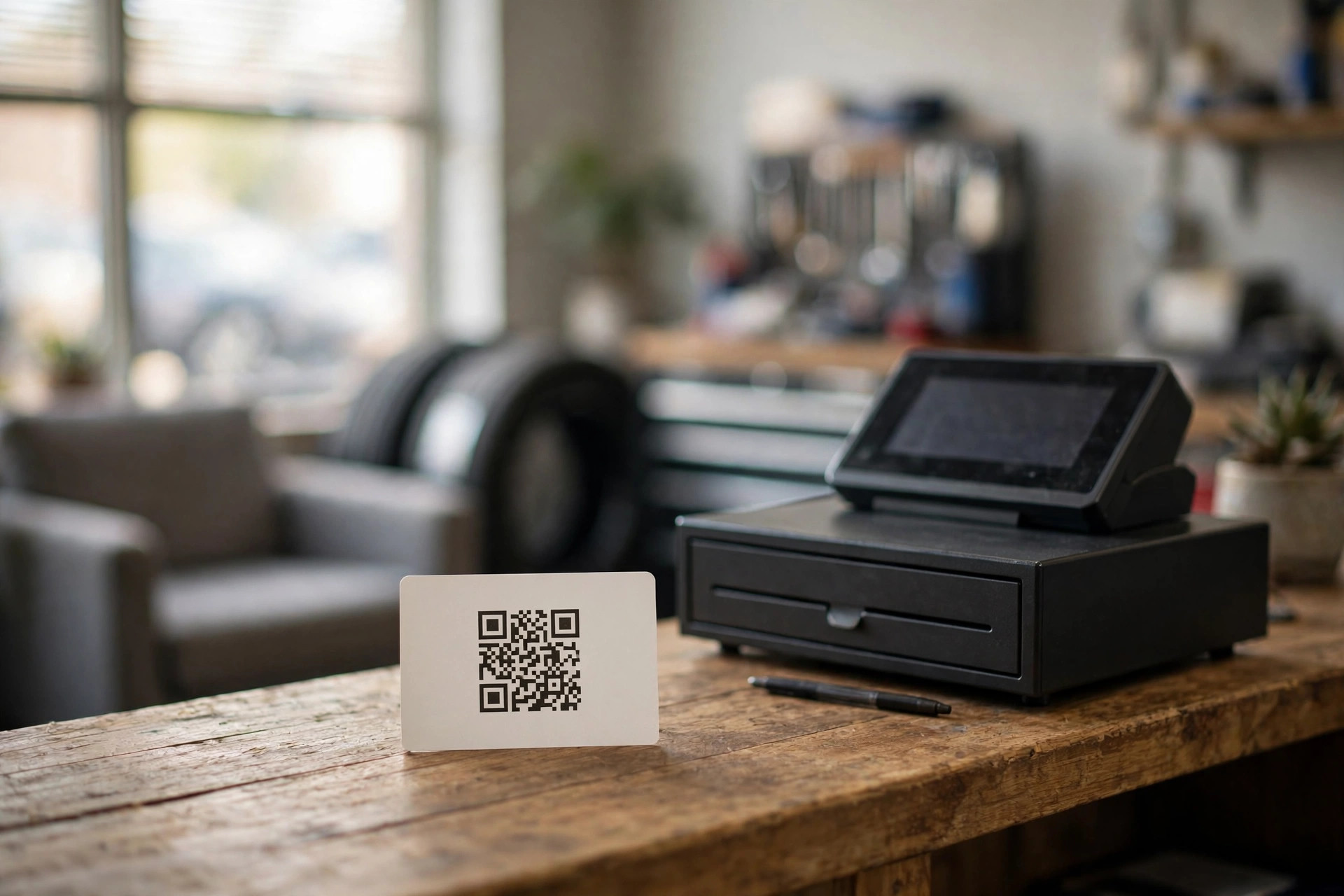
One scan opens the review screen directly. Put the code on the invoice, the counter, and the waiting room.
What the numbers should look like
Targets keep the team honest. As working benchmarks for an independent shop: at least 100 Google reviews before you call the profile strong, a 4.5 star average or better, 2 to 5 new reviews every week, a 100 percent response rate within one business day, and a review rate of 20 to 40 percent of completed tickets. That last number is the one that tells you whether the system is actually running. If you close 60 tickets a week and get 2 reviews, the ask is not happening. If you close 60 and get 15, the machine works.
Check your top three competitors and set your count target above the strongest one. If the chain store across town has 400 reviews, your near-term target is not 400. It is recency and rating: fresher reviews, a higher average, and owner responses on every one. Searchers read dates, and a shop with 150 recent reviews and a 4.8 average beats a shop with 400 old ones and a 4.2. You win the tap, not the trophy.
What can get you in trouble
The rules are absolute and worth stating plainly. Never offer discounts, free oil changes, or any payment in exchange for reviews. Never ask only the happy customers and quietly skip the unhappy ones; that filtering, called review gating, violates Google’s policy. Never write reviews for your own shop or have staff and family do it. Google removes these reviews, suspends profiles, and competitors report them. One exposed scheme destroys more trust than a hundred honest reviews build. The system in this guide is slower for about three weeks and faster forever.
Your 30-day implementation checklist
Do this in order. By day 30 the system runs on every ticket.
- 1Get your direct review link. Generate it in your Google Business Profile, shorten it to something clean, and test it on two phones.
- 2Write the advisor script. Three sentences: why reviews matter, the promise of the texted link, said at key handoff. Practice it in one team meeting.
- 3Add the QR code to the invoice. Thank you line, one sentence about helping a local shop, and a big scannable code pointing at the direct link.
- 4Place the counter and waiting room cards. Same QR code, simple design. The customer reads it while paying.
- 5Write the next-day text and the one reminder. Three lines each. Save them as templates in your messaging tool or shop software.
- 6Set the automation trigger. Work order completed or paid fires the next-morning text; no review in 7 days fires the single reminder.
- 7Clear the response backlog. Answer every existing review, newest first, with personal replies that reference the work.
- 8Start the weekly metric. Tickets closed, reviews received, response rate. When the review count stalls, the ask stopped firing, and you fix it that week.
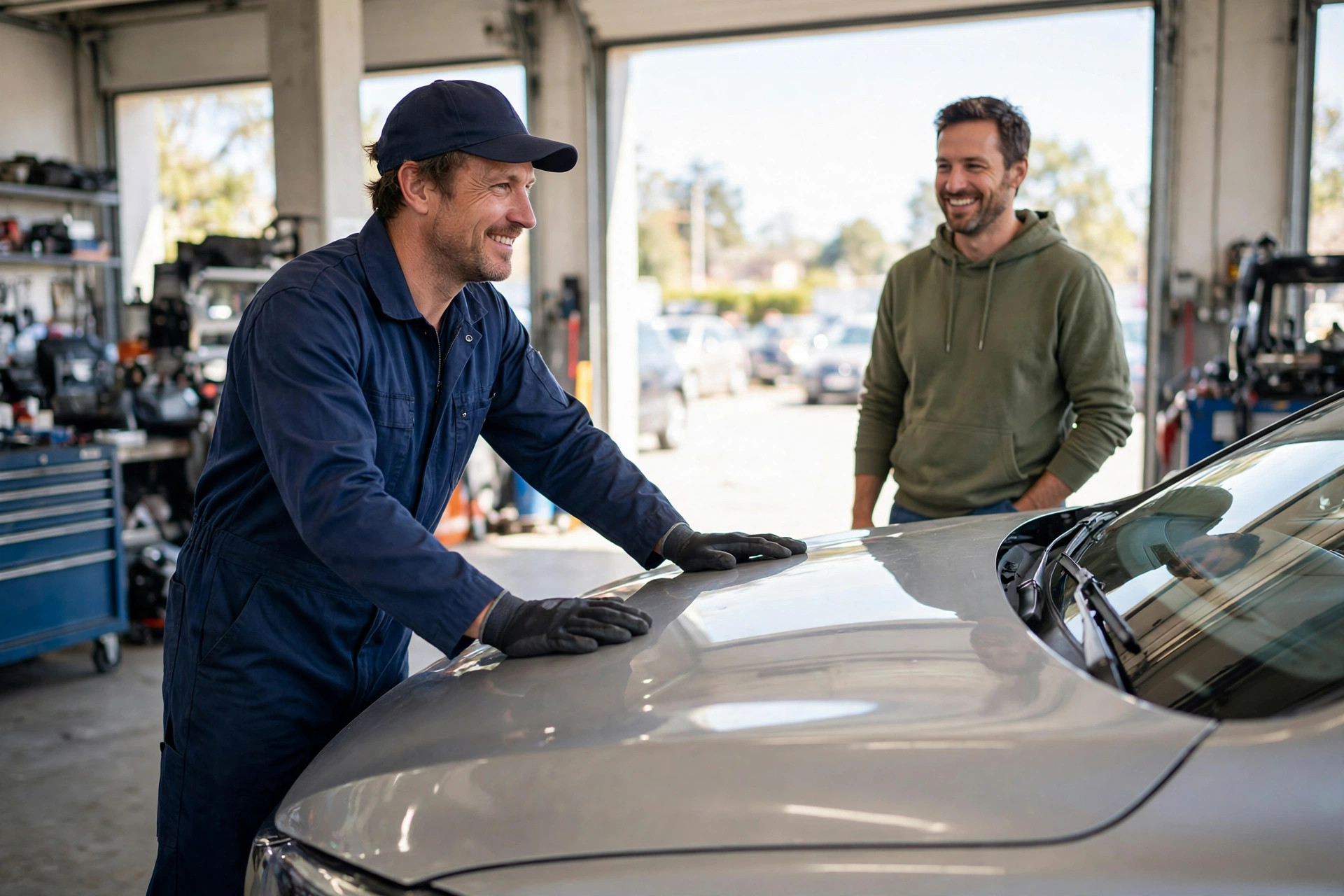
The keys, the explanation, the ask. Ten minutes of gratitude is worth a year of advertising.
Frequently asked questions
When is the best time to ask a customer for a Google review?
At pickup, while handing back the keys and explaining the work. That is the peak of relief and gratitude. Back it up with a QR code on the invoice and an automated text the next morning for everyone you missed.
Can my shop management software send review requests automatically?
Most modern platforms can trigger a text when a work order is completed or paid. Set the first text for the next morning and a single reminder seven days later if no review appears. If your software cannot do it, a daily habit of texting yesterday’s customers from the business number works almost as well.
How should we respond to a bad review about pricing?
Reply within 24 hours, acknowledge the concern without arguing about the facts, and move it to a private channel with your direct number. Never discuss prices publicly. Fix what you can, then update your response. A calm owner reply impresses future customers more than the complaint hurts you.
Is it okay to offer a free oil change for a review?
No. Paying for reviews, including discounts and free services in exchange for them, violates Google’s policies and can get reviews removed or your profile suspended. Ask every customer the same way, with no reward attached.
How many reviews does an auto repair shop need?
Aim for at least 100 with a 4.5 star average, then target above your strongest local competitor. Just as important is a steady flow of 2 to 5 new reviews per week, since searchers and Google both weigh recency heavily.
Turn every pickup into your next five-star review
Digital Hayder helps auto repair shops automate review requests, win back missed calls with instant text-back, and build websites that convert the traffic reviews bring. Tell us about your shop and we will map the fastest path to a review profile that beats the chains.
Contact Us