
Handyman owners lose jobs while doing jobs. You are under a sink, on a ladder, or elbow-deep in drywall when the phone rings, and by the time you wipe your hands and call back, that customer has already booked someone else. Industry call tracking across home services consistently shows that owners miss 25 to 40 percent of incoming calls during work hours, and close to all of them after hours. An AI receptionist for handyman services fixes this: it answers every call in seconds, books the job on your real schedule, quotes common small tasks on the spot, and captures the evening and weekend callers you never hear. This guide covers what an AI receptionist does for a handyman business day to day, what it costs to set up and run, how to get it live in about two weeks, and the monthly math on the jobs it captures.
The quick answer
- The missed-call problem is the business problem: handyman owners miss a quarter to nearly half of calls while on jobs, and most of those callers never call back.
- The AI answers in seconds: every call gets a live, natural-sounding answer that books, quotes, and takes messages around the clock.
- It books real jobs, not just messages: the receptionist sees your actual availability and offers slots the way you would.
- Small tasks get quoted on the spot: flat-rate pricing for common jobs turns price shoppers into booked visits without your involvement.
- After-hours capture is the hidden win: evening and weekend callers become Monday morning bookings instead of lost leads.
- The math is simple: two to three captured jobs a month typically cover the entire cost, and most owners capture far more than that.
The missed-call problem in a one-person trade
Handyman work is the worst possible setup for answering phones. You are the technician, the driver, the estimator, and the receptionist, all at once. When you are hanging a door or snaking a drain, you cannot stop to take a call, and even when you can, the customer hears power tools and impatience. So the call goes to voicemail. And voicemail in home services is where jobs go to die: most callers hang up, and of those who leave a message, most have already called your competitor by the time you listen to it.
Do the rough math on your own business. If you get 60 calls a month and miss 30 percent, that is 18 missed calls. If a third of those were real jobs at a $250 average ticket, you are losing $1,500 a month to a problem that has nothing to do with your workmanship. The painful part is that these are the warmest leads in your business: people who found your number and called ready to hire. No ad campaign will ever convert as well as simply answering.
After hours is the second leak. Handyman calls peak in the evenings when homeowners get home and notice what needs fixing, and on weekends when they finally have time to deal with it. If your phone goes dark at 6 PM, you are invisible during the hours your customers are most motivated. An AI receptionist does not sleep, take lunch, or get interrupted by a running drill. It answers the 7 PM caller the same way it answers the 10 AM caller, and that alone changes the economics of the business.
What an AI receptionist does while you are on a job
An AI receptionist is a phone answering system that holds natural conversations with your callers. It is not a phone tree and not voicemail. The caller hears a friendly voice that introduces your business, asks what they need, and handles the call the way a good office manager would. Behind the scenes it follows the rules you set: your services, your prices, your service area, your schedule, and exactly when to book versus when to take a message.
A typical call goes like this. The phone rings twice and the receptionist picks up: “Thanks for calling Mike’s Handyman Service, this is Ava. How can I help you today?” The caller says their garbage disposal stopped working. The receptionist asks two or three short questions: Is it completely dead or humming? Any leaking? What is the address? Then it checks your calendar and offers the next open slots: “I have Thursday between 9 and 11, or Friday afternoon. Which works better for you?” The caller picks Thursday. The receptionist confirms the name and number, reads back the booking, and texts a confirmation. You get a notification with the full summary. Total time on your end: zero minutes.
When the call needs you personally, the receptionist takes a detailed message and texts it to you immediately, with the caller’s name, number, the job description, and how urgent it sounds. You set the escalation rules: emergencies like active water leaks can ring your cell even mid-job, while routine calls wait. Spam and wrong numbers get filtered out before they ever reach you. The result is that your phone stops being an interruption and starts being a booking machine that runs while your hands are busy.
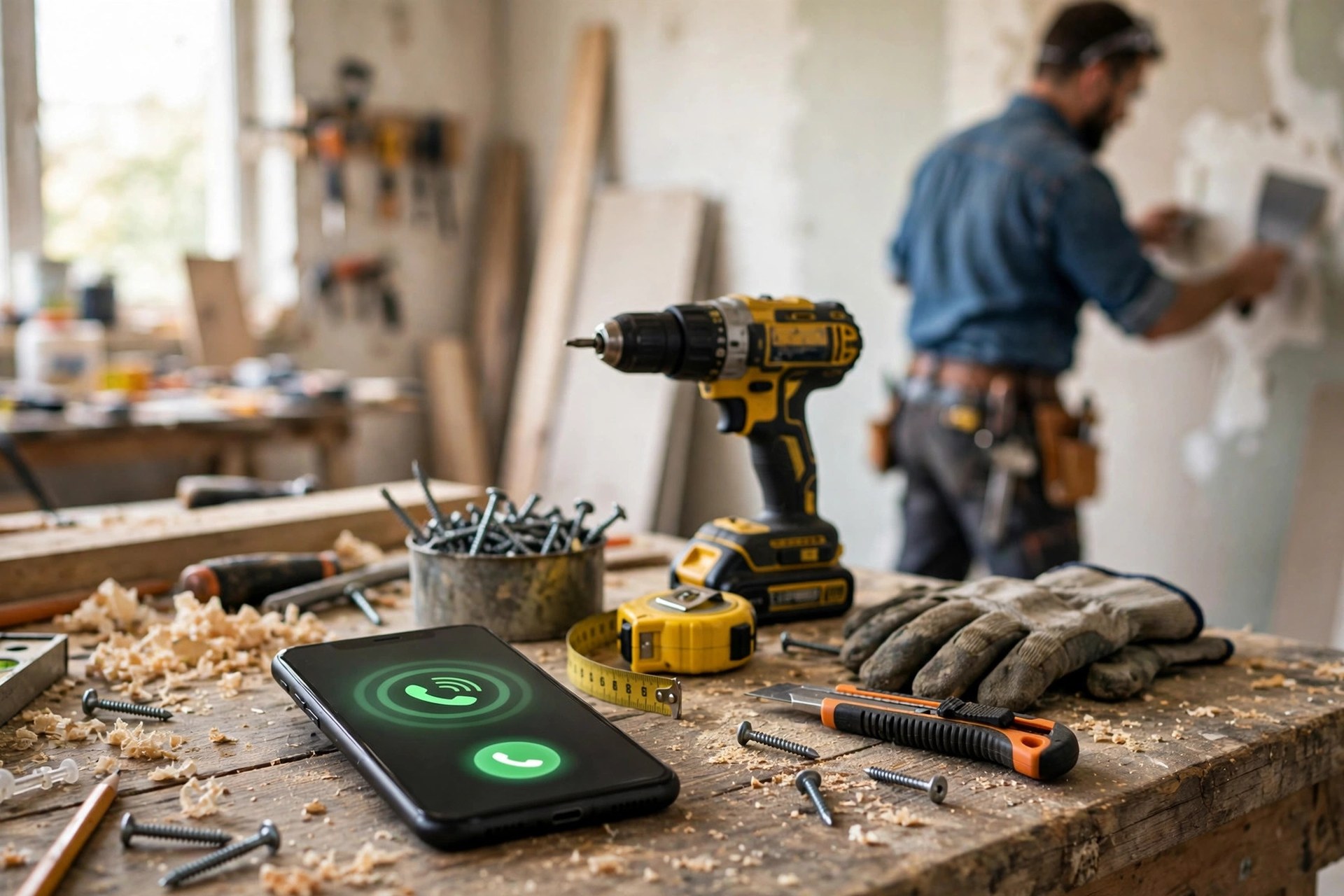
The phone rings while the work continues: the AI receptionist picks up in seconds so the job in progress never costs you the next job.
Booking jobs and quoting small tasks
Booking is the core job, and it only works if the receptionist sees your real schedule. Connect it to the calendar you actually use, whether that is Google Calendar, a booking app, or your field service software, with travel buffers and job-type durations built in. A faucet replacement gets a one-hour slot; a drywall patch gets two. The receptionist offers two or three options, never a wall of times, and confirms with a text the customer can reply to. Rescheduling works the same way: the customer replies to the text, picks a new slot, and your calendar updates.
Quoting small tasks is where the AI earns its keep with price shoppers. Handyman businesses run on repeatable small jobs: ceiling fan installs, toilet flapper replacements, caulking, drywall patches, door adjustments, TV mounting. Give the receptionist your flat-rate price list for the 15 to 20 jobs you do most, with clear rules for what counts as standard and what needs an on-site look. When a caller asks “how much to mount a TV,” the receptionist answers with your price and offers to book, instead of the call dying in a game of phone tag.
Set firm boundaries for what the AI quotes and what it does not. Standard tasks with standard prices: quote and book. Anything involving water damage, electrical panels, structural work, or jobs outside your service area: take details and promise your personal callback by a specific time. The goal is not to automate your judgment. It is to stop spending your judgment on the twenty routine calls a week that your price list already answers.
After-hours and weekend capture
The after-hours caller is the most valuable caller you never meet. They found your number at 8 PM, which means something is bothering them enough to act on it now. Without coverage, they leave a voicemail you hear tomorrow, or more likely they call the next listing. With an AI receptionist, the 8 PM caller gets booked into tomorrow’s open slot before they ever consider a competitor. Many handyman owners report that after-hours bookings become 20 to 30 percent of all AI-booked jobs within a few months.
After-hours handling needs slightly different rules. Offer next-day and next-available slots rather than same-night promises you cannot keep. For genuine emergencies, an active leak or a broken exterior door lock, let the receptionist reach you by your chosen method: a text, a call to your cell, or both. Define “emergency” narrowly in the setup, or every caller will claim one. Everything else becomes a tidy Monday morning schedule: you wake up to booked jobs instead of a voicemail graveyard.
Weekends deserve the same treatment. Saturday morning is prime handyman shopping time. If your receptionist books Saturday callers into Monday and Tuesday slots, your week starts full. Pair this with the phone-side safety net in our guide to missed-call text-back for handyman services, which covers what happens when a call slips past any system: the caller gets an instant text so the conversation stays alive.
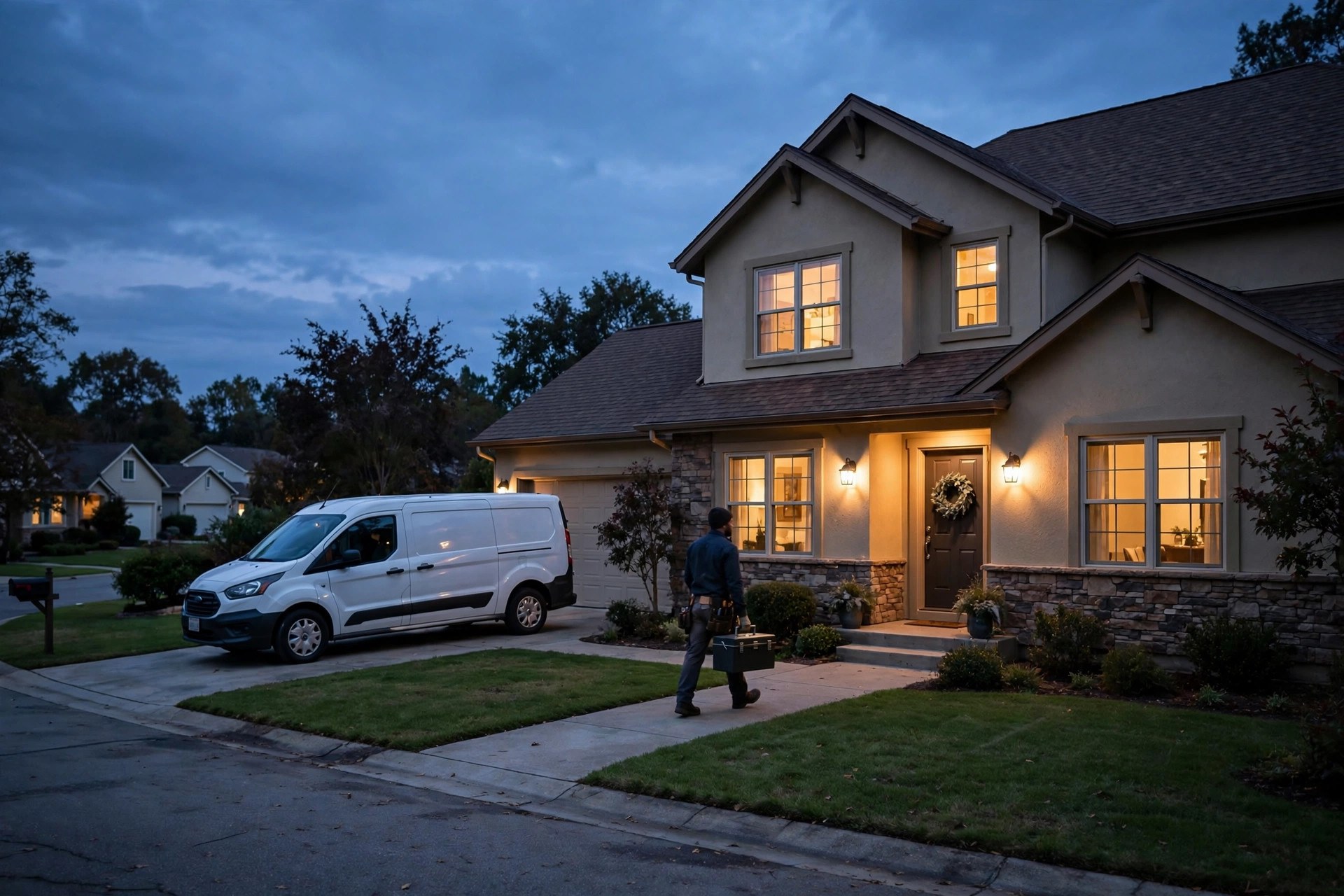
Evening is prime handyman shopping time: the AI books dusk callers into tomorrow’s slots while competitors’ phones sit silent.
Setup and cost: the full picture
An AI receptionist for a handyman business is a two-week project with modest costs. Pricing has three parts: the setup, the monthly service, and the per-minute or per-call usage. Most providers bundle these in simple plans. The table below shows what handyman owners typically pay in the US market.
| Cost layer | Typical price band | What it covers |
|---|---|---|
| One-time setup | $200 to $800 | Business profile build, service and price list entry, calendar connection, greeting and call flow setup |
| Monthly plan (basic) | $100 to $250 per month | Business-hours answering, booking, message taking, text confirmations; usually 50 to 150 calls |
| Monthly plan (full coverage) | $250 to $500 per month | 24/7 answering, after-hours booking, emergency escalation, higher call volume |
| Per-minute overage | $0.40 to $0.90 per minute | Calls beyond the plan allowance; most handyman businesses stay inside their plan |
| Agency setup and management | $500 to $2,000 setup, $150 to $400 per month | Done-for-you build, monthly tuning, call review, and reporting |
A realistic budget for a busy solo handyman: $500 one-time setup and $300 a month for full coverage. That is $3,600 for the first year. One average month of captured jobs pays for several months of the service. And consider what the money replaces: not just lost jobs, but the hours you currently spend playing phone tag, which is time you could be billing at $75 to $125 an hour.
Keep the AI cost in perspective against your other marketing. If you run paid ads, our breakdown of Google Ads cost for handyman services shows what each click costs you; every one of those expensive clicks that reaches voicemail is money burned. Answering the calls your ads already generate is usually the cheapest growth move available.
AI receptionist vs text-back vs hiring help
An AI receptionist is not the only way to stop losing calls. Most handyman owners consider three options. Here is how they compare honestly.
| Option | Monthly cost | Coverage | Strengths | Weaknesses |
|---|---|---|---|---|
| AI receptionist | $100 to $500 | 24/7, answers in seconds | Books and quotes live, never misses, handles after hours | Needs good setup; complex judgment calls still go to you |
| Missed-call text-back | $30 to $100 | After the missed call only | Cheap, saves some callers who would have vanished | The caller already waited; many will not engage with a text |
| Part-time office help | $800 to $2,000 | Business hours only | Human judgment, can handle complex scheduling | Expensive, no nights or weekends, turnover and training |
| Answering service (human) | $200 to $600 | 24/7 available | Real humans, good for emergencies | Message takers, not bookers; quality varies by agent |
For most solo handymen, the practical answer is the AI receptionist plus text-back as a safety net: the AI answers live, and on the rare call it cannot complete, text-back keeps the conversation warm. Hiring office help only makes sense once call volume and job complexity outgrow what the AI handles, usually well past the solo stage. Electricians face the same missed-call math and reach the same conclusion; our electrician marketing ideas guide covers how trade businesses pair call coverage with steady lead flow.
The greeting and scripts that book the most jobs
The AI is only as good as its instructions. Write the greeting and the core scripts the way your best office manager would talk, then let the system follow them word for word.
The greeting. Keep it short and warm: “Thanks for calling [Business Name], this is [AI name]. Are you calling about a repair, an install, or something else?” Twenty seconds, no phone tree, no “press 1.” Callers decide within seconds whether they are talking to a professional operation or a robot reading a menu.
The booking script. After the caller describes the job, the receptionist asks for the address, checks the service area, and offers two slots: “I can get someone out Thursday between 9 and 11, or Friday afternoon. Which is better?” Two options beat five. Confirm the name and mobile number, read back the booking, and send the text confirmation immediately.
The quote script for small tasks. “For a standard ceiling fan install, our flat rate is $149, which covers the install and cleanup. I have Thursday morning open if you would like to book it.” Price, scope, and booking in three sentences. If the job falls outside the flat-rate list: “That one needs a quick look before I can price it. Can I book you for a free on-site estimate Thursday?”
The after-hours script. “We are closed right now, but I can book you into tomorrow’s schedule. What is the job?” Then book it. For emergencies: “That sounds urgent. Let me get this to the owner right now.” Then escalate per your rules.
The price-shopper script. Never dodge the price question. Give the flat rate, state what is included, and offer the booking. Shoppers who get a straight answer book far more often than shoppers who hear “we will have to call you back.”
Mistakes that make an AI receptionist sound cheap
A greeting that sounds like a phone tree. “Press 1 for booking” tells the caller they reached a machine. A natural opening question keeps them talking.
No calendar connection. A receptionist that takes messages and promises callbacks is just expensive voicemail. Real availability and real booking, or do not launch.
A price list with ten items. If the AI can only quote ten jobs, every eleventh caller hears “I don’t know.” Load the full flat-rate list for everything you do regularly.
Service area left vague. Booking a job 45 minutes outside your area wastes a morning. Define the service area by zip codes, not by feel.
No escalation rules. Without clear rules, emergencies wait and routine calls interrupt you mid-job. Write down exactly what reaches you live and what waits.
Setting it and forgetting it. Listen to a few calls each week for the first month. You will hear mispronunciations, wrong prices, and questions the setup missed. Fix them and the system gets sharper every week.
Hiding it from customers. Some owners worry callers will object to an AI. In practice, callers care about getting helped, not about who helped them. A smooth booking beats a missed call every time, and most callers never think twice about it.

Every captured call ends here: a booked job, a finished repair, and a customer who never had to call twice.
Your rollout checklist
Work through these in order. Each one builds on the last.
- 1Count your missed calls. Check your phone log for one month: total calls, missed calls, and after-hours calls. This is your baseline.
- 2Write your service and price list. Every service you offer and the flat rate for the 15 to 20 jobs you do most.
- 3Define your service area. List the zip codes you serve so the receptionist never books outside them.
- 4Connect your real calendar. Availability, travel buffers, and job-type durations, all current and accurate.
- 5Write the greeting and scripts. Greeting, booking, quoting, after-hours, and price-shopper scripts in your own voice.
- 6Set escalation rules. Exactly which emergencies reach you live, and how: text, call, or both.
- 7Forward your number. Route business calls to the receptionist during work hours first, then expand to full coverage.
- 8Test with real calls. Have friends call with common and weird requests. Fix every fumble before launch.
- 9Review calls weekly for a month. Listen to a sample, correct prices and answers, and tighten the scripts.
- 10Measure against the baseline. Compare captured jobs and after-hours bookings to month one, then expand coverage.
Frequently asked questions
How much does an AI receptionist for a handyman business cost?
Most handyman owners pay $100 to $500 a month depending on coverage and call volume, plus a one-time setup of $200 to $800. Full 24/7 coverage with booking typically lands around $250 to $350 a month. Two to three captured jobs a month usually cover the entire cost.
Will callers know they are talking to an AI?
Some will, most will not think about it. The voice sounds natural and the conversation follows your scripts. What callers actually notice is getting helped immediately versus reaching voicemail. In practice, a smooth booking beats a missed call every time.
Can it really book jobs on my calendar?
Yes, when it is connected to the calendar you actually use. It sees real availability, offers slots with your travel buffers and job durations built in, and sends text confirmations. Without the calendar connection it is just message taking, so confirm the integration before you sign up.
What happens with jobs it cannot quote?
You set the rules. Standard tasks get quoted from your flat-rate list and booked. Anything complex, structural, or outside your scope gets a detailed message sent to you immediately, with a promised callback time. Emergencies you define, like active leaks, can escalate to your cell right away.
Does it work after hours and on weekends?
That is one of its biggest wins. Evening and weekend callers get booked into your next open slots instead of reaching voicemail. Many owners find after-hours bookings become 20 to 30 percent of all AI-booked jobs within a few months.
How long does setup take?
About two weeks. The service list, price list, calendar connection, and scripts take a few days to build, then a week of testing with real calls. Businesses that try to automate every edge case on day one take longer; start with booking, quoting, and messages.
Can it handle my existing customers too?
Yes. Give it your customer list and any notes, like gate codes or preferred techs, and it can greet repeat callers by name and book them faster. Repeat customers are often the happiest users because they skip the whole explanation.
What if a caller wants to talk to me directly?
The receptionist transfers or takes a message per your rules. You can set VIP handling: existing customers or big-job callers get patched through, while routine calls get booked. You stay in control of when your phone rings.
Is it better than a human answering service?
For booking, usually yes. Human answering services mostly take messages; an AI receptionist books directly on your calendar, quotes flat rates, and sends confirmations, at similar or lower cost. For complex judgment calls, a human still wins, which is why escalation rules matter.
How do I know it is paying for itself?
Track three numbers monthly: calls answered, jobs booked by the AI, and after-hours bookings. Compare against your pre-launch missed-call baseline. Most owners see the payback within the first month, since two to three captured jobs cover the cost.
Stop losing jobs to the phone you cannot answer
Digital Hayder builds AI receptionist systems for handyman services: live call answering, real calendar booking, flat-rate quoting, and after-hours capture that turns evening callers into Monday morning jobs. Tell us about your business and we will design the setup around it. Many of our trade clients pair this with the same storm-season thinking in our guide to tree service marketing ideas.
Contact Us