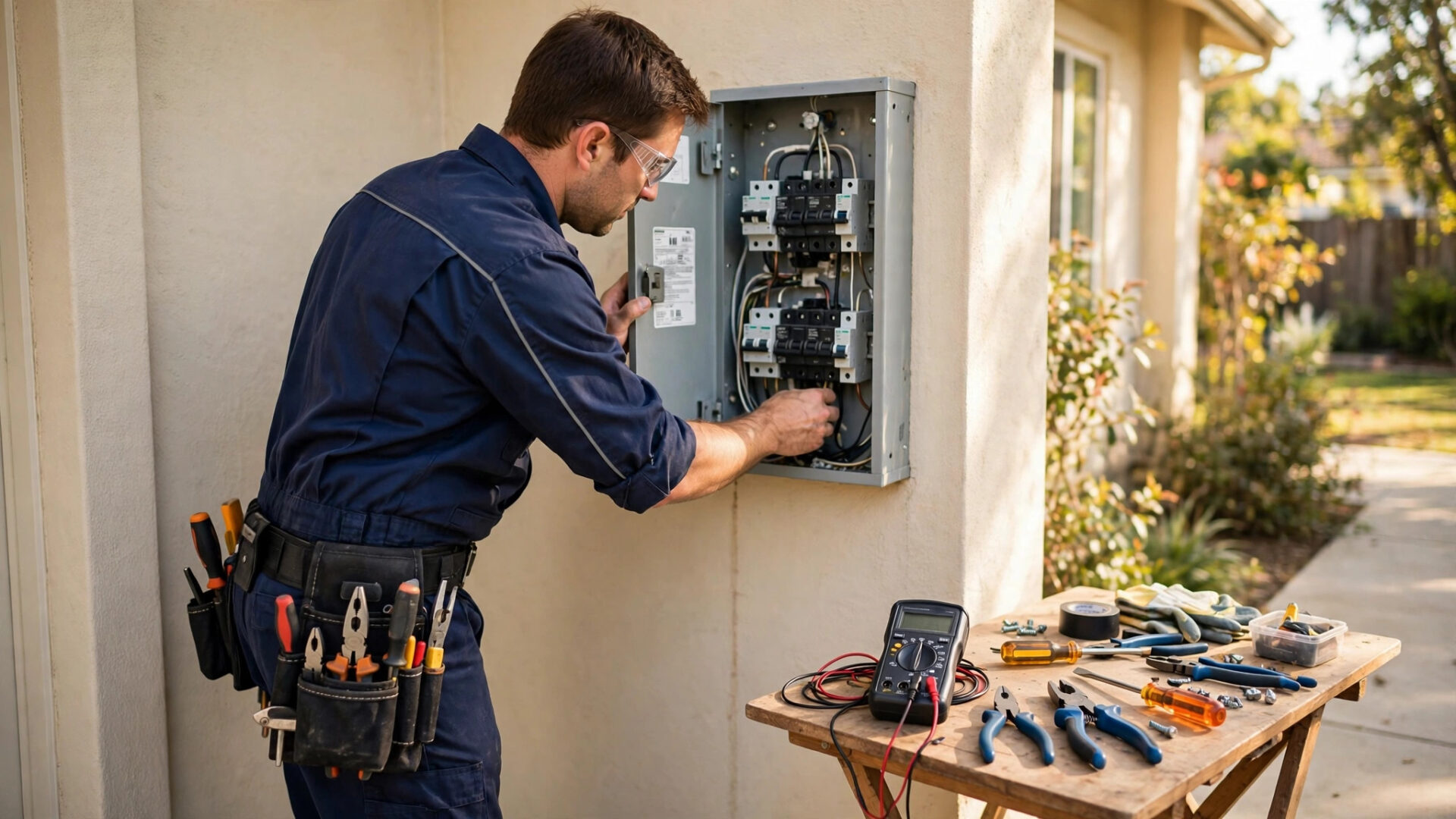
It is 2:14 in the morning and the furnace just died. The house is dropping a degree every hour, there is a baby asleep upstairs, and the homeowner is standing in a cold hallway scrolling through HVAC companies on a phone. They call the first number. Voicemail. They call the second. Voicemail. The third company answers, books the emergency visit, and collects the after-hours fee. Studies of local consumer behavior keep finding that most callers who reach voicemail never leave a message, and in HVAC the caller is not browsing. They are freezing, or sweating, or smelling gas. An AI answering service for HVAC companies makes sure your business is the one that picks up, sorts the emergency from the routine, and gets the right tech moving while the competitor’s voicemail is still recording.
The quick answer
- HVAC calls are urgency-driven: no heat, no cooling, gas smells, and water leaks cannot wait for morning, so the first company to answer usually wins the job.
- Triage every call: the AI separates true emergencies from routine maintenance and quote requests, and treats each one by your rules.
- Escalate by your on-call rules: emergencies reach the on-call tech immediately by call or text, while routine calls get booked into the next open slot.
- Run it after-hours, as overflow, or both: nights and weekends need full coverage, and busy weekday peaks need a second line that never sends callers to voicemail.
- Price it against one saved job: flat monthly and per-minute plans both exist, and a single after-hours emergency call often covers the whole month.
- Connect it to dispatch: every call should create a ticket with the address, the problem, and the triage level, ready for the tech before they roll.
Why HVAC calls are different from every other trade
Most service businesses lose missed calls to inconvenience. HVAC loses them to urgency. A homeowner with a dead air conditioner in a heat wave is not comparison shopping. A family with no heat on a freezing night is not reading reviews. These callers have one question, “Can someone come now,” and they will keep dialing numbers until someone says yes. That is why the answering system matters more in HVAC than in almost any other home service. Speed is the product.
The second difference is the mix. HVAC phones ring with three very different call types at once: emergencies that need a tech tonight, routine work like tune-ups and filter changes that can wait a week, and quote requests for full system replacements worth five figures. A system that treats all three the same will either wake your tech for a filter question or make an emergency caller wait until morning. Neither is acceptable. The AI answering service has to sort first and act second, every single time.
The triage logic: emergency vs routine
Triage is the core skill of an HVAC answering service, and you define the rules during setup. A typical triage map looks like this. True emergencies: no heat when temperatures are freezing, no cooling during extreme heat, the smell of gas, carbon monoxide alarm going off, water pouring from the unit, sparking or burning smells from equipment. Urgent but schedulable: weak airflow, strange noises, system short-cycling, thermostat problems. Routine: seasonal tune-ups, filter questions, quote requests for new installs, warranty questions, billing.
The AI asks two or three diagnostic questions to place the call: What is the system doing or not doing? Is there any smell of gas or burning? Is anyone in the home at risk from the temperature, like an infant or an elderly person? Based on the answers, it follows your playbook. Emergencies trigger immediate escalation. Urgent calls get the next available slot, often same-day or next-day. Routine calls get booked into normal hours. Quote requests for replacements get scheduled as in-home estimates with your salesperson. Every caller feels heard, and your techs only get woken for calls that deserve it.
What counts as an emergency, exactly
This is worth writing down with your team, because the AI is only as good as the rules you give it. Sit down with your lead tech and define the emergency list for your market. In cold climates, no heat below freezing is an emergency. In hot climates, no cooling for elderly customers or homes with medical needs is an emergency. Gas smell is always an emergency, and the AI should tell the caller to leave the house and call the gas utility or fire department first, then call you. Water leaking from an indoor unit onto floors or ceilings is urgent. A system that is running but making noise can wait until morning.
Write the safety scripts carefully. The AI must never diagnose beyond its script, never tell a caller a situation is safe when it is not, and always err on the side of escalation when the answers are unclear. A triage system that sends one true emergency to a next-day slot will cost you more than it ever saves. When in doubt, the rule is simple: escalate.
On-call escalation rules that actually work
Escalation is where most answering setups fall apart. The service takes a nice message, emails it to the office, and nobody reads it until 8am. For HVAC, escalation has to be immediate, redundant, and confirmed. Define the chain during setup: when the AI flags an emergency, it calls the on-call tech’s mobile and sends a text with the customer name, address, phone number, and problem summary at the same time. If the tech does not confirm within a set number of minutes, it moves to the backup contact, then to you.
Two details make or break this. First, confirmation. The tech must acknowledge receipt, by pressing a key or replying to the text, so the system knows the emergency is in human hands. Without confirmation, the chain keeps moving. Second, the rotation. Your on-call schedule changes weekly, and the AI needs the current rotation. The best setups pull it from your dispatch software or a shared calendar automatically. The worst setups rely on someone remembering to update a phone list, which fails the first time the schedule changes on a Friday night. For a broader look at phone systems built for the trades, see our guide to the best AI phone system for small business.

The AI triages the call, then the right human gets the emergency in seconds, not in the morning.
Dispatch integration: from call to ticket
An answered call that does not become a job is still a lost job. The AI answering service should connect to your dispatch or field service software so every call creates a ticket automatically: customer name and number, service address, equipment problem in the caller’s words, triage level, and the call recording or transcript. When the tech opens the ticket, they see everything before they call the customer back or roll the truck.
This integration also fixes the morning chaos. Instead of the office spending the first hour sorting through overnight voicemails and deciding what is urgent, the day starts with a clean board: emergencies already dispatched or waiting for confirmation, urgent calls slotted into today’s schedule, routine work booked into the week, and quote requests assigned to sales. The dispatcher manages the board instead of building it. If you run a smaller shop without dispatch software, the same flow works through your CRM, with tickets created as tasks and the on-call tech notified by text. Our overview of AI phone agents for home services covers how this connects across the trades.
After-hours vs overflow: which setup you need
There are two coverage patterns, and many HVAC companies end up needing both. After-hours coverage takes every call when the office is closed: nights, weekends, holidays. Overflow coverage takes calls during business hours when your team is already on the line or swamped. Here is how to think about each.
| Setup | What it covers | Best for | Key setting to get right |
|---|---|---|---|
| After-hours only | All calls outside office hours | Shops with a solid daytime front office | Clean handoff at open and close; the AI must know holiday hours too |
| Overflow only | Calls that ring while your team is busy | Shops that miss calls during weekday peaks | Ring timing: the AI should pick up after 3 to 4 rings, not immediately |
| After-hours plus overflow | Every call your team cannot take, any time | Growing shops and anyone running ads | Caller experience must feel identical in both modes |
| Seasonal surge | Extra capacity during heat waves and cold snaps | Every HVAC shop, twice a year | Temporary triage rules for extreme weather call volume |
The seasonal surge row deserves attention. The first heat wave of summer and the first deep freeze of winter multiply your call volume overnight, and that is exactly when your techs are already fully booked. A service that scales to take fifty calls in an evening without hiring a single temp is the difference between capturing the surge and watching it go to competitors. Set your surge triage rules in advance, before the weather turns, so the system is ready when the phones light up.
Pricing: flat monthly vs per-minute
AI answering services for HVAC generally price in two ways. Flat monthly plans charge one predictable price for a bundle of minutes or calls. Per-minute plans charge a low base plus a rate for actual talk time. Neither is automatically better. The right choice depends on your call volume and how chatty your callers are.
| Model | Typical structure | Best for | Watch out for |
|---|---|---|---|
| Flat monthly | One price for an included bundle of minutes | Steady call volume, predictable budgeting | Overage rates when you exceed the bundle; after-hours surcharges |
| Per-minute | Small base fee plus per-minute talk time | Light or highly seasonal volume | Long diagnostic calls cost more; confirm the monthly minimum |
| Per-call | Fixed price per answered call | Shops that want cost tied to activity | Define what counts as a handled call; spam calls should not count |
Ask three questions before signing anything. First, what is my all-in cost at my real call volume, including overages and after-hours premiums? Second, what counts as a billable call, and are spam, wrong numbers, and hang-ups excluded? Third, can I change plans as volume changes, especially going into peak season? A provider that locks you into a plan that does not fit July is not a partner. For ideas on keeping the phones ringing in the first place, our HVAC marketing ideas guide pairs well with this setup.
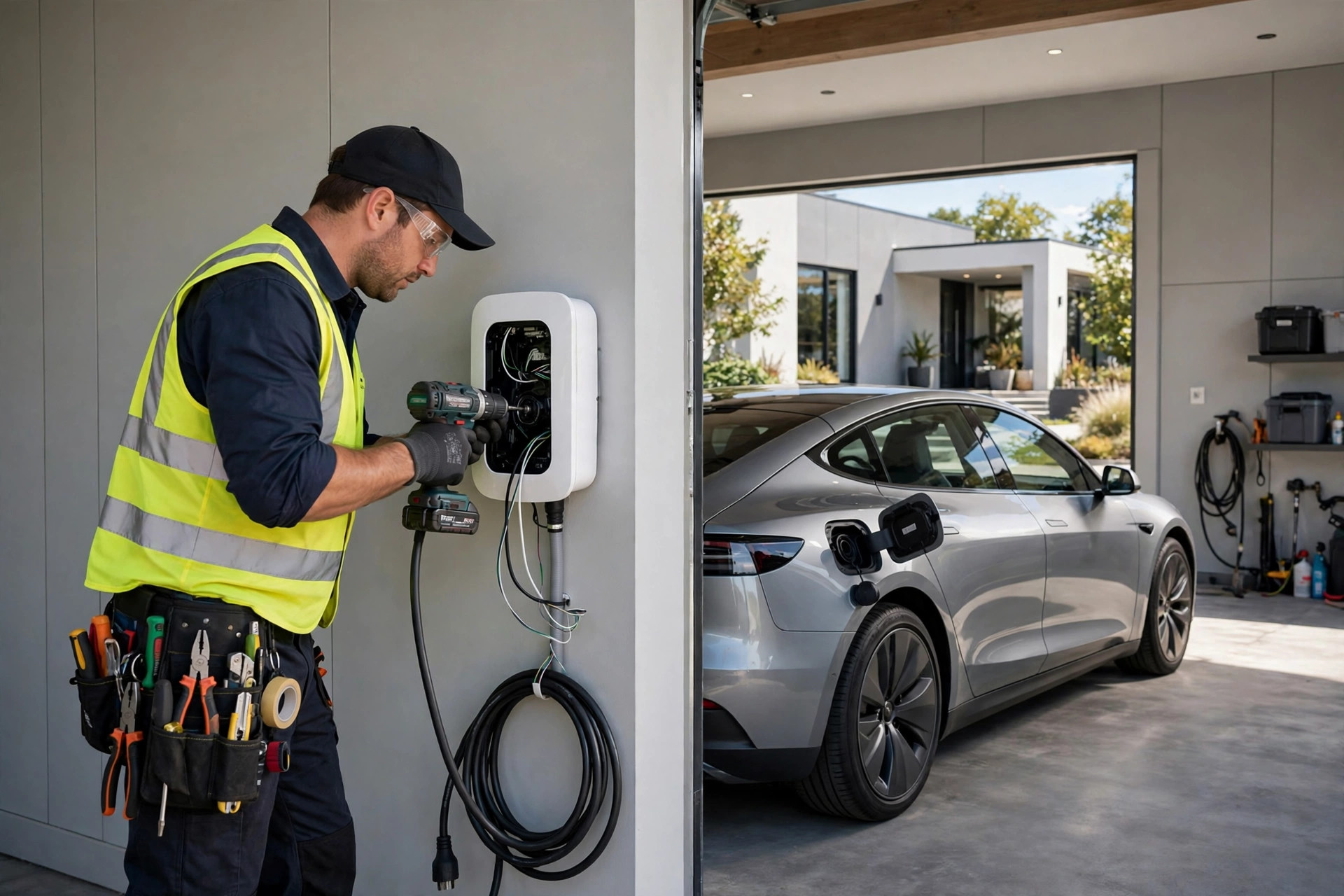
This caller is not browsing. They are cold, and they will hire whoever answers first.
Your setup checklist
Getting this right is a one-time project. Work through these steps in order and the system will run itself.
- 1Write your triage rules. List what counts as an emergency, what is urgent, and what is routine for your market. Get your lead tech to sign off on it.
- 2Write your safety scripts. Gas smell, carbon monoxide alarm, sparking equipment: the AI gives safety instructions first and escalates immediately, every time.
- 3Define the escalation chain. On-call tech first, backup second, owner third, with confirmation required at each step and a time limit before moving on.
- 4Connect the on-call rotation. Feed the current schedule from your dispatch software or shared calendar so the AI always reaches the right tech.
- 5Connect dispatch or CRM. Every call creates a ticket with name, address, problem, triage level, and recording. Test that tickets appear correctly.
- 6Set your hours and handoffs. Define open hours, after-hours, weekends, and holidays so the AI knows which mode it is in at all times.
- 7Set overflow ring timing. If you use daytime overflow, the AI picks up after 3 to 4 rings so your team gets the first chance at every call.
- 8Test with real scenarios. Call at midnight as a no-heat emergency, as a tune-up request, and as a spam call. Verify triage, escalation, ticket creation, and the tech notification each time.
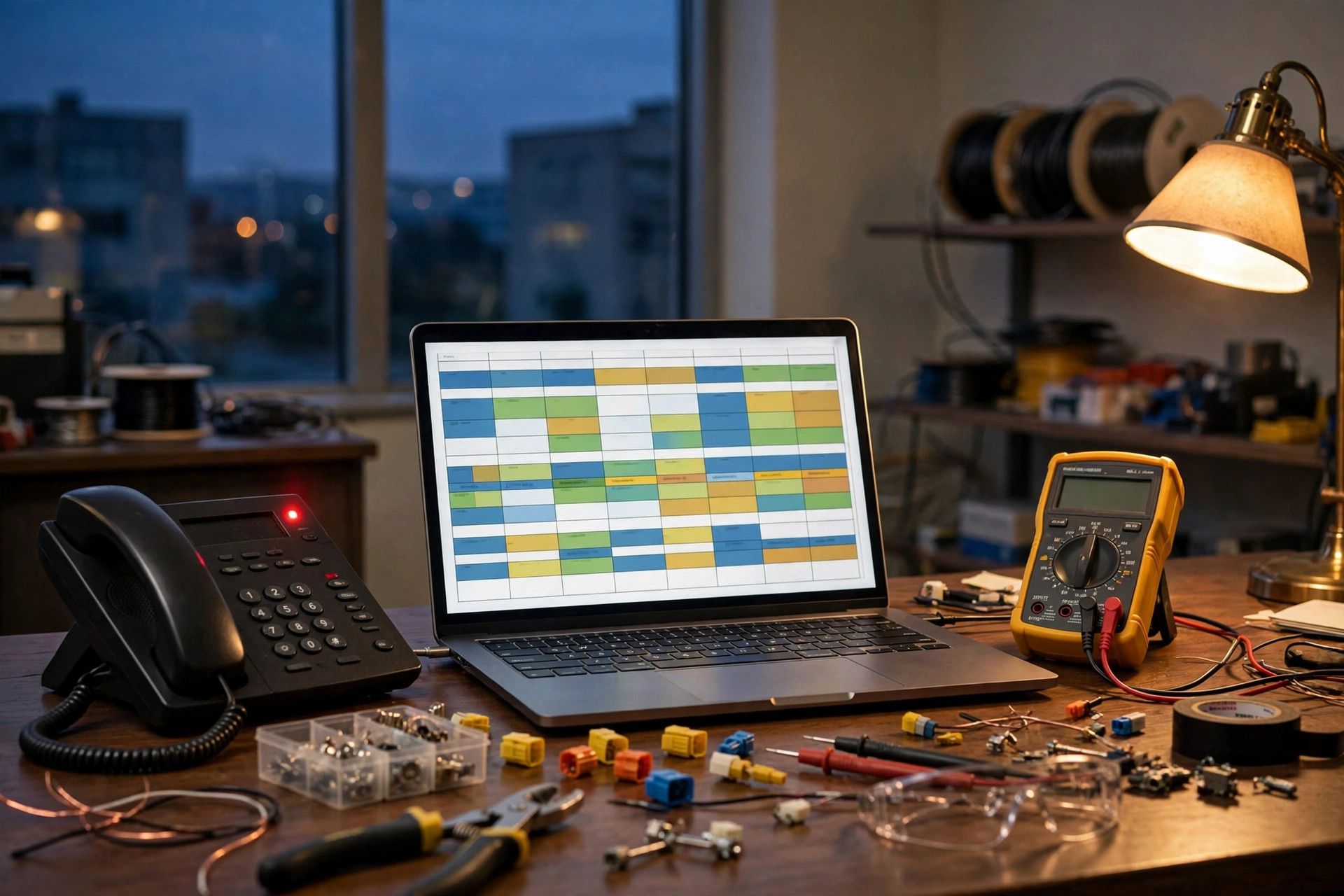
The emergency call the AI caught at 2am becomes the truck in the driveway by sunrise.
Frequently asked questions
Can an AI really tell an emergency from a routine call?
Yes, when you define the triage rules during setup. The AI asks two or three diagnostic questions about the symptoms, checks them against your emergency list, and follows your playbook: immediate escalation for emergencies, same-day or next-day booking for urgent calls, and normal scheduling for routine work. When the answers are unclear, it escalates rather than guessing.
What happens if the on-call tech does not answer the escalation?
A proper setup requires confirmation. The AI calls and texts the on-call tech with the customer details, and the tech must acknowledge receipt. If there is no confirmation within your set time limit, the system moves to the backup contact, then to you. The emergency keeps moving until a human confirms it.
Will it work with my dispatch software?
It should, and this is a key question to ask before buying. Look for an integration that creates a ticket automatically with the customer name, address, problem description, triage level, and call recording. If you run a smaller shop without dispatch software, the same flow works through a CRM with tickets created as tasks. Similar setups work across the trades, as our guide to AI answering services for plumbers shows.
How much does an AI answering service for HVAC cost?
Most plans fall into flat monthly or per-minute models, typically a few hundred dollars a month for a small to mid-size shop. The number that matters is cost per saved job: a single after-hours emergency call often bills enough to cover the whole month. Count your missed calls for one week and multiply by your average ticket to see your own math.
What about gas smells and carbon monoxide calls?
These get dedicated safety scripts. For a gas smell, the AI tells the caller to leave the house and contact the gas utility or fire department first, then escalates to your on-call tech immediately. The AI never downplays safety situations and always escalates when the answers are unclear.
Can it handle the surge during a heat wave or cold snap?
This is one of its biggest advantages over a human answering service. The AI takes every simultaneous call without busy signals or hold queues, triages each one by your surge rules, and books or escalates accordingly. Set your extreme-weather triage rules before the season starts so the system is ready when call volume spikes.
Stop losing after-hours calls to competitors
Digital Hayder builds AI answering services for HVAC companies with real triage logic, on-call escalation that gets confirmed, and dispatch integration that turns every call into a ticket. Tell us about your call volume and your on-call setup, and we will map the fastest path to full coverage.
Contact Us