
Most dental practices still run the front desk the way they did a decade ago: phones ringing during cleanings, voicemail catching new patients after hours, and a small front-office team juggling check-ins, insurance calls, and the appointment book at the same time. Patients have moved on. They message everyone else in their life, and they expect the same from their dentist. A WhatsApp chatbot for dentists closes that gap. It answers the chat around the clock, books cleanings and consults, sends reminders patients actually reply to, and pulls lapsed patients back into the schedule, all inside the app that more than 100 million people in the US open every month. This guide covers what a dental WhatsApp chatbot does day to day, what it costs, how to set it up, the exact message scripts to use, and the mistakes that waste the investment.
The quick answer
- Booking where patients already are: message-based scheduling captures after-hours inquiries that voicemail and missed calls never convert.
- Reply-to-confirm reminders: interactive WhatsApp reminders commonly cut no-show rates by a third or more compared with one-way SMS blasts.
- Reactivation at low cost: WhatsApp campaigns reopen dormant patient files far cheaper than paid ads, with response rates texting usually beats email.
- Night-time triage: the bot sorts true urgencies from can-wait cases at 2 AM and fills the next morning’s slots automatically.
- Costs are modest: the WhatsApp Business app is free, automated conversations cost a few cents each, and chatbot software runs $30 to $300 a month.
- Live in one to two weeks: connect the practice number, build booking and reminder flows, train the team, then launch with a reactivation campaign.
Why dental patients live on WhatsApp
WhatsApp is no longer a side channel. Meta reports more than 2 billion people use it worldwide, and more than 100 million people in the US open it every month. The heaviest users sit right in the dental sweet spot: adults between 25 and 49, the age group that books the most cleanings, Invisalign consults, and family appointments. Surveys of consumer communication preferences consistently show that younger patients would rather message a business than call it, and that gap widens every year. A practice that only answers the phone is invisible to a growing share of its own patient base.
The dental scheduling problem makes this worse. Roughly half of all new-patient inquiries arrive outside office hours: evenings, weekends, lunch breaks when the front desk is short-staffed. Industry tracking of call data in dental practices regularly shows missed-call rates of 30 to 40 percent during the day and close to 100 percent after hours. Every one of those calls is a person with a toothache, a chipped tooth, or a simple desire to book a cleaning, and most of them will contact the next practice on the list within minutes. Email is too slow for this moment. A website form might get a reply tomorrow. A WhatsApp chat answers in seconds, at the exact moment the patient is ready to book.
There is also a trust angle. Patients already use WhatsApp for family, school, and work groups, so a message from their dentist lands in a familiar, low-friction place. Appointment reminders inside that app get opened and answered instead of ignored. Payment links, intake forms, and post-visit instructions arrive where the patient will actually see them. For a practice, that means fewer phone tag cycles, fewer no-shows, and a front desk that spends its day on the work only humans can do.
What a dental WhatsApp chatbot actually does
A WhatsApp chatbot is an automated assistant that holds text conversations with your patients inside WhatsApp. It is not a website pop-up and not a phone tree. Patients message your practice number the same way they message a friend, and the bot replies instantly with answers, booking options, and reminders. When the conversation needs a human, it hands off to your team with the full chat history attached. Think of it as a front-desk assistant that never sleeps, never puts anyone on hold, and handles the repetitive work in seconds.
Books and reschedules appointments
The core job is scheduling. The bot shows open slots for cleanings, exams, and consults, takes the patient’s pick, and writes it straight into the practice calendar. It asks the questions your front desk asks: new or existing patient, reason for visit, insurance carrier, preferred days. Rescheduling works the same way: the patient taps a link in their reminder, picks a new time, and the old slot opens back up for someone else. Practices that add chat booking typically see it handle 30 to 50 percent of all scheduling within a few months, which takes real pressure off the phones during busy hours.
Sends reminders patients reply to
Reminders are where WhatsApp earns its keep. Instead of a one-way text that says “your appointment is Tuesday at 10,” the bot sends an interactive message: “Hi Sarah, this is Bright Smile Dental confirming your cleaning tomorrow at 10 AM with Dr. Patel. Reply YES to confirm, or tap here to reschedule.” Patients reply. The practice knows exactly who is confirmed, who moved, and who went silent, and the front desk gets a short call list of unconfirmed appointments instead of calling the whole day’s schedule. Missed appointments in dental practices commonly run 10 to 15 percent of booked visits; interactive reminders are the single most effective tool for pushing that number down.
Answers questions after hours
Patients ask the same questions at night: Do you take my insurance? How much is a cleaning without insurance? Do you see emergencies? Where do I park? The bot answers these instantly from your practice’s information, any hour of the day. For questions it cannot answer, it takes a message and promises a reply by a specific time the next morning, then alerts the team. Nothing falls into voicemail. If your practice already worries about unanswered calls, our guide to missed-call text-back for dentists covers the phone-side safety net that pairs well with chat.
Pulls lapsed patients back
Every practice has patients who have not been in for 12, 18, or 24 months. They are not angry; they just drifted. A WhatsApp reactivation campaign reaches them where they will see it, with a short personal message and a one-tap booking link. Response rates on WhatsApp reactivation campaigns routinely beat email by wide margins, and each returning patient is worth hundreds in production with zero ad spend. For the full reactivation playbook, see our guide to dental patient reactivation.
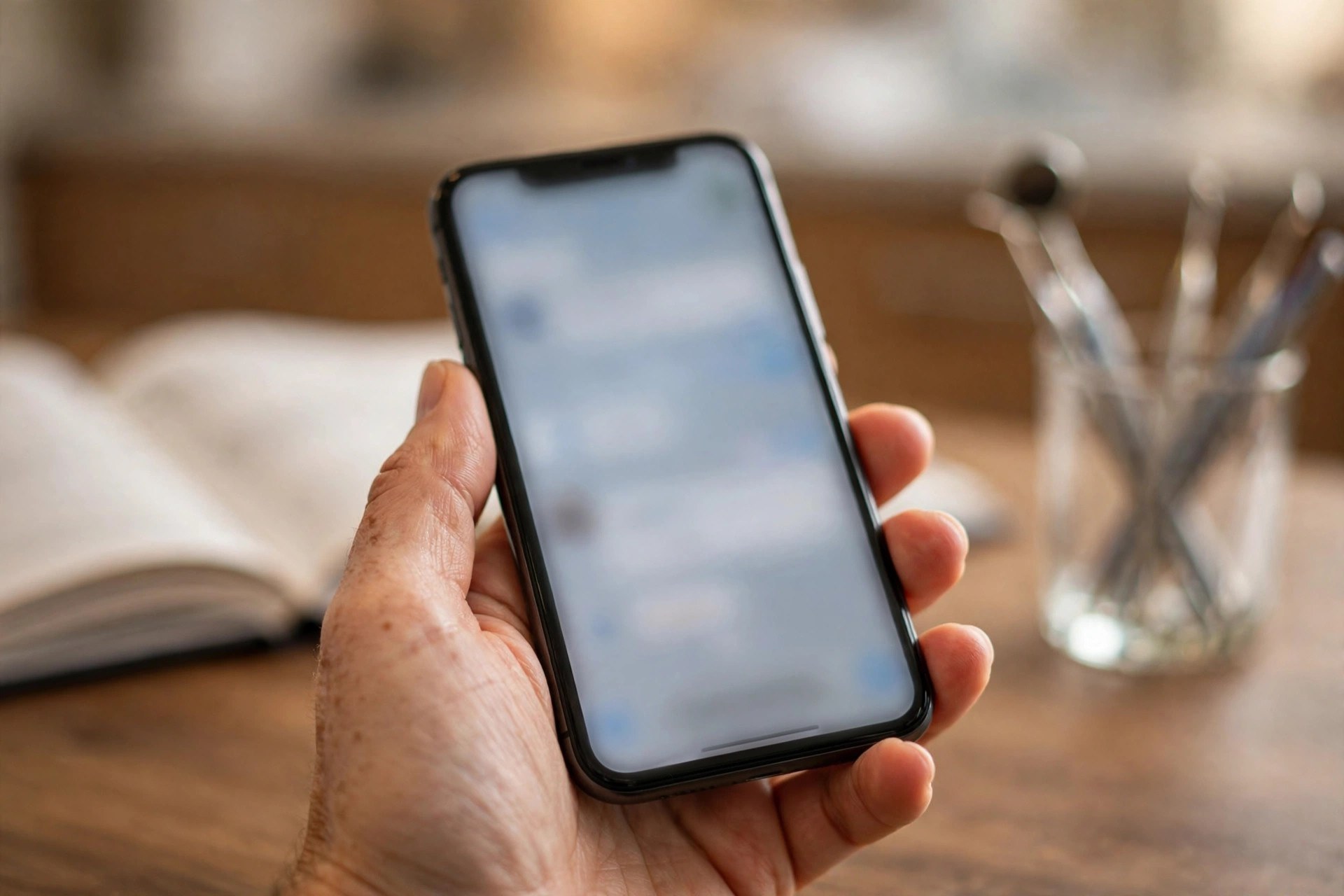
Chat booking meets patients in the app they already use, so after-hours inquiries turn into scheduled visits instead of missed calls.
The booking flow patients actually finish
The difference between a chatbot that books patients and one that annoys them is the flow. Keep it short, give clear choices, and never ask for information you already have. Below is a proven booking flow for a general dental practice. Adapt the wording to your practice name and services.
Step 1, the greeting. “Hi, this is Riverside Dental. Are you looking to book a visit, reschedule, or ask a question? Reply 1, 2, or 3.” Three options, no open-ended essay prompt.
Step 2, the visit type. If they pick booking: “Great. Is this a cleaning and checkup, a specific problem like pain, or a cosmetic consult such as whitening or aligners? Reply 1, 2, or 3.” This one question routes everything that follows.
Step 3, new or existing. “Have you visited us before? Reply YES or NO.” Existing patients get matched by name and phone number; new patients get the short intake.
Step 4, the time pick. “We have these openings this week: Tuesday 10:00 AM, Tuesday 2:30 PM, Thursday 9:15 AM. Reply with the number, or say MORE for next week.” Never show more than three to four slots at once; a wall of times causes people to stall.
Step 5, the confirmation. “You are booked for a cleaning on Tuesday at 10:00 AM with Dr. Lee. We will send a reminder the day before. Anything else I can help with?” Short, warm, done.
The whole exchange takes under a minute. Compare that with a phone call: hold music, back and forth on times, spelling names. For new patients, add one more step before confirmation: name, date of birth, and insurance carrier, collected one question at a time. If your website also takes bookings, keep the two in sync; our breakdown of AI chatbots for dental websites explains how the website and WhatsApp flows should share one calendar.
Reminders that cut no-shows
A missed appointment in a dental practice costs real money: an empty hygiene chair for an hour can mean $200 to $400 in lost production, and a missed crown appointment can cost far more. Most no-shows are not deliberate. Patients forget, their day shifts, or they meant to cancel but never got around to calling. Interactive WhatsApp reminders fix all three by making confirmation and rescheduling effortless.
The 48-24-2 reminder sequence
Send the first reminder 48 hours before the visit. This is the planning reminder: it gives the patient time to rearrange their day and gives your practice time to fill the slot if they cancel. Send the second 24 hours before, with the confirm-or-reschedule prompt. Send a short final nudge 2 hours before: “See you at 10 today. We are at 450 Main Street, second floor.” Practices running this three-touch sequence commonly report no-show rates dropping from the 10 to 15 percent range down to 5 to 8 percent. On a schedule of 400 appointments a month, that is 20 to 28 saved visits.
Make every reminder replyable
The magic is the reply. A one-way reminder informs; a two-way reminder converts. Let patients confirm with a single word, reschedule with a tap, and ask questions in the same thread: “Can I bring my toddler?” or “Do I need to fast before this?” The bot handles the routine ones and flags the rest for the team. Track confirmations in your practice software so the front desk sees at a glance who still needs a personal call the afternoon before. The goal is simple: nobody should arrive surprised, and nobody should no-show because canceling felt harder than just not coming.
Bringing back patients who disappeared
Patient reactivation is the highest-ROI campaign a dental practice can run, and WhatsApp is the best channel for it. Start by pulling three lists from your practice software: patients with no visit in 6 to 12 months, 12 to 18 months, and 18 to 24 months. Exclude anyone with an outstanding balance dispute or a complaint on file; reactivation is for drifters, not detractors. Then send a short, personal-feeling message to each group.
The message should sound like it came from the practice, not a marketing department: “Hi James, this is Riverside Dental. We noticed it has been about a year since your last cleaning. We have openings next week if you would like to get back on track. Tap here to pick a time.” No discount needed for most patients; the reminder itself does the work. For the 12 to 18 month group, add a gentle nudge about what they might be due for: “Most patients in your situation are due for an exam and updated x-rays.” For the oldest group, a modest incentive can help: a free whitening touch-up with a completed exam, or $25 off a new-patient-style comprehensive visit.
Send each campaign once per group per quarter, not weekly. Watch the replies: people will book, ask questions, or tell you they moved away, and each answer updates the record. A typical practice with 2,500 inactive patients can expect 3 to 8 percent to book from a well-run WhatsApp reactivation series. At $300 to $600 in first-visit production per returning patient, that is $22,500 to $120,000 in recovered revenue from a campaign that costs a few hundred dollars to send.
Emergency triage without waking the staff
Tooth pain does not respect office hours, and panicked patients call whoever picks up first. A WhatsApp chatbot gives your practice a calm, professional response at any hour while protecting your team’s sleep. The triage flow is deliberately simple, because the bot’s job is sorting, not diagnosing.
When a patient messages about pain, the bot asks four questions: Where does it hurt? How bad is the pain on a scale of 1 to 10? Is there swelling, fever, or trauma like a knocked-out tooth? Are you an existing patient? Based on the answers, it sorts the case into one of three buckets. True urgencies, uncontrolled bleeding, facial swelling with fever, a knocked-out permanent tooth, get the on-call number immediately and the first available emergency slot in the morning. Moderate pain gets the next-day emergency block with self-care instructions: cold compress, over-the-counter pain relief as directed on the package, and what to avoid. Mild issues, a lost filling with no pain, a chipped tooth that does not hurt, get booked into the next routine opening with reassurance.
Two rules keep this safe. First, the bot never diagnoses and never prescribes; every message includes the line that this is general information, not medical advice, and that severe symptoms should go to urgent care or the emergency room. Second, every triage conversation gets flagged for human review first thing in the morning, so the team sees exactly who was sorted and how. Practices report that night-time triage converts anxious callers into booked patients instead of losing them to the emergency-focused competitor across town.
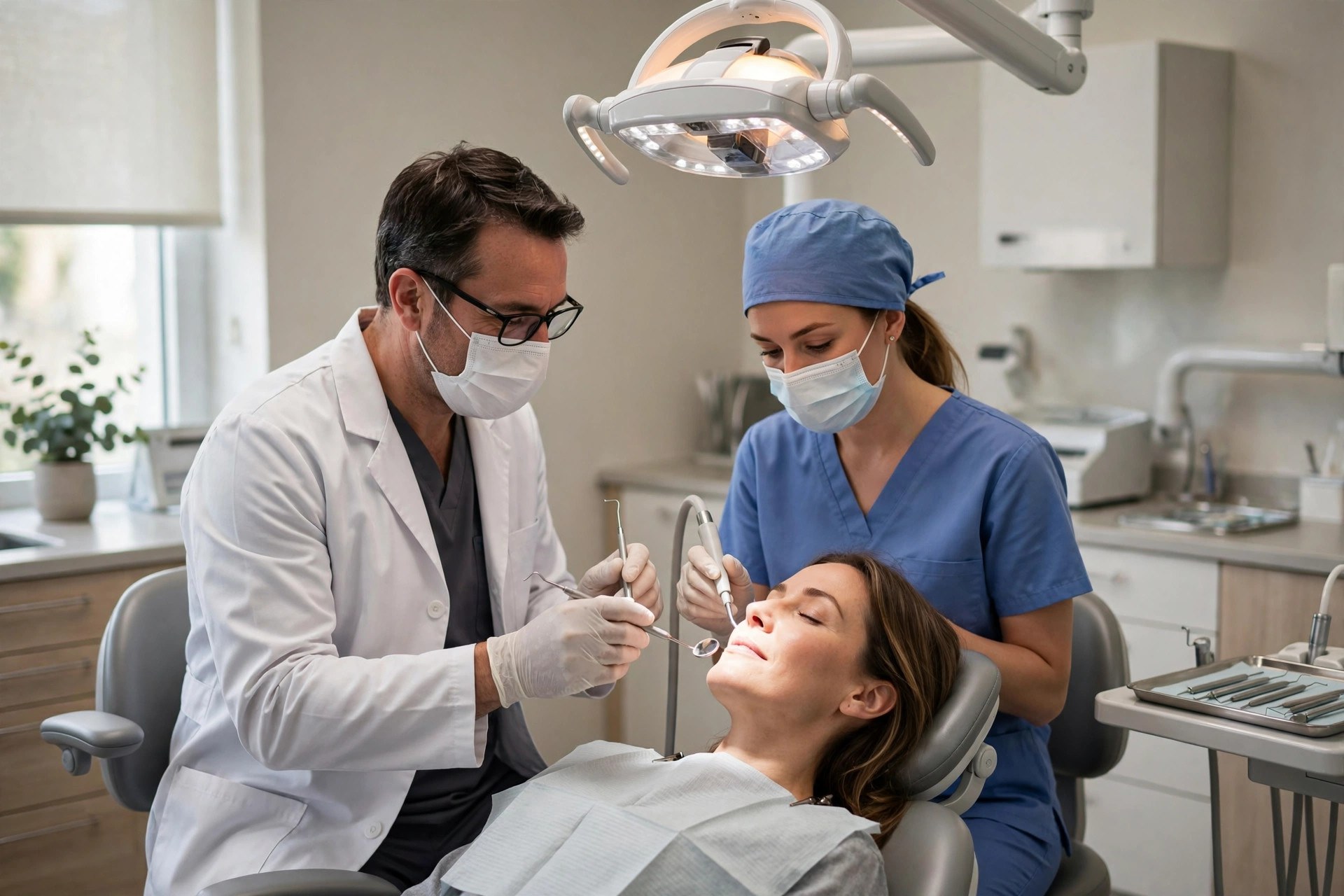
When the chatbot handles booking and reminders, the clinical team spends chair time on dentistry instead of phone tag.
WhatsApp vs SMS vs phone calls for your practice
Most practices already use some mix of phone calls and SMS. WhatsApp does not replace either; it takes the jobs it does best and leaves the rest. The comparison below shows where each channel wins.
| Task | WhatsApp chatbot | SMS | Phone call |
|---|---|---|---|
| After-hours inquiries | Answered instantly, books directly | Auto-reply only, no conversation | Voicemail, callback next day |
| Appointment reminders | Interactive: confirm or reschedule in-chat | One-way or basic reply | Staff time per call, often unanswered |
| Rich content | Photos, videos, PDFs, location pins, payment links | Plain text, links only | Verbal only |
| Cost per message | A few cents per automated conversation | 1 to 3 cents per segment | Staff wages per minute |
| Patient preference under 45 | Highest: the app they already use daily | High but impersonal | Lowest: most avoid calling |
| Complex or sensitive issues | Hands off to a human with full history | Poor fit | Best: tone and nuance |
The practical setup for most practices is all three working together: WhatsApp for booking, reminders, and questions; SMS as a backup for patients who do not use WhatsApp; and the phone for complex cases, anxious patients, and anyone who simply prefers to talk. The chatbot’s handoff feature is what makes the mix work, because a conversation that starts in WhatsApp can move to a call with zero repeated questions.
What a dental WhatsApp chatbot costs
Pricing has three layers: WhatsApp’s own conversation charges, the chatbot software, and setup. None of them are large compared with one recovered patient.
| Cost layer | Typical US price band | What it covers |
|---|---|---|
| WhatsApp Business app | Free | Basic messaging from one phone; fine for very small practices, no automation |
| WhatsApp Business Platform conversations | Roughly 1 to 3 cents per marketing conversation; replies inside the 24-hour window are free | Meta’s per-conversation charge for automated outbound messages like reminders and campaigns |
| Chatbot software (DIY) | $30 to $150 per month | Flow builder, calendar integration, reminder automation; you build and maintain it |
| Chatbot software (managed platform) | $150 to $300 per month | Done-for-you flows, analytics, human handoff, ongoing tuning |
| Agency setup | $500 to $3,000 one time | Number setup, flow design, calendar and software integration, team training |
| Agency management | $150 to $600 per month | Monitoring, monthly optimization, campaign management, reporting |
A realistic mid-size practice budget looks like this: $1,500 one-time setup plus $250 a month for software and management, plus perhaps $30 to $60 a month in Meta conversation charges. That is roughly $300 a month all-in after setup. One new implant consult or two returning hygiene patients cover it. The expensive option is not the chatbot; it is the status quo of missed calls and empty chairs.

Every returning patient is worth hundreds in production with zero ad spend, which is why reactivation pays for the whole system.
Setting it up: from zero to live in two weeks
A dental WhatsApp chatbot is a two-week project, not a two-month one. The practices that stall are the ones that try to automate everything on day one. Start with booking and reminders, add the rest later.
Week 1, days 1 to 2: the number and the account. Decide whether the bot runs on your main practice number or a dedicated line. The main number is better for patients because it is the number they already know, but moving it to the WhatsApp Business Platform means the front-desk phones need a clear process for who answers what. Set up the WhatsApp Business profile with your practice name, address, hours, and website.
Week 1, days 3 to 5: the flows. Build the booking flow, the reschedule flow, and the FAQ answers for insurance, pricing, and parking. Connect the practice calendar so the bot sees real availability; a bot that offers slots you do not have is worse than no bot. Write the reminder templates and submit them for WhatsApp approval, which usually takes a day or two.
Week 2, days 6 to 8: testing. Run every flow with real staff phones. Book, reschedule, cancel, ask weird questions, try the emergency triage at midnight. Fix the dead ends. Test the human handoff: when the bot gives up, does the right person get notified, and do they see the chat history?
Week 2, days 9 to 10: team training. Show the front desk the handoff inbox, the confirmation dashboard, and the escalation rules. Agree on response-time targets: handoffs answered within 15 minutes during office hours, triage flags reviewed first thing each morning.
Week 2, days 11 to 14: soft launch. Turn the bot on for new inquiries first, then add reminders for next week’s appointments, then launch the first reactivation campaign to the 6-to-12-month list. Watch the first 100 conversations closely and tune the wording where patients get confused.
Common mistakes that kill response rates
Sending from an unknown number. Patients ignore messages from numbers they do not recognize. Use the practice’s main number or announce the new chat line clearly on the website, in the office, and on the appointment card.
Asking for opt-in like a legal document. “Reply YES to receive appointment reminders” works. A paragraph of compliance text does not. Collect consent at booking, on the intake form, and at checkout with one plain sentence.
Blasting promotions. WhatsApp is a conversation channel, not an email list. Practices that send weekly discount blasts get blocked and reported, which can restrict the number. Keep campaigns to reactivation and genuinely useful updates: a few times a year, not a few times a week.
Flows that trap people. Every automated conversation needs an escape hatch: “Reply 0 to talk to our team” at every step. A patient in pain who cannot reach a human will leave a one-star review, not a booking.
No calendar integration. A bot that takes booking requests and promises a callback is just a fancy contact form. Real availability, real confirmation, or do not launch.
Forgetting the team. The bot changes the front desk’s job; it does not remove it. If the team is not trained on handoffs and does not trust the system, they will quietly route around it and the investment dies.
Setting it and forgetting it. Review the conversation logs monthly. You will find questions the bot fumbled, wording that confused people, and new FAQs to add. Fifteen minutes a month keeps the bot sharp.
Your rollout checklist
Work through these in order. Each one builds on the last.
- 1Pick the number. Main practice line or a dedicated chat line, announced everywhere patients see your contact details.
- 2Set up the WhatsApp Business profile. Practice name, address, hours, website, and a profile photo patients will recognize.
- 3Connect the practice calendar. Real-time availability for cleanings, exams, and consults, with buffer rules your schedulers trust.
- 4Build the booking and reschedule flows. Five steps or fewer, three to four slot options at a time, instant confirmation.
- 5Write the FAQ answers. Insurance accepted, self-pay prices, emergency policy, parking, and new-patient paperwork.
- 6Build the reminder sequence. 48-hour, 24-hour, and 2-hour reminders, every one of them replyable.
- 7Build the emergency triage flow. Four sorting questions, clear escalation rules, and a medical-advice disclaimer on every triage message.
- 8Set handoff rules and train the team. Who answers handoffs, response-time targets, and where the chat history lives.
- 9Soft-launch on new inquiries. Watch the first 100 conversations, fix the dead ends, then add reminders.
- 10Launch reactivation. Message the 6-to-12-month lapsed list first, measure bookings, then work the older lists.
Frequently asked questions
Will older patients use a WhatsApp chatbot?
Many will, because WhatsApp is already on their phones for family chats. Adoption is highest under 50, but the bot also serves as a backup channel: patients who prefer calling can still call, and the bot simply catches everyone else. Keep the phone lines fully staffed and let patients choose.
Is WhatsApp allowed for dental patient communication?
Yes, with the right setup. Use the WhatsApp Business Platform, collect clear consent for reminders and campaigns, and keep clinical details minimal in chat. Discuss your specific compliance obligations with your own advisor, since rules vary by state and message type, and avoid sending sensitive health information the patient did not ask for.
How much does a dental WhatsApp chatbot cost per month?
Most practices pay $30 to $300 a month for the chatbot software, plus a few cents per automated conversation to Meta, which usually adds $30 to $60 a month. Agency-managed setups add $150 to $600 a month. All-in, a typical mid-size practice spends about $300 a month after a one-time setup of $500 to $3,000.
Can the chatbot connect to my practice management software?
Yes, if your software has an open calendar or API. The common dental practice systems integrate with the major chatbot platforms, either directly or through a connector. The integration is what makes real-time booking work, so confirm it before you sign anything.
What happens when the chatbot cannot answer a question?
It hands the conversation to your team with the full chat history attached, so nobody repeats themselves. Set a response-time target, 15 minutes during office hours is a good standard, and make sure handoffs go to a person or inbox that is actually monitored.
Will patients get annoyed by automated messages?
Not if you respect the channel. Reminders and confirmations are welcome because they are useful. Reactivation messages a few times a year are welcome because they are personal. Weekly promotional blasts are what get numbers blocked and reported. Keep campaigns rare and useful.
How long does setup take?
One to two weeks for booking, reminders, and FAQs. The calendar integration and the reminder template approvals are the longest steps. Emergency triage and reactivation campaigns can be added in week three. Practices that try to automate everything on day one take far longer; start with the core flows.
Can the bot handle dental emergencies safely?
It can sort them, not treat them. The triage flow asks a few questions, routes true urgencies to the on-call line and the next emergency slot, and always carries a disclaimer that it provides general information, not medical advice. Every triage conversation should be reviewed by a human first thing in the morning.
Do I still need my front-desk team?
Yes. The chatbot removes the repetitive work, calls about hours, booking, reminders, so your team can focus on check-ins, insurance verification, treatment-plan conversations, and the patients standing in front of them. Practices usually redeploy the saved hours rather than cutting staff.
How do I measure whether it is working?
Track five numbers monthly: after-hours inquiries captured, bookings completed in chat, no-show rate, reactivation bookings, and handoff response time. Compare against the two months before launch. Most practices see the no-show and reactivation numbers move first, usually within 60 days.
Fill empty chairs without adding front-desk hours
Digital Hayder builds WhatsApp chatbots and AI receptionist systems for dental practices: after-hours booking, reply-to-confirm reminders, emergency triage, and reactivation campaigns that run on your real schedule. Tell us about your practice and we will design the chat system around it.
Contact Us