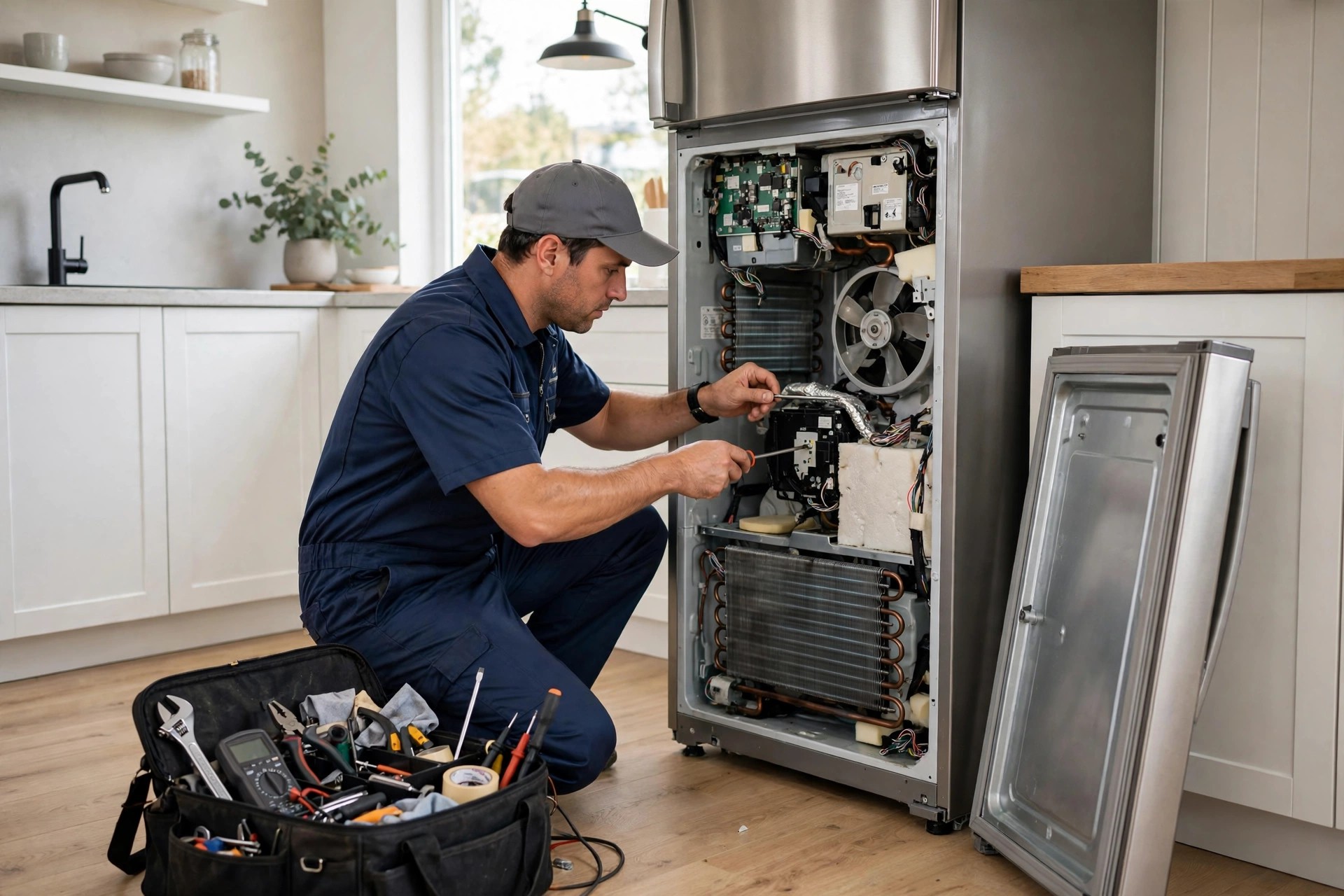
The refrigerator dies at 9:15 at night. The homeowner pulls out their phone, searches for appliance repair near me, and lands on your website. They do not want to fill out a contact form and wait until morning. They do not want to call and leave a voicemail. They want to know three things right now: do you service my area, what does the visit cost, and when can someone come. If your website cannot answer those questions in the next sixty seconds, they hit the back button and book with the competitor whose site has a chat box that actually works. This guide answers the question appliance repair owners keep asking: should my company use an AI chatbot? It covers what a good chatbot does on an appliance repair website, the triage questions that separate real jobs from time-wasters, how service-call-fee quoting works in chat, what it costs, the mistakes that make chatbots useless, and how to roll one out that books jobs while you sleep.
The quick answer
- Yes, for most shops: an AI chatbot captures the after-hours and mobile visitors who will not call or fill out a form, and books them into real time slots.
- Triage in chat: brand, model, symptoms, and zip code are the four questions that qualify an appliance repair job; the chatbot asks all four in under a minute.
- Fee quoting: the chatbot states your diagnostic or service-call fee upfront and the typical repair bands, which filters out price-only shoppers honestly.
- Typical cost: most AI chatbot setups run $100 to $500 a month, far less than a missed-job problem that costs thousands.
- What matters most: real booking into your schedule, honest handoff to a human when chat cannot help, and no fake-human pretending.
- Watch out for: generic chatbots with no appliance knowledge, no calendar connection, and scripts that promise what your techs cannot deliver.
Why appliance repair websites lose visitors who never call
Appliance repair has one of the most urgent buyer journeys in home services. Nobody browses for refrigerator repair for fun. The visitor on your site has a broken machine, food going bad, laundry piling up, or a dishwasher flooding the kitchen. They are deciding fast, usually on a phone, usually outside business hours. Industry data on local service searches consistently shows that a large share of these searches happen in the evening and on weekends, exactly when your office is closed and your techs are off the clock.
The contact form is where most of these visitors die. A form that says “we will get back to you within one business day” is telling a person with a dead fridge to wait until morning for a reply that might come at noon. They will not wait. They go back to the search results and click the next company. The phone is not much better after hours: it rings to voicemail, and voicemail in an emergency trade is a dead end. Live chat with a human agent would work, but no small shop can staff chat at 10 at night. That gap, the urgent visitor who will not call and will not wait, is exactly what an AI chatbot fills. It is there at 10 at night, it answers the three questions in sixty seconds, and it books the job into tomorrow’s schedule before the visitor’s thumb reaches the back button.
There is a second, quieter loss the chatbot fixes: the visitor who is not ready to book but has a real question. “Do you repair Samsung refrigerators?” “Is it worth fixing a ten-year-old dryer?” “What is your service call fee?” These are buying questions, and a site with no chat leaves them unanswered. Some of those visitors call, but many just leave. A chatbot that answers competently turns researchers into bookings, and it does it without interrupting your techs for the twentieth “do you work on LG” call of the week.
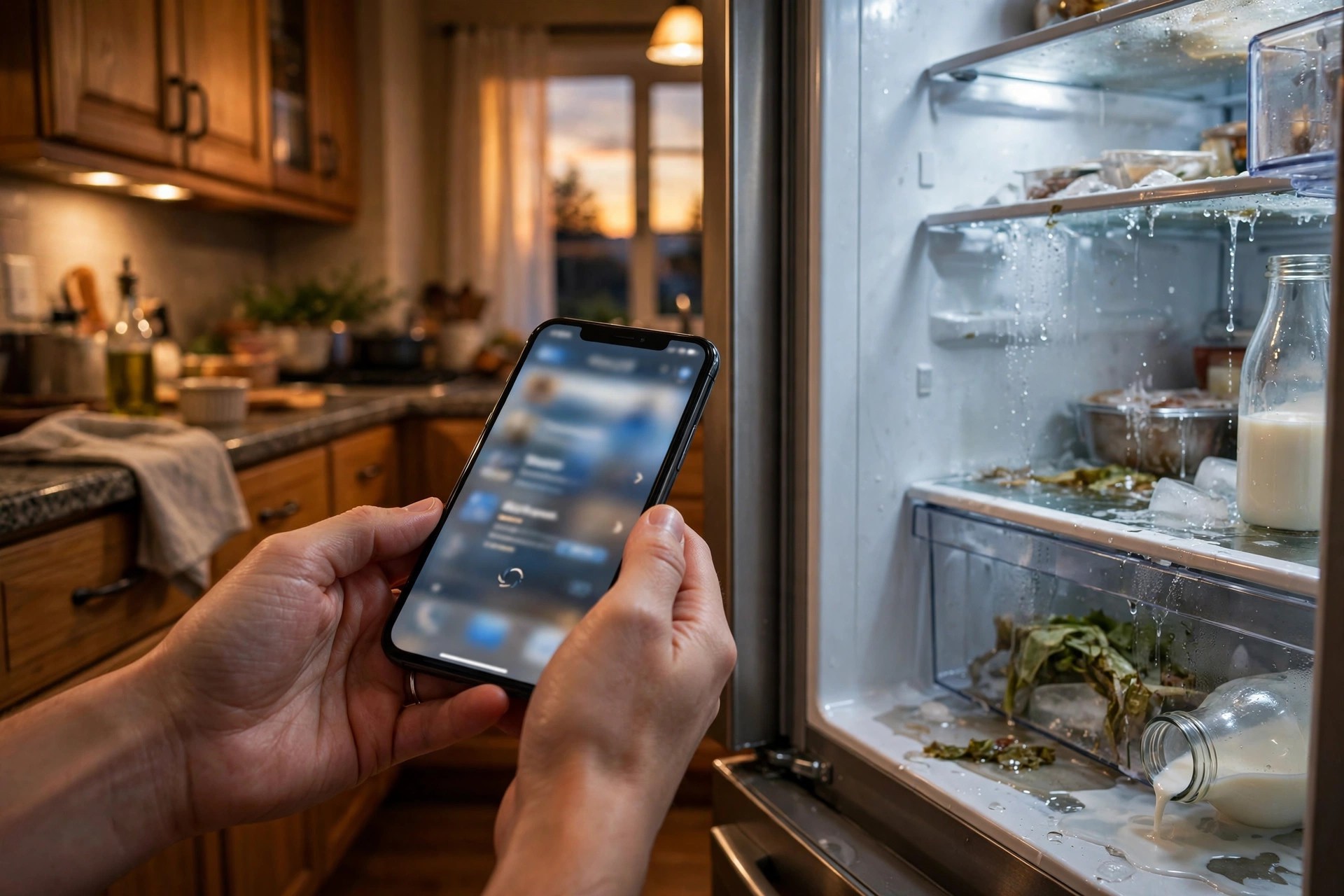
The urgent visitor decides in sixty seconds: the chatbot answers before the back button wins.
What an AI chatbot actually does on an appliance repair website
A good appliance repair chatbot is not a FAQ widget. It is a triage nurse, a price quoter, and a booking agent in one conversation. The flow has a natural order that mirrors what your best phone staff does: identify the machine, understand the symptom, confirm the service area, quote the fee, and book the visit. Each step filters and qualifies, so the jobs that land in your schedule are real, in-area, and priced right.
The four triage questions that qualify every job
Brand, model, symptoms, zip code. Those four answers tell your office almost everything it needs to decide whether to book, and the chatbot collects them conversationally in under a minute. Brand matters because some shops do not service certain brands, and because parts availability varies wildly: a common Whirlpool dryer is a same-week fix, an imported European range might need a two-week parts order. The chatbot should know your brand policy cold and decline gracefully when a brand is outside it: “We do not service that brand, but here is what I can suggest.” That honesty earns more goodwill than a booked job you later cancel.
Model, or at least the appliance type and rough age, matters for the parts conversation. Symptoms matter because they separate the five-minute fixes from the real repairs: a dryer that tumbles but does not heat is a different job than a dryer that will not start at all, and a refrigerator that is warm in both compartments is more urgent than an ice maker that quit. The chatbot should ask symptoms in plain language, not technician jargon: “Is the fridge warm in the fridge section, the freezer section, or both?” Zip code matters because nothing wastes a morning like dispatching to an address forty minutes outside the service area. The chatbot confirms the zip against your service map before it offers a single time slot. Four questions, one minute, and the tire-kickers, out-of-area callers, and wrong-brand jobs never reach your schedule.
Quoting the service-call fee and booking the visit
The service-call or diagnostic fee is the moment of truth in appliance repair chat. Visitors are terrified of the open-ended bill, and the shops that state the fee plainly win the booking. The chatbot should quote it the way your best office person does: “Our diagnostic visit is $89. The tech diagnoses the problem on site, gives you the full repair price before any work starts, and the $89 applies toward the repair if you go ahead.” That single paragraph answers the price question, removes the fear, and sets the expectation that the final price is confirmed on site, not in chat.
Then it offers real time slots from your live schedule: “We have Thursday between 10 and 12, or Friday between 1 and 3. Which works better?” It collects the name, phone number, and address, sends a confirmation text, and logs the brand, model, and symptoms so the tech arrives prepared. The parts angle is the hidden win here: a tech who knows it is a Samsung refrigerator with a warm fridge section can check parts stock before the visit, which turns some jobs into same-visit fixes instead of two-visit jobs. That is real money: every avoided second visit saves fuel, labor, and a scheduling slot.
Chatbot vs phone vs contact form: an honest comparison
Each channel has a job, and the chatbot does not replace the others. It catches the visitors the others lose. The phone remains the best channel for complex situations: the elderly customer who does not trust chat, the commercial account with six machines down, the angry caller with a warranty dispute. The contact form still works for non-urgent quote requests and for visitors who prefer writing at length. But for the urgent, mobile, after-hours visitor, who is the majority of your web traffic in this trade, chat beats both.
| Channel | Best for | After-hours | Qualification | Typical outcome |
|---|---|---|---|---|
| AI chatbot | Urgent mobile visitors, after-hours traffic | Full service, 24/7 | Brand, model, symptoms, zip in one minute | Booked job with complete details |
| Phone call | Complex jobs, older customers, commercial accounts | Voicemail unless staffed | Excellent, if someone picks up | Booked job, or lost to voicemail |
| Contact form | Non-urgent quotes, detailed requests | Waits until morning | Whatever the visitor bothers to type | Callback promise, often too late |
| Human live chat | Same as AI chat, with a person | Only if you staff it | Good, but limited by agent knowledge | Booked job at a high labor cost |
The practical takeaway is that the chatbot and the phone are a team, not competitors. The chatbot handles the volume: the midnight fridge, the Sunday dishwasher, the lunch-break dryer question. The phone handles the exceptions. And the handoff between them has to be clean: when the chatbot cannot help, it should offer the callback or transfer immediately, not loop the visitor through three more questions. A visitor who chats for two minutes and then gets a fast human callback is happy. A visitor who chats for two minutes and gets “please call us during business hours” is gone. The same team thinking applies to voice: if you want the phones covered too, our AI answering service for HVAC companies guide shows how the voice side works in a neighboring trade.
What it costs and what it returns
AI chatbot pricing for a small appliance repair shop is refreshingly simple. Most setups run $100 to $500 a month depending on conversation volume and features, with setup ranging from free self-serve to $500 to $1,500 professionally done. There is no per-seat staffing cost, no overtime, and no training a new hire every six months. Compare that to the cost of the problem: a shop doing $40,000 a month that loses even 5 percent of its web visitors to dead forms and voicemail is leaving $2,000 a month on the table, and in an emergency trade the real number is usually higher.
The return math is straightforward because the average ticket is high. A typical appliance repair visit runs $150 to $400 all-in, with refrigerator sealed-system work and high-end range repairs running higher. If the chatbot books just four extra jobs a month at a $250 average, that is $1,000 in revenue against a $300 cost. Most shops see more than that in the first month, because the chatbot is not creating demand, it is catching demand that was already arriving and leaking out. The payback question is not whether it works, it is how fast you notice the schedule filling with jobs that used to vanish.
What the chatbot should handle and what it hands to a human
Boundaries make or break a chatbot. Visitors trust it exactly as far as it stays honest about what it knows. The rule is simple: the chatbot handles information, triage, quoting the standard fee, and booking. It never diagnoses with certainty, never quotes a final repair price, and never argues. Anything outside its knowledge goes to a human fast, with the full chat transcript attached so the caller does not repeat themselves.
| Situation | Chatbot handles it | Hand to a human |
|---|---|---|
| Brand, model, symptom triage | Yes: the four questions, plain language | Unusual machines or commercial equipment |
| Service-call fee quote | Yes: state it plainly every time | Never: this should never need a human |
| Booking a visit | Yes: real slots from the live schedule | Same-day emergency when the board is full |
| Repair price estimate | Give typical bands with the on-site-confirmation caveat | Anything the bands do not cover |
| Warranty questions | Collect details, state the warranty policy | Disputes, denials, anything heated |
| Safety issues (gas smell, sparking) | Immediate safety instructions, then urgent handoff | Always: gas and electrical hazards go to a person now |
| Angry or confused visitors | Acknowledge once, then offer the callback | Immediately, with transcript attached |
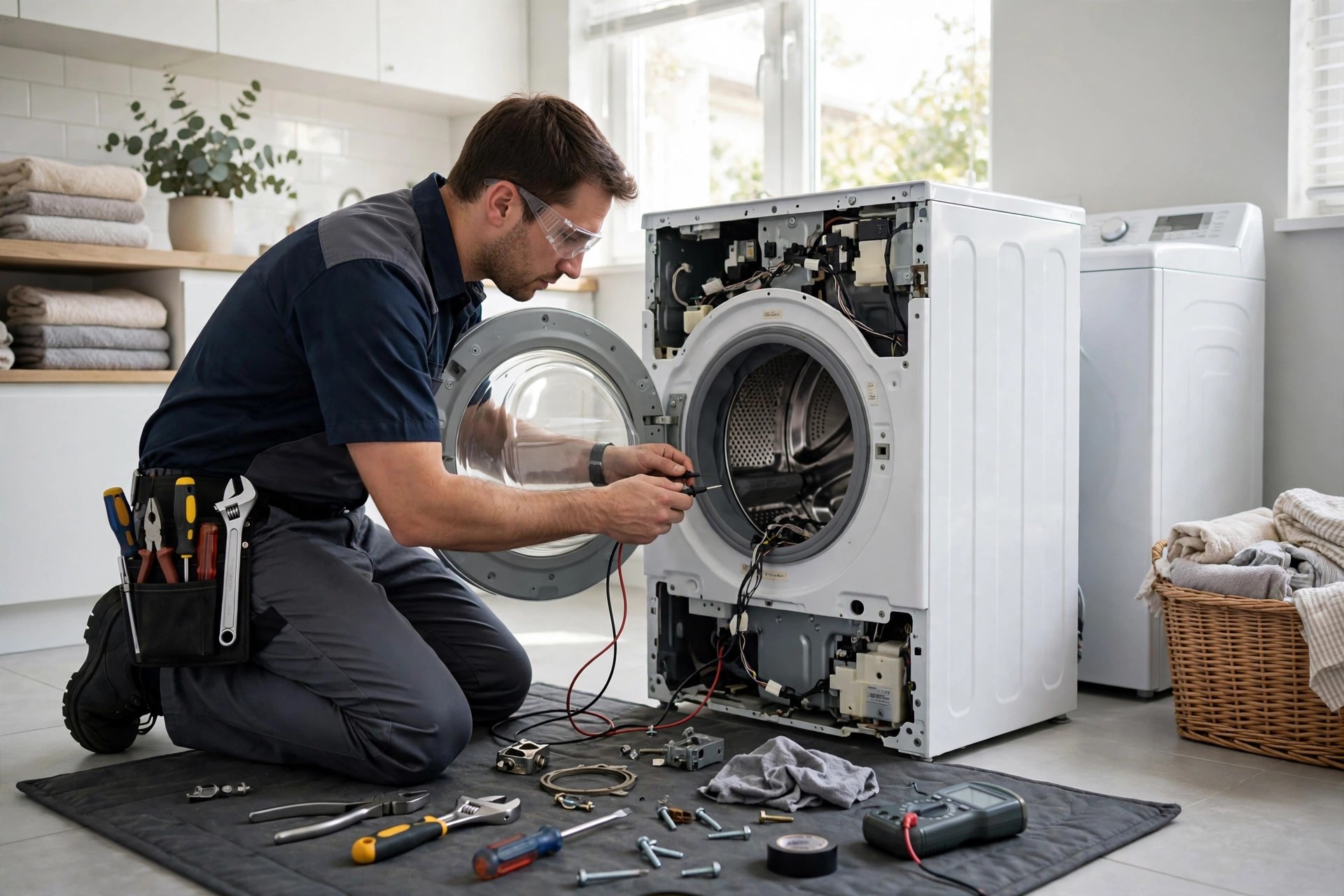
The details the chatbot collects decide whether the tech arrives with the right parts.
Common mistakes that make appliance repair chatbots useless
The most common mistake is launching a generic chatbot with no appliance knowledge. It greets visitors warmly, asks “how can I help,” and then has nothing useful to say about a refrigerator that is warm on top and freezing on the bottom. Visitors figure out in thirty seconds that they are talking to a script, and they leave angrier than if there had been no chat at all. The chatbot needs the vocabulary of the trade: compressors, sealed systems, igniters, control boards, drain pumps, door gaskets. It does not need to be a technician, but it needs to ask the questions a technician would ask first.
The second mistake is no calendar connection. A chatbot that collects the visitor’s details and then says “we will call you to schedule” is a contact form with extra steps. The booking has to happen in the chat, into real slots, with a confirmation text. If your scheduling software cannot share availability, fix that before you launch the chatbot, because a chat widget without booking is decoration. The third mistake is the fake-human act. Do not name it “Mike from customer service” and have it pretend to type. Visitors can tell, and the deception burns the trust you need for a $300 booking. A simple honest label works: “Hi, I am the [company] booking assistant. I can check availability and get a tech scheduled.”
The fourth mistake is letting the chatbot quote final repair prices. Chat cannot diagnose, and a quoted price that doubles on site creates the exact anger that review sites are built for. The script must hold the line: fee quoted in chat, repair priced on site, always. The fifth mistake is no human handoff path. Some visitors will always need a person, and a chatbot with no escape hatch is a trap. The handoff should offer a callback within a stated time window, and the office has to actually make that callback, or the chatbot becomes the thing customers complain about.
Key features to demand in an appliance repair chatbot
Shopping for a chatbot is simpler than most vendors make it sound. You need a short list of non-negotiables, and everything else is nice to have. Start with the calendar: real two-way booking into your schedule, with the brand, model, symptoms, and address attached to the job. Without this, nothing else matters. Next, the triage builder: you need to write your own questions in your own words, including the brand policy, the symptom trees for each appliance type, and the service-area zip list. A vendor that only offers a generic template does not understand this trade.
Next, the fee and band quoting: the chatbot must state your diagnostic fee and typical repair bands confidently, with the on-site-confirmation language built in. Next, the handoff: one-tap escalation to a human with the full transcript, plus an after-hours callback promise with a time window you can actually meet. Next, the integrations: it should log every conversation to your CRM or job system, send confirmation and reminder texts, and ideally push the job details your techs see on their phones. Finally, the analytics: you need to see chat volume, engagement rate, booking rate, and the transcripts, because the transcripts are where you find the questions your script missed.
Ask every vendor for a live demo using your scenario: a visitor with a Samsung refrigerator, warm fridge section, in your zip code, at 9 at night. Watch whether it asks the right symptom questions, quotes your fee, and books a real slot. If the demo uses a dentist appointment instead, the product was not built for you. For the broader chatbot picture in home services, our AI chatbot for home services websites guide compares options across the trades, and AI chatbot vs live chat settles the staffing question honestly.

The chatbot’s job ends at the booking: the tech’s job is turning it into a five-star review.
Your rollout checklist
Two weeks of focused work gets most shops live. Do not skip the testing week.
- 1Write your brand policy. Which brands you service, which you decline, and the graceful decline language for each. This is the first filter in every chat.
- 2Build the symptom trees. With your lead tech, write the plain-language questions for refrigerators, washers, dryers, dishwashers, ranges, and microwaves.
- 3Load your fee and repair bands. Diagnostic fee plus typical ranges for the common jobs, with the on-site-confirmation caveat on every quote.
- 4Map your service-area zips. The exact zip list the chatbot checks before offering slots, plus the polite decline for outside callers.
- 5Connect the live calendar. Real two-way booking with brand, model, symptoms, and address attached to every job. Test that blocked times stay blocked.
- 6Set the handoff rules. Which situations escalate to a human, the callback time window, and who owns the callback. Attach transcripts to every handoff.
- 7Write the safety scripts. Gas smells, sparking, and water leaks get immediate safety instructions and an urgent human handoff. No exceptions, no troubleshooting.
- 8Wire the confirmation texts. Instant booking confirmation, day-before reminder, and tech-on-the-way text with the tech name.
- 9Test like a customer. Run twenty test chats: the midnight fridge, the wrong brand, the out-of-area zip, the angry visitor, the safety hazard. Fix everything that feels wrong.
- 10Review transcripts weekly for a month. Find the questions the script missed, add them, and watch the booking rate. Then move to monthly reviews.
Frequently asked questions
Should my appliance repair company use an AI chatbot?
For most shops, yes. Your highest-intent website visitors arrive on mobile, outside business hours, with an urgent problem. They will not fill out a form and wait, and they will not leave a voicemail. A chatbot answers their questions in sixty seconds and books the job into your real schedule. If your site gets meaningful traffic, the chatbot pays for itself in the first month.
How much does an AI chatbot cost for an appliance repair company?
Most setups run $100 to $500 a month depending on chat volume, with $500 to $1,500 for professional setup. There is no staffing cost and no overtime. Four extra booked jobs a month at a $250 average ticket covers even the high end of the range, and most shops see more than that.
Can a chatbot really quote appliance repair prices?
It quotes your diagnostic or service-call fee with total confidence, plus typical repair bands with a clear caveat: the tech confirms the exact price on site before any work starts. It never quotes a final repair price in chat, because chat cannot diagnose. That boundary is what keeps quotes honest and reviews positive.
What questions should the chatbot ask?
Four: brand, model or appliance type and age, symptoms in plain language, and zip code. Those answers qualify the job, check your brand policy and service area, and give the tech what they need to arrive prepared. Everything else is details the tech collects on site.
Will visitors know it is not a human?
Assume yes, and label it honestly as your booking assistant. Do not give it a fake human name or fake typing delays. Visitors care about getting their problem solved and a tech scheduled; they do not care whether the intake was automated, as long as it works.
What happens when the chatbot cannot help?
It hands off to a human immediately with the full transcript attached, and offers a callback within a stated time window. Safety issues like gas smells or sparking skip the queue entirely: immediate safety instructions, then an urgent human handoff. A chatbot with no escape hatch is a trap, so verify the handoff in testing.
Does it integrate with my scheduling software?
It should. Demand real two-way booking: the chatbot reads your live availability and writes jobs back with all the triage details attached. If a vendor cannot connect to your system and offers “we will email you the lead,” keep shopping. Booking in the chat is the whole point.
Can it handle visitors in Spanish?
Many chatbot platforms offer Spanish, either included or as an add-on. Appliance repair has a large Spanish-speaking customer base in many US markets, so this is worth enabling. Test it with real Spanish conversations before launch, not just the vendor’s demo.
How long does it take to set up?
Two weeks of focused work for most shops: brand policy, symptom trees, fee and band quoting, service-area zips, calendar connection, handoff rules, and a full week of testing. The testing week is the most important part. Rushing to launch with an untested script is how chatbots get a bad reputation.
Is a chatbot better than hiring someone for live chat?
For coverage, yes: the chatbot works at 2 in the morning for a flat monthly fee, while human chat coverage around the clock costs a full salary or more. For complex situations, the human wins, which is why the best setup is both: the chatbot handles the volume and the handoff sends the exceptions to a person. Our AI chatbot vs live chat comparison covers the tradeoff in detail.
Book jobs from visitors who never call
Digital Hayder builds AI chatbots for appliance repair companies: brand and symptom triage, service-call-fee quoting, real booking into your schedule, and clean handoff to your team when chat cannot help. Tell us about your brands and your service area and we will design the chat flow around your shop.
Contact Us