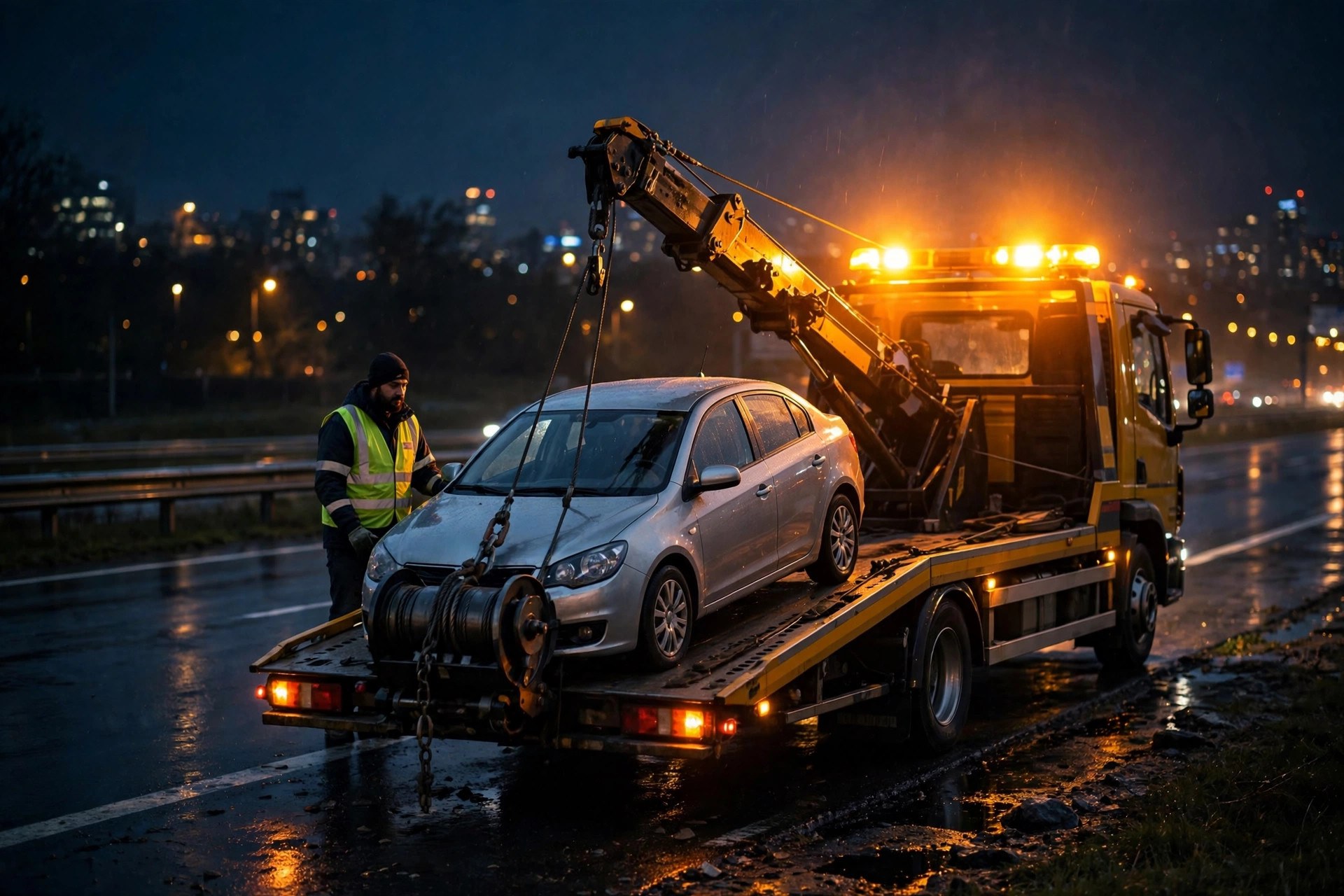
A stranded driver on the highway shoulder does not leave a voicemail. She calls the next number on the search results, and whoever answers first gets the job. In towing, that is the entire business in one sentence: the phone rings, usually at the worst possible hour, and the company that picks up wins the tow. Most tow operators know this from hard experience. Your best hours are nights, weekends, and holidays, exactly when you cannot staff a front desk without burning money. The driver is asleep, the dispatcher has gone home, and the truck sits ready while the calls roll to voicemail. An AI answering service fills that gap: it picks up every call in a few rings, takes down the details a dispatcher would need, quotes your hookup and per-mile rates, and sends the job to your phone as a text or dispatch ticket. This guide covers everything a tow company owner needs to know before buying one: what it does on real calls, what it costs in plain dollars, how the setup works, the call scripts that convert, the integrations that matter for dispatch, and the mistakes that waste the money.
The quick answer
- What it does: answers every call 24/7, collects location and vehicle details, quotes your hookup and mileage rates, and dispatches the job to you by text or software ticket.
- What it costs: most towing companies pay $300 to $1,500 a month, depending on call volume and whether pricing is per-minute, per-call, or a flat plan.
- Best use case: after-hours emergency intake, overflow when all drivers are on jobs, and impound lot questions during release hours.
- Vs a human answering service: AI costs less per call, answers instantly, and never quits mid-shift; human services handle edge cases better but cost more and add hold times.
- Setup time: a well-run setup takes one to three weeks: call scripts, rate cards, dispatch rules, testing, then go-live with monitoring.
- Key to making it work: accurate rate cards, a clear dispatch list, and a backup path to a human when the caller is in danger or the situation is unusual.
Why missed calls cost tow companies more than almost anyone
Towing is a distress purchase. Nobody plans to need a tow truck, and nobody shops around for the best deal while standing on a highway shoulder at 2 in the morning. The caller picks the first company that answers and sounds competent. Studies of local service businesses consistently find that most callers who reach voicemail never call back; they move on to the next number. In towing, that figure is widely reported to be even worse because the need is urgent and the alternatives are one tap away on a phone screen.
Run the numbers on a small operation. Say your company handles five calls a day after hours, and the AI service costs $600 a month. If the service books just two extra tows a week that would otherwise have gone to voicemail, and each tow averages $175, that is about $1,400 in extra monthly revenue from a $600 spend. The break-even math is that simple in most cases: one or two recovered jobs a week pays for the service. Many operators report that after-hours calls make up 30 to 50 percent of total call volume, and after-hours callers are the most likely to be captured by whoever answers first, because they are calling while standing next to a disabled car.
The after-hours trap
Staffing a human dispatcher around the clock costs roughly $3,000 to $4,500 a month for one position when you include wages, taxes, and benefits, and one person cannot cover 24/7 anyway. You would need two or three people for full coverage, which puts the real cost well above $8,000 a month. For a five-truck operation, that is often a deal-breaker. The alternative most companies choose is rolling calls to the owner or the on-call driver’s cell phone, which means interrupted sleep, missed calls while driving, and a dispatcher who is tired and slow the next day. An AI answering service replaces that second-best option with something that picks up in two or three rings every time, whether it is 2 PM or 2 AM.
Overflow during the rush
After-hours is the headline use case, but overflow matters too. Storm days, holiday weekends, and the first cold snap of fall can triple your call volume in hours. One dispatcher cannot answer three lines at once, and every caller sitting on hold is a caller dialing your competitor. AI services handle unlimited simultaneous calls, so surge capacity comes free with the monthly plan. That is one of the biggest practical differences between AI and a human answering service, which charges per call or per minute and can still leave callers waiting when lines back up.
What an AI answering service actually does on a tow call
Strip away the marketing and the job is straightforward: the service answers in your company name, follows your call script, collects the information a dispatcher needs, and gets that information to you in a form you can act on. The quality of that job depends almost entirely on how well you set it up, which is why the setup sections below matter more than the brand name on the service.
The call flow, step by step
A good tow call intake follows this order. First, the greeting identifies your company and sets the tone: a calm voice matters when the caller is stressed. Second, the service asks what happened and where the vehicle is, including the nearest cross street or mile marker. Third, it asks about the vehicle: year, make, model, and whether it is a car, truck, SUV, or something heavier, plus whether the vehicle is driveable or needs a flatbed. Fourth, it asks where the vehicle needs to go: a repair shop, the caller’s home, or your impound lot. Fifth, it quotes your published rates: hookup fee plus per-mile charge, or your flat zone pricing. Sixth, it confirms the caller’s name and callback number, and gives an estimated time of arrival based on your rules. Seventh, it sends the job to you: a text message, a push notification, or a ticket in your dispatch software with every detail attached.
The entire intake usually takes two to four minutes. Compare that to a human answering service where callers often wait through a greeting queue and a callback, and the speed advantage becomes obvious. Our overview of AI receptionist vs answering service breaks down where AI wins on speed and where humans still hold an edge.

A calm, complete intake is the product: location, vehicle, destination, rate quote, and callback number.
Emergency intake vs routine questions
Not every call is a live emergency. The service should separate three kinds of calls. Emergency intake: a live tow request that goes to your driver now, with a target response of under five minutes from hang-up to dispatch text. Routine intake: scheduled tows, dealer pickups, and lot moves that can be booked for tomorrow and added to the day board. Information calls: impound release hours, rate questions, job applications, insurance adjusters asking for records. Each type gets a different ending. Emergency calls page your driver immediately. Routine bookings land as tickets you review in the morning. Information calls get answered on the spot from your FAQ data, with a callback arranged if the caller needs more. The script you write determines which path each call takes, so spend time on the triage rules before you launch.
Impound and release questions
If you run an impound lot, release questions eat a huge share of front-desk time. Vehicle owners call to ask your hours, what documents they need, what the daily storage fee is, and how much they owe. An AI service can answer all of this from a rate card you provide, take down the caller’s name and the vehicle details, and book them into your release window. That alone can free up an hour or two of staff time a day during busy weeks. Police-rotation tows add another wrinkle: the service should log the call, confirm the pickup location, and route it according to your rotation rules without you touching it.
The call script that actually converts
The script is the product. Two services with the same technology will produce wildly different results based on the script they follow. The script below is a starting template; adjust the rates, names, and rules to your company before you hand it to a vendor.
Opening and triage
“Thanks for calling [Company Name], this is Alex. Are you safe right now? Great. What happened with the vehicle?” The safety question does two jobs: it shows the caller you are serious about them, and it flags the dangerous cases (highway shoulder, dark lot, medical situation) for the fastest possible escalation. Then: “Where is the vehicle right now? What is the nearest cross street or mile marker?” Then the vehicle: “What are you driving, and is it driveable or does it need to be loaded onto a flatbed?” Then destination: “Where do you need it taken?” Then the quote, stated plainly from your rate card: “Our hookup fee is $X and mileage is $Y per mile from the pickup point. From your location to [destination], that comes to about $Z.” Then the close: “I can get a truck to you in about [ETA]. Can I get your name and the best number to reach you?”
Handling the hard questions
Write answers for the questions every tow company hears. “How much will it cost?” Answer from the rate card, never guess. “How long until the truck gets here?” Answer with your ETA rules by zone, and set expectations honestly: it is better to say 45 minutes and arrive in 30 than the reverse. “Can you take my car to my mechanic?” Yes, to any destination within your service area; get the shop name and address. “I do not have cash.” Confirm you take cards and which ones, and whether you need the card number before dispatch. “My car was impounded.” Switch to the release script: hours, required documents, daily storage rate, and a booked pickup window. “Are you the police rotation?” Follow your rotation rules exactly, because getting this wrong can cost you the contract. Put these answers in writing during setup; a service working from memory invents answers, and invented answers cost you jobs and bad reviews.
What it costs: real price bands for tow companies
AI answering services price three ways, and tow companies usually land in one of these bands. Per-minute pricing runs roughly $0.50 to $1.25 per minute of talk time, with monthly minimums of $100 to $300. A typical tow intake call lasts three to five minutes, so a company handling 100 calls a month pays roughly $250 to $600. Per-call pricing runs $3 to $12 per call, with emergency-intake plans at the higher end because the call handling is longer and includes dispatch. Flat monthly plans run $300 to $1,500 a month for unlimited or high-volume answering, often tiered by the number of minutes or calls included.
Most tow companies end up on per-minute or flat plans. Per-minute works well when your volume is steady and predictable. Flat plans make sense when after-hours surges would blow up a per-minute bill, or when you want overflow coverage during storms without watching the meter. Ask every vendor three pricing questions: what counts as a billable minute, what the overage rates are, and whether after-hours emergency calls cost extra. For a broader picture of receptionist pricing across service businesses, see how much an AI receptionist costs.
| Pricing model | Typical range | Best fit | Watch out for |
|---|---|---|---|
| Per minute | $0.50 to $1.25 per min, $100 to $300 monthly minimum | Steady call volume, simple rate cards | Long calls during storms inflate the bill; check overage rates |
| Per call | $3 to $12 per answered call | High hang-up or spam-call volume | Emergency intakes cost more; short info calls cost the same as full tows |
| Flat monthly | $300 to $1,500 per month | After-hours and overflow coverage, unpredictable surges | Fair-use limits and what happens past the included minutes |
| Hybrid with human backup | $800 to $2,500 per month | Police rotation or large fleets with complex rules | Human escalation fees stacked on top of the AI base price |
Hidden costs to ask about
The sticker price is rarely the total price. Setup fees run from zero to several hundred dollars; some vendors charge for script building and integration work. Number porting or new toll-free numbers can carry monthly charges. Spanish-language handling may be an add-on. Integration with dispatch software sometimes requires a paid connector. And if the vendor bills per minute, confirm whether hold time and voicemail-screening time count. Get the full fee schedule in writing before you sign, and prefer month-to-month terms for the first 90 days so you can walk away if the call quality is poor.
AI answering service vs human answering service vs hiring a dispatcher
Three realistic options cover what most tow companies actually do. The comparison below lays out where each one wins and what it costs, so you can match the choice to your call volume and budget.
| Option | Monthly cost | Answer speed | Emergency handling | Downside |
|---|---|---|---|---|
| AI answering service | $300 to $1,500 | 2 to 3 rings, unlimited lines | Fast intake, pages driver instantly | Struggles with unusual situations; needs good scripts |
| Human answering service | $400 to $2,000 plus per-call fees | Slower, often 30 seconds to minutes | Decent judgment calls, slower handoff | Agents juggle many clients; tow-specific knowledge is thin |
| In-house dispatcher | $3,000 to $4,500 per seat | Instant, knows your business cold | Best judgment, direct driver contact | Cannot cover 24/7 without multiple hires; turnover is constant |
| Owner on-call cell | Free, except your sleep | Hit or miss | You care most, but you are asleep | Missed calls, burnout, slower next-day performance |
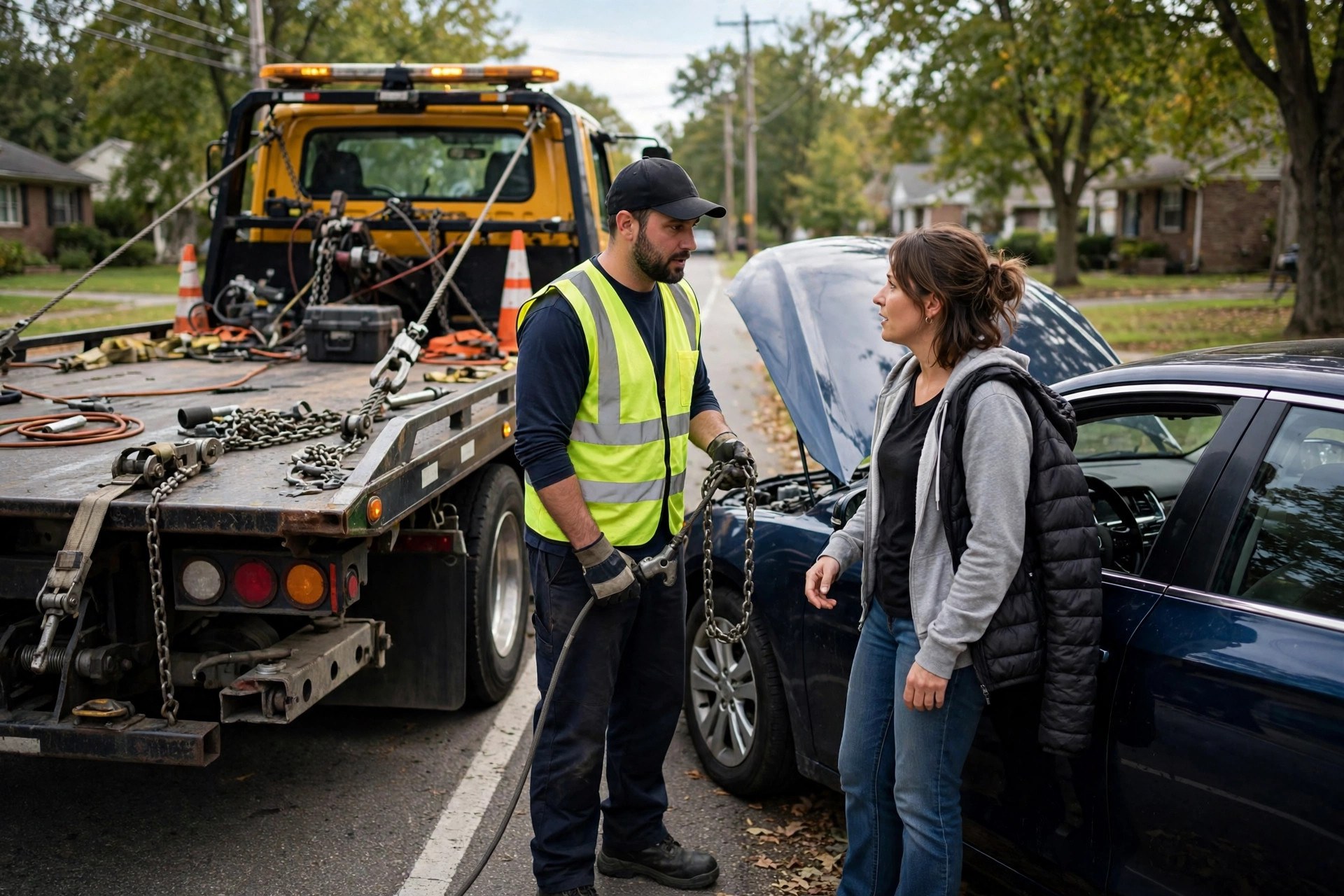
Every answered call is a job won. Most stranded drivers call the next company when they reach voicemail.
Emergency dispatch and ETA handling
This is where tow AI either earns its keep or falls apart. A dispatch that arrives late, incomplete, or to the wrong driver means the caller waits on a shoulder and then calls someone else. Get the dispatch rules right during setup and the system runs itself.
Building your dispatch rules
Write down exactly who gets what. Most companies run an on-call rotation: one driver covers nights, another covers weekends, the owner backs up holidays. The AI service needs that rotation in writing, plus the escalation order if the first driver does not confirm within ten minutes. The dispatch message should carry everything: caller name and number, pickup location with cross street, vehicle year/make/model and whether it needs a flatbed, destination, quoted price, and the promised ETA. A driver who gets all of that in one text can roll in two minutes. A driver who gets “call came in, call the number back” has to play phone tag and loses the job.
ETA promises you can keep
Set ETA rules by zone, not by gut feel. Break your service area into zones with typical drive times: zone A 20 minutes, zone B 30 to 45, zone C up to an hour. The AI quotes the zone time, not a guess. Update the zones when your driver location changes: if your only night driver is finishing a job across town, the AI should know the realistic time instead of promising 20 minutes. The simplest version is a driver-status system: available, on a job (ETA to free), or off duty. Some vendors integrate with GPS; if yours does not, a quick status text from the driver to the service at shift change keeps the ETAs honest. Nothing damages reviews faster than a quoted 20 minutes that turns into 90.
The danger escalation path
Some calls cannot be handled by script alone. Callers on a highway shoulder with no lights, medical emergencies, stranded drivers who feel unsafe, and intoxicated callers who cannot give a coherent location all need a human fast. Your setup must include a one-touch escalation: the AI flags the call, conferences in your on-call number, or texts you an urgent alert while it keeps the caller on the line. Define the triggers in writing during setup. The AI should never end a call from someone in a dangerous situation without either a human on the line or a confirmed truck rolling.
Integrations that matter for tow companies
An answering service that texts you is good. One that feeds your dispatch software, your calendar, and your CRM is better. Integrations decide whether the AI is a phone upgrade or an operations upgrade.
Dispatch and towing software
If you run dispatch software such as a tow-specific platform, the AI service should create a call record or ticket automatically, with the location, vehicle, and quote attached. This removes the retyping step where details get lost. At minimum, the service should send structured texts or emails that your existing workflow can absorb: a consistent format your dispatcher can copy into the system in seconds. During vendor demos, ask to see a real dispatch ticket from a test call, not a slide describing the feature.
Payments and follow-up
Some AI services can take card numbers or send payment links before dispatch, which cuts no-pays and disputes. If you offer it, set a clear policy: when is payment collected up front versus at drop-off, and what happens if the card fails. After the job, the service can follow up with a review request text, which feeds your Google profile and wins future calls. Pair that with a missed-call text-back setup so that even calls that slip through get an instant text and a second chance to book.
Setup timeline: from signing to go-live
Expect one to three weeks from signature to a service you trust with night calls. Rushing it produces bad scripts and lost jobs; dragging it out costs you the calls you signed up to capture.
Week one: scripts and rate cards
Days one through three are information gathering. The vendor collects your rate card (hookup fees, per-mile rates, zone pricing, impound fees, after-hours surcharges), your service area boundaries, your dispatch rotation, your impound hours and release rules, and your FAQ answers. Your job is to make sure the rate card is complete and current. Every rate the AI cannot quote from the card is a call it has to escalate, which defeats the purpose. Most setup failures trace back to an incomplete rate card, not to the technology.
Week two: testing and tuning
Days four through ten are test calls. Place at least a dozen calls covering every scenario: emergency tow, flatbed request, price question, impound release, Spanish speaker if you serve them, angry caller, prank or spam call, police rotation call. Listen to every recording. Check that the quoted prices match your card, that the dispatch texts carry full details, and that escalations fire correctly. Fix the script after each round of tests. Do not go live until a test emergency call produces a dispatch text you would be happy to act on at 2 AM.
Week three: go-live with monitoring
Flip it on for after-hours first, not full 24/7. Run nights and weekends for a week while your day staff keeps the daytime phones. Review every call recording and dispatch for that week, and hold a 30-minute review with the vendor at the end of it. Most companies need two or three tuning rounds before the scripts handle the edge cases well. Once the after-hours week is clean, expand to full coverage including daytime overflow.
Common mistakes that waste the money
Most failed AI answering deployments fail for boring reasons. Avoid these and you avoid most of the disappointment you read about in reviews.
The script mistakes
First, launching with a generic script instead of a tow-specific one: a service that treats your callers like appointment bookings will quote wrong prices and miss vehicle details. Second, skipping the rate card update: prices change, surcharges get added, zones shift, and nobody tells the vendor, so the AI quotes last year’s rates and your drivers eat the difference. Third, no spam filter rules: tow companies get flooded with robocalls and sales pitches, and a per-minute billing plan turns that into real money. Fourth, a script with no clear ending: every call type needs a defined outcome (dispatched, ticketed, answered, escalated), or callers hang up confused.
The operations mistakes
Fifth, dispatching to a single phone with no backup: if that phone is dead or the driver is under a car, the job dies silently. Sixth, promising ETAs you cannot hit, which the AI will do happily unless you give it honest zone rules. Seventh, never reviewing call recordings: the service drifts, scripts go stale, and nobody notices for months. Eighth, choosing per-minute billing for a company that gets storm surges: one bad night can double your monthly bill. Ninth, hiding the AI from your drivers: drivers who do not trust the dispatch texts ignore them, so brief the team and show them real tickets before go-live. Tenth, signing a long contract before the 90-day trial period: insist on month-to-month until the call quality proves itself.
Night coverage turns your yard from a cost center into a round-the-clock revenue operation.
Is an AI answering service right for your tow company?
It is not for everyone. The service pays for itself when you miss calls you would have won; it is a waste when your phones are already covered or your problem is somewhere else entirely.
Signs it will pay for itself
You roll after-hours calls to a personal cell and miss some. Your Google Business Profile shows reviews mentioning unanswered calls. Your drivers report that competitors arrive at scenes you never heard about. You run police rotation and cannot afford to miss a rotation call. You have three or more trucks and no full-time dispatcher. You get storm surges where one person cannot keep up. If two or more of these are true, an AI answering service is probably the highest-return hire you can make this quarter, and it costs less than a part-time dispatcher.
Signs to fix something else first
If your phones ring fine but your drivers are late, the AI cannot fix your ETA problem; it will just quote ETAs you cannot hit. If your rate card is a mess, clean it up first, because the AI will quote the mess. If your problem is getting calls at all, spend on visibility and reviews before spend on answering. And if you already have a dispatcher answering everything during business hours, you may only need after-hours coverage, which costs less than a full 24/7 plan. Match the service to the actual gap.
Your rollout checklist
Work this list in order and you will launch with scripts that convert and dispatch rules that hold up at 2 AM.
- 1Audit a week of missed calls. Count how many calls hit voicemail after hours and during rushes, and estimate the jobs lost. This is your baseline and your business case.
- 2Write the complete rate card. Hookup fees, per-mile rates, zone pricing, after-hours surcharges, impound daily fees, and accepted payment methods, all current.
- 3Document the dispatch rotation. Who is on call each night and weekend, the escalation order, and what happens if the first driver does not confirm.
- 4Draft the call scripts. Emergency intake, routine booking, impound release, and information calls, each with a clear ending.
- 5Set the ETA zones. Honest drive-time bands by zone, plus a driver-status process so quoted times stay accurate.
- 6Define the danger escalation path. Written triggers for when the AI conferences in a human or sends an urgent alert instead of handling the call alone.
- 7Choose pricing and terms. Per-minute, per-call, or flat, with month-to-month terms for the first 90 days and the full fee schedule in writing.
- 8Run the test-call battery. At least a dozen scenarios including emergencies, flatbed requests, impound releases, spam calls, and Spanish speakers.
- 9Brief your drivers. Show them real dispatch tickets before go-live so they trust the texts and respond to them.
- 10Launch after-hours first, review weekly. Nights and weekends for the first week, a vendor review at day seven, then expand to full coverage.
Frequently asked questions
How much does an AI answering service cost for a towing company?
Most tow companies pay $300 to $1,500 a month. Per-minute plans run $0.50 to $1.25 a minute with a monthly minimum, per-call plans run $3 to $12 a call, and flat plans cover high volume for a fixed fee. Your call volume, after-hours share, and whether you need dispatch integration decide where you land in that band.
Can an AI answering service dispatch my tow trucks?
Yes, if you set it up that way. The service collects the pickup location, vehicle details, and destination, then sends a structured dispatch message to your on-call driver by text, push, or dispatch software ticket. You define the on-call rotation and the escalation order during setup.
Will callers know they are talking to AI?
Good services disclose it naturally or the caller figures it out within a minute. Stranded callers care about one thing: getting a truck fast. A competent intake that quotes accurate rates and gives a real ETA satisfies them far more than a human voice that puts them on hold.
Can it handle impound lot questions?
Yes. Give the vendor your release hours, required documents, daily storage rates, and fee schedule, and the service answers release questions, takes down caller details, and books pickup windows. This alone can save an hour or two of staff time a day.
What happens when the situation is dangerous?
Your setup should include a written escalation path: the AI flags calls from callers in dangerous situations, conferences in your on-call number, or sends an urgent alert while keeping the caller on the line. Define the triggers before go-live.
How accurate are the AI’s price quotes?
As accurate as your rate card. The AI quotes exactly what you give it: hookup fees, per-mile rates, zone pricing, and surcharges. Keep the card current and the quotes stay right; let it go stale and the AI quotes old prices.
Can it give ETAs to callers?
Yes, using the zone-based drive times you define. Set honest bands by zone and keep a simple driver-status process so the quoted times reflect reality. Over-promised ETAs are the fastest way to earn one-star reviews, AI or not.
Does it handle Spanish-speaking callers?
Many services offer Spanish as a standard or add-on option, and tow companies in many markets get a meaningful share of Spanish calls. Ask the vendor directly and test it with a Spanish test call before you commit.
How long does setup take?
One to three weeks. Week one is scripts and rate cards, week two is a battery of test calls covering emergencies, impound releases, and edge cases, and week three is after-hours go-live with weekly reviews. Do not skip the test calls.
Is it better than a human answering service for towing?
For speed and cost, usually yes: AI answers in two to three rings with no per-call agent delays and costs less at volume. For judgment in unusual situations, humans still win. Many larger companies use AI for first response with a human escalation path, which captures the best of both.
Never lose another tow to voicemail
Digital Hayder builds AI answering and dispatch intake systems for towing companies: 24/7 emergency call handling, accurate rate-card quoting, driver dispatch by text, and impound release automation. Tell us about your call volume and we will design the coverage around your trucks.
Contact Us