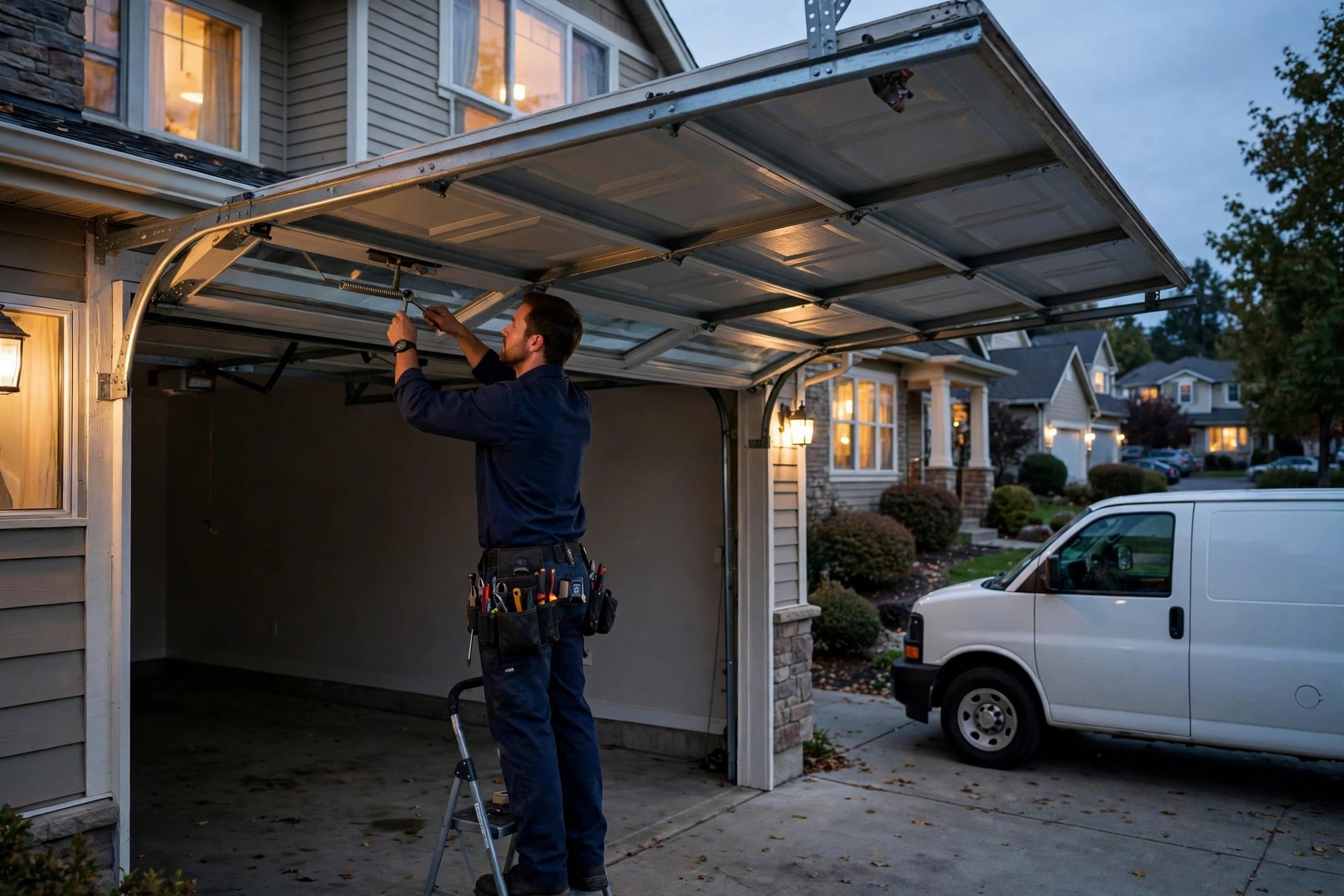
It is 10:40 on a Tuesday night. A homeowner in your service area just heard a bang from the garage, and now the door will not move. The car is stuck inside. The opener hums but nothing happens. That caller is not browsing for quotes and they are not waiting until morning. They are dialing three garage door companies in a row, and they are hiring the first one that answers the phone like a professional and promises a tech tonight. If your line goes to voicemail, you never even hear the call. You just wake up to a quiet inbox and wonder why the ad spend did not produce more jobs. This guide covers how an AI answering service changes that math for garage door companies: what it does on every call, how emergency intake and dispatch actually work, what it costs against the alternatives, and how to set one up so no emergency call ever dies in voicemail again.
The quick answer
- Emergency-first intake: the AI answers every call 24/7, identifies true emergencies (trapped car, broken spring, door off track), and treats them differently from price shoppers.
- Real dispatch, not voicemail: urgent jobs page the on-call tech with the address, door type, and symptoms captured on the call, usually within minutes.
- Booking on the call: non-urgent jobs get scheduled straight into your calendar with a confirmed window, not a callback promise.
- Typical cost: most AI answering setups run $300 to $800 a month, against $2,000 to $3,500 for a human answering service and $3,000-plus for an in-house receptionist.
- What matters most: a trade-specific intake script, real dispatch rules tied to your on-call schedule, and full ownership of your call recordings and data.
- Payback window: one to two captured emergency jobs a month usually covers the entire cost, because after-hours garage door work carries premium pricing.
Why garage door calls are different from other home service calls
Most home service calls can wait a day. A garage door call usually cannot. When a torsion spring snaps, the door becomes dead weight, often several hundred pounds, and the car inside is stuck. When a door comes off its track, it is a genuine safety hazard for kids and pets. When the opener dies the night before a flight, the panic is real. These callers are not comparison shopping across five companies. They are picking the first company that sounds competent and available. That is the entire economics of your phone line: speed and certainty win, and a missed call is not a delayed job, it is a lost job.
The missed-call pattern in this trade is predictable. During the day, your techs are on ladders and your office staff is dispatching, so calls slip to voicemail. In the evening, the office is closed, which is exactly when a large share of emergency calls arrive: springs break when people come home from work, doors jam when the weather turns cold, and openers fail at the worst possible moments. Weekends are the third gap. A two-tech shop that misses five to eight calls a week is not unusual, and in a trade where the average residential repair ticket runs $250 to $600 and after-hours emergency visits often clear $400 to $900, each missed call is expensive. Miss four emergency jobs a month and you have handed roughly $1,600 to $3,600 to competitors who simply picked up the phone.
This is also a trust business at the moment of first contact. A caller with a broken door is stressed and half-expecting to be taken advantage of. The company that answers calmly, asks the right questions about the door, and explains exactly what happens next wins the job before a price is ever discussed. An AI answering service that is set up with a proper garage door intake script does exactly this, every call, at 2 in the afternoon and at 2 in the morning. It never rushes, never forgets to ask the address, and never lets a call ring out because the dispatcher was on another line.
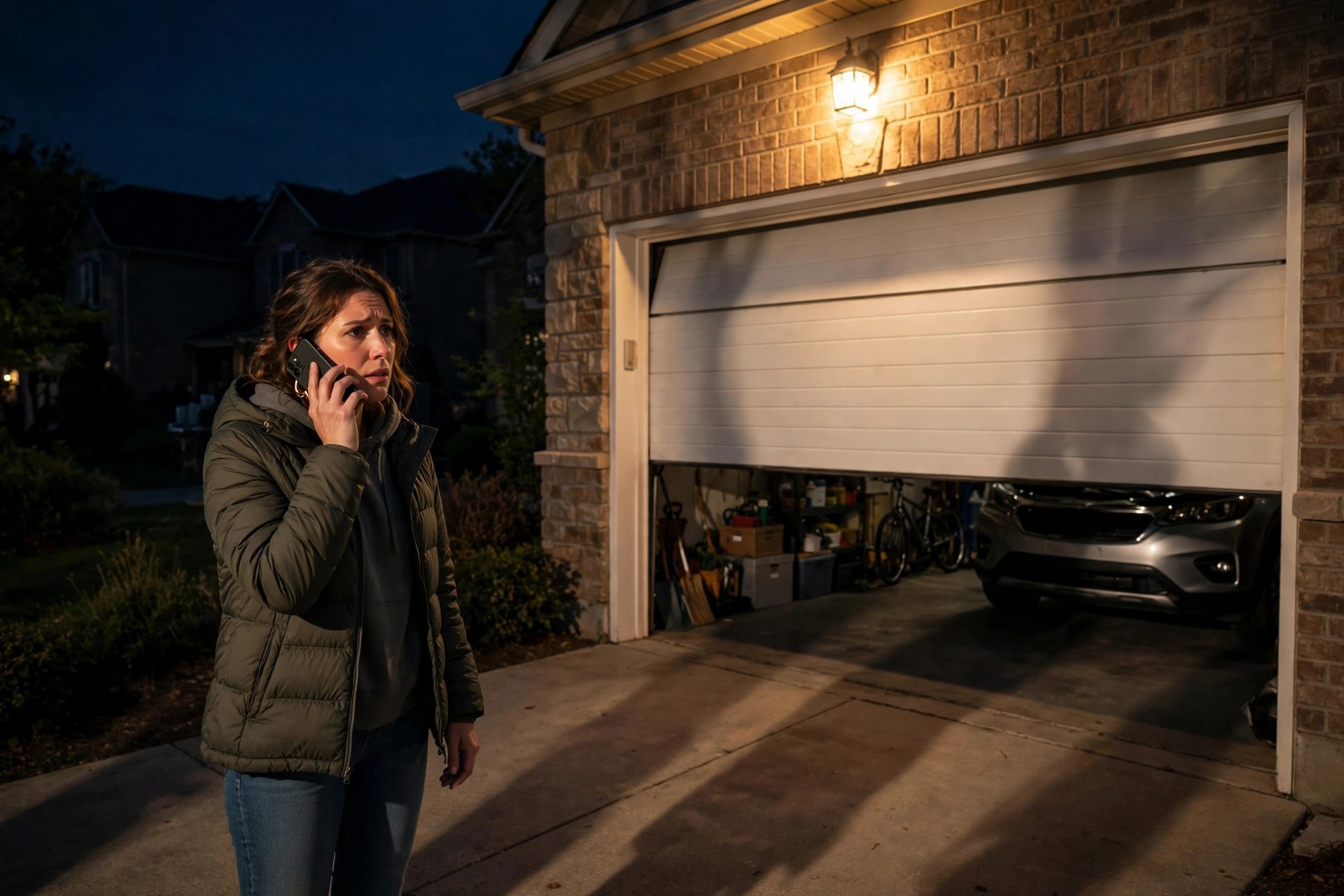
A broken spring at night is the classic garage door emergency: the caller hires whoever answers first.
What an AI answering service actually does on your phones
Strip away the hype and an AI answering service is a trained voice agent that answers your calls the way your best dispatcher would: greet, qualify, schedule, and escalate. The difference is that it does it on the first ring, on every line, at every hour, and it handles five simultaneous calls as easily as one. For a garage door company, the call flow has four jobs that matter: figure out what is wrong, decide how urgent it is, capture the details, and get the job into the right hands. Here is how each one works in practice.
The intake script that separates emergencies from price shoppers
The single most valuable thing your AI setup does is triage. A generic “how can I help you” wastes the emergency caller’s patience and gives the price shopper nothing to hold onto. A garage door intake script opens with the problem, not the pitch: “Are you calling about a door that is stuck, broken, or off track, or are you looking for a new door quote?” From there it branches. For repairs it asks the symptoms in plain language: is the door stuck open or closed, is the car trapped, did you hear a loud bang, is the door crooked or off its tracks, is this the only way in and out of the house. Those answers classify the call into emergency (car trapped, door off track, security risk with the door stuck open) or standard (noisy door, remote issues, tune-up, quote request).
For new door and opener quotes, the script shifts into data collection: single or double door, approximate size if they know it, insulated or not, opener brand on the wall unit if they can read it, and their zip code to confirm service area. It also asks the question most shops forget: “Is anyone else in the home able to help us get access?” Nothing kills a booked job faster than a tech arriving to a locked house. A good script also handles the two callers every garage door company dreads: the DIY caller asking for free diagnosis and the out-of-area caller. It gives the DIY caller a short honest answer and offers a tune-up visit, and it politely declines out-of-area callers with a referral instead of booking a job you will cancel.
How booking and dispatch work with no human on the line
Once the call is classified, the AI does the office work. For standard jobs it offers the next real openings from your schedule: “We have a tech in your area tomorrow between 9 and 11, or Thursday between 1 and 3. Which works better?” It books the slot, sends the confirmation text with the tech window, and logs the address, door symptoms, and gate or access codes into your system. For emergencies it does something different: it tells the caller exactly what happens next, pages the on-call tech with a full summary, and texts the caller the tech’s name and an arrival estimate. The caller hangs up feeling taken care of, which is the whole game.
The dispatch rules are where garage door shops should spend their setup time, because this trade has genuine after-hours work unlike many others. You define the on-call rotation: who gets paged on which nights, what counts as an emergency worth waking someone for, and what the after-hours pricing is so the AI quotes it confidently. A typical setup: car trapped, door off track, or door stuck open overnight pages the on-call tech immediately; a noisy door or a remote that needs reprogramming gets booked for the next business day. The AI follows the rules exactly, every time, which is more than most informal “call my cell if it is important” arrangements can claim. For broader thinking on never losing a call to voicemail, see our guide to missed-call text-back for contractors.
The after-hours money: nights, weekends, and storm season
Ask any garage door owner when the phone should ring and when it actually does, and you will hear the same story. The best jobs arrive when the office is closed. Springs fatigue and snap under daily use, and they tend to let go when the door is moving, which is morning and evening. Cold snaps are notorious: metal contracts, lubricant thickens, and doors that were marginal in October fail in January. Storms knock power out and send doors off track. Every one of these moments produces callers who will pay a premium for a tech tonight, and every one of them is invisible to a company whose phones go dark at 5.
An AI answering service turns after-hours from a cost center into your highest-margin shift. The economics are simple: emergency pricing typically runs 1.5 to 2 times the standard rate, the competition is mostly asleep, and the close rate on a well-handled emergency call is extremely high because the caller has an urgent problem and you are the company that answered. Two to three after-hours emergency jobs a week at $500 to $800 each is $4,000 to $9,600 a month in revenue that a voicemail box would have donated to competitors. The setup cost of the AI service is a rounding error against that.
Setting your emergency triage rules
Triage rules are the difference between a useful AI setup and an expensive toy. Write them before you go live, and keep them simple enough that you could explain them to a new dispatcher in two minutes. Most garage door companies land on three tiers. Tier one, page immediately: car trapped, door off track or hanging crooked, door stuck open overnight creating a security risk, commercial door blocking a business entrance. Tier two, book first slot tomorrow with an early window: door stuck closed but the house has another exit, opener dead with manual release working, broken cable where the door is resting safely closed. Tier three, normal scheduling: tune-ups, noisy operation, remote or keypad issues, new door and opener quotes. The AI follows this exactly, and you review the call recordings weekly for the first month to fine-tune the edges.
Pricing after-hours calls right
The AI should quote your after-hours pricing with total confidence, because hesitation on price is where emergency callers bail. Set a clear emergency service fee, typically $100 to $200 on top of standard rates in most US markets, and have the AI state it upfront: “Our emergency visit fee tonight is $150, and the repair itself is quoted on site before any work starts. Most spring replacements tonight run $350 to $650 total.” That sentence does three things: it sets the expectation, it removes the fear of an open-ended bill, and it filters out the callers who were hoping for a free midnight visit. Give the AI your standard price bands for the common jobs too: spring replacement, cable replacement, opener replacement, roller and track repair. Callers who hear real numbers stay on the line; callers who hear “the tech will tell you” hang up and dial the next company.
What it costs: AI vs human answering service vs in-house receptionist
Garage door companies usually compare three options for their phones, and the numbers are not close. A human answering service, the kind with live agents in a call center, typically runs $1.50 to $3.00 per minute of talk time or $2,000 to $3,500 a month for a shop with real call volume, and the agents are generalists reading a script they did not write. An in-house receptionist costs $3,000 to $4,500 a month all-in with taxes and benefits in most markets, answers only during business hours, and still misses calls when they step away. An AI answering service for a garage door company typically runs $300 to $800 a month depending on call volume and features, answers on the first ring around the clock, and handles unlimited simultaneous calls. The table below lays it out.
| Option | Typical monthly cost | Hours covered | Garage door triage | Simultaneous calls |
|---|---|---|---|---|
| AI answering service | $300 to $800 | 24/7 | Custom script, follows your exact rules | Unlimited |
| Human answering service | $2,000 to $3,500 | 24/7 | General script, quality varies by agent | Limited by staffing |
| In-house receptionist | $3,000 to $4,500 | Business hours only | Good, but one person can only do so much | One at a time |
| Voicemail / owner cell | $0 | None reliably | None | One at a time |
Setup costs deserve a straight answer too. Most AI answering providers charge little or nothing upfront, but a proper garage door setup is not a five-minute job: the intake script, triage rules, on-call rotation, pricing bands, and calendar integration take real work. Expect to pay $500 to $2,000 for professional setup if you want it done for you, or budget a solid week of your own time if you do it yourself. Ongoing costs to plan for: the monthly plan, per-minute overages if your call volume spikes during storm season, and SMS costs for the confirmations and reminders the system sends. Even at the high end, the total stays well under one captured emergency job a month in most markets. If you are weighing AI against a person on the phones, our AI voice agent vs human receptionist cost breakdown covers the same math across trades.
What the AI should handle and what it should escalate
A good AI setup has clear boundaries. The fastest way to wreck caller trust is an AI that guesses at things it should not touch: structural damage quotes, warranty disputes, or commercial door systems it was never trained on. Set the escalation rules as carefully as the triage rules. The table below is a solid starting point for a residential garage door company; adjust the commercial row if you do dock and warehouse work.
| Call type | AI handles it | Escalate to a human |
|---|---|---|
| Broken spring, cable, roller | Yes: triage, quote the band, book or dispatch | If the door has fallen on a vehicle or person |
| Door off track or crooked | Yes: safety warning, do not operate the door, dispatch | Commercial doors over 14 feet, always escalate |
| Opener and remote issues | Yes: basic troubleshooting, book the visit | Smart-home integrations the script does not cover |
| New door and opener quotes | Yes: collect specs, book the in-home estimate | Custom or oversized doors, escalate with notes |
| Warranty claims | Collect details and promise a callback window | Never let the AI deny or approve a warranty |
| Angry or distressed callers | Acknowledge, then warm-transfer to the owner or manager | Any caller raising their voice, escalate immediately |
| Vendor, solicitor, wrong number | Yes: politely filter and end the call | None, this is pure time saved |
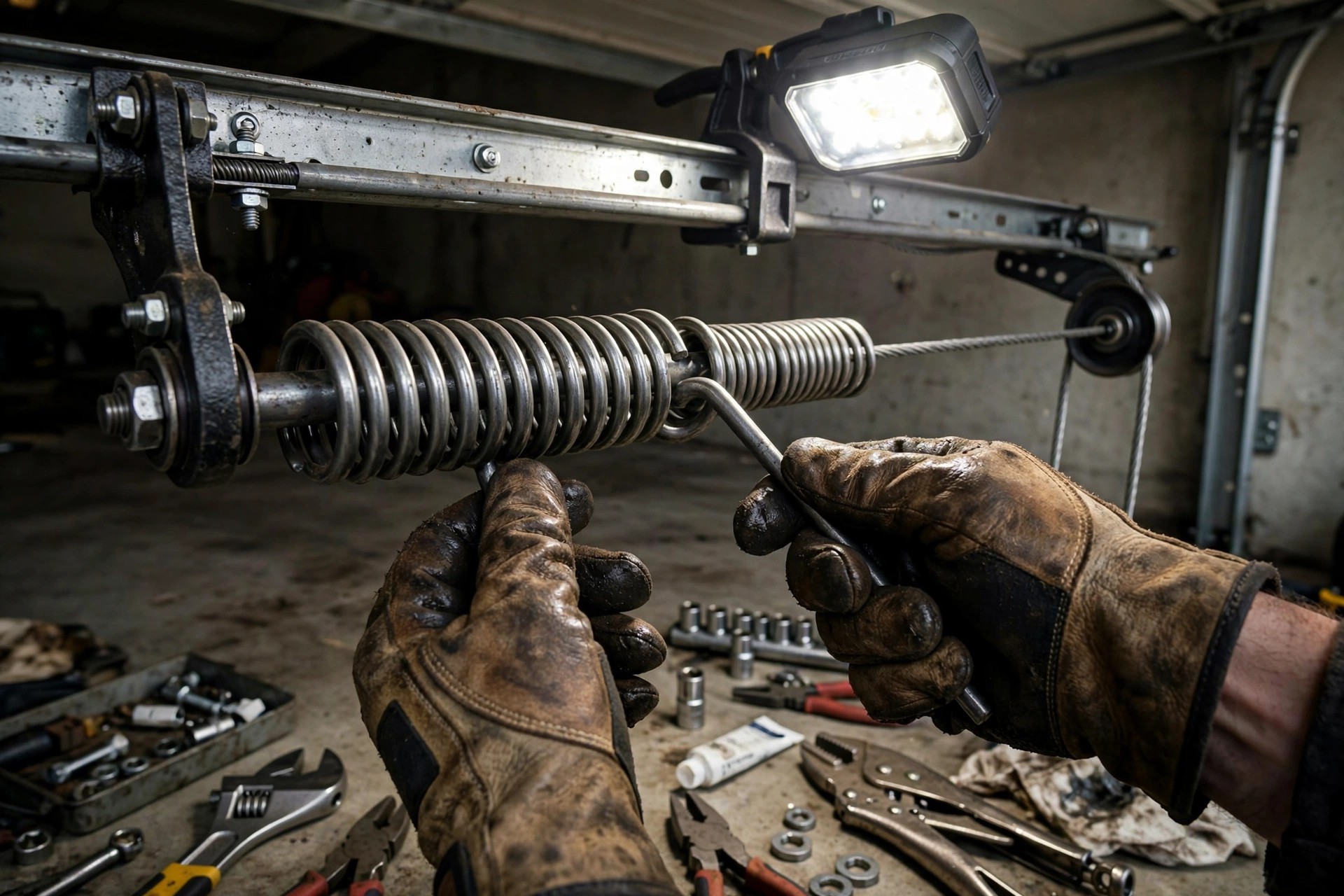
Clear escalation rules keep the AI confident on routine calls and humans in charge of the tricky ones.
Common mistakes garage door companies make with answering services
The technology works, but the setup is where shops get burned. The most common mistake is launching with a generic script. An AI that answers “thanks for calling, how can I help you” and then fumbles the difference between a torsion spring and an extension spring sounds like a call center, and garage door callers smell a call center in ten seconds. Your script needs trade language: springs, cables, rollers, tracks, openers, photo-eye sensors, manual release. The callers use these words, and the AI should too.
The second mistake is weak dispatch rules, or none at all. A shop sets up the AI, forgets to define the on-call rotation, and the first midnight emergency pages nobody. The caller gets promised a callback that never comes, which is worse than voicemail because now you have lied to them. Test the full path before you go live: place test calls at 11 at night, on a Sunday morning, during your busiest hour, and confirm the right human gets paged with the right details every time. The third mistake is treating the AI as set-and-forget. Listen to a sample of calls every week for the first month. You will hear misclassified calls, pricing questions the script did not cover, and callers asking for things you did not expect. Each one is a script improvement that pays for itself.
The fourth mistake is hiding the AI from callers. Do not have it pretend to be “Sarah from the office” if it is not. Callers figure it out fast, and the deception poisons the trust you are trying to build. A simple honest framing works better: “You have reached the after-hours line for [company], I can get a tech headed your way.” Most callers care about one thing, a competent human coming to fix their door, and they do not care how the intake happened. The fifth mistake is forgetting the follow-up. The AI books the job, but nobody confirms the morning of, the tech runs late, and the customer who was rescued at midnight leaves a three-star review. Wire the confirmations and on-my-way texts into the same system, and the rescue story becomes a five-star review instead.
Choosing a provider: questions to ask before you sign
Not every AI answering service understands the trades, and the difference between a generic voice agent and one tuned for garage door work shows up in the first week. Ask these questions on every sales call, and treat vague answers as a no.
Can I hear it handle a broken-spring emergency call? Ask for a live demo with your actual scenario, not a polished sales recording. Listen for trade language, calm pacing, and whether it quotes your emergency fee without hesitating. If the demo only covers “schedule a consultation,” the product was built for dentists and lawyers, not for you.
How do dispatch and on-call rotation work? You need real paging: simultaneous calls to the on-call tech, escalation if there is no answer in five minutes, and a full job summary delivered by text, not a voicemail the tech checks in the morning. Ask exactly what happens when the first tech does not pick up.
Does it integrate with my scheduling and dispatch software? The AI should write jobs directly into whatever runs your day, whether that is a field service platform or a shared calendar. If every booking needs manual re-entry by your office staff, you have bought a very expensive message taker.
Who owns the call recordings and transcripts? You do, or walk away. Your call data is a goldmine for training, dispute resolution, and spotting the jobs your team mishandles. Any provider that locks recordings behind an export fee or deletes them after 30 days is renting you your own business.
What happens when the AI does not understand the caller? Heavy accents, bad cell connections, and panicked callers are normal in this trade. The provider should have a clean fallback: a warm handoff to a human agent or a promised callback within a set number of minutes, not an endless loop of “I did not catch that.”
Can it handle Spanish-speaking callers? In many US markets a meaningful share of garage door calls comes in Spanish. Even basic Spanish intake with a handoff option beats losing those jobs outright. Ask whether it is included or an add-on.
What does storm season cost me? Call volume can triple for a week after a major storm. Ask how overages are billed and whether there is a cap, because a per-minute plan with no ceiling can produce a nasty surprise in your busiest month.
How fast can I change the script? Your pricing changes, your service area changes, your on-call tech changes. You need same-day script edits without a support ticket queue. If changes take a week, the system will always be slightly wrong.
The same provider questions apply across the trades, and the comparison we wrote for AI answering services for HVAC companies covers the emergency-dispatch angle from the heating and cooling side. If you are still deciding between an AI agent and a person, our guide on how to choose an AI receptionist walks through the decision step by step.
The job the AI books is only as good as the tech who shows up: confirm every booking the morning of.
Your rollout checklist
Do it in this order and you can go live in two to three weeks without disrupting the phones.
- 1Map your current call losses. Pull a month of call logs and count the calls that rang out, went to voicemail, or arrived after hours. This is your baseline and your payback proof.
- 2Write the three-tier triage rules. Page immediately, book first slot tomorrow, or normal scheduling. Get the owner and the lead tech to sign off on the exact symptoms in each tier.
- 3Build the intake script in trade language. Springs, cables, rollers, tracks, openers, photo-eyes. Include the access question and the out-of-area decline.
- 4Set the on-call rotation and escalation path. Who gets paged which nights, what happens after five minutes of no answer, and the backup contact if the rotation fails.
- 5Load your pricing bands. Emergency visit fee plus the standard bands for spring, cable, opener, and track jobs so the AI quotes with confidence.
- 6Connect the calendar and dispatch software. Bookings should land directly in your schedule with address, symptoms, and access notes, no manual re-entry.
- 7Wire the confirmation texts. Instant booking confirmation, morning-of reminder, and on-my-way text with the tech name. Same system, no gaps.
- 8Run live fire drills. Place test calls at night, on weekends, and during peak hours. Confirm the right human gets paged with complete details every time.
- 9Review calls weekly for the first month. Listen to a sample, fix misclassifications, add the questions callers ask that the script missed, then move to monthly reviews.
- 10Track the captured-call report monthly. Jobs booked by the AI, after-hours revenue, and the before-and-after on missed calls. If the numbers slip, the script needs work, not the concept.
Frequently asked questions
How much does an AI answering service cost for a garage door company?
Most setups run $300 to $800 a month depending on call volume, with professional setup running $500 to $2,000 if you have it done for you. That compares to $2,000 to $3,500 a month for a human answering service and $3,000 to $4,500 all-in for an in-house receptionist. One to two captured emergency jobs a month typically covers the cost.
Can an AI answering service really handle emergency garage door calls?
Yes, if the triage rules are set up properly. The AI identifies emergencies from the symptoms the caller describes, quotes your after-hours fee, pages the on-call tech with full job details, and texts the caller the tech name and arrival estimate. What it cannot do is diagnose over the phone with certainty, so the script should promise an on-site quote, not a final price.
Will callers know they are talking to an AI?
Probably, and that is fine. Modern voice AI sounds natural, but you should not have it pretend to be a human employee. Frame it honestly as your answering line, and focus the script on what callers actually care about: a competent tech coming soon. In practice, callers judge the outcome, not the voice.
What happens if the AI misunderstands a caller?
A good setup has a fallback path: after two failed attempts to understand, it warm-transfers to a human backup or promises a callback within a set number of minutes and logs the attempt. Ask any provider to demonstrate this exact scenario before you sign, because panicked callers on bad cell connections are normal in this trade.
Does it work with my existing scheduling software?
It should. Most AI answering services integrate with common field service platforms and shared calendars so bookings land directly in your schedule. If a provider cannot write into your system and requires manual re-entry, keep shopping. The integration is what turns answered calls into dispatched jobs.
Can it take calls in Spanish?
Many providers offer Spanish intake, either included or as an add-on. In markets with a large Spanish-speaking customer base this is worth having, because those callers are currently going straight to whichever competitor answers in their language. Ask whether it is full Spanish handling or just intake with a handoff.
How does after-hours dispatch actually work?
You define an on-call rotation and escalation rules. When the AI classifies a call as a tier-one emergency, it pages the on-call tech by call and text with the address, symptoms, and caller number. If there is no answer within your set window, usually five minutes, it escalates to the backup contact. The caller gets a text with the tech name and arrival estimate in the meantime.
What if a caller is angry or has a warranty dispute?
The script should never let the AI argue, deny a warranty, or make promises about refunds. It acknowledges the frustration, collects the details, and warm-transfers to the owner or manager immediately. Set this as a hard rule in the script, not a suggestion.
How long does setup take?
Two to three weeks is realistic for a proper garage door setup: triage rules, intake script in trade language, pricing bands, on-call rotation, calendar integration, and live fire-drill testing. Anyone promising same-day go-live is skipping the parts that make it work. Budget a week of your own time if you do the script yourself.
Is an AI answering service better than a human answering service for garage door companies?
For most shops, yes, on cost and consistency. The AI answers on the first ring around the clock, follows your exact triage rules every time, and costs a fraction of a human service. A human service wins on genuinely complex judgment calls, which is why the best setups use the AI for intake and dispatch and escalate the tricky calls to a person.
Stop donating emergency calls to competitors
Digital Hayder builds AI answering services for garage door companies: trade-specific intake scripts, after-hours dispatch tied to your on-call rotation, booking straight into your schedule, and missed-call recovery on every line. Tell us how your phones work today and we will design the setup around your shop.
Contact Us