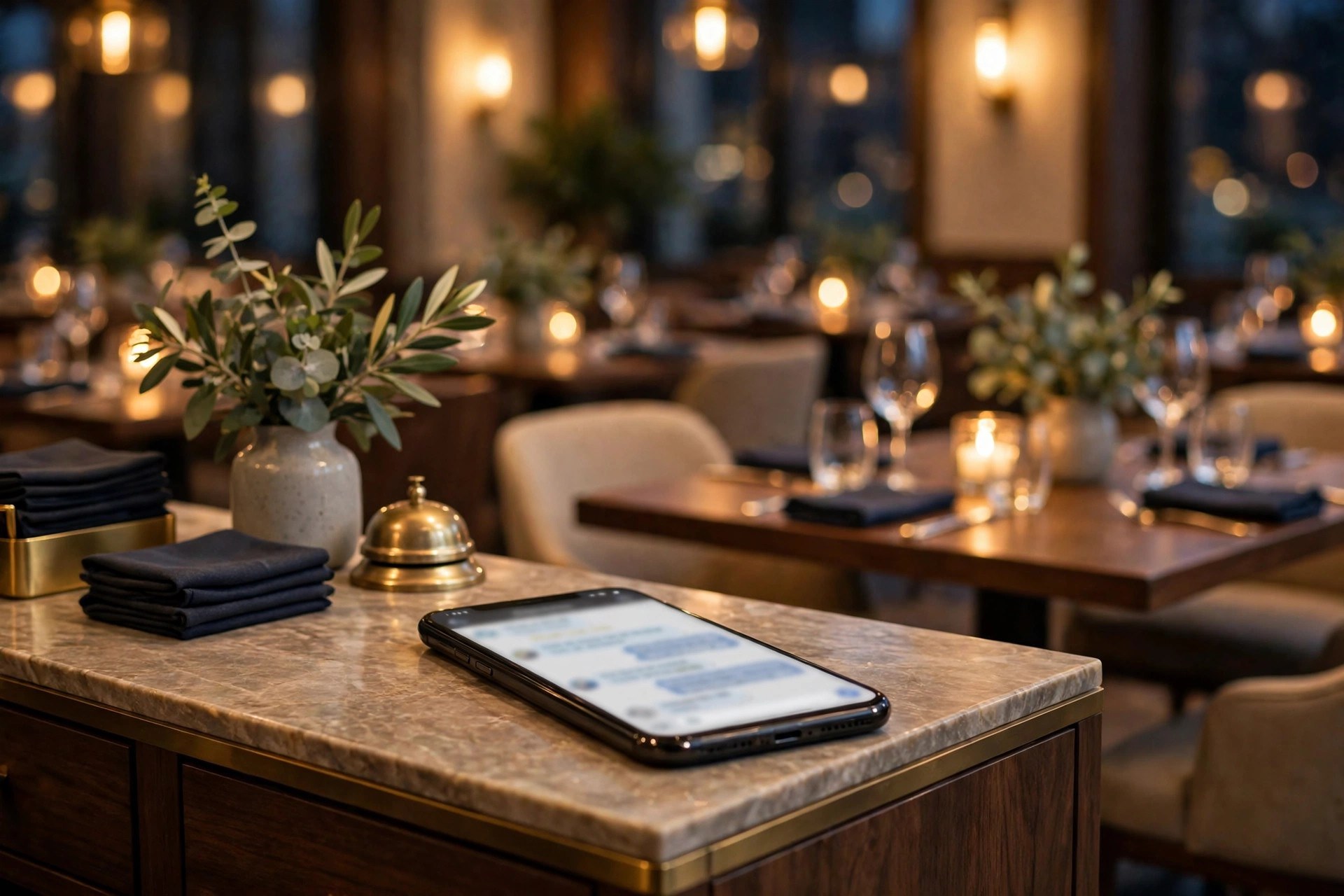
Friday night, 7:40 PM. Your dining room is full, the kitchen is slammed, and the phone is ringing with people asking to book a table for Saturday. Nobody can answer it. By the time someone calls back, half of those diners have booked somewhere else. This is the daily reality for restaurants that still run reservations on a ringing phone. A WhatsApp chatbot for restaurants moves the whole conversation into the app your guests already use: table bookings, takeaway orders, waitlist updates, and review requests, all handled instantly, even during the dinner rush. This guide covers what a restaurant WhatsApp chatbot does, what it costs, the exact flows to build, and the mistakes that turn guests away.
The quick answer
- Bookings during the rush: the chatbot takes reservations while your staff serves the room, so no caller hears endless ringing on a Friday night.
- Takeaway without the commission: orders placed in WhatsApp skip the 15 to 30 percent fees that delivery apps take on every ticket.
- Waitlists that fill themselves: guests join the queue from their phones and get a message the moment their table is ready.
- Fewer empty tables: reply-to-confirm reminders cut reservation no-shows, which commonly run 10 to 20 percent at busy restaurants.
- Reviews on autopilot: a timed message after the meal asks happy guests for a Google review while the experience is fresh.
- Modest cost, fast setup: software runs $30 to $300 a month, Meta conversation charges add a few cents per message, and most restaurants go live in one to two weeks.
Why restaurants lose money on the phone
The phone is the worst reservation system ever built for a busy restaurant. It demands a human at exactly the moment humans are busiest: the lunch rush, the dinner service, the Saturday night crush. Industry surveys of independent restaurants consistently find that a large share of reservation calls go unanswered during peak hours, and most callers do not leave voicemail. They call the next restaurant. For a 60-seat restaurant doing two turns on a Friday, every unanswered booking call is a table that stays empty or fills late, and the math compounds across the week.
The second leak is delivery apps. They bring orders, but they take 15 to 30 percent of every ticket, own the customer relationship, and train your guests to open someone else’s app when they are hungry. A restaurant doing $20,000 a month through delivery apps can easily pay $4,000 to $6,000 a month in commissions. WhatsApp ordering does not replace delivery apps overnight, but every regular who shifts to ordering direct is margin you keep and a customer record you own.
The third leak is the no-show. Reservation no-shows at restaurants commonly run 10 to 20 percent of bookings, worse on weekends and for large parties. A party of six that never arrives is not one empty table; it is a table you turned other guests away from. Most restaurants fight this with confirmation calls that staff never have time to make. A chatbot makes the confirmation call for every single booking, automatically, in seconds.
What a restaurant WhatsApp chatbot actually does
A WhatsApp chatbot is an automated assistant that chats with your guests inside WhatsApp. Guests message your restaurant number like they would message a friend, and the bot replies instantly with table options, menus, order forms, and answers. When something needs a human, a large party, a complaint, a special request, it hands the conversation to your team with the full history attached. It works at 11 PM on a Saturday just as well as at 11 AM on a Tuesday.
Takes reservations around the clock
The bot shows real availability for the date and party size the guest wants, takes the booking, and sends a confirmation with the details. It asks the questions your host asks: occasion, seating preference, high chair, wheelchair access. Party bookings above your threshold, say eight or more, can route to a human for a deposit or a set-menu discussion. Late-night browsers planning next weekend’s dinner get the same instant service as the lunch crowd.
Runs takeaway and delivery orders
Guests browse a simple menu in chat, add items, choose pickup or delivery, pay by card link or cash, and get an order confirmation with a ready time. The order lands in your kitchen system or on a tablet at the pass. No commission to a third party, no guest data locked inside someone else’s app. For restaurants already thinking about direct ordering, our guide to AI booking chatbots for restaurants breaks down how chat ordering compares with a website system.
Manages the waitlist on busy nights
Instead of a clipboard and shouted names, guests join the waitlist from their phones: party size, name, and a quoted wait time. When their table is ready, the bot messages them with a hold window, ten minutes is standard, and releases the table if they do not respond. Walk-ins who left to wait nearby stop disappearing, and the host stops playing detective.
Answers the repeat questions
Opening hours, location and parking, whether you take walk-ins, the dress code, allergen and halal or vegetarian options, private dining availability. These questions arrive dozens of times a week, and the bot answers all of them instantly. Your team only sees the unusual ones.
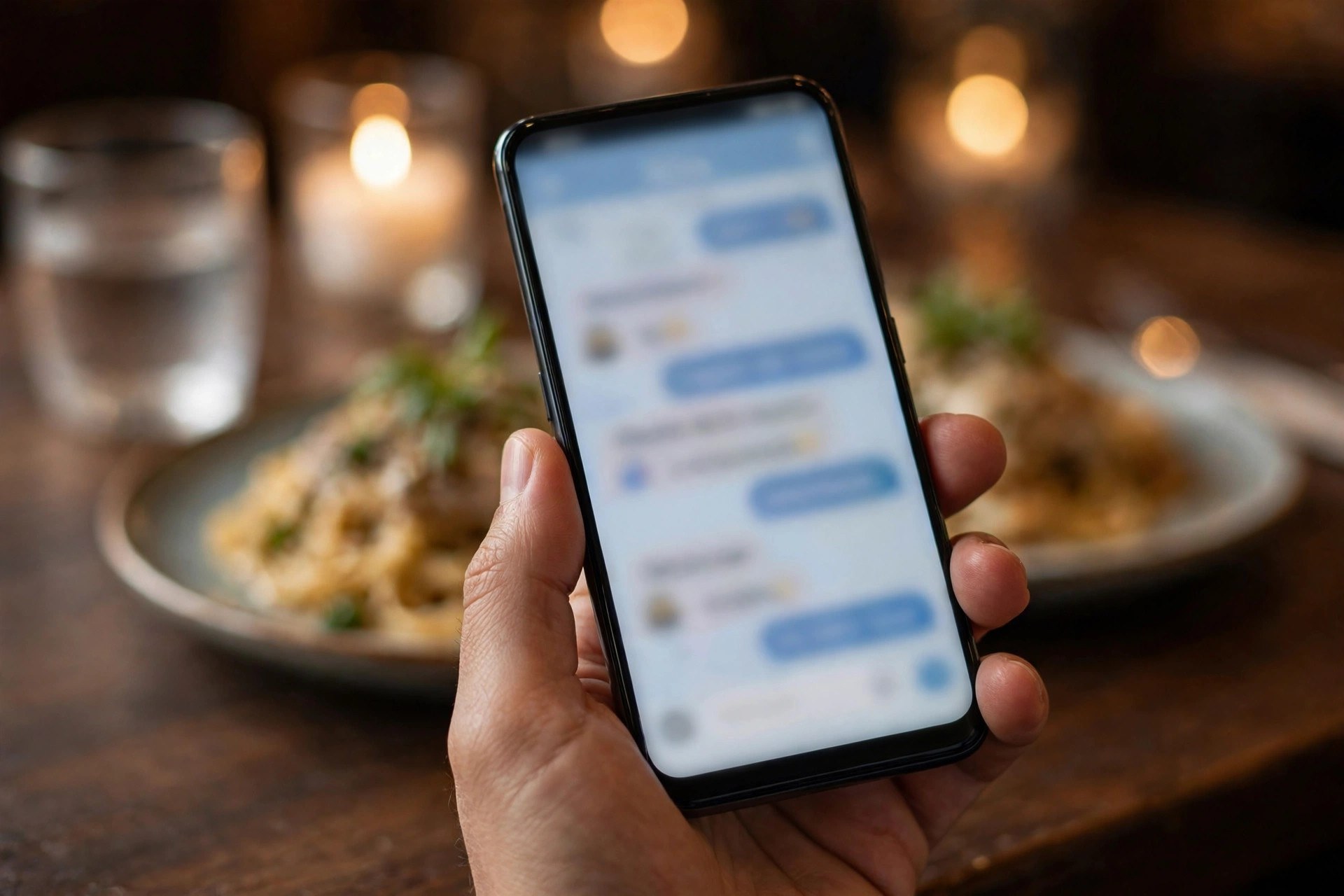
Guests book and order from the table or the couch. The chat never puts anyone on hold, even during the dinner rush.
Reservations without the phone tag
A good reservation flow is short and decisive. Guests decide fast when the options are clear, and they abandon when the bot interrogates them. Here is a flow that works for most full-service restaurants:
Step 1, the intent. “Hi, this is Casa Verde. Would you like to book a table, order takeaway, or join tonight’s waitlist? Reply 1, 2, or 3.”
Step 2, the details. “Great. What date, and how many guests?” Accept natural answers like “Saturday, 4 people” instead of forcing rigid formats.
Step 3, the time pick. “We have Saturday at 6:30 PM, 7:15 PM, and 8:45 PM for 4 guests. Reply with your pick, or say MORE for other times.” Show three to four options; more than that stalls decisions.
Step 4, the extras. “Anything we should know? Birthday, anniversary, high chair, wheelchair access? Reply NONE if not.”
Step 5, the confirmation. “You are booked: Saturday, 4 guests, 7:15 PM at Casa Verde. We will message you the day before to confirm. See you then.”
Collect the guest’s name with the booking and store the phone number automatically from WhatsApp. For parties of eight or more, insert a deposit step: a small per-person card hold that the bot collects through a payment link. Restaurants that add deposits for large parties commonly see large-party no-shows fall sharply, because a card on file changes behavior. Tie the reservation data into your broader guest strategy; our restaurant marketing ideas guide shows how booking data feeds repeat-visit campaigns.
Takeaway and delivery orders in chat
Chat ordering works best for restaurants with a focused menu: 20 to 40 items, clear categories, simple modifiers. The flow mirrors the reservation pattern. The guest picks “order takeaway,” chooses pickup or delivery, browses categories like starters, mains, and drinks, adds items with quantities, and checks out. The bot confirms the total, the payment method, and the ready time, then sends the order to the kitchen.
Keep the menu chat-friendly. Long descriptions and twenty modifiers per dish do not work in a message thread. Use short names, one-line descriptions, and a maximum of three to four choices per item, such as spice level or extra toppings. Photos help enormously: a small image with each category lifts conversion because guests order with their eyes. Update the menu in one place so the chat menu, the website, and the in-store menu never disagree; nothing kills trust like ordering a dish that was removed last month.
The economics are the real story. Suppose your restaurant does $15,000 a month in delivery-app orders at a 25 percent commission: $3,750 a month in fees. Moving even a third of those orders to WhatsApp saves $1,250 a month, every month, while giving you the customer’s phone number for future marketing. Promote the direct channel where it matters: a card in every delivery bag, a table tent with a QR code that opens the chat, and a small incentive on the first direct order, such as free delivery or a complimentary side.
The waitlist that fills itself on busy nights
Walk-in management is where hosts earn their pay, and where they drown. The chatbot version works like this. A guest arrives to a full house and scans the QR code at the host stand, or messages the restaurant number. The bot asks for party size and gives an honest quoted wait: “About 35 minutes for 2 guests right now.” The guest confirms, gets a position number, and is free to wait at the bar or nearby instead of hovering by the stand.
When the table is ready, the bot sends: “Your table is ready. We are holding it for 10 minutes. Reply HERE when you are at the host stand.” If the guest does not reply in time, the table goes to the next party and the guest is offered the next available slot. Every step is timestamped, so disputes about who was next disappear. Hosts report that a chat waitlist cuts the chaos at the stand dramatically on Friday and Saturday nights, because the line of anxious faces is replaced by a calm, ordered queue running itself.
No-show protection for tables
Empty reserved tables are pure loss: the food cost is zero but so is the revenue. The fix is the same three-touch pattern that works in other booking businesses. First, confirm at booking with a clear policy: “We hold tables for 15 minutes past the reservation time.” Second, send a reminder the day before with a reply-to-confirm prompt: “Hi Maya, confirming your table for 4 tomorrow at 7:15 PM. Reply YES to confirm or tap here to change it.” Third, send a short message on the day: “See you at 7:15 tonight. We are at 12 Harbor Street.”
Track the confirmations. Guests who confirm rarely no-show. Guests who go silent get one personal follow-up from the host team in the afternoon; if there is still no answer, the table can be released or double-seated with a backup plan. For large parties and special dates like Valentine’s Day or New Year’s Eve, take a card deposit through the chat. A $20 to $50 per-person hold, clearly explained at booking, filters out speculative bookings without scaring off serious diners.
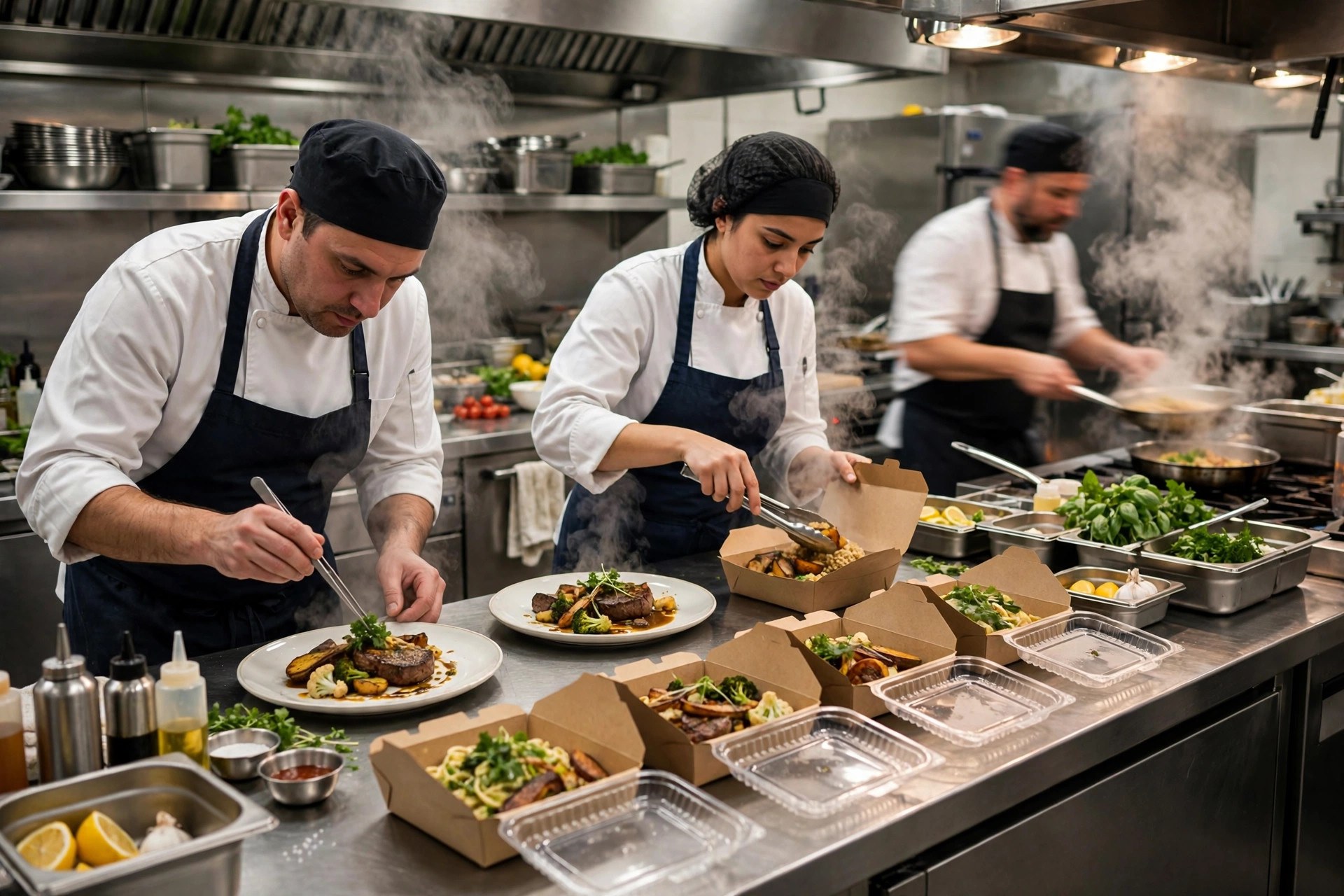
Direct chat orders arrive straight at the pass with no commission taken, so every regular who orders direct protects your margin.
Reviews and repeat visits on autopilot
The best time to ask for a review is when the guest is still happy, not three days later. Two hours after the reservation time, the bot sends a short message: “Thanks for dining with us tonight. How was everything? Reply with a number from 1 to 5.” Guests who reply 4 or 5 get the review link: “Glad to hear it. Would you mind sharing that on Google? It helps us a lot.” Guests who reply 1 to 3 get a different path: “Sorry to hear that. What went wrong?” with the conversation routed to a manager. This simple filter protects your rating while giving unhappy guests a private place to vent instead of a public review.
Repeat visits come from the guest list the chatbot builds for you. Every booking and every order adds a phone number with a visit history attached. That list powers the campaigns that fill slow nights: “Tuesday is quiet here, so we are doing a free dessert with every main, tonight only, for our regulars. Tap to book.” Segment by behavior: regulars get loyalty offers, lapsed guests get win-back messages after 60 days of silence, birthday guests get a personal note a week before. WhatsApp open rates dwarf email, so a list of 2,000 past guests is a genuine asset. For the broader playbook on guest messaging, see our guide to WhatsApp marketing for local businesses.
WhatsApp vs phone vs delivery apps for your restaurant
Each channel has a job. The chatbot does not replace your phone or your delivery listings; it takes the repetitive work and leaves the judgment calls to humans.
| Task | WhatsApp chatbot | Phone | Delivery apps |
|---|---|---|---|
| Reservations during service | Instant, 24/7, no staff needed | Often unanswered at peak times | Not their job |
| Takeaway orders | Zero commission, you own the guest data | Slow, error-prone, ties up staff | 15 to 30 percent commission per order |
| Waitlist management | Self-service queue with auto-notify | Clipboard chaos at the host stand | Not their job |
| No-show prevention | Automatic confirm-or-cancel reminders | Staff rarely have time to call | Card holds but no-shows still happen |
| Review capture | Timed ask while the meal is fresh | Awkward to ask by phone | Reviews stay inside their app |
| Complaints and special requests | Hands off to a human with full history | Best for tone and nuance | Poor fit, slow and impersonal |
What a restaurant WhatsApp chatbot costs
Pricing has three layers: Meta’s conversation charges, the chatbot software, and setup. For most restaurants the total is a fraction of one month of delivery-app commissions.
| Cost layer | Typical US price band | What it covers |
|---|---|---|
| WhatsApp Business app | Free | Basic messaging from one phone; no automation, fine for testing only |
| WhatsApp Business Platform conversations | Roughly 1 to 3 cents per marketing conversation; replies inside the 24-hour window are free | Meta’s per-conversation charge for automated outbound messages |
| Chatbot software (DIY) | $30 to $150 per month | Flow builder, menu and reservation setup, basic analytics; you maintain it |
| Chatbot software (managed) | $150 to $300 per month | Done-for-you flows, kitchen integration, review automation, ongoing tuning |
| Setup (agency or freelancer) | $500 to $2,500 one time | Number setup, menu build, reservation and order flows, staff training |
| Kitchen/POS integration | $0 to $100 per month | Order routing to the kitchen display or POS; simple tablet setups cost nothing extra |
A realistic budget for an independent restaurant: $1,200 one-time setup, $200 a month for software, and $40 to $80 a month in Meta conversation charges. That is under $300 a month all-in. Against $3,000-plus in monthly delivery commissions or a handful of saved Friday tables, the payback is fast.

Every booking the chatbot takes during the rush is a table your team did not have to stop serving to fill.
Setting it up: from zero to live in two weeks
Start with reservations and FAQs, add ordering in phase two. Restaurants that try to launch everything at once usually launch nothing.
Week 1, days 1 to 2: the number and profile. Use the restaurant’s main number if possible; it is the number guests already know. Set up the WhatsApp Business profile with the name, address, hours, website, and a recognizable photo, usually the logo or the storefront.
Week 1, days 3 to 5: reservation and FAQ flows. Build the booking flow with real availability from your reservation book or a simple shared calendar. Write answers for the top twenty questions: hours, parking, walk-ins, allergens, private dining, dress code. Submit the reminder and confirmation message templates for WhatsApp approval.
Week 2, days 6 to 8: testing. Book tables, join the waitlist, ask odd questions, try it at 10 PM on a Friday. Test the handoff: when the bot cannot help, does the manager’s phone buzz with the full conversation?
Week 2, days 9 to 10: team training. Hosts learn the handoff inbox and the confirmation dashboard. Agree on who answers chat handoffs during service and what the backup plan is when it gets slammed.
Week 2, days 11 to 14: soft launch. Put the QR code on tables and at the host stand, add the chat link to the website and Google profile, and let the bot handle new inquiries first. Add the ordering flow in week three once reservations run smoothly.
Common mistakes that kill response rates
Launching with a dead menu. If the chat menu disagrees with the real menu, guests lose trust instantly. Assign one person to keep the chat menu current and update it the same day dishes change.
No escape hatch. Every flow needs “Reply 0 to talk to us.” A guest with an allergy question who cannot reach a human will not risk the meal; they will go elsewhere.
Slow handoffs. The bot can answer in seconds, but if human handoffs sit unread for an hour during service, guests feel abandoned. Route handoffs to a phone that is actually watched, and set a 10-minute response target.
Blasting promotions. WhatsApp is not an email list. One targeted slow-night offer a week is plenty; daily blasts get your number blocked and reported, which can restrict the account.
Forgetting the regulars. The bot should recognize returning guests by phone number and greet them accordingly. Treating a weekly regular like a stranger is a small insult that adds up.
No deposit for big parties. Large-party no-shows are the most expensive kind. A card hold collected in chat, clearly explained, costs nothing in goodwill and saves real money.
Setting it and forgetting it. Read the chat logs monthly. You will find misunderstood questions, outdated answers, and new FAQs to add. The menu changes with the seasons; the bot should too.
Your rollout checklist
Work through these in order. Each step builds on the last.
- 1Pick the number. Main restaurant line if possible, announced on the website, menus, and storefront.
- 2Set up the WhatsApp Business profile. Name, address, hours, website, and a recognizable profile photo.
- 3Connect real availability. Reservation book or shared calendar with live slots, plus rules for party-size limits.
- 4Build the reservation flow. Five steps or fewer, three to four time options at a time, instant confirmation.
- 5Write the top twenty FAQ answers. Hours, parking, walk-ins, allergens, private dining, dress code, and delivery radius.
- 6Build the reminder sequence. Day-before confirm-or-cancel plus a same-day nudge with the address.
- 7Set up the waitlist flow. QR code at the host stand, quoted wait times, and a 10-minute table-hold window.
- 8Add the review ask. Two hours after the meal, rating filter first, Google link for the happy guests.
- 9Train the team on handoffs. Who answers, response-time targets, and where the chat history lives.
- 10Launch ordering in phase two. Chat-friendly menu, kitchen routing, and a first-direct-order incentive to shift regulars off the apps.
Frequently asked questions
Can guests really order food through WhatsApp?
Yes. The chatbot shows a simple menu in chat, the guest picks items and quantities, chooses pickup or delivery, and pays by card link or cash. The order routes to the kitchen system or a tablet at the pass. It works best with focused menus of 20 to 40 items and simple modifiers.
How much does a restaurant WhatsApp chatbot cost?
Most restaurants pay $30 to $300 a month for the software, plus Meta conversation charges of roughly 1 to 3 cents per automated outbound message, usually $40 to $80 a month. Setup runs $500 to $2,500 one time. All-in, budget under $300 a month after setup.
Will it work during the dinner rush?
That is exactly when it works best. The chatbot answers instantly no matter how busy the room is, taking reservations and waitlist signups while your staff serves tables. Human handoffs during peak hours should go to a monitored phone with a 10-minute response target.
Do I still need delivery apps?
Probably, at first. Delivery apps bring discovery and new customers. The chatbot gives your regulars a direct channel with zero commission and gives you their contact details. Shift regulars to direct ordering with a small incentive and keep the apps for acquisition.
How do I get guests to use the chat instead of calling?
Put a QR code on every table, on the menu, at the host stand, and in every takeaway bag. Add the chat link to the website and Google profile. Most guests prefer messaging once they know the option exists; the friction is awareness, not willingness.
Can the bot handle large parties and events?
It can start them. Set a party-size threshold, usually eight guests, above which the bot collects the details and routes to a human for deposits, set menus, or private dining. The bot does the intake; your events person closes it.
What about no-shows? Does it actually help?
Yes. Day-before confirm-or-cancel reminders plus card deposits for large parties are the two most effective tools. Restaurants commonly cut no-show rates nearly in half with this combination, because confirming is easy and a card on file changes behavior.
Is WhatsApp okay for collecting payments?
The chatbot does not process cards itself; it sends a secure payment link from your payment provider and confirms the result. That keeps card data out of the chat entirely. Cash on pickup or delivery remains an option for guests who prefer it.
Will older guests use it?
Many will, since WhatsApp is already on their phones. Keep the phone lines fully staffed so guests can always choose to call. The chatbot catches the guests who prefer messaging; it does not take anything away from those who do not.
How do I measure if it is working?
Track reservations completed in chat, takeaway orders shifted from delivery apps, no-show rate before and after reminders, waitlist conversions on busy nights, and new Google reviews per month. Most restaurants see movement in the no-show and review numbers within the first 60 days.
Stop losing Friday night bookings to a ringing phone
Digital Hayder builds WhatsApp chatbots for restaurants: reservations, takeaway ordering, waitlists, no-show protection, and review automation that runs while your team serves the room. Tell us about your restaurant and we will design the chat system around it.
Contact Us