
Your front desk coordinator is checking in a patient, verifying insurance for another, and answering a question about a root canal. The phone rings. Nobody picks it up. That call is a new patient choosing between your practice and the one down the street, and the practice that answers first usually wins. An AI receptionist for dentists answers every call, day and night: it greets the caller, collects new patient details, books appointments into your real schedule, routes emergencies to the right place, and follows up on recalls. This guide covers what these systems do for dental practices, what to demand before you buy one, the privacy safeguards that matter, and what the math looks like next to hiring another front desk coordinator.
The quick answer
- What it does: answers every dental office call around the clock, captures new patient information, books and confirms appointments, routes emergencies, and sends recall reminders.
- Why practices buy it: call tracking studies put the missed call rate at dental practices at roughly 30 to 38 percent, and about a third of new patient calls arrive outside office hours.
- New patient math: a new patient is worth roughly $800 to $1,500 in the first year. Capturing just two extra new patients a month can cover the cost many times over.
- The privacy line: the AI must protect patient privacy, keep data handling simple and documented, and must not collect or repeat sensitive health details beyond what booking needs.
- Typical cost: roughly $200 to $500 a month for a dental practice, against $3,000 to $5,000 a month fully loaded for a front desk hire.
- Setup time: one to three weeks, most of it spent connecting your schedule and writing your call rules.
Where dental practices lose calls
Dental offices miss calls in two places, and both are expensive. The first is during the day, when the office is busiest. The second is after hours, when nobody is there to answer at all. Together they form a steady leak of new patients, and most practices never measure it because a call that never connects leaves no trace.
During the day, when the office is busiest
Call tracking research across thousands of dental calls found that roughly 38 percent of inbound calls went unanswered during business hours, and other industry benchmarks put the share of callers who hang up before reaching the front desk at about 31 percent. That is not a failure of your team. It is the nature of a dental front desk. The same person who answers the phone is checking patients in and out, collecting copays, verifying insurance, scheduling the next visit, and dealing with the patient standing in front of them. The phone loses that contest every time the waiting room is full.
The peak loss windows are predictable. Mornings between 9 and 11, when check ins and first appointments collide, and early afternoons after lunch, when the phone starts ringing again while the team is still catching up. A practice receiving 60 calls a day with a 35 percent miss rate loses 21 calls before the day is over. If roughly a third of those are new patient inquiries, that is six or seven new patients a day who called your practice and never spoke to anyone.
Most of those callers do not leave a voicemail. Industry surveys put the share of callers who leave a message at well under half, and the rest simply call the next practice on their list. Your marketing spend bought the ring. The missed answer gave the patient to a competitor.
After hours, when new patients are searching
The second leak is quieter but just as large. Industry observers consistently report that 25 to 38 percent of all calls to dental practices arrive outside business hours, and an estimated 60 to 70 percent of those after hours callers want to schedule an appointment. They are not calling with emergencies. They are calling at the time that is convenient for them: evenings after work, Saturday mornings before errands, Sundays while planning the week.
An estimated 30 to 40 percent of those after hours calls with scheduling intent come from new or prospective patients. These are the highest value calls a practice can miss. A voicemail that says “please call back during business hours” asks a motivated patient to wait up to two days and to remember to call back at all. Most do not. They book with whoever answered. For a deeper look at recovering missed calls, see our guide to missed call text back for dentists.
What an AI receptionist for dentists actually does
An AI receptionist is a voice system that answers your phone with natural spoken conversation. It is not a phone tree and it is not a chatbot on your website, though many practices run both. The voice side handles the calls; the website chat side handles the visitors. Here is the work the voice side takes off your team, day after day.
Captures new patient calls
When a prospective patient calls, the AI greets them, asks what brings them in, and collects the details your intake process needs: name, phone number, reason for the visit, insurance carrier, and preferred days and times. It answers the questions new patients always ask. Do you take my insurance. Are you accepting new patients. How soon can I be seen. Where are you located. Do you see children. What does a first visit cost.
The answers come from scripts you approve, so the system quotes your real new patient exam fee, names your real insurance plans, and describes your real policies. A good setup also qualifies the call before the booking. If the caller needs a service you do not offer, such as orthodontics at a general practice, the AI says so plainly and offers to take a message or suggest what to look for, instead of booking a visit that wastes a chair.
Books appointments into your real schedule
Collecting details is only half the job. The other half is getting the caller onto the calendar while their intent is hot. A proper AI receptionist connects to your practice management schedule and offers real open slots for the right visit type: new patient exam, cleaning, emergency slot, or consultation. The caller picks a time, gets a confirmation text, and your schedule shows the booking with the intake notes attached.
Confirmation and reminder messages matter as much as the booking itself. Dental no shows cost chair time you can never recover, and practices that send a confirmation text plus a day before reminder see fewer empty slots. The AI handles reschedules and cancellations too, which is a meaningful share of call volume: a caller who needs to move a Thursday cleaning gets offered alternatives on the spot instead of joining a phone tag loop. If you are weighing the voice side against the website side, our guide to the AI chatbot for dental websites covers the text chat equivalent.
Routes dental emergencies the right way
Some callers cannot wait for the next business day. A knocked out tooth, severe pain, swelling, bleeding that will not stop: these are the calls where a fast correct response is the whole service. The AI should be configured to recognize urgency signals in the caller’s own words and route those calls immediately, either to your on call number, to an urgent notification, or to your emergency instructions, depending on the time of day.
This is also where the AI must be careful about health details. It should collect enough to judge urgency, such as the type of problem and how long it has been going on, and it must not repeat sensitive health information back unnecessarily, store more detail than the routing needs, or offer any clinical opinion. Practical rule: the AI is a router and a booker, never a diagnostician. If a vendor cannot show you exactly how emergency routing works during the demo, keep shopping.

New patients choose the practice that answers first. The AI captures the call and your team delivers the warm welcome.
Runs recall and reminder outreach
The fourth job is outbound. A large share of dental revenue sits in charts of patients who are overdue for cleanings and exams. The AI can call or text those patients, offer open hygiene slots, and book the ones who say yes. Practices that automate recall see the schedule fill with patients they already know, which costs far less than marketing for new ones. For the full picture on bringing lapsed patients back, see our guide to dental patient recall automation.
Reminder calls work the same way in reverse. A confirmation call the day before a visit, handled by the AI with an option to confirm, reschedule, or cancel by voice, cuts no shows and gives your team time to fill any slot that opens. The staff hours this saves are real: many offices spend an hour or more a day on reminder calls alone.
What to look for before you buy
Most vendors will show you a polished demo. The demo always sounds great. What matters is how the system behaves with your schedule, your visit types, and your patients at 9pm. Judge every option against the five points below.
New patient intake quality
Ask the vendor to build your new patient intake during the trial, not after you sign. Listen for natural handling of the messy parts of real calls: insurance questions with plan names the caller half remembers, callers who interrupt, callers who answer a question you did not ask, and callers who ramble. The total question count matters. Intake that runs past eight to ten questions starts losing people, so the vendor should help you decide which questions are truly needed before the visit and which can wait for the chair.
Schedule and practice management integration
A receptionist that takes messages into a dashboard nobody checks is voicemail with better manners. The value appears when bookings land directly in your schedule, intake notes attach to the appointment, and your team gets notifications they will actually see. Ask specifically about your practice management software by name during the trial and test a full booking from start to finish: call, calendar event, confirmation text, notes attached, notification received. If any step needs manual copying, the system will slowly stop being used.
Privacy safeguards for patient calls
Dental calls involve health information, so the vendor’s data practices need a straight answer, not a brochure. Where is call audio and transcript data stored, who can access it, how long is it kept, and can you delete it on request? Ask whether the vendor will sign a business associate agreement, which is the standard document for companies that handle protected health information on a practice’s behalf. Then confirm the practical rules inside the AI itself: it should collect only the details booking and routing need, must not repeat sensitive health details back to the caller or anyone else, and should never store more than the minimum. This is practical guidance for running a practice, not legal advice, so have your own counsel review the setup before you go live.
Emergency routing rules
Write down the situations that need an immediate human and the exact words that trigger them: knocked out tooth, severe pain, swelling, bleeding, trauma, broken tooth with pain. Test each trigger phrase yourself during the trial, and test the after hours path separately from the daytime path. The wrong answer here is a caller with a dental emergency being offered the next available cleaning slot in three weeks. The right answer is an immediate page or transfer with the caller’s details attached.
Human handoff that actually works
Test the words a frustrated caller would say: “I want to talk to a person,” “this is urgent,” “your system is not helping.” The handoff should be immediate and obvious, with the conversation notes going to whoever picks it up. Also ask what happens when the AI does not understand a caller after two tries. The right answer is a handoff, not a third guess. A receptionist that traps callers is worse than no receptionist, because it spends your practice’s reputation to save a phone call.
| Question to ask the vendor | Why it matters | A good answer sounds like |
|---|---|---|
| Can you build my new patient intake in the trial? | Shows whether it handles dental calls or just takes messages | “Yes, give us your questions and your visit types this week.” |
| How does emergency routing work? | Tooth injuries and severe pain cannot wait for morning | A live demo of urgency phrases triggering an immediate on call page |
| Which practice management systems do you integrate with? | Manual copying kills adoption | Your software named specifically, with a tested booking from start to finish |
| Will you sign a business associate agreement? | Patient call data needs documented protection | “Yes, and here is our data retention and deletion policy.” |
| What health details does the AI collect and store? | Less is better for patient privacy | “Only what booking and routing need, nothing clinical, nothing repeated back.” |
| What happens when it cannot understand a caller? | Trapped callers damage the practice’s reputation | Immediate human handoff with the call notes attached |
| Can it stop at eight to ten intake questions? | Long intakes lose callers before the booking | “Yes, and we will help you cut the list to what changes the booking.” |
| How do I review call transcripts? | You need to catch mistakes before patients do | A review screen with editable notes and weekly summaries |
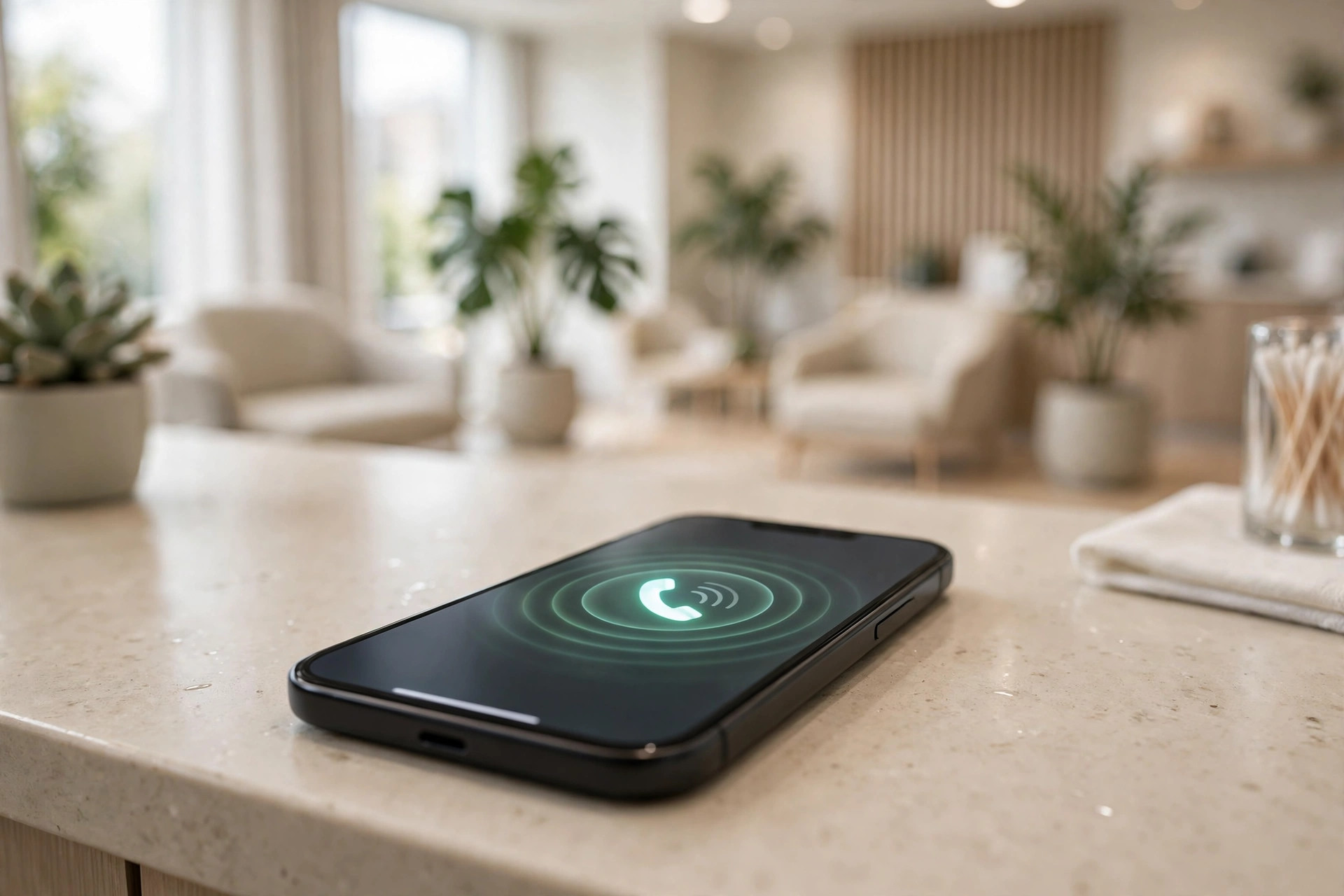
Every call answered is a patient kept. The front desk cannot pick up when the waiting room is full, so the AI covers those moments.
AI receptionist vs hiring another front desk coordinator
The honest comparison is not AI against your current team. It is AI against the next hire you are considering, because most practices look at an AI receptionist when the phones are already overwhelming the front desk. Here is how the two options compare on the points that matter to a practice owner.
| AI receptionist | Front desk hire | |
|---|---|---|
| Monthly cost | Roughly $200 to $500 | $3,000 to $5,000 fully loaded |
| Coverage | Every call, 24 hours a day, including weekends and holidays | 40 hours a week, minus lunch, sick days, and turnover gaps |
| Consistency | Same greeting, same questions, same scripts every call | Varies with training, mood, and how busy the waiting room is |
| Multitasking | Handles unlimited simultaneous calls | One call at a time; the rest go to hold or voicemail |
| Recall outreach | Calls the full overdue list without fatigue | Fits recall calls around everything else, or not at all |
| Warmth and judgment | Polite but limited; escalates to humans | Real empathy, reads anxious patients, solves odd problems |
| Clinical questions | Must deflect to staff by design | Can answer from experience within office policy |
| Risk | Needs transcript review and privacy setup | Needs hiring, training, and retention |
The right answer for most practices is both, not either. The AI handles the volume: after hours calls, simultaneous daytime calls, reminders, and recall outreach. Your coordinator handles the moments that need a human: the anxious patient, the complex insurance problem, the upset caller, the judgment call. Practices that frame it this way get the best of both: the phones are always answered, and the humans spend their time on work that actually needs a human.
What it costs
Dental AI receptionists price like other professional voice systems, with the cost driven by call volume and integration depth. Typical market ranges for a dental practice:
| Setup | Typical cost | What you get |
|---|---|---|
| Starter, single location | $150 to $300/mo | Call answering around the clock, new patient intake, appointment booking, text confirmations |
| Standard, with integrations | $250 to $500/mo | Everything above plus practice management sync, emergency routing, recall outreach |
| Multi location group | $400 to $800/mo | Everything above plus per location routing, centralized reporting, group wide recall campaigns |
Setup fees typically run $0 to $750, covering schedule connection, intake script writing, and emergency rule configuration. If your practice also wants the website covered, the text chat side pairs naturally with a wider plan: see our dental marketing ideas guide for how chat, phone, and reviews work together to keep the schedule full.
Rolling it out without disrupting the practice
The practices that get value from an AI receptionist treat the first month as a tuning period, not a launch event. This order keeps risk low:
- 1Connect the schedule first. Get bookings landing in your real calendar with notes attached before the AI takes a single live call. Test it with twenty fake bookings.
- 2Write your call rules. New patient intake questions, eight to ten maximum. Emergency trigger phrases and where each one routes. The exact greeting and disclosure wording.
- 3Set the privacy rules. Confirm the business associate agreement, data retention period, who can read transcripts, and the rule that the AI collects only booking details, never clinical opinions or sensitive health information beyond what routing needs.
- 4Run fifty test calls. Include the hard ones: “do you take my insurance,” “I am in severe pain,” “I want a human,” insurance plan names said wrong, and heavy accents. Fix every wrong answer before going live.
- 5Start with after hours only. Let the AI cover nights and weekends for two weeks while your team handles the day. Review every transcript, tune the scripts, then expand to daytime overflow.
- 6Review transcripts weekly for a month. Look for wrong visit type bookings, missed emergency flags, and questions the AI fumbled. Tune the scripts, then move to a monthly review.
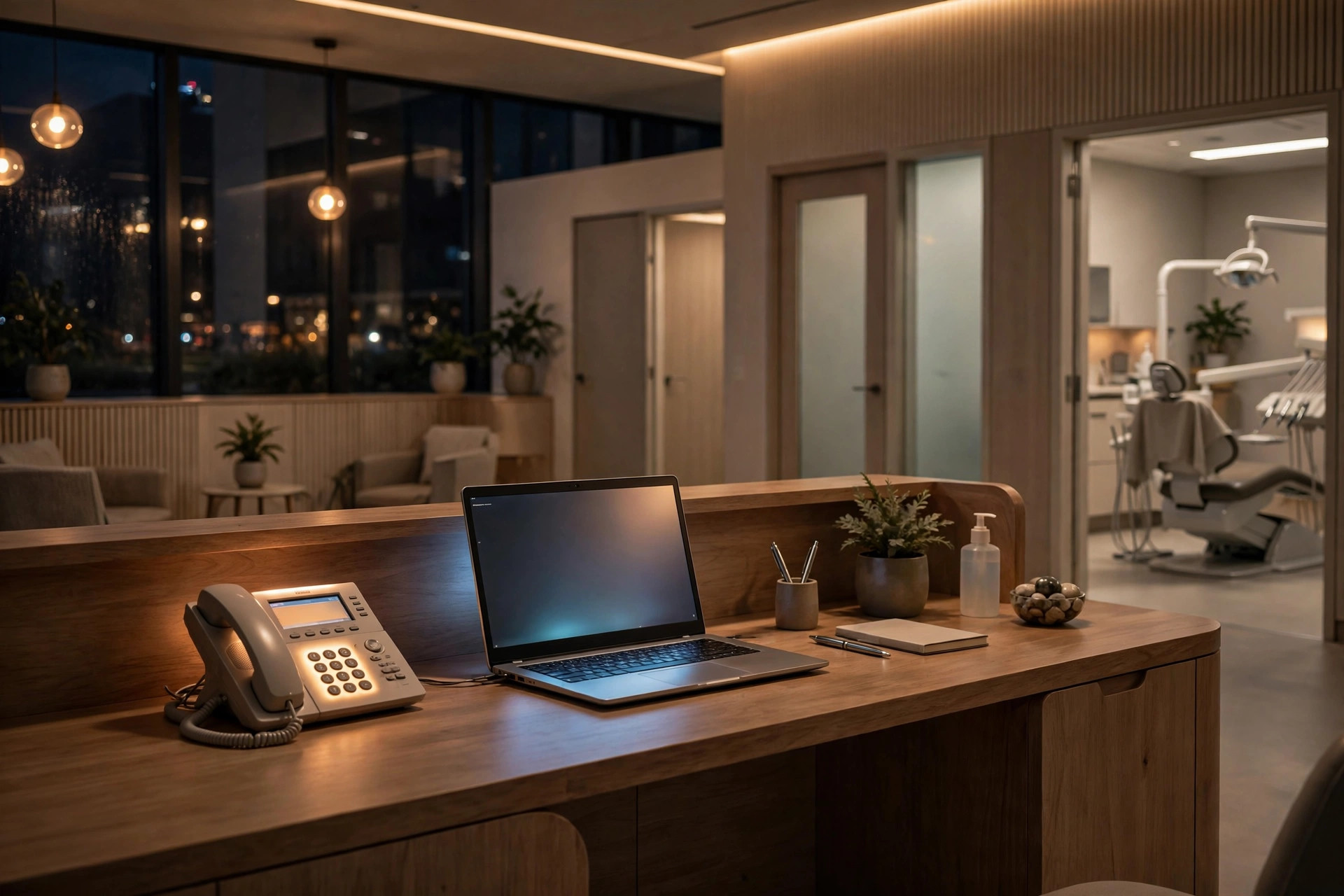
After hours is when new patients search. The AI answers at night so Monday starts with bookings, not voicemails.
Mistakes dental practices make with AI receptionists
The most expensive mistake is skipping the privacy setup. Practices get excited about the booking feature and go live before the business associate agreement is signed, before transcript access is limited, and before anyone has confirmed what the AI stores. Patient calls deserve better than that. The second mistake is the twenty question intake. Every question past the essential eight costs you completions, and a half finished intake on a Saturday night is a lost patient. The third is weak emergency routing. If your trigger list is vague, urgent callers get offered routine slots, which is worse than voicemail because it looks like the practice did not care. The fourth is hiding the human handoff. Some setups make “talk to a person” hard to reach because the vendor wants to show high automation rates. Your patients are not a metric. Make the handoff instant. The fifth is treating launch day as the finish line. Insurance plans change, visit types change, and staff feedback reveals what the transcripts miss. A receptionist nobody reviews for a year slowly drifts into wrong answers. Finally, do not buy on demo charm. The vendor that connects your actual schedule and builds your real intake in the trial is showing you the product. The vendor that plays you a recording of someone else’s is showing you marketing.
Frequently asked questions
How much does an AI receptionist for dentists cost?
Dental practices typically pay $150 to $300 a month for a starter setup with call answering and booking, $250 to $500 a month with practice management integration and recall outreach, and $400 to $800 a month for multi location groups. Setup fees usually run $0 to $750. Compare that to $3,000 to $5,000 a month fully loaded for a front desk hire.
Can an AI receptionist book into my practice management software?
The ones worth buying can. Ask the vendor to name your software specifically and test a full booking from start to finish during the trial: call, calendar event, confirmation text, notes attached, notification received. If any step needs manual copying, the system will slowly stop being used.
How do dental practices handle patient privacy with an AI receptionist?
Start with a signed business associate agreement, short data retention, and limited transcript access. The AI should collect only the details booking and routing need, must not repeat sensitive health details back unnecessarily, and must never offer clinical opinions. Have your own counsel review the setup, since this is practical guidance, not legal advice.
Will patients be put off by talking to an AI on the phone?
Most callers care about getting helped fast, not about who answers. A system that answers on the second ring, books the appointment, and sends a confirmation beats a voicemail that asks them to call back tomorrow. The key is honesty about it being automated and an instant handoff to a person for anyone who asks.
What is the difference between an AI receptionist and an AI chatbot for a dental practice?
An AI receptionist answers your phone calls with a voice system: intake, booking, emergencies, and reminders by voice. An AI chatbot handles website visitors through text chat. They cover different entry points, and many practices run both alongside a dental lead follow up system so no inquiry goes cold.
Stop losing new patients to voicemail
Digital Hayder builds AI receptionists for dental practices with new patient intake, real schedule booking, emergency routing, and privacy safeguards your patients can trust. Tell us your visit types and we will map your call flows before you pay anything.
Contact Us