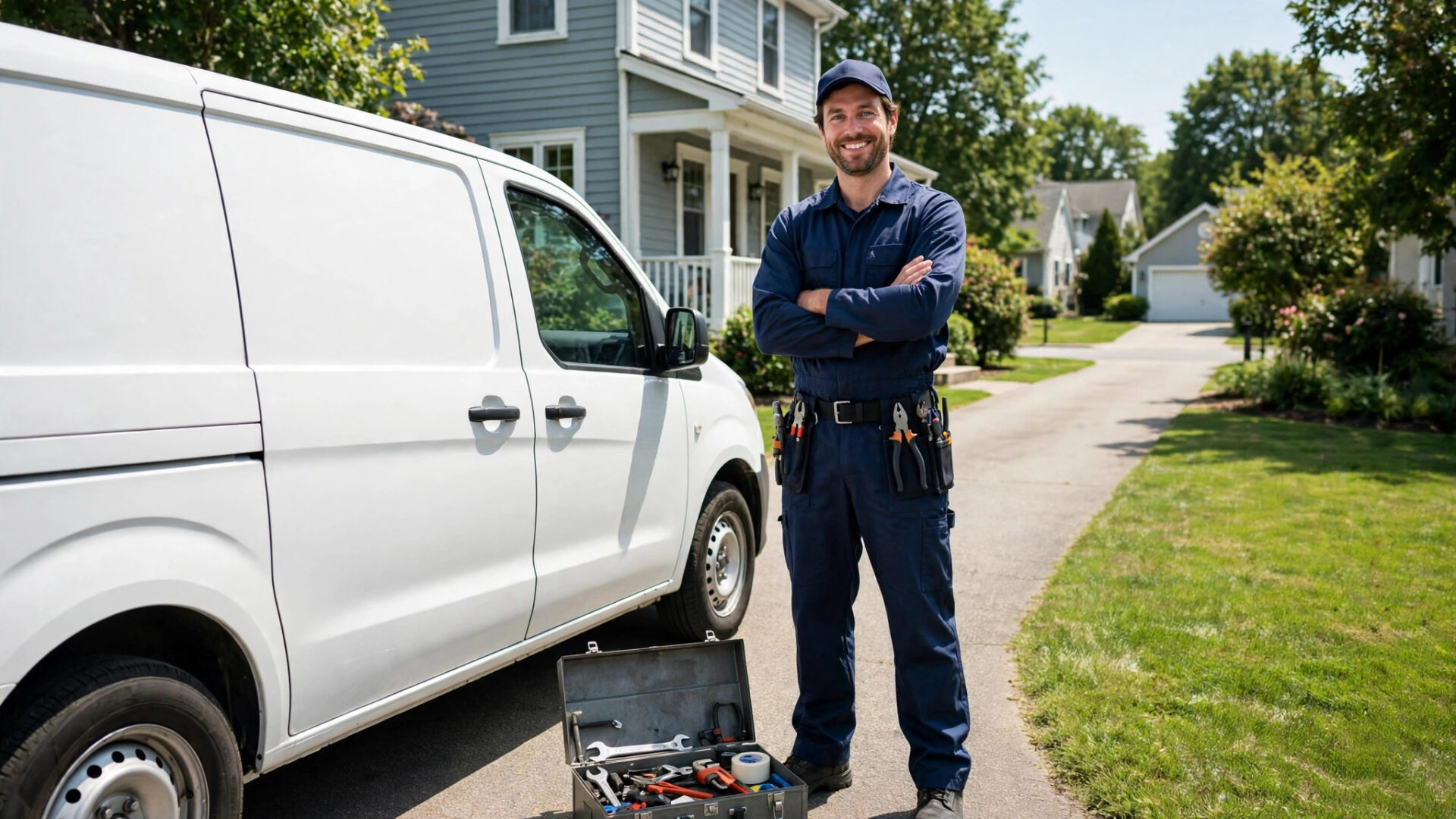
A homeowner with a burst pipe does not comparison shop. They search “plumber near me,” scan the star ratings, and call the first listing that looks trustworthy. If your competitor has 220 reviews at 4.8 stars and you have 14, you are losing that call before your phone ever rings. The good news: getting more Google reviews for plumbers is not luck, it is a system. This guide gives you the full playbook: how to ask at the right moment, the exact scripts your techs can use, how to make leaving a review take thirty seconds, how to automate the follow-up, and how to turn bad reviews into proof that you handle problems well.
The quick answer
- Ask on every job: the tech asks in person when the customer is happiest, right after the work is done and the invoice is paid.
- Send a direct link fast: text a one-tap Google review link within an hour of job completion. Every extra click costs you reviews.
- Respond to everything: reply to every review within 48 hours. Responses prove you read feedback and build trust with future customers.
- Aim for 10 to 15 new reviews a month: steady volume beats one burst. Google rewards profiles that collect reviews consistently.
- Never fake or buy reviews: Google removes them, can suspend your profile, and one exposed fake review does more damage than ten missing ones.
Why Google reviews decide who gets the plumbing job
Plumbing is a trust business. You are asking a stranger to let your techs into their home, sometimes at 2 in the morning, and trust them with work they cannot inspect themselves. Reviews are the fastest way a new customer can borrow the trust of your past customers. Industry surveys keep finding the same pattern: the vast majority of consumers read reviews before choosing a local business, and Google is the review source they check first. When two plumbers look equal on the map, the one with more reviews and a higher rating wins the call almost every time. Reviews also move your Google ranking directly: Google weighs review count, rating, and recency when it orders the map pack. Our plumber marketing playbook puts reviews in context with ads, referrals, and follow-up, and the same profile principles in our contractor profile guide apply here.
Step 1: Fix your Google Business Profile before you chase reviews
Asking for reviews on a broken profile wastes the effort. New reviews landing on a profile with no photos, wrong hours, or no service list will not convert the way they should. Take an hour and fix the foundation:
- Claim and verify: make sure you own the listing and the business name, address, and phone number match your website exactly.
- Categories and services: primary category “Plumber,” plus every service you sell listed separately: drain cleaning, water heater installation, leak detection, sewer repair, fixture installation, gas line work. Each service is a keyword Google can match to a search.
- Service areas: list every town and zip code you serve so you appear for “plumber in [town]” searches.
- Hours: accurate hours, including emergency or 24/7 if you offer it. A profile that says closed at 9pm loses the midnight emergency call.
- Photos: upload 50 or more: your team, your trucks, real before-and-after job photos, your office or shop. Profiles with photos get far more calls than empty ones.
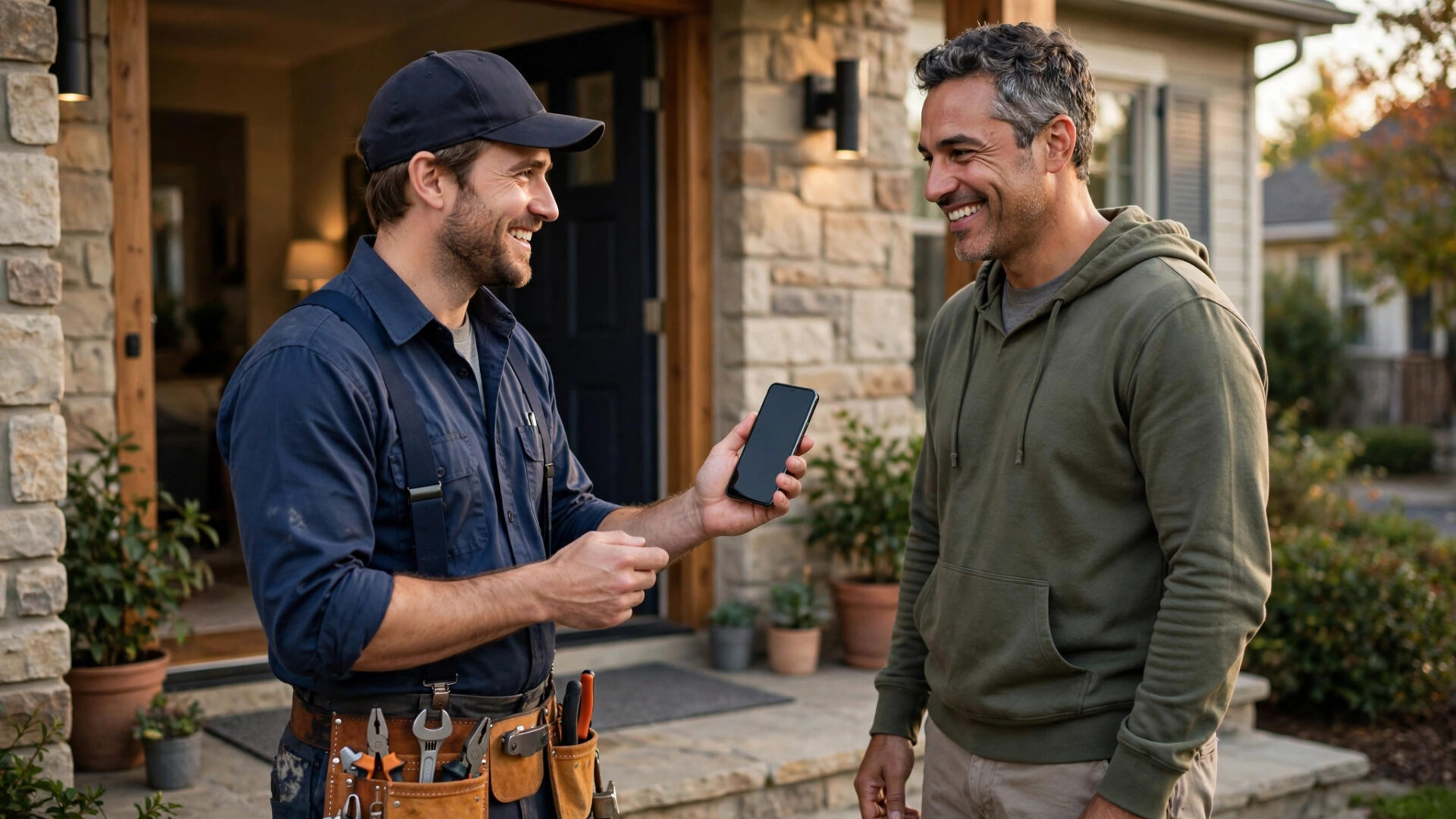
Your truck and your profile photo both do the same job: making a stranger trust you before you arrive.
Step 2: Ask in person, at the exact right moment
The single biggest factor in review volume is whether anyone asks. Surveys consistently show that most customers who are asked for a review write one, and most customers who are never asked never do. Your techs are the review team. Train them on one simple rule: ask when the customer is happiest, which is right after the work is finished, the area is clean, and the invoice is settled.
The ask should be short, warm, and specific. Do not say “leave us a review if you have time.” That sentence fails because it gives the customer no urgency and no reason. Give them this script instead:
Three things make this script work. First, it names the specific job, which proves the review is real and personal. Second, it removes the time objection (“thirty seconds”). Third, it ends with a direct question, not a vague suggestion. Train every tech to deliver it the same way.
The moment matters more than the words. Ask when the customer is expressing relief or satisfaction: “Oh, that’s so much better,” or “thank you, this was fast.” Never ask before the work is done, never ask when the customer is annoyed about the price, and never ask when something went wrong.
Step 3: Make leaving a review take thirty seconds
Even willing customers bail when the process is hard. “Just Google us and leave a review” fails because the customer has to search, find your listing, click through, and figure out where the review button is. Most will not. Your job is to reduce the whole thing to one tap.
Get your direct review link
Google gives every Business Profile a short review link. Find it in your profile dashboard under “Ask for reviews” or “Share review form.” It looks like a long URL with your place ID. Shorten it with a free link shortener so it fits in a text message and looks clean on printed cards. Test the link on your own phone before you send it to anyone. It should open straight to the review writing screen for your business, not to your general profile page.
Send it by text within the hour
Text beats email for review requests by a wide margin. Open rates for texts run above 90%, and the customer reads it on the phone where the review gets written. The best template is short and personal:
Send it within an hour of the tech leaving. Memory of the good experience is fresh, and the customer is still in “appreciative” mode. If you have a CRM or dispatch software, automate this send so it goes out without the tech having to remember.
Add QR codes and NFC for in-person asks
When the tech is standing at the door and the customer says yes, the worst thing that can happen is the customer saying “I’ll do it later.” Later usually means never. Give the tech tools to close it on the spot:
- QR code cards: a small printed card with a QR code that opens your review link directly. The tech hands it over and says “just point your camera at this.” Print them on sturdy cards that look professional.
- NFC tap cards: a tap-to-review card the customer taps with their phone. No camera needed, no typing. These cost a few dollars each and sit in the tech’s pocket.
- Invoice footer: put the QR code and short link on every invoice. Customers who handle paperwork often review days later, and the invoice is still on the counter.
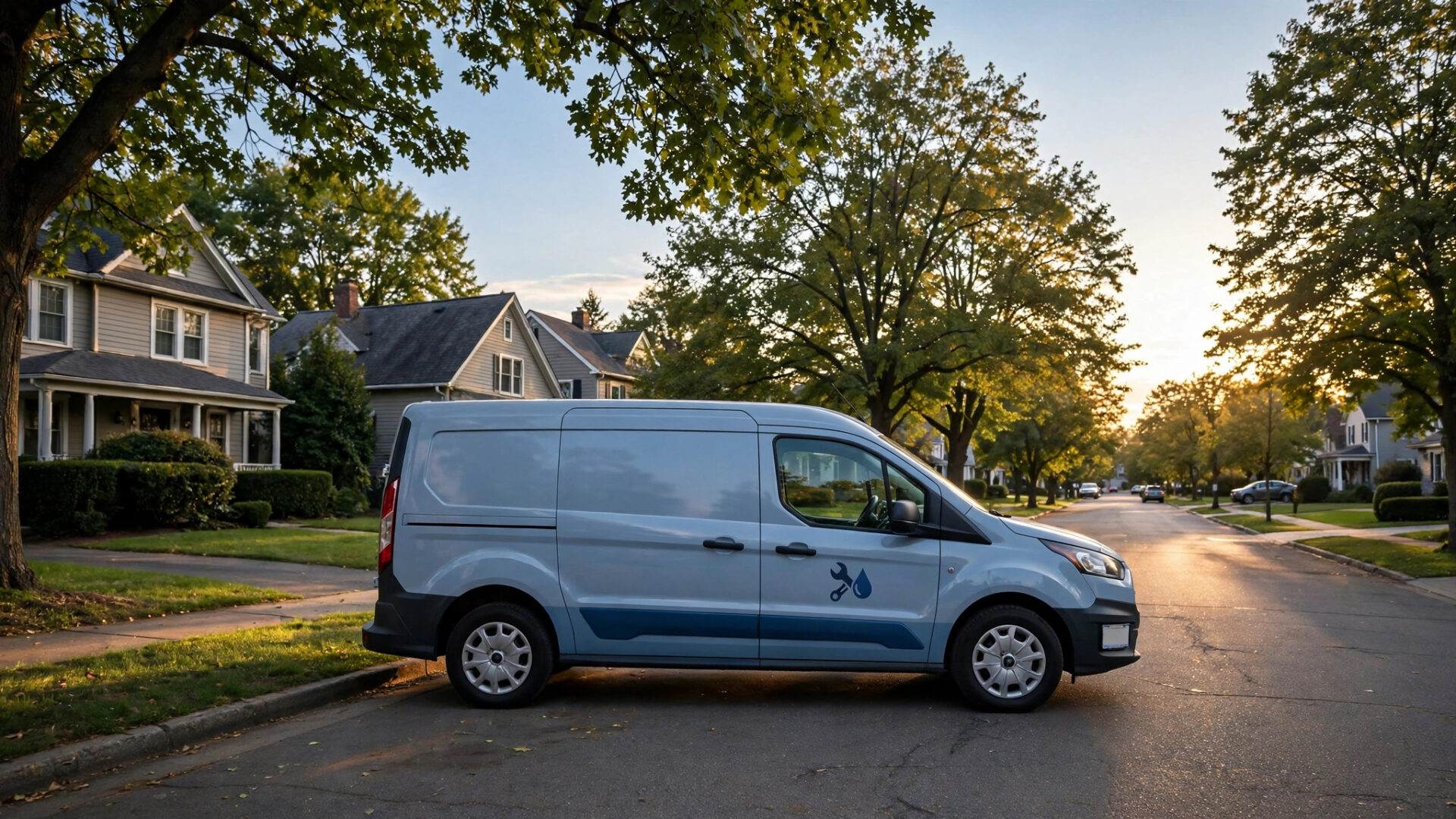
The in-person ask plus a one-tap link is the highest-converting review combination a plumber has.
Step 4: Automate the ask so nobody slips through
Manual asks depend on memory, and memory fails on busy days. The shops that collect 200-plus reviews all run the ask on autopilot: when a job is marked complete in your dispatch software or CRM, the review request goes out automatically.
The review request sequence
One text is good. A short sequence is better, because it catches the customers who meant to review and forgot. Keep it to three touches, all polite, and stop the moment a review is left:
| When | Channel | Message |
|---|---|---|
| 1 hour after job | SMS from the tech or office | Personal thank-you plus the direct review link, using the template above. |
| Day 3 | SMS or email | “Hi Sarah, just checking in, everything still running well after Tuesday’s repair? If you get a moment, that review link is here: [short link]. Thanks, Mike.” |
| Day 10 | A final gentle nudge with the link, framed as a favor: “Reviews from customers like you are how a small shop like ours earns new business.” |
Never send more than three requests for one job. Past that, the messages stop being reminders and start being pressure, and pressured customers either ignore you or leave worse reviews. Also never offer payment, discounts, or gifts in exchange for reviews. Google’s policy bans review incentives outright, and customers can smell a bought review. Our guide to lead follow-up systems covers the same automation logic in more depth if you want to apply it to quotes and estimates too.
Who should get the ask
Ask every customer, but prioritize. Happy customers who praised the tech by name are your best candidates. Customers who bought big-ticket work (repipes, sewer lines, water heater replacements) write the longest, most detailed reviews because they did the most research before hiring you. Commercial and property-manager clients leave reviews that attract more commercial work.
Step 5: Respond to every single review
Most plumbers collect reviews and never reply. That is a mistake, because review responses are not really for the reviewer. They are for the hundred future customers who will read them while deciding who to call. A thoughtful response signals that you run a professional operation that stands behind its work.
- Reply within 48 hours. Speed shows you pay attention. Set a calendar reminder or a daily notification from your profile.
- Use the customer’s name and the job. “Thanks, Sarah, glad the water heater swap went smoothly” reads like a real business. “Thanks for the review!” reads like a template.
- Sign the response. A name at the end, yours or your office manager’s, keeps it human.
- Repeat the service keywords naturally. “Thanks for trusting us with your drain cleaning in Riverside” helps future customers find you for that exact service.
Step 6: Handle negative reviews like a professional
You will get a bad review eventually. A bad review only hurts you if you ignore it or fight it. Handled well, a negative review with a calm, professional response actually increases trust, because customers assume perfect 5.0 profiles are either fake or brand new.
The response formula
Respond publicly within 24 hours, and follow this order: acknowledge, take responsibility for their experience, move it offline, and invite them back.
What this does: it shows future readers you take problems seriously, it gives the owner a human face, and it moves the messy details off the public page. Never argue with a reviewer in public, never blame the customer, and never reveal private details about the job. If the review is fake, flag it to Google through the profile dashboard, but respond calmly in the meantime.
Step 7: Put your reviews to work everywhere
Reviews sitting on Google are doing half the job. Take the best ones and put them in front of customers at every decision point:
- Your website homepage: show your star rating and 3 to 5 recent reviews near the top, with a click-to-call button beside them. Reviews near the phone number convert callers.
- Service pages: put drain-cleaning reviews on the drain-cleaning page, water heater reviews on the water heater page. Matching the review to the service answers the visitor’s exact worry.
- Quotes and invoices: one short review quote on every estimate reminds the customer why they picked you and pushes hesitant buyers over the line.
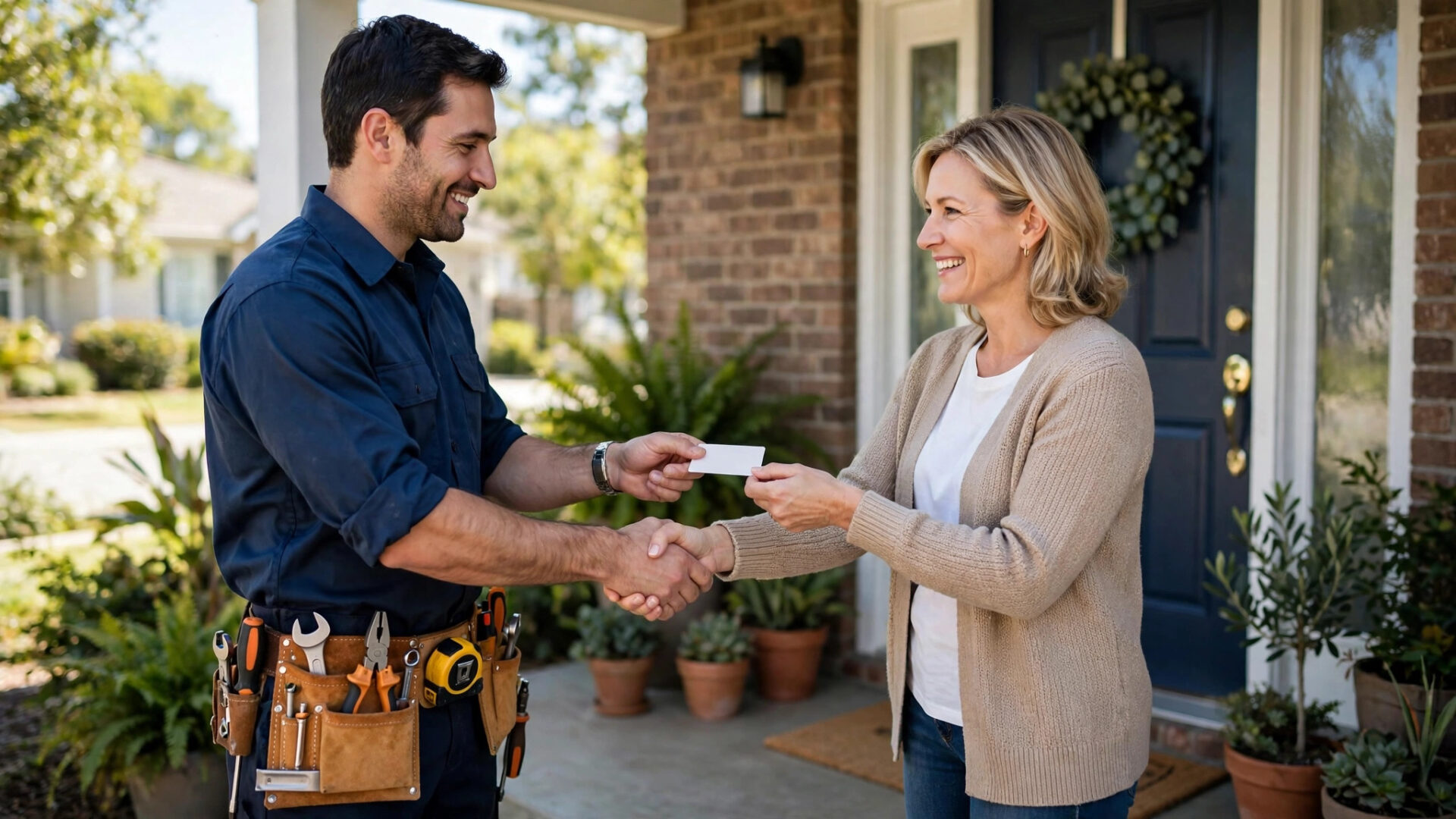
A review card on every invoice keeps the ask alive even when the tech forgets it at the door.
Copy-paste review scripts for your techs
Print this section and put it in every truck. These are the exact words for the most common situations:
The standard closeout ask
“Everything is tested and working, and I cleaned up the area. Most of our new customers find us through Google reviews. I sent you a quick text with a link, it takes about thirty seconds. Would you leave one for us? It really helps.”
When the customer praises the tech
“Thank you, that means a lot. If you have a minute, would you put that in a Google review and mention my name? It helps me personally, and it helps the company. I sent you the link.”
The text follow-up for non-responders
“Hi Sarah, Mike from Carter Plumbing here. Hope the water heater is still running perfectly. If you have 30 seconds, we’d love a quick Google review: [short link]. No pressure either way, and thanks for choosing us.”
What NOT to do when chasing reviews
- Do not buy reviews. Google’s detection keeps improving. Bought reviews get removed in batches, and a profile caught buying reviews can be suspended. The risk is not worth it.
- Do not review-gate. Sending happy customers to Google and unhappy customers to a private feedback form violates Google’s policy. Ask everyone the same way.
- Do not offer incentives. Discounts, gift cards, or entries into a drawing in exchange for reviews are against policy and cheapen real feedback.
- Do not have staff write reviews. Reviews from your own team or their families get flagged and removed, and they erode trust if discovered.
- Do not argue publicly. One defensive reply to a bad review does more damage than the review itself.
Your 30-day review-building plan
- 1Days 1 to 3: fix your Google Business Profile: categories, services, areas, hours, and 50+ photos. Get your direct review link and shorten it.
- 2Days 4 to 7: print QR review cards and put one stack in every truck. Add the QR code and link to your invoice template. Train every tech on the 15-second script.
- 3Days 8 to 14: set up the automated text send: job marked complete triggers the review request within an hour. Assign one person to respond to every review within 48 hours.
- 4Days 15 to 30: run the full sequence on every job. Track reviews per week per tech. Add your best reviews to the website homepage and service pages.
Frequently asked questions
How many Google reviews does a plumber need?
There is no magic number, but the pattern is clear: more reviews and a higher rating beat fewer reviews every time. Aim for at least 100 reviews to look established, then keep a steady pace of 10 to 15 new reviews a month. A profile with 250 recent reviews at 4.8 will outrank one with 60 old reviews at 5.0 in most markets.
How do I get my Google review link?
Open your Google Business Profile dashboard, find the “Ask for reviews” or “Share review form” option, and copy the link Google generates. Shorten it with a free link shortener so it works in texts and on printed cards, then test it on your own phone to confirm it opens the review writing screen directly.
Should I respond to every Google review?
Yes, every one, within 48 hours. Positive reviews get a personal thank-you that names the customer and the job. Negative reviews get a calm, professional response that acknowledges the problem and moves the conversation offline. Responses are read by future customers deciding who to call.
What do I do about a fake Google review?
Respond calmly and professionally first, then flag the review through your Business Profile dashboard and report it to Google. Provide evidence that the reviewer was never a customer. Removal can take days or weeks, and Google does not remove every flagged review, so the professional response matters more than the flag.
Want a review engine that runs itself?
Digital Hayder builds automated review systems for plumbing and home service businesses: job-completion text requests, QR cards, review monitoring, and professional responses handled for you. Tell us about your shop and we will map the plan.
Contact Us