
The homeowner opens the electric bill, looks at the number, looks again, and calls her husband over. It is the first full month since the panels went live, and the bill is a fraction of what it was. She takes a photo of the bill and texts it to her sister. Then she walks outside, looks up at the roof, and feels something close to pride. That is one of three moments in every solar installation when the customer wants to tell the world about your company. The other two are the day the permit clears and the day the crew finishes the install. Most solar companies ask for reviews at none of them. They finish the job, file the paperwork, and hope. Meanwhile the competitor with 350 reviews and a 4.8 rating keeps winning the quotes, because solar shoppers read reviews the way they read contracts: carefully. This guide shows where to place the ask in your post-install workflow, how to turn reviews into referral fuel, and how to answer the reviews that turn into installer-versus-customer disputes, with response templates you can use today.
The quick answer
- The core job: ask at three moments: permit approval (relief), install day (pride), and the first lower bill (proof). Each one earns a different kind of review.
- Where the ask lives: inside the post-install workflow, triggered automatically at each milestone, with a human follow-up for the big ones.
- What to send: a short text with a direct Google review link. Keep it personal, name the project manager, and never offer anything in exchange for the review.
- Why reviews matter more in solar: shoppers compare multiple installers and read reviews like due diligence. Review count and recency decide who gets the quote request.
- The dispute problem: solar reviews attract complaints about subcontractors, timelines, and utility delays. Answer every one publicly with a calm template.
- The target: steady velocity matters as much as the total. Ten new reviews a month beats fifty once a year.
Three moments when solar customers want to leave a review
Solar has the longest emotional arc of any home service. The customer signs, waits through design and permitting, watches the install, waits for permission to operate, and then finally sees the bill drop. Each milestone carries its own feeling, and each feeling produces a different review. Ask at all three and you collect the full story of your company. BrightLocal’s consumer research finds that 98 percent of people read online reviews for local businesses, and solar shoppers are among the most thorough readers, because the purchase is large and the commitment lasts decades.
Permit approval: the relief moment
Permitting is the part of solar the customer dreads and you handle. When the permit clears, the customer feels relief, and relief toward you. This is the moment to ask for a review about your process: communication, paperwork handled, timeline kept. The project manager sends a short text when they deliver the news: “Great news, your permit cleared today. We are scheduling your install next. If our communication so far has earned it, a quick Google review helps us a lot: [link]”. Reviews from this stage talk about professionalism and responsiveness, which is exactly what a shopper comparing three installers wants to read.
Install day: the pride moment
Install day is theater. The crew arrives, the panels go up, and by afternoon the roof looks like the future. The customer takes photos and shows the neighbors. Ask here and the review mentions the crew by name, the cleanliness of the site, and how fast it went. Have the crew lead ask in person during the walkthrough, then follow with the text and the link that evening. One caution: only trigger this ask when the install actually went well. If the day ran long or something went wrong, fix it first and ask at the next milestone. A review written while the customer is annoyed about a delay will say so.
The first lower bill: the proof moment
This is the strongest ask in solar. The promise you sold has now been proven on paper. Time a check-in for 30 to 45 days after the system goes live: “Hi Tom, your system has been running a month now. Have you seen your first bill yet?” When the customer replies with excitement, send the review link. Reviews from this stage mention savings, which is the single most persuasive content on a solar company’s profile. If your CRM can track permission-to-operate dates, this ask can fire automatically, which brings us to the workflow.
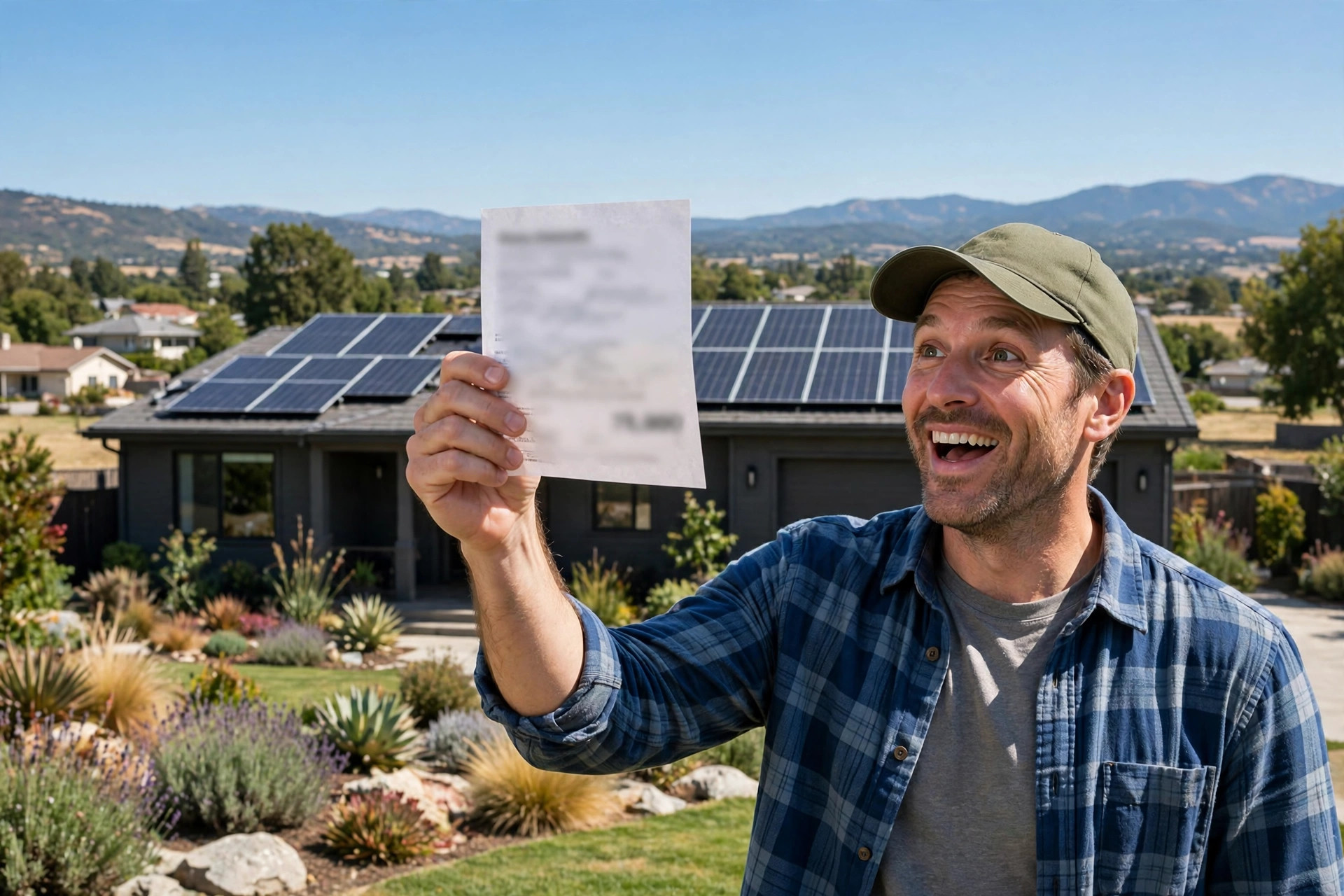
The first lower bill is the proof moment. Time the ask for it and the review writes about savings.
Build the ask into the post-install workflow
Solar companies already run a post-install process: inspections, utility interconnection, monitoring setup, and check-ins. The review asks should be steps in that process, not a separate campaign someone remembers to run. When the ask is a workflow step, it happens for every customer. When it is a campaign, it happens for the customers someone had time for.
The 30-60-90 follow-up cadence
Anchor three touches to the calendar. At 30 days after permission to operate, the check-in call or text about the first bill, with the review ask for happy customers. At 60 days, a monitoring check: is the system producing as expected, any questions about the app. If the customer is happy and has not reviewed yet, ask again, once, with the link. At 90 days, the referral ask: “Most of our new customers come from neighbors. If you know anyone curious about solar, we take great care of referrals.” The 90-day touch is where reviews become referral fuel, because a customer who has reviewed you is far more likely to refer you. Log every ask in the CRM so nobody gets asked twice in a month and nobody falls through the cracks.
Automate it, but keep the human touch
Automation should handle the timing; humans should handle the words. A text that fires automatically at the right milestone is fine, but it should come from the project manager’s number and read like they wrote it. The worst version is a generic “Please review us on Google!” blast that goes to every customer including the one whose install is delayed. Build two guardrails into the automation: suppress the ask if there is an open service ticket or complaint on the account, and require the project manager to confirm the install-day ask with one tap. An AI chatbot for home services websites can handle the check-in conversation itself, asking about the first bill and routing happy customers to the review link while flagging unhappy ones to a human before they reach Google.
| Ask moment | What the customer feels | What the review says | How to trigger it |
|---|---|---|---|
| Permit approval | Relief that the process is moving | Communication, professionalism, paperwork handled | Project manager text when delivering the news |
| Install day | Pride in the finished system | Crew quality, cleanliness, speed, names | Crew lead asks in person, text with link that evening |
| First lower bill (30 to 45 days) | Proof the investment works | Savings, numbers, would recommend | Automated check-in tied to permission-to-operate date |
| 60-day monitoring check | Confidence in ongoing support | Service, monitoring, responsiveness | One follow-up ask if no review yet |
| 90-day referral touch | Loyalty | Often updates the original review or refers directly | Referral ask in the CRM sequence |
Use reviews as referral fuel
In solar, reviews and referrals are the same engine. A homeowner who leaves a review has publicly committed to liking you, which makes them dramatically more likely to recommend you when a neighbor asks. Treat the review as the first step of the referral, not the end of the transaction.
Reviews sell better than your sales deck
Solar shoppers arrive skeptical. They have heard the door-knocker pitches and the too-good-to-be-true savings claims. What cuts through is a profile full of reviews from people in their town mentioning their actual bills. Feature your best reviews on the quote proposal itself: a page of recent local reviews with names and towns, right before the pricing. Sales teams report that shoppers who have read your reviews arrive at the appointment pre-sold on your credibility, which shortens the sales cycle and raises close rates. Ask your happiest reviewers for permission to quote them by name in proposals. Most say yes.
The neighbor effect
Solar sells street by street. When one house gets panels, the neighbors watch the install, ask about the bill, and call the company on the truck. Reviews multiply this effect online. A shopper who sees three reviews from their own neighborhood trusts you more than a shopper who sees thirty from across the metro. When you finish an install, note the street in your CRM, and when the review posts, it becomes social proof for every future quote on that street. Some installers mail a simple “your neighbor just went solar” card to the surrounding homes with a QR code to the review profile. The card plus the profile does the selling before your rep ever knocks.
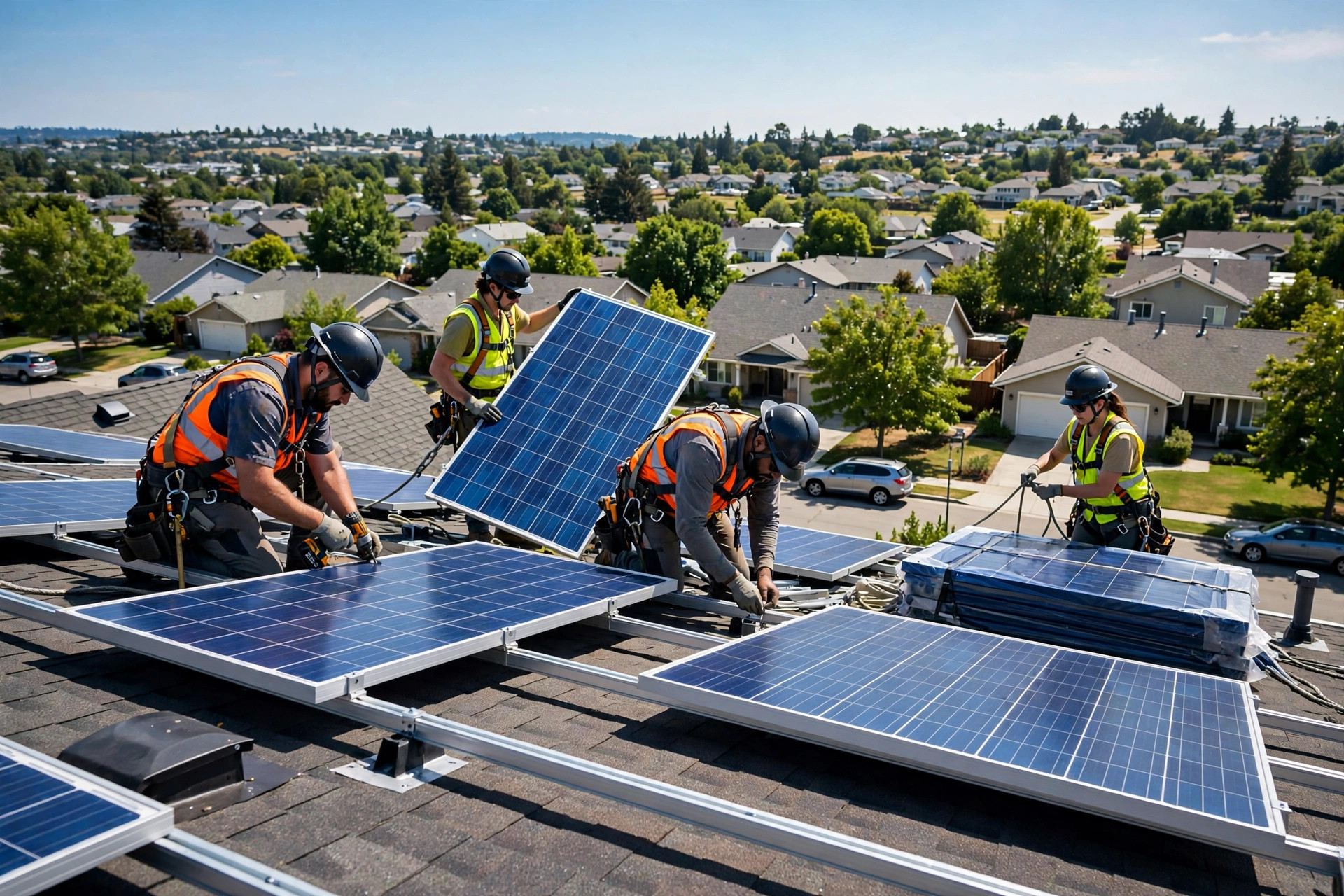
Install day is theater. The crew lead’s in-person ask, followed by a text that evening, captures the pride moment.
Responding when reviews turn into disputes
Solar reviews attract a specific kind of complaint: the installer-versus-customer dispute. Timelines slip because of permitting or the utility, subcontracted crews do work the customer dislikes, and the customer writes the review about you. You cannot prevent every complaint, but you can answer every one in a way that protects the profile.
The installer-versus-customer complaint pattern
Most solar complaints fall into four buckets: timeline delays, usually caused by permitting or utility interconnection rather than the installer; workmanship issues from subcontracted crews; savings that do not match the sales pitch; and communication gaps during the waiting periods. Your public response should acknowledge the specific issue, state what you are doing, and move it offline. Never blame the utility, the permit office, or the subcontractor in public. The reader does not care whose fault the delay was. They care how you handled it.
Response templates for common solar complaints
For timeline complaints: “Thank you for the feedback, [Name]. We know the wait for utility approval was frustrating, and we should have communicated the status more often while it was pending. Our service manager will call you today to walk through where things stand. Reaching us directly at [number] gets the fastest response.” For workmanship complaints: “Thank you for telling us, [Name]. That is not the standard we hold our crews to. We are sending our quality manager to inspect the work this week and make it right at no cost to you. Please call [number] so we can schedule it.” For savings complaints: “Thank you for raising this, [Name]. We take savings expectations seriously, which is why every proposal includes the production estimate the system was designed around. Our team will review your actual production against that estimate with you. Please call [number].” Then actually call. A resolved complaint sometimes becomes an updated review, and even when it does not, future shoppers read your response as evidence of accountability. Our guide to how to respond to negative Google reviews covers the general structure behind these templates.
Your rollout checklist
Build this into the post-install process in order. The automation comes after the human version works.
- 1Get the direct review link. Pull the short review link from your Google Business Profile and test it on a phone. One tap to the review form.
- 2Write the three milestone texts. Permit approval, install day, first bill. Short, personal, from the project manager, with the link.
- 3Train the crew lead ask. A simple in-person request at the install walkthrough, then the text goes out that evening.
- 4Add the suppression rule. No review ask fires while a service ticket or complaint is open on the account. Fix first, ask later.
- 5Build the 30-60-90 cadence. Bill check-in with the ask, monitoring check with one follow-up, referral ask. Log every touch in the CRM.
- 6Put reviews in the proposal. A page of recent local reviews before the pricing page. Update it monthly.
- 7Load the response templates. Timeline, workmanship, savings, communication. Assign one person to answer every review within 48 hours.
- 8Track velocity monthly. New reviews per month per milestone. If one milestone underperforms, fix the ask there.

Steady velocity beats one big push. Ten new reviews a month keeps the profile alive.
Frequently asked questions
How many Google reviews does a solar company need?
Enough to lead your market, which in most metros means 200 or more, with a steady stream of new ones. Solar shoppers compare installers side by side, so the company with 350 recent reviews wins the quote request over the company with 60 old ones, even at a higher price.
Can I offer a gift card for a review?
No. Paying for reviews or offering gifts in exchange for them violates Google’s policy, and incentivized reviews can be removed. You can thank customers for their business in general, but the review itself must be freely given.
What if the bad review is about the utility delay, not us?
Respond anyway, and never blame the utility in public. Acknowledge the frustration, explain what you are doing, and move it offline. Future shoppers judge your accountability, not who caused the delay.
Should we collect reviews on solar-specific sites too?
Google first, always, because it feeds the local results shoppers actually see. Industry sites are a reasonable second priority once Google is strong. Do not spread your ask across five platforms. Focus the customer’s effort where it counts most.
What if the complaint is about a subcontracted crew?
Take responsibility publicly. The customer hired you, not the subcontractor. Say you hold your crews to a standard, you are sending someone to inspect and fix the work, and give a direct number. Handle the subcontractor privately.
How do we handle reviews in Spanish or other languages?
Respond in the customer’s language. A short, genuine reply in Spanish does more for your reputation in that community than a polished English template. If no one on the team writes Spanish confidently, use a careful translation and have it checked.
Should we ask customers to update their review after we fix a problem?
You can mention it once, politely, after the fix is confirmed: “If you feel the updated experience reflects us better, you are welcome to update your review.” Never pressure. Some will, and an updated review that describes the recovery is powerful social proof.
Make every install produce reviews and referrals
Digital Hayder builds post-install review systems for solar companies: the milestone-triggered texts, the CRM automation with suppression rules, and the response templates that protect your rating when disputes arise. Tell us about your install volume and we will design the workflow around it.
Contact Us