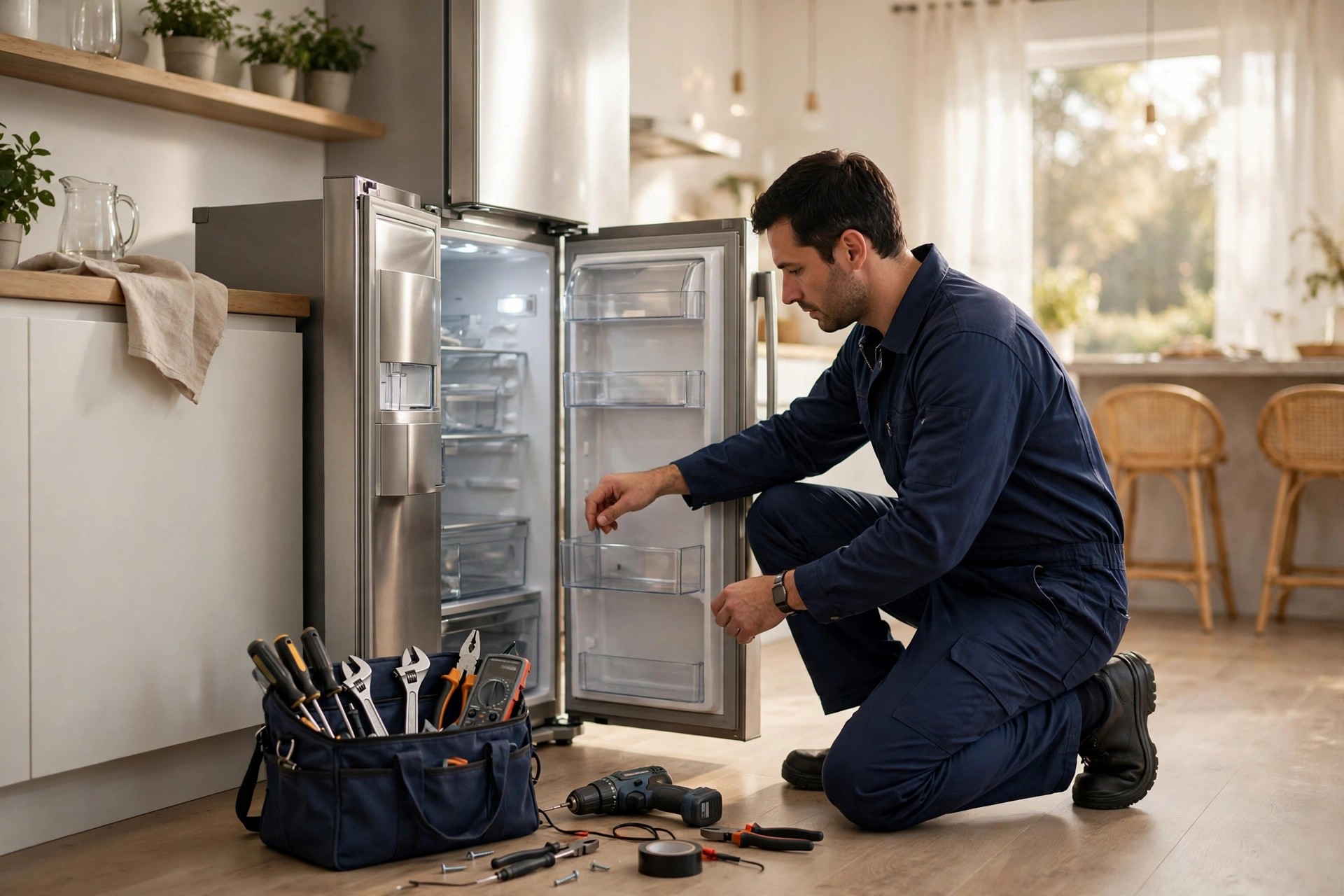
When a refrigerator dies on a Tuesday night, the homeowner does not browse five websites. They open Google, type “appliance repair near me,” and look at the map pack: three companies, star ratings, review counts, and the first lines of the newest reviews. The company with 180 reviews at 4.8 stars gets the call. The company with 14 reviews at 4.2 stars gets skipped, even if its techs are better. That is the daily reality of a trade where every job starts with an emergency and trust has to be built in about ten seconds. Reviews are that trust. They influence your ranking in the map pack, your click-through rate, and whether a stranger lets your technician into their kitchen. This guide is the complete system for getting more Google reviews for an appliance repair company: how many you need, the exact ask and when to make it, the tools and their costs, how to answer bad reviews, and the weekly habits that keep the count climbing month after month.
The quick answer
- Reviews decide the call: most appliance repair jobs start with a “near me” search, and the company with more recent five-star reviews wins the tap.
- The target to aim for: 100-plus reviews at 4.6 stars or higher puts you ahead of most local competitors, and fresh reviews every week keep you there.
- Ask at the right moment: request the review within 24 hours of a completed job, from the technician at the door or by text the same evening, never weeks later.
- Make it effortless: a short review link sent by text, a QR code on the invoice, and a tap card on the tech’s clipboard remove every excuse.
- Answer every review: reply to five-star reviews with specifics and to one-star reviews with a calm, professional fix, because future customers read your responses.
- Protect the flow: never buy reviews, never ask only happy customers, and never leave a bad review unanswered. All three cost you trust or get you penalized.
Why Google reviews decide which appliance repair company gets the call
Appliance repair is an emergency trade. Nobody plans a refrigerator breakdown or schedules a dead oven for next month. When it happens, the customer is stressed, the food is thawing, and they need someone in the house fast. In that state of mind, they do not read your About page or compare your service list. They scan the three map pack listings, check the stars, and tap the one that looks safest. A company with 150 reviews at 4.7 stars looks safe. A company with 11 reviews at 4.0 stars looks like a gamble, and nobody gambles on a stranger coming into their kitchen.
Reviews also feed the ranking itself. Google’s local ranking weighs review count, average rating, review recency, and whether the business responds to reviews. A steady stream of fresh five-star reviews is one of the strongest signals that your business is active, trusted, and relevant right now. Two companies can have the same rating, but the one with reviews from this week will usually outrank the one whose newest review is four months old. That recency factor is why review generation can never be a one-time project. It has to be a system that runs on every single job, in busy months and slow months alike.
There is a third effect that owners underestimate: reviews pre-sell the price. Appliance repair has a trust problem around pricing. Customers worry about the service-call fee, the parts markup, and the upsell. When your reviews are full of lines like “fixed my washer for half what the other company quoted” and “honest about what needed replacing,” the price conversation at the door gets much shorter. Reviews do the selling before your tech arrives.
How many reviews you actually need
You do not need a thousand reviews to dominate a local market. You need enough to clear the trust bar in your specific service area, and you need to keep adding them. In most mid-size markets, the leading appliance repair companies sit between 100 and 400 reviews. If you are under 50, you are invisible in the comparison. If you are over 100 with a strong rating, you are in the fight. Here is how customers and Google tend to read your count:
| Your review count | What customers think | What it means for ranking |
|---|---|---|
| Under 20 | Too new to trust | Buried below established competitors in most searches |
| 20 to 50 | Getting established | Shows up in wider searches, rarely in the top three |
| 50 to 100 | Solid choice | Competitive in the map pack for your core neighborhoods |
| 100 to 250 | Local leader | Strong map pack presence, hard for newcomers to pass |
| 250-plus | The obvious pick | Dominant; competitors need months of work to catch up |
The 100-review threshold
One hundred reviews is the practical milestone for most appliance repair companies. It is enough that no single bad review can sink your rating, enough to look established next to any competitor, and enough to give Google a rich stream of keyword-rich text about your services. Getting from zero to 100 is the hard part, and it usually takes a company doing 30 to 50 jobs a month about six to nine months with a working system. The pattern is the same across the trades: our guide on getting Google reviews for electricians shows electricians hitting the same milestone with the same job-triggered approach.
Rating math: why 4.6 beats 5.0
A perfect 5.0 rating with 200 reviews looks fake to experienced shoppers, and Google knows it too. The sweet spot is 4.6 to 4.9. At that range you look excellent and human. Do not panic over a one-star review; a 4.8 with a few answered complaints converts better than a suspiciously perfect 5.0. What actually hurts is dropping below 4.3, where the “sort by rating” filter starts cutting you out. Guard the floor, not the ceiling. If your rating dips toward 4.3, pause and fix the service issue behind the bad reviews before you push for more volume.
The job-completion review system
The entire system hangs on one moment: the job is done, the appliance works, and the customer is relieved. That relief is the fuel. Ask while it is fresh, make it take 30 seconds, and a meaningful share of customers will do it. Wait a week and the relief is gone, the invoice is forgotten, and your request is an annoyance. Everything below is built around the 24-hour window after the repair.
The technician’s 20-second ask
Your technician is the most effective review channel you have, because the ask comes from a real person the customer just trusted in their home. Train every tech on the same short script, said at the door after the repair is confirmed working: “Glad we got it running. If you have 30 seconds later, a Google review really helps our small team. I will send you the link by text tonight.” That is it. No begging, no long pitch. The mention of “small team” and “30 seconds” does the persuading. Tie a small monthly bonus to review volume per tech, ten to twenty dollars per verified review, and the asks will happen on every job without you chasing anyone.
The same-evening text
Follow the door ask with a text the same evening, ideally within two to four hours of the completed job. Texts get opened at rates above 90 percent, while emails from a trade company are lucky to break 30 percent. Keep it short and personal, from the company name the customer recognizes: “Hi Sarah, this is Mike from Apex Appliance Repair. Glad your fridge is cooling again. If you have 30 seconds, would you share your experience here? [link] Thank you.” Send it from a real local number, not a short code, so the reply feels like a conversation. One polite reminder 48 hours later to anyone who did not click is fine. A third message is not. Two texts, then stop.
Track the ask like a job step
What gets measured gets done. Add “review request sent” as a checkbox on the job closeout in your dispatch software or even on the paper invoice. Every Friday, count: jobs completed, review requests sent, reviews received. Your conversion rate is reviews received divided by jobs completed. A healthy system converts 15 to 25 percent of jobs into reviews. Below 10 percent, the ask is not happening or the link is broken. Above 30 percent, your techs are stars and you should find out what they are doing differently.

The best moment to ask is while the relief of a fixed appliance is still fresh, within hours of the completed job.
Make leaving a review effortless
Every extra step between the customer and the review form cuts your conversion. Asking someone to “find us on Google” is asking them to open a browser, search your name, find the listing, scroll to reviews, and figure out the button. Almost nobody does that. Your job is to reduce it to one tap: tap the link, tap the stars, type a sentence, done. The tools for this are cheap and simple.
The short link and the QR code
Inside your Google Business Profile there is a “share review form” link, a long ugly URL that drops the customer straight onto your review form. Shorten it with your own domain or a simple redirect so it looks clean in a text, and generate a QR code from the same link. Print that QR code on the invoice, on a small card the tech hands over, and on a sticker inside your service vans. A customer who scans a QR code at the kitchen counter while the tech is packing up is your highest-converting review source. Test the link yourself on a phone every quarter; Google changes these URLs more often than you would expect, and a dead link silently kills the whole system.
Five places the link must live
Do not rely on one channel. Put the review link in the same-evening text message, on the printed or emailed invoice, on the tech’s handover card, in the “thank you” email that follows the job, and on a small sign near your office counter if customers pay in person. Redundancy matters because different customers respond to different prompts. The older homeowner scans the QR code on the invoice. The busy parent taps the text link at 9 p.m. Cover both and your conversion rate climbs without any extra effort per job.
Responding to reviews the right way
Responding is not optional politeness. It is public marketing. Every response is read by future customers deciding whether to call you, and Google has confirmed that responding is a local ranking factor. Aim to answer every review within 48 hours. Five-star responses take 30 seconds. One-star responses take thought, and they are the ones that win you business.
The response formula for five-star reviews
Never post “Thanks!” and move on. A good response repeats the service and the neighborhood, thanks the customer by name, and invites them back: “Thanks, Dana. Glad we could get your dryer heating again the same day. We appreciate you trusting us in Riverside, and we are here whenever you need us.” That response does three jobs: it shows future customers you do same-day dryer repair in Riverside, it shows Google fresh keyword content on your listing, and it makes Dana feel seen. Vary the wording; copy-pasted identical replies look automated.
The response formula for bad reviews
Bad reviews need a calm, professional, three-part response. Part one: acknowledge without arguing. Part two: state the fix you offered or will offer. Part three: move it offline with a phone number. Example: “We are sorry the oven repair did not hold, Karen. That is not the standard we aim for. We offered a free return visit to make it right, and the offer stands. Please call us at (555) 014-2288 and ask for the service manager so we can take care of this.” Never argue the facts in public, never blame the customer, and never mention policies. Readers are not judging who was right; they are judging how you handle problems. A graceful response to a one-star review can impress a reader more than ten five-star reviews.
Fake, mistaken, or unfair reviews
It happens: a review for a company with a similar name, a competitor’s fake, or a rant about a job you never did. First, respond politely anyway, stating calmly that you have no record of the job and inviting them to contact you. Second, flag the review in your Google Business Profile as a conflict of interest or fake engagement. Removal is slow and uncertain, so do not count on it. Third, bury it: a steady flow of real five-star reviews pushes one unfair review down the page within weeks. The worst response is no response, which lets the unfair review stand as the last word.
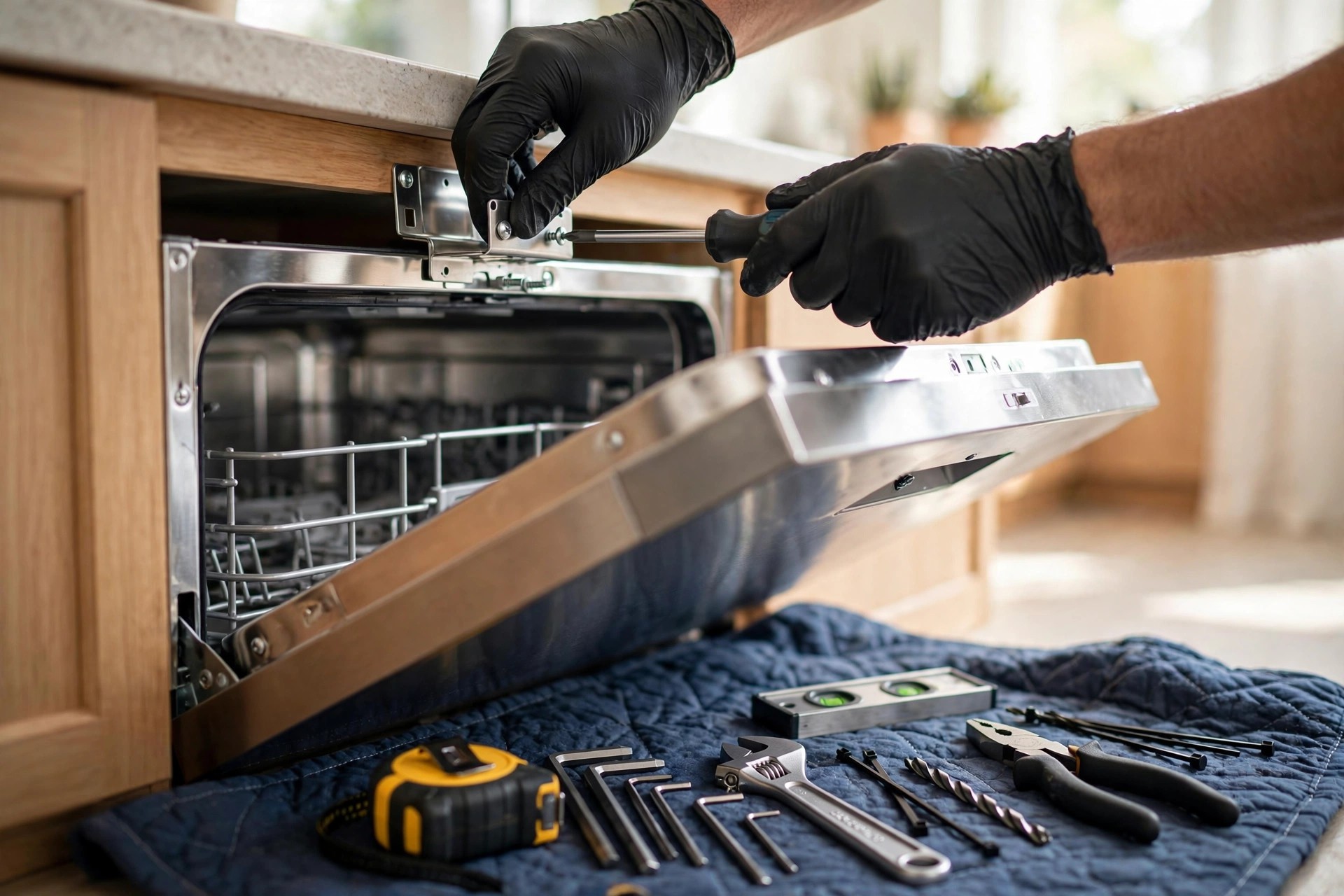
Mention the specific appliance and service in your review responses, it reads as proof to the next customer.
Get reviews that mention your services and neighborhoods
Not all reviews are equal. “Great service, highly recommend” is nice. “Mike fixed our Samsung refrigerator ice maker the same day in Oakdale, fair price” is a sales asset. The second review tells Google you repair Samsung refrigerators in Oakdale, and it tells the next customer exactly what to expect. You can shape review content without writing the reviews yourself, which would violate policy.
Seed the keywords before you ask
When the tech makes the ask, they can plant the seed naturally: “If you mention the fridge repair and our neighborhood in the review, it helps neighbors find us.” Customers are happy to oblige when asked directly; they just do not think of it on their own. Over time your review profile fills with the phrases people actually search: refrigerator repair, washer repair, dryer repair, oven repair, dishwasher installation, plus your town and neighborhood names. That keyword-rich review text supports your map pack rankings for those exact services. This is the same playbook other home trades run; auto repair shops, for example, use a similar review system for auto repair built around service-specific mentions.
Reviews with photos are worth double
A review with a photo of the fixed appliance gets more attention from readers and more weight from Google. When the repair has a satisfying visual, a gleaming fixed oven, a washer running again, the tech can say: “If you snap a photo of it working, reviews with photos help us a lot.” Most customers will. You can also upload your own photos to your Google Business Profile regularly: before-and-after shots, the van, the team. A profile with 100-plus photos looks alive and gets more clicks than a bare one.
Keep reviews flowing in slow months
Appliance repair has seasons. Refrigerator calls spike in summer heat. Heating-related appliance work picks up in winter. The shoulder months can be quiet, and quiet months mean fewer jobs, which means fewer review opportunities, which means your recency signal fades right when you need it. Fight the seasonality with review sources that do not depend on emergency calls.
Maintenance visits as review machines
Dryer vent cleanings, refrigerator coil cleanings, and washer maintenance checks are low-ticket jobs, often 89 to 149 dollars, that keep techs busy in slow weeks. They are also perfect review jobs: the customer is not stressed, the tech has time to chat, and the ask feels natural. Promote a seasonal maintenance special specifically to fill slow weeks, and treat every maintenance visit as a review opportunity with the same system as a repair. Ten maintenance jobs at a 25 percent conversion rate is two to three fresh reviews in a week you would otherwise have gone quiet.
The old-customer reactivation text
Your past customer list is a review goldmine that most companies never touch. Once a quarter, text customers from six to eighteen months ago who never left a review: “Hi Tom, this is Apex Appliance Repair. We fixed your dishwasher last spring. Quick favor: would you share a few words about the visit? [link] It helps our local team a lot.” Expect a 5 to 10 percent response rate, which on a list of 500 past customers is 25 to 50 reviews from one afternoon of work. Only text people who gave you their number for service updates; respect opt-outs immediately.
Tools, costs, and what to automate
You can run this system with a phone and a spreadsheet, but at 30-plus jobs a month, automation pays for itself by making sure no job slips through. The tool market has three tiers, and the right one depends on your volume.
| Approach | Monthly cost | Best for | Watch out for |
|---|---|---|---|
| Manual texts from the office phone | 0 dollars | Under 15 jobs a month | Techs forget, no tracking, messages look inconsistent |
| Review software with automation | 30 to 150 dollars | 15 to 100 jobs a month | Pick one that integrates with your dispatch software |
| Full reputation platform | 150 to 400 dollars | Multiple trucks or locations | Do not pay for features you will never open |
| Done-for-you review service | 300 to 800 dollars | Owners with zero time | Make sure responses stay in your voice, not a template |
Free: doing it by hand
If you are a one- or two-tech shop, manual works. The office sends the same-evening text from the business number, the tech hands over the QR card, and the owner answers every review within two days. The cost is discipline, not money. The risk is that busy weeks break the habit, so keep the Friday count ritual even when the schedule is packed.
Paid review software: 30 to 150 dollars a month
Review platforms connect to your dispatch or booking software and fire the text automatically when a job is marked complete. They also monitor new reviews across Google and other sites and remind you to respond. At 40 jobs a month, a 75-dollar tool that lifts your conversion rate by even five points pays for itself many times over. If you want help comparing dedicated platforms, see our roundup of the best reputation management software for small business. Whatever you pick, the integration with your job system matters more than the brand name; automation that fires on real completed jobs beats a fancier tool that needs manual uploads.
Done-for-you services
Some agencies will run the whole engine: texts, QR materials, response drafting, and monthly reporting, typically 300 to 800 dollars a month. This makes sense if you know you will never do the Friday count yourself. Vet them hard on one point: review responses must sound like you. A generic “Thank you for your feedback” on every review wastes the marketing value of the response. Ask to see sample responses before you sign.
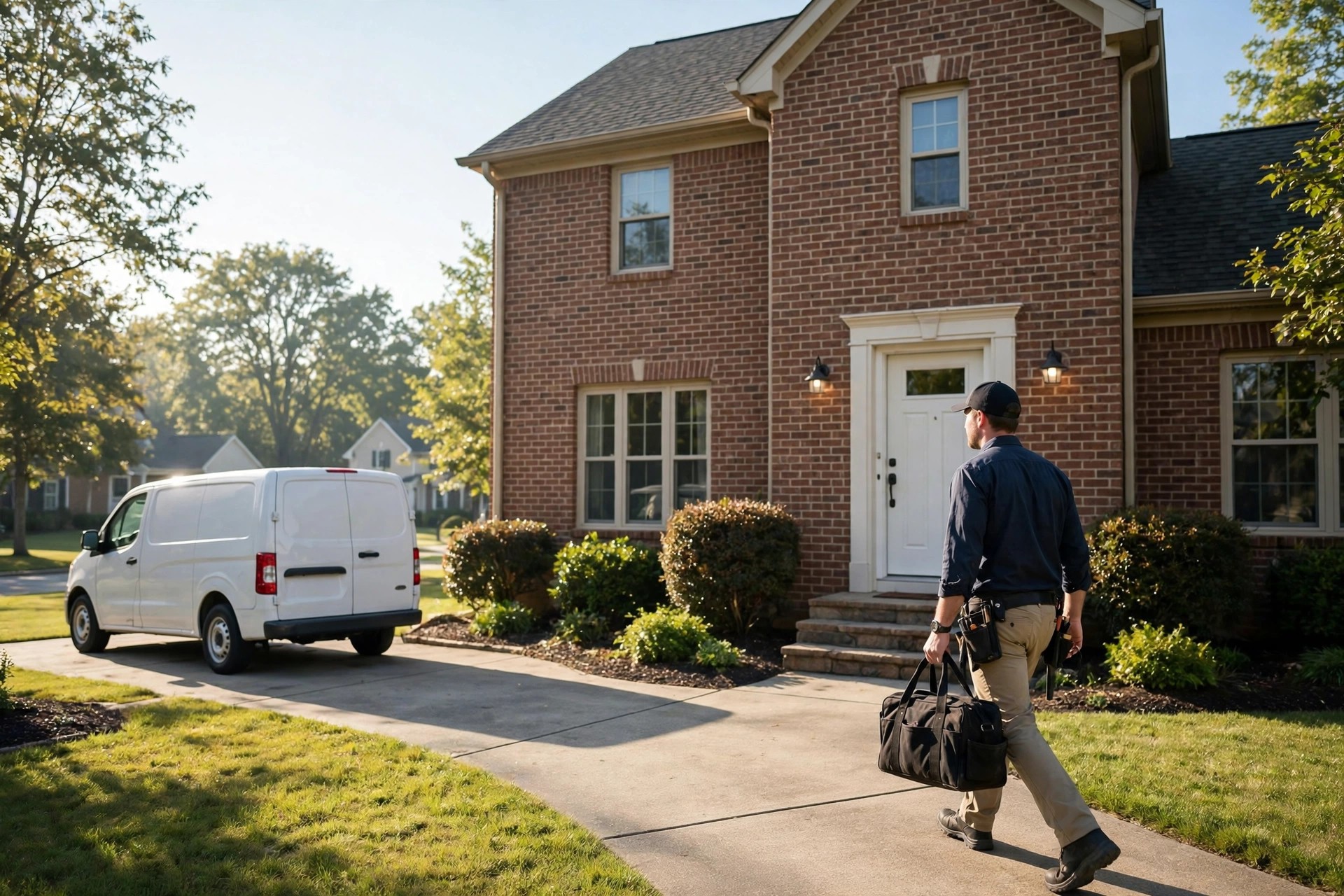
Every truck, invoice, and uniform is a place to put your review link where customers will see it.
Mistakes that stall your review count
Most appliance repair companies do not have a review problem; they have a review system problem. These are the five mistakes that keep the count flat, and every one of them is fixable this week.
Asking only happy customers
It is tempting to have techs ask only when the job went perfectly. Google calls this review gating, and it violates policy. Ask every customer, every time. The unhappy ones often do not review at all, and when they do, your professional response turns it into an asset. A review profile built only from cherry-picked happy customers looks suspicious anyway.
Offering discounts for reviews
Ten dollars off your next service for a five-star review sounds harmless. It is against Google’s policy, it trains customers to expect payment for honesty, and the reviews it produces read as stiff and transactional. Incentivize the ask, not the review: bonus your techs for sending requests, never for the stars that come back.
Asking too late or never following up
The number one killer is simply forgetting. The tech means to ask and the day gets busy. The office means to text and the phones ring. Build the ask into the job closeout checklist so it is not a matter of memory. And send the one follow-up text at 48 hours; a large share of your reviews will come from the reminder, not the first ask.
Ignoring the reviews you get
A company with 120 reviews and zero responses looks like it stopped caring. Respond to every review, good and bad, within 48 hours. The responses are content that future customers read while deciding, and they are a ranking signal. Ten minutes a day protects the asset you worked months to build.
Letting the link go stale
Google changes review link formats, QR codes fade on sun-baked invoices, and NFC cards get lost. Test every link and code quarterly from a real phone. A broken link does not just lose one review; it silently loses every review for as long as it stays broken, and you will not notice until the Friday count shows a zero week.
Your rollout checklist
Work this list in order. Most shops can have the full system running inside two weeks.
- 1Claim and complete your Google Business Profile. Correct categories, service area, hours, phone, and 20-plus real photos before you ask for a single review.
- 2Generate your review link and QR code. Use the share-review link from your profile, shorten it, make the QR code, and test both on a phone.
- 3Write the tech script and the text templates. One 20-second door script, one same-evening text, one 48-hour reminder. Keep them short and personal.
- 4Train every technician. Role-play the ask once, explain the monthly bonus per review request, and make it part of the job closeout.
- 5Put the link in five places. Text message, invoice, tech handover card, thank-you email, and office counter sign.
- 6Add the ask to the job closeout. A checkbox in your dispatch software or on the invoice so no completed job leaves without a request.
- 7Set the Friday count ritual. Jobs completed, requests sent, reviews received. Track conversion rate weekly and fix dips fast.
- 8Answer every review within 48 hours. Specific, keyword-aware replies on five-star reviews; calm three-part responses on bad ones.
- 9Launch the quarterly reactivation text. Past customers from six to eighteen months ago who never reviewed get one polite ask per quarter.
- 10Audit quarterly. Test all links and QR codes, review your rating floor, refresh photos, and check that new reviews mention your key services.
Frequently asked questions
How long does it take to get to 100 Google reviews?
A company doing 30 to 50 jobs a month with a working ask system typically reaches 100 reviews in six to nine months. The first 20 are the slowest because you are building the habit. After that, the weekly flow compounds and the pace picks up.
Should I respond to every Google review?
Yes. Respond to every review within 48 hours. Thank five-star reviewers with specifics about the job, and answer bad reviews with a calm acknowledgment, the fix you offered, and a phone number. Responses are read by future customers and count as a ranking signal.
Is it against the rules to offer a discount for a review?
Yes. Google prohibits offering money, discounts, or freebies in exchange for reviews, and it can get reviews removed or your profile penalized. You can reward your staff for sending review requests, but never tie rewards to the star rating a customer leaves.
What should I do about a fake or unfair review?
Respond politely stating you have no record of the job, then flag it in your Google Business Profile for removal. Removal is slow and uncertain, so keep generating real reviews to push it down the page. Never argue with the reviewer in public.
When is the best time to ask for a review?
Within 24 hours of the completed job. Have the technician ask at the door, then follow with a text the same evening. A single polite reminder 48 hours later catches the customers who meant to do it and forgot.
Do reviews really affect my Google ranking?
Yes. Review count, average rating, recency, and response rate are all local ranking factors. Fresh reviews signal to Google that your business is active and trusted right now, which is why a steady weekly flow beats a one-time burst.
How do I get customers to mention specific services in reviews?
Ask directly. When the tech requests the review, they can say, “If you mention the refrigerator repair, it helps neighbors find us.” Customers are happy to include details when prompted; they just do not think of it on their own.
What is review gating and why should I avoid it?
Review gating means asking only happy customers for reviews, often by pre-screening with a survey and only sending the Google link to satisfied respondents. Google prohibits it. Ask every customer, every time, and handle unhappy feedback professionally instead of filtering it out.
How much does review software cost for an appliance repair company?
Expect 30 to 150 dollars a month for automated review software at typical single-location volumes, or 150 to 400 dollars for a full reputation platform across multiple trucks or locations. Manual texts cost nothing but break down above 15 or so jobs a month.
Can I get reviews in slow months with fewer jobs?
Yes. Promote low-ticket maintenance visits like dryer vent and refrigerator coil cleanings to fill slow weeks, and run a quarterly reactivation text to past customers who never reviewed. Both produce fresh reviews without depending on emergency calls.
Turn every completed job into five-star proof
Digital Hayder builds review generation systems for home service companies: automated review requests, response templates, QR materials, and the weekly tracking that keeps your rating climbing. Tell us about your service area and we will design the system around your jobs.
Contact Us