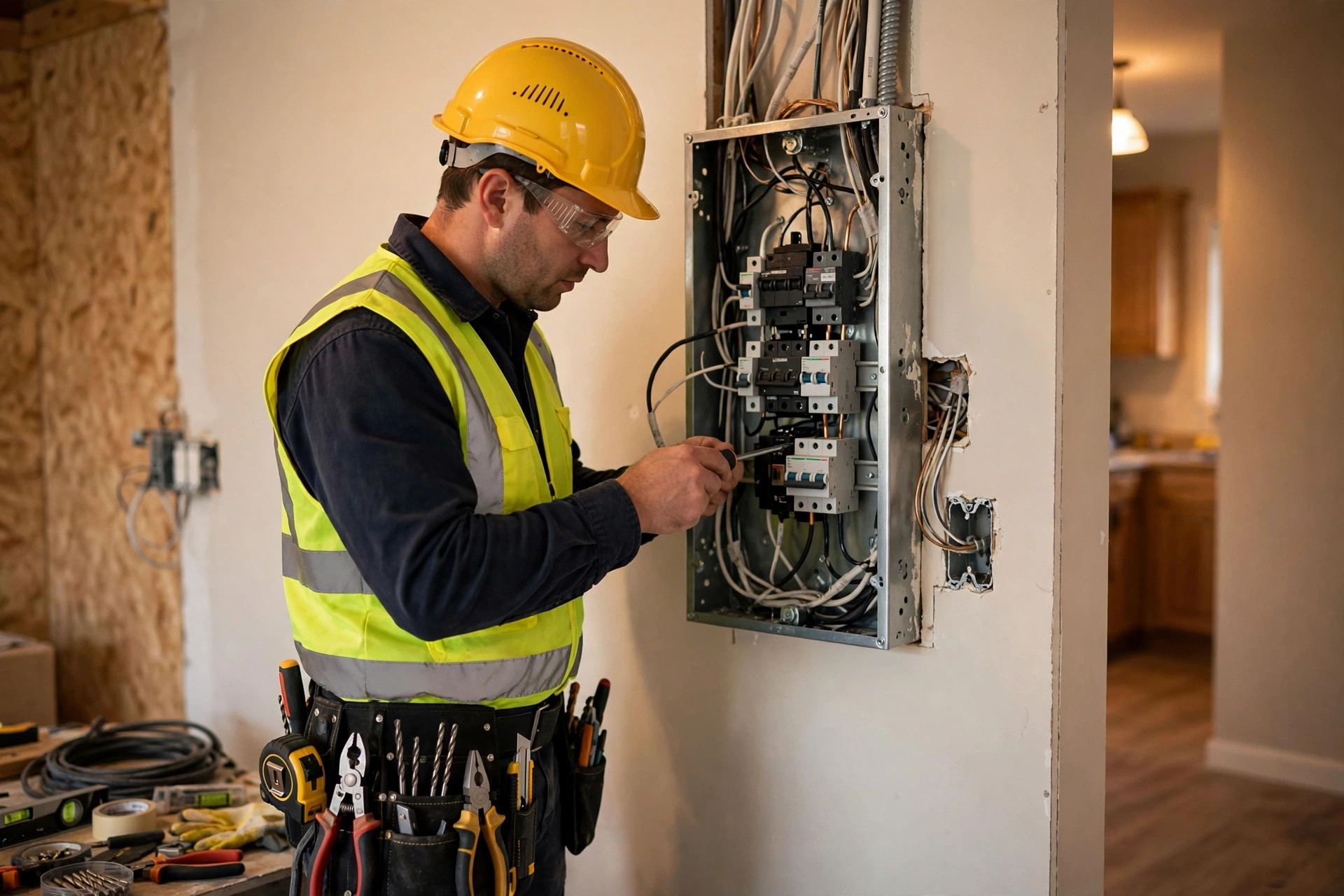
When the power goes out or an outlet starts sparking, the customer does not comparison-shop for an hour. They search, they tap, and they call whoever looks competent and available. Your electrician website has one job in that moment: be the result they trust. For planned work, panel upgrades, EV chargers, lighting design, the site has a slower job: educate, reassure, and collect the quote request. This guide gives you the same honest tiered-pricing breakdown we apply across the trades, tuned for electrical work, with the cost drivers that matter for electricians and the mistakes that waste money.
The quick answer
- Typical range: most electrician websites cost $1,000 to $8,000 to build, plus $50 to $250 a month to run.
- Simple brochure site: $500 to $2,000, clean and credible, fine if your work comes from builders, referrals, and repeat customers.
- Lead-generation site: $2,500 to $6,000, built to win search traffic with service pages, quote forms, and call tracking.
- Multi-location or commercial-focused site: $6,000 to $12,000, for larger firms with several service areas or commercial clients.
- Biggest cost drivers: number of service pages, service-area coverage, quote and booking features, and project photo galleries.
- Watch out for: template sites with no service-area pages, and agencies that keep ownership of your site.
What an electrician website has to do
Electrical work splits into two very different buying situations, and your site has to handle both. The first is urgent: power outages, sparking outlets, breakers that keep tripping, storm damage. These customers are stressed, often in the dark, and they decide in under a minute. The site needs a visible phone number, clear emergency messaging, and proof you serve their area. Nothing else matters in that moment.
The second is planned: panel upgrades, EV charger installation, recessed lighting, ceiling fans, whole-home rewiring, generator installation. These customers research. They read about the process, they look at photos of finished work, they compare two or three electricians, and they ask for quotes. For them the site needs detailed service pages, project galleries, reviews, licensing information, and an easy quote request. The tiers below reflect which of these two jobs the site is built to win, and the best sites win both. If you want the broader trade-site playbook, our guide to contractor website design covers the same principles across every trade.
The three pricing tiers, honestly explained
Tier 1: Simple brochure site
Best for: solo electricians and small shops whose work comes from builders, property managers, referrals, and repeat customers.
- Five to ten pages: home, about, services list, service area, reviews, contact
- Template-based design customized with your logo, colors, and van or team photos
- Click-to-call phone number in the header on every page
- Simple quote request form and embedded map of your service area
- Built on WordPress or Wix so you can update text and photos yourself
What you give up: no dedicated pages for individual services, no project galleries worth showing, and little chance of ranking for competitive searches like “EV charger installation near me.” This tier works when the phone already rings. It will not create new demand from Google on its own.
Tier 2: Lead-generation site
Best for: electrical companies that want the site to actively win jobs from search.
- Custom-designed homepage with emergency messaging and prominent click-to-call
- A dedicated page for every major service: panel upgrades, EV chargers, lighting, generators, rewiring, troubleshooting
- Service-area pages for each town or neighborhood you serve
- Project photo galleries showing real finished work, organized by service type
- Quote request forms with job-detail fields, plus optional online booking
- Call tracking numbers so you know which pages and campaigns produce calls
- Review integration pulling your Google reviews onto the site automatically
- Speed optimization and mobile-first design for customers searching on phones
- Local SEO foundations: schema markup, license number display, Google Business Profile connection
This is where the site becomes a growth channel. The service pages target the exact searches your best customers make, including high-value ones like panel upgrades and EV charger installs. The galleries do the selling for planned work, and tracking tells you what is working. Most growing electrical companies belong in this tier.
Tier 3: Multi-location or commercial-focused site
Best for: larger firms with multiple service areas, commercial divisions, or builder partnerships.
- Everything in tier 2, scaled across locations with individual location pages and call routing
- Dedicated commercial services section: tenant improvements, maintenance contracts, new construction
- Advanced quoting: multi-step forms with photo upload for complex jobs
- Customer portal for property managers and commercial accounts
- Content hub: safety guides, code explainers, EV charger buying guides
- CRM and scheduling integration so web leads flow straight into dispatch
- Ongoing SEO content program to hold rankings across every service area
At this level the site supports real operational volume and commercial relationships. The price makes sense when the site serves property managers and builders who expect a professional digital front door, not just homeowners.

Urgent customers decide in seconds. Planned-work customers study your site. Build for both.
Cost drivers for electrician websites
The trade-specific factors that move quotes up or down:
| Cost driver | Typical price impact | Why it matters for electricians |
|---|---|---|
| Service pages | $150 to $400 per page | Panel upgrades, EV chargers, generators, and lighting each deserve their own page to rank and convert |
| Service-area pages | $150 to $400 per page | One page per town is how you show up for “electrician in [town]” searches across your territory |
| Project photo galleries | $300 to $1,200 to build well | Before-and-after shots of panels, lighting, and installs sell planned work better than any copy |
| Quote request forms | $200 to $800 | Multi-step forms that collect job details and photos for accurate quoting |
| Online booking | $300 to $1,500 setup, sometimes monthly | Worth it for service calls and small jobs; less critical for large project work |
| Call tracking | $30 to $100 per month | Shows which pages and ads produce calls, so you stop guessing about marketing |
| Copywriting | $1,000 to $3,500 for a full site | Electrical work needs plain explanations of processes, pricing factors, and safety, not jargon |
| Ongoing SEO content | $300 to $1,000 per month | Guides on EV chargers, generators, and panel upgrades attract high-intent local search traffic |
The ongoing costs
- Hosting: $10 to $50 a month; managed WordPress hosting with daily backups is worth the small premium.
- Domain: $15 to $30 a year.
- Maintenance: $50 to $150 a month for updates, security monitoring, and small fixes.
- Call tracking: $30 to $100 a month, and one of the best investments on this list.
- Review automation: $30 to $100 a month; steady reviews lift local rankings month after month.
- Chat widget: $0 to $100 a month. After-hours electrical questions are common, and a chat that captures them beats a missed call. For round-the-clock coverage, many electricians pair the site with an AI answering service for electricians so no emergency call goes unanswered.
A realistic monthly total for a tier 2 site with tracking and reviews is $150 to $400, before ad spend. Compare that with the pricing logic for neighboring trades in our breakdown of how much a cleaning business website costs, where the same structure applies with different service pages.
What to avoid
- No dedicated service pages. A single “Services” page cannot rank for “EV charger installation” or “panel upgrade.” Each high-value service needs its own page with real detail.
- Missing service-area pages. If you serve ten towns and your site names one, nine towns cannot find you.
- Hiding the license number. Electrical work is licensed for a reason, and customers look for it. Display your license number in the footer and on the about page; it builds trust and some states require it in advertising.
- Stock photos instead of real work. Generic images of light bulbs tell the customer nothing. Photos of your actual panel upgrades, lighting installs, and finished projects do the persuading.
- Slow mobile experience. The emergency customer is on a phone, possibly in the dark. If the site is slow or the number is hard to find, they tap the next result.
- Renting instead of owning. If the agency’s monthly plan is the only thing keeping your site online, you do not own your most important marketing asset. Get the domain, hosting, and files in your company’s name.
Lighting, panels, and EV chargers are researched purchases. Galleries and detail pages win them.
Getting the most from your budget
Prioritize by job value and urgency. First, nail the emergency experience: visible phone number, “24/7 emergency service” messaging, and your service area stated plainly. Second, build service pages for your highest-margin work first: panel upgrades, EV charger installation, and generator installs typically top the list. Third, add service-area pages for the towns where you want more work. Fourth, turn on call tracking and review automation so every month teaches you where the jobs come from.
Photograph everything. A panel upgrade before-and-after, a clean recessed lighting install, an EV charger mounted in a garage: these images are the most persuasive content on the site and they cost nothing but the habit. Ask for reviews at the end of every job while the customer is happiest, with a direct link sent by text. And make sure someone answers the phone: the fastest site in the world cannot save an emergency job that goes to voicemail at midnight.
Your buying checklist
Use this to compare proposals on equal footing:
- 1Count the pages. Exact list of service pages and service-area pages included, plus the price per additional page.
- 2Check the emergency experience. Open demo sites on your phone. Can you find the number and the emergency message in under three seconds?
- 3Confirm ownership. Domain, hosting, and site files in your company’s name with full admin access; no proprietary lock-in.
- 4Ask about lead handling. Where do quote requests and bookings go, who gets notified, and what happens after hours? Test it before launch.
- 5Get the monthly total in writing. Hosting, maintenance, tracking, and any tool subscriptions, plus cancellation terms.
- 6See old trade work. Contractor or electrician sites built at least a year ago, with current rankings.
- 7Confirm the license display. Your license number visible in the footer and about page, per your state’s rules.
- 8Get a realistic timeline. Four to eight weeks for a tier 2 site is normal. Anything much faster is a template job.

Real photos of real work build more trust than any stock imagery ever will.
Frequently asked questions
How much does an electrician website cost?
Most electrician websites cost $1,000 to $8,000 to build. Simple brochure sites run $500 to $2,000, lead-generation sites with service pages and quote forms run $2,500 to $6,000, and multi-location or commercial-focused sites run $6,000 to $12,000. Expect $50 to $250 a month in ongoing costs.
Do electricians need a website if most work comes from referrals?
Even referral-driven electricians benefit: customers check you online before calling, and a credible site with reviews and project photos closes the referral. If you ever want work beyond your current network, the site becomes essential for winning search traffic.
What pages should an electrician website have?
At minimum: a dedicated page for each major service (panel upgrades, EV chargers, lighting, generators, troubleshooting), a page for each town in your service area, an about page with your license number, a reviews page, and a contact page with a quote form. That is typically 15 to 40 pages for a lead-generation site.
Should I show my license number on the website?
Yes. Customers look for it as a trust signal, and some states require license numbers in advertising. Put it in the footer on every page and on your about page.
How long does it take to build an electrician website?
A simple site takes two to four weeks. A lead-generation site with full service and service-area pages typically takes four to eight weeks, with content and photo gathering being the longest phase. Larger multi-location builds can take two to four months.
Power up your online presence
Digital Hayder builds electrician websites that win emergency calls and high-value projects alike: service pages that rank, quote forms that convert, and call tracking that proves the ROI. Tell us about your service area and your best job types, and we will give you an honest quote with the page plan to match.
Contact Us