
Your best leads never tell you why they picked someone else. They search, they compare three contractors, and they call one. The one they call is rarely the cheapest or the most skilled. It is the one whose website made the decision feel easy. Good contractor website design is not about looking pretty. It is about turning a nervous homeowner with a leaking roof into a booked estimate.
This guide covers the elements that turn a contractor website into a lead machine: the homepage layout that converts, the trust signals homeowners check first, a quote-request flow that does not leak leads, calls to action people actually tap, local SEO basics, and how to measure whether any of it is working.
The quick answer
- Above the fold: who you are, what you do, where you do it, and a tap-to-call button. Nothing else competes with that block.
- Trust first, pitch second: reviews, before and after photos, licenses, and real team photos before any sales copy.
- Short quote forms win: name, phone, service, and a few project details. Every extra field costs you leads.
- Speed is a feature: reply within minutes, not hours. Fast follow-up books dramatically more consultations.
- Local SEO basics: one page per service area, a complete Google Business Profile, and a steady flow of fresh reviews.
- Measure five numbers: calls, form submissions, cost per lead, close rate, and review velocity. Improve the weakest one first.
Your website is being judged before you ever hear the phone ring
Homeowners do not contact you and then evaluate you. They evaluate you and then contact one winner. A recent homeowner shopping survey found that 52.5% check online reviews before reaching out to a contractor, making reviews the single most common vetting method, ahead of personal experience at 37.8% and word of mouth at 32.8% (Homeowner Shopping Attitudes Report). A Houzz survey found the same pattern: even among homeowners who found a pro through referrals, 54% still did additional online research before making contact (insightdiy.co.uk).
The numbers keep stacking. An industry consumer report found 80% of homeowners start their contractor search online, and 41% of homeowners say they depend on website recommendations when selecting a contractor (stocktitan.net, solarbuildermag.com). Your website is not a brochure that supports your sales process. For most homeowners, it is your sales process.

Contractor website design: the homepage layout that converts
A converting homepage follows the same order every time, because it follows the order of a homeowner’s questions: Is this the right trade? Do they work near me? Can I trust them? How do I reach them?
Above the fold: answer four questions in five seconds
The top of the page needs exactly four things: what you do (“Roof replacement”), where you do it (“Serving Dallas and Fort Worth”), proof you are legitimate (star rating with review count), and one primary call to action (a tap-to-call button on mobile, “Get a Free Quote” on desktop). No sliders, no paragraph about your company history. A visitor who cannot answer “is this my guy” in five seconds bounces, and bounce probability rises 32% between a one-second and a three-second page load, so the top of the page must load fast (elev8operations.com).
The section order that mirrors how homeowners decide
After the hero block, stack sections in decision order:
- Trust bar: review stars, years in business, license number, number of projects completed.
- Services: each service as a card linking to its own page (roofing, siding, gutters), with a starting price hint where honest.
- Proof: before and after photos, labeled by project type and neighborhood.
- Reviews: three to six recent reviews with full names and project types, not anonymous five-star quotes.
- Process: three steps (free inspection, detailed written estimate, scheduled work) that make hiring you feel safe and predictable.
- Service area: the towns you serve, each linking to its own page.
- Final call to action: quote form plus click-to-call, side by side.
Design for the phone in the driveway
Most of your visitors are on a phone. Sticky call and text buttons that follow the scroll, tap-to-call numbers in the header, and forms that fit a phone screen are not extras. They are the difference between a lead and a bounce.
Trust signals that win the estimate
Trust is the product you are selling before you sell the project. Homeowners are inviting a stranger into their home for a multi-thousand-dollar job.
The Houzz survey found that the ability to view examples of projects with a similar scope is the top factor in deciding whether to contact a pro (61%), followed by online reviews (41%). Communication and organization skills rank at 58%, speed of receiving a quote at 39%, and easy-to-understand pricing at 35%. Translate that into page elements:
- Reviews with proof: pull your Google reviews onto the site with names, dates, and project types. A review that says “replaced our roof in two days, crew cleaned up everything” sells harder than any headline you write. A system for collecting fresh reviews matters more than a one-time push.
- Before and after photos, labeled: “Asphalt shingle replacement, 2,400 sq ft, Plano” beats a pretty gallery with no context. Label every project with the scope, the material, and the neighborhood.
- License and insurance, visible: show the license number and “licensed and insured” as text in the header or trust bar, not buried on an about page. Commercial clients in particular check for this first.
- Real team photos: the crew, the trucks, the owner. Stock photography actively hurts trust in this industry because homeowners have seen the same images on ten other sites.
- Financing options: industry data shows 41% of consumers seek financing options and contractors who offer it see 12% higher close rates. A “financing available” note near your pricing removes the biggest silent objection.

The quote-request flow: fewer fields, faster replies
The quote form is where contractor websites leak the most leads. Two fixes matter more than everything else: ask for less, and reply faster.
Ask for less
Every field you add costs you submissions. A converting contractor form asks for: name, phone number, service needed, and a short project description or a few multiple-choice details (roof type, approximate square footage, timeline). That is it. “How did you hear about us” is a survey, not a lead form, and it does not belong on the first screen.
Consider a multi-step form: step one asks for the service and zip code (easy, low commitment), step two asks for contact details. Visitors who have already invested a click are far more likely to finish. And consider showing pricing guidance before the form. HubSpot’s own research on quote-first pages found a pricing calculator landing page converting at 35%, far above typical form-first pages, because the value came before the ask (thepointnews.com). Even a simple “most roof replacements in our area run $8,000-$15,000” near the form builds trust and filters out visitors who were never going to buy.
Reply faster than feels reasonable
Published marketing data found that automated follow-up sequences triggered within five minutes of form submission increase consultation booking rates by 78% compared to manual follow-up (WhatConverts, via leadgulls.com). Five minutes. Most contractors reply the next business day, which in lead terms is the same as never.
The practical setup: an instant text confirming the request and promising a call within the hour, followed by the actual call. Missed-call text-back systems handle the after-hours version of this automatically. Speed of receiving a quote ranked at 39% in the Houzz survey of hiring factors. Your competitors are slow. Being fast is a strategy.
Calls to action that actually get tapped
Contractor sites usually offer one action: “Contact Us.” Lead machines offer three, because homeowners have different comfort levels:
- Call now: tap-to-call buttons, sticky on mobile, with your actual local number. Older homeowners and emergency jobs (burst pipe, storm damage) will always prefer calling.
- Get a free quote: the form, positioned after proof sections, promising a response time (“we reply within 1 business hour”).
- Text us: a text option catches the homeowners who will never fill in a form and never call. Younger buyers especially prefer texting first.
Repeat the primary call to action after every major section, not just at the top and bottom. A visitor who just scrolled through your before and afters is at peak trust. That is the moment to ask, not three screens later.
Local SEO basics for contractors
None of the above matters if nobody finds the site. Contractor SEO is local SEO, and the fundamentals are unglamorous but effective:
- Google Business Profile, complete and active: correct categories, service areas, hours, photos of real jobs uploaded regularly, and every review answered. Cleaning-style searches show map results first, and contractor searches behave the same way.
- One page per service per area: “roof replacement in Plano” deserves its own page with local content, local project photos, and local reviews. A single services page with a list of twenty towns does not rank for any of them.
- Consistent business details: your name, address, and phone number identical across your site, Google, Yelp, and directories. Inconsistency creates doubt for both Google and homeowners.
- Review velocity: a steady stream of new reviews beats a high average with old ones. Ask after every completed job, make it a one-tap process, and respond to each review.
- Write for AI search too: recent industry analysis found 45% of consumers now use AI tools to find local services, up from 6% a year earlier, and AI assistants recommend only a tiny fraction of local businesses (contractormag.com). Clear service descriptions, FAQ content that answers real questions, and structured business details help both Google and AI assistants describe you accurately.
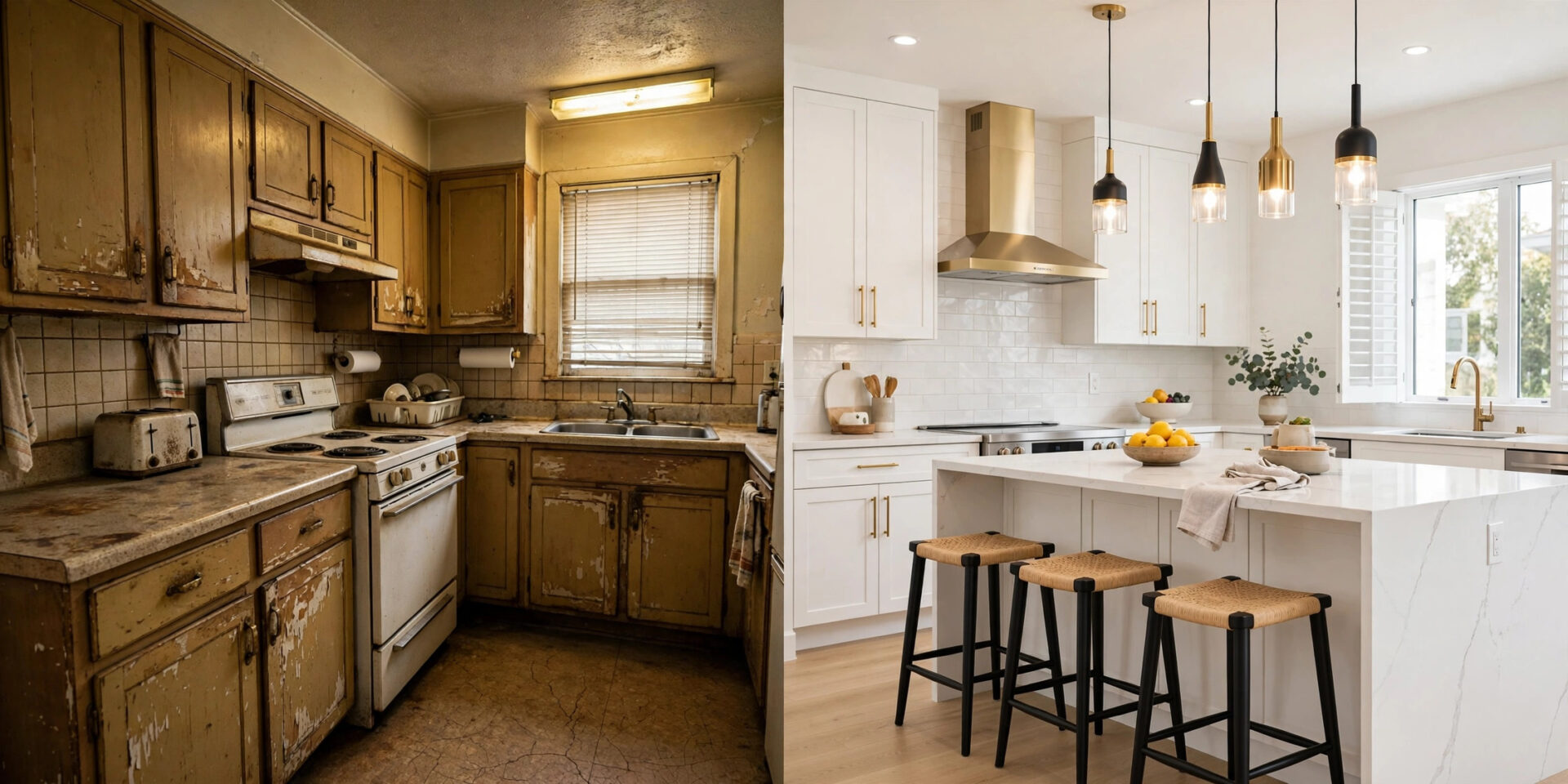
Brochure site vs lead machine: the side-by-side
| Element | Brochure site | Lead machine site |
|---|---|---|
| Hero section | Company name, slogan, stock photo | Service, service area, review stars, tap-to-call button |
| Trust signals | “About us” paragraph | Reviews with names, labeled before/afters, license number, real team photos |
| Quote form | Long “contact us” form, replies next day | Four fields, instant text confirmation, human follow-up within the hour |
| Calls to action | One “contact us” link in the menu | Call, quote, and text options repeated after every section, sticky on mobile |
| Pricing | No mention of cost | Starting ranges or a quote-first calculator that builds trust |
| Service areas | One page listing every town | One dedicated page per town with local proof |
| Speed | Slow theme, unoptimized images | Under 2.5 second largest contentful paint on mobile |
| Follow-up | None | Instant text, same-day call, quote reminders for unbooked estimates |
| Measurement | None, or raw traffic numbers | Calls, forms, cost per lead, close rate, review velocity tracked monthly |
Measuring results: the five numbers that matter
Traffic is vanity. These five numbers tell you whether the site is a lead machine:
- Calls: track them with a call tracking number on the website so you know which calls the site generated. Published data puts home improvement paid-search conversion around 8.05% with a $90.92 average cost per lead, which gives you a benchmark to beat with organic traffic (elev8operations.com).
- Form submissions: count quote requests per month and per page. If a service page gets traffic but no forms, the page is the problem.
- Cost per lead: total marketing spend divided by total leads. Your website leads should be your cheapest by far.
- Close rate: what percentage of estimates turn into signed jobs. If the site sends plenty of leads but few close, the issue is usually slow follow-up or estimates that lack detail, not the website.
- Review velocity: new reviews per month. This feeds both rankings and trust, and it is the one metric most contractors ignore completely.
Review monthly, change one thing at a time, and give each change a full month before judging it. The winners measure, adjust, and answer faster than everyone else.
Launch checklist: is your site a lead machine yet?
- 1Hero block shows service, service area, review stars, and a tap-to-call button within five seconds.
- 2Before and after photos are labeled with scope, material, and neighborhood, not just pretty pictures.
- 3License number and insurance status appear as visible text near the top of the page.
- 4Quote form asks for name, phone, service, and project details only, with an instant text confirmation.
- 5Call, quote, and text options repeat after every major section and stick on mobile.
- 6One dedicated page exists per service area, each with genuine local content.
- 7Google Business Profile is complete, with fresh job photos and every review answered.
- 8Page loads in under 2.5 seconds on a phone, and call tracking is installed.
Frequently asked questions
How many pages does a contractor website need?
More than most contractors think. At minimum: a homepage, one page per service, one page per service area, an about page with real team photos, a reviews page, and a quote page. A roofer serving six towns with three services is looking at 20+ pages. Each page targets one specific search and one specific decision.
Should I show prices on my contractor website?
Show starting ranges or typical project ranges, not fixed quotes. Homeowners consistently rank easy-to-understand pricing among their top hiring factors, and quote-first pages convert far better than form-first pages. Ranges build trust and filter out visitors whose budgets were never going to fit.
What is the most important page on a contractor website?
The homepage, because it gets the most traffic, but the service pages close the business. A homeowner searching “roof replacement Plano” should land on a page about roof replacement in Plano, with local photos, local reviews, and a quote form, not on your generic homepage.
Do I still need a website if I get leads from Angi or Thumbtack?
Yes. Platform leads are rented: shared leads cost $15-$120 each and close at 8-15%. Website leads cost nothing per enquiry once the site exists, and the site keeps working after you stop paying for leads.
How fast should I respond to a website lead?
Within five minutes with an automated text confirmation, and a real human call within the hour. Published data shows five-minute follow-up increases consultation bookings by 78% versus manual next-day follow-up. After-hours leads should get the text immediately and a call first thing in the morning.
Want a website that books estimates while you are on the tools?
We build contractor websites designed as lead machines: converting layouts, trust signals, short quote forms, instant follow-up, and local SEO for every service area you cover.
Contact Us