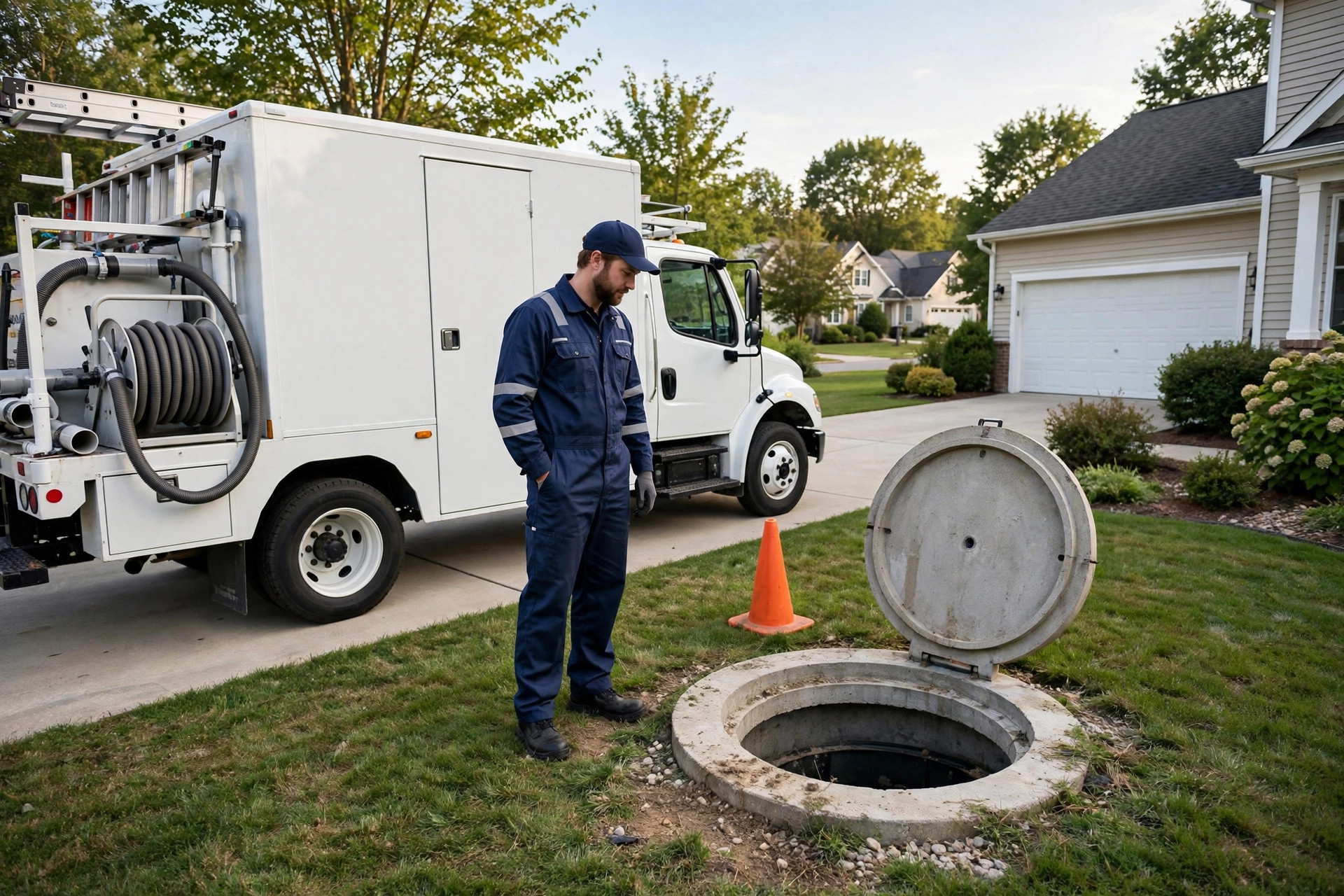
Nobody shops for septic service the way they shop for a new couch. Nobody browses. Nobody compares ten options over a weekend. A homeowner discovers a problem, often an urgent and unpleasant one, searches for help on their phone, and calls the first company that looks trustworthy and answers. That moment is your entire marketing funnel, and your website is what decides whether the call comes to you or to the competitor one listing down. This guide breaks down what a septic service website costs, build by build and feature by feature, so you know exactly what to pay for, what to skip, and how the site pays for itself in captured emergency calls.
The quick answer
- Price range: a solid septic service website costs $1,500 to $8,000 to build, depending on size, features, and who builds it.
- DIY builders are cheapest: $200 to $600 a year for a simple site, but limited emergency features and weaker search visibility.
- Emergency calls pay for it: one captured septic emergency a month can cover the entire annual cost of the website.
- Features that matter most: tap-to-call buttons, service-area pages, online quote forms, licensing pages, and maintenance plan pages.
- Ongoing costs: budget $50 to $200 a month for hosting, updates, and keeping content fresh.
- Biggest mistake: paying for a pretty site with no call buttons, no service-area pages, and no way to request a quote.
Why septic customers judge you in seconds
Septic work is trust work. A customer is inviting you onto their property to deal with the least glamorous part of their home. They cannot see the quality of your work the way they can see a paint job. So they judge you on proxies: how fast you answer, how professional your trucks look, and how your website makes them feel. A dated, broken, or missing website sends one clear message, and it is not the message you want.
The buying pattern is what makes the website so valuable. Septic searches spike around emergencies: backups, slow drains, alarms going off, smells in the yard. These customers do not fill out long forms and wait three days. They call. Your site has one job in that moment, which is to make calling you the easiest thing on the page. The second buying pattern is planned work: pumping on a schedule, inspections for a home sale, a new system install. These customers read more, compare more, and care about credentials. Your site serves both groups, but the emergency caller is the one who decides in seconds.
There is also the quiet majority: customers who found you through a referral and check your website before calling. A neighbor says your name, the homeowner searches it, and what they find either confirms the recommendation or raises doubt. A clean site with real photos, clear services, and visible reviews closes that loop. A Facebook page with three photos from five years ago does not.
The cost of having no real website is not zero. It is every job that went to the competitor whose site loaded fast, showed a phone number at the top, and listed their service towns. For a trade where one emergency job can be worth $400 to $1,500, the math is unforgiving.
What a septic service website costs by build type
Website prices vary wildly because “a website” can mean very different things. Below are the realistic build types for a septic company, with honest price bands and what you actually get.
| Build type | Typical price | What you get | Best for |
|---|---|---|---|
| DIY website builder | $200 to $600 per year | Template site you build yourself, basic pages, limited call tracking and local SEO tools | One-truck operators who need a simple presence fast |
| Freelancer, template-based | $1,500 to $3,500 one time | Customized template, mobile-friendly, basic service pages, contact and quote forms | Small companies wanting a professional look on a budget |
| Small agency, purpose-built | $3,500 to $8,000 one time | Custom design, service-area pages, emergency call features, review integration, local SEO setup | Growing companies that want the site to generate jobs |
| Full custom with marketing system | $8,000 to $20,000 one time | Custom design plus booking, chat, CRM integration, quote calculators, content strategy | Multi-crew companies investing in growth |
Most septic companies land in the middle two bands. A $2,500 template-based site from a good freelancer beats a $400 DIY site every time, because the freelancer handles the parts you will skip: page speed, mobile layout, call buttons that work, and the boring technical setup that helps you show up in search. A plumber faces the same tradeoffs, and our breakdown of how much a plumbing website costs shows nearly identical bands, because the structure of a service business site is the same.
Watch out for the two extremes. A $500 site from a bargain freelancer is usually a template with your logo pasted in, no local SEO, and no thought about how customers actually contact you. A $25,000 proposal for a three-truck septic company is overkill unless it includes a full marketing engine, not just pages.

Emergency customers decide in seconds, so the site has one job: make calling you the easiest thing on the page.
The pages and features that move the price
Not every page costs the same, and not every feature earns its keep. Here is what the important ones typically add to a project, so you can read a quote and know whether it is fair.
| Feature or page | Typical add-on cost | Why it matters for septic |
|---|---|---|
| Sticky tap-to-call button | $100 to $300 | Emergency callers tap, not type; this one feature can lift call volume noticeably |
| Service-area pages (per town) | $75 to $200 each | Each town page is a chance to rank for “septic pumping” plus that town name |
| Online quote request form | $200 to $600 | Captures planned-work customers after hours when nobody answers the phone |
| Maintenance plan pages | $300 to $800 | Sells recurring pumping agreements, the most profitable work you do |
| Licensing and inspection pages | $200 to $500 | Home-sale inspections need credentials front and center to win the job |
| Review integration | $100 to $400 | Shows your Google reviews on the site so referral traffic converts |
| Photo galleries of real jobs | $200 to $500 | Real trucks, real crews, real tanks; stock photos destroy trust in this trade |
| Blog and education articles | $150 to $400 per article | Answers “how often should I pump my septic tank” and brings in search traffic |
| Online booking or scheduling | $400 to $1,200 | Lets customers book pumping visits without a phone call |
| Live chat or AI chatbot | $50 to $300 per month | Answers questions and captures quote requests around the clock |
The features worth paying for first are the ones tied to a ringing phone: the call button, the service-area pages, and the quote form. Everything else builds on that foundation. If a quote includes a $2,000 animated hero video but no service-area pages, the designer is selling you decoration, not customers.
Emergency calls: the section of your site that pays for it all
Septic emergencies are your highest-value website traffic. A backup at 9 PM is not a price shopper; it is a person who will pay for whoever shows up first. Your website should treat that visitor like the priority they are.
The emergency section needs three things. First, a phone number that is visible without scrolling on every page, on mobile especially, because most emergency searches happen on phones. Second, a clear statement of what counts as an emergency and that you handle it: backups, alarms, sewage smells, surfacing effluent. Customers in a panic do not want to guess whether you do emergency work. Third, honest expectations about response: “emergency line answered 24/7” or “after-hours calls returned within 30 minutes.” Only promise what you can deliver, because a broken promise at midnight becomes a one-star review by morning.
Pair the site with a real after-hours answer system. The best website in the world cannot help if every after-hours call goes to voicemail and the customer calls the next company. A missed-call text-back system replies to missed calls automatically with a message like “Sorry we missed you, this is an emergency line, how can we help?” Contractors across the trades use this exact setup, and our guide to missed-call text-back for contractors walks through how it works. The website captures the click; the text-back captures the call you could not answer.
Track emergency calls separately. Ask every caller how they found you, or use call tracking numbers on the site, so you know exactly how many emergency jobs the website produced. When one month of tracked emergency jobs covers the whole year of website costs, the “is it worth it” question answers itself.
Service-area pages that rank in every town you serve
A single “service area” page listing twenty towns is nearly useless for search. What works is one page per town or cluster of towns, each with real local content: the services you offer there, landmarks or neighborhoods you know, and local details like soil conditions or county inspection rules that show you actually work there. A homeowner searching “septic pumping in Franklin” should land on your Franklin page, not your generic homepage.
This is where many cheap sites fail. The template has five pages: Home, About, Services, Contact. No town pages, no local keywords, no reason for Google to show the site to anyone searching in a specific place. When you are comparing quotes, count the service-area pages. A quote that includes ten to twenty town pages is a quote from someone who understands local service marketing. A quote with none is a quote for a digital brochure.
Do not fake it. Do not create pages for towns you do not serve, and do not copy the same paragraph across twenty pages with only the town name changed. Thin duplicate pages can hurt more than they help. Write a few real paragraphs per town, add a genuine photo from a job there if you have one, and link each page back to your main services. Quality beats quantity here.
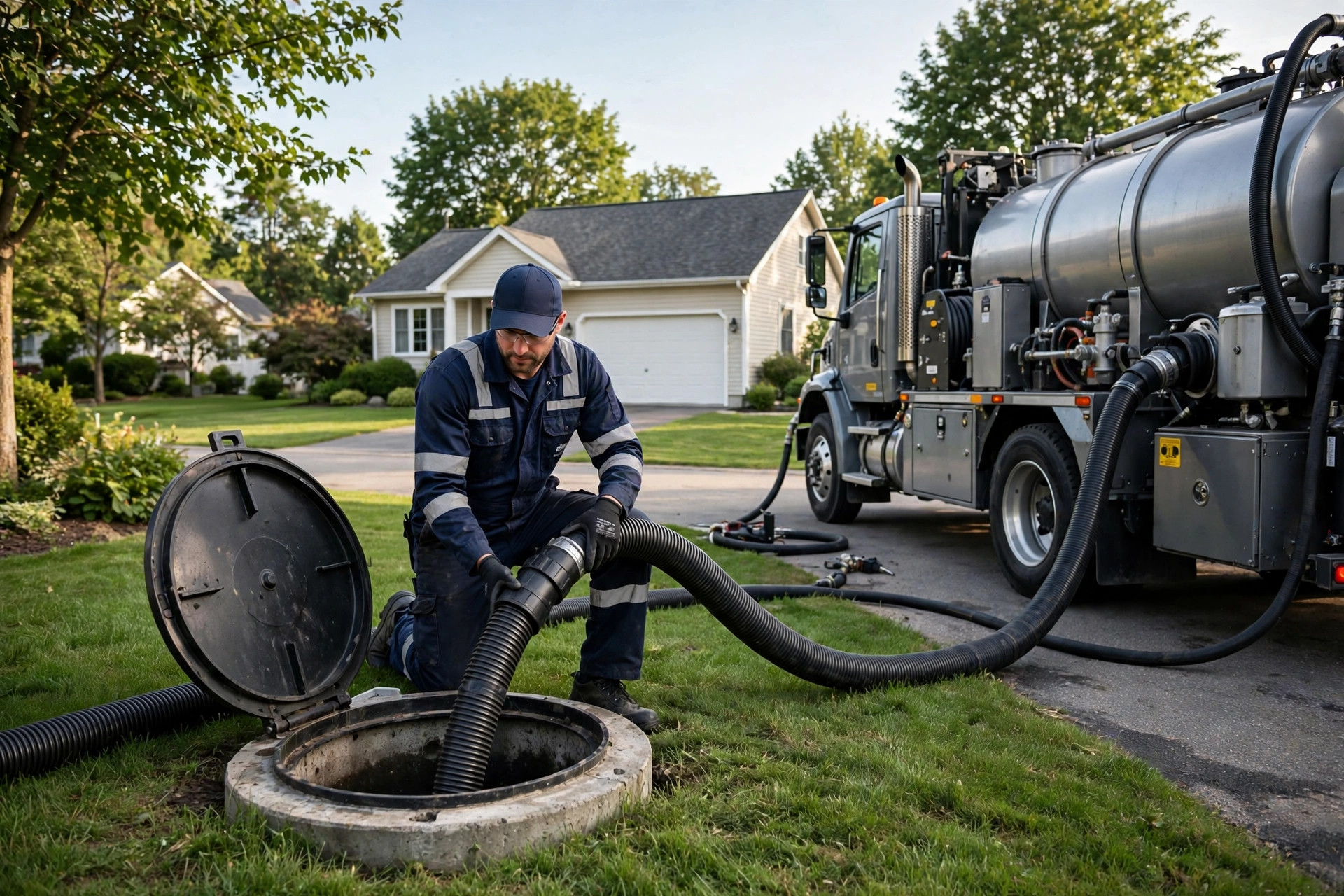
Real photos of real work build trust faster than any stock image, especially in a trade customers cannot easily judge.
Trust pages: licenses, inspections, and proof
Septic customers hand you significant money for work they cannot verify. Your website has to carry that trust load. The pages that do it best are specific, not generic.
A licensing page lists your actual credentials: state license numbers, county certifications, installer and inspector qualifications. Do not hide this on the About page in small print. Customers arranging a home-sale inspection or a new system install actively look for it, and competitors who display it win those jobs. If your state or county requires specific septic installer licensing, name it and show your number.
An inspection page explains what a septic inspection covers, how long it takes, what the report looks like, and what it costs. Home buyers and sellers search for this information constantly, and the company that explains it clearly gets the call. Include the scenarios: buying a home with a septic system, selling one, or a lender requiring an inspection.
Reviews belong everywhere they are relevant, not quarantined on a testimonials page nobody visits. Put a few strong Google reviews on the homepage, on service pages, and on town pages. Video testimonials from real customers are even stronger in this trade, because a neighbor saying “they were honest about what I did and did not need” is worth more than any sales copy. And keep the review count growing; a profile with twelve reviews from three years ago looks abandoned next to a competitor with two hundred recent ones.
One more trust signal most septic sites miss: an honest pricing page, or at least price ranges. Customers assume the worst when prices are hidden. Publishing “pumping typically runs $X to $Y depending on tank size and access” does not lock you into a number, but it removes the fear that keeps people from calling. The companies that publish ranges get more quote requests, not fewer.
Maintenance plans: the page that sells recurring revenue
Pumping is recurring work by nature. Tanks need service every three to five years, and customers forget. A maintenance plan page turns forgetful customers into scheduled revenue: an agreement where you handle the schedule, remind them, and show up on time. This is the most profitable page on a septic website, and most companies do not have one.
The page should explain the plan in plain terms: what is included, how often you come, what it costs per year, and what happens if there is a problem between visits. Keep the commitment low friction. A customer will sign a simple annual agreement; they will not sign a five-page contract for a pumping schedule. Include a signup form or a “call to enroll” button, and mention the plan on every pumping invoice and in every follow-up email.
The math is what sells it internally. A customer on a plan is worth three to five pumpings over a decade plus the emergency and repair work they will call you for first. A website page that costs a few hundred dollars to build and brings in even ten plan signups a year is one of the highest-return investments in your business. Pair it with automated reminders, and the plan practically runs itself.
What you pay after launch
The build price is not the total price. A website has running costs, and ignoring them is how sites go stale, get hacked, or disappear from search. Budget for these from day one.
Hosting and domain run $100 to $300 a year for solid shared or managed hosting. Cheap $3-a-month hosting is fine until the site goes down during a busy Monday and nobody notices for a week. Backups and security updates are either included in a maintenance plan or your job; an unmaintained site is a hacked site waiting to happen. A maintenance plan from your developer typically costs $50 to $150 a month and covers updates, backups, uptime monitoring, and small content changes.
Content is the ongoing cost most owners underestimate. A site with a blog that stopped two years ago looks worse than no blog at all. You do not need weekly posts; one solid article a month answering real customer questions keeps the site alive in search and gives you something to share. Either budget for writing or commit the time yourself. Roofing companies face the same content treadmill, and our look at roofing website costs covers the same ongoing math for another high-ticket trade.
Finally, budget for measurement. Call tracking costs $30 to $80 a month and tells you exactly which calls came from the website. Without it, you are guessing about ROI, and guessing leads to cutting the marketing that was actually working.
Red flags in web design quotes
Most septic owners are not web experts, which makes this industry a target for bad deals. Watch for these warning signs before you sign anything.
No ownership of the site. Some companies “rent” you the website for a monthly fee and take it down if you cancel. You should own your domain, your site files, and your content outright. Monthly fees for hosting and maintenance are normal; hostage arrangements are not.
No local SEO in the proposal. If the quote does not mention service-area pages, Google Business Profile work, or local keywords, you are buying a brochure, not a lead generator. Ask directly what the site will do to bring in local searches.
Stock photos everywhere. A septic site with smiling models in hard hats and a sparkling clean truck that is clearly a stock image tells customers you are hiding something. Real photos of your trucks, your crew, and your work are non-negotiable. Any designer who does not ask for them does not understand the trade.
No call tracking or measurement. A proposal with no plan to measure calls and quote requests is a proposal from someone who does not want to be held accountable. Insist on call tracking from day one.
One-page sites sold as complete. A single scrolling page cannot rank for your services across your service area. It is a digital business card, not a website. Fine as a placeholder, not as a $3,000 investment.
Vague timelines and no content plan. “We will build it in a few weeks” with no list of who writes the content, who provides photos, and what happens if either side stalls. Good projects have a checklist and a schedule. Bad ones drift for six months.

A clear quote process and honest pricing on the site turn nervous first-time callers into booked jobs.
Getting more from the site you already have
A full rebuild is not always the answer. If your site is a few years old but structurally sound, targeted upgrades can deliver most of the value for a fraction of a rebuild.
Start with the phone number. Make it sticky on mobile, big enough to tap, on every page. This single change has lifted call volume for service businesses more reliably than any redesign. Next, add the pages you are missing: town pages for your top five service areas, a licensing page, and a maintenance plan page. Each one is a small project on its own.
Then fix the trust signals. Replace stock photos with real ones, even phone photos of your actual trucks and crew beat polished stock. Add recent reviews to the homepage and service pages. Publish your pumping price range. These are afternoon projects, not rebuilds, and each one removes a reason for a visitor to bounce.
Consider adding a chat assistant to catch the visitors who will not call. Many customers, especially younger homeowners, would rather type a question than dial. An AI chatbot can answer common questions, take quote requests, and book pumping visits around the clock. Our guide to AI chatbots for junk removal companies shows how another field-service trade uses chat to capture jobs while crews are out working, and the same logic applies to septic: the chat handles the inquiry, your team handles the tank.
Finally, speed the site up. A septic site that takes six seconds to load on a phone loses the emergency caller before they ever see your number. Compress images, remove unused plugins, and test the site on a real phone, not just your office computer. Speed is a ranking factor and a conversion factor, and it is usually the cheapest win available.
Your rollout checklist
Work through these in order. Each one builds on the last.
- 1Define the goal. More emergency calls, more pumping bookings, or more maintenance plans; the goal shapes every page.
- 2Pick your build type. Match the budget band to your size: freelancer template for small, agency build for growth.
- 3Lock down ownership. You own the domain, the site files, and the content; no hostage monthly rentals.
- 4Gather real photos. Trucks, crew, tanks, equipment; schedule a photo day if you have nothing usable.
- 5Write the service and town pages. Every service you offer, every town you serve, in real local detail.
- 6Build the emergency section. Sticky tap-to-call, clear emergency promise, honest response expectations.
- 7Add trust pages. Licenses with numbers, inspection details, reviews on every key page, published price ranges.
- 8Install call tracking. Know exactly which calls and quote requests the website produced.
- 9Set up after-hours coverage. Text-back on missed calls so no emergency inquiry dies in voicemail.
- 10Plan monthly upkeep. Updates, backups, one fresh article a month, and a quarterly review of what the calls tell you.
Frequently asked questions
How much does a septic service website cost?
A professional septic service website costs $1,500 to $8,000 to build, depending on size and features. DIY builders run $200 to $600 a year. Most growing companies spend $3,500 to $8,000 for a purpose-built site with service-area pages, emergency call features, and local SEO, plus $50 to $200 a month in running costs.
Can I build my septic company website myself?
Yes, with a DIY builder, and it is better than nothing. The tradeoff is weaker search visibility, limited emergency call features, and the hours you spend building instead of running jobs. Most owners outgrow a DIY site within a year or two as the business grows.
What pages does a septic website need?
At minimum: homepage, services pages for pumping, repairs, inspections, and installs, service-area pages for each town, an about page with real photos, a licensing page, a maintenance plan page, reviews, and a contact page with quote form. The emergency call section should be visible on every page.
How long does it take to build?
A template-based site takes two to four weeks. A custom agency build takes six to twelve weeks, mostly waiting on content and photos from you. Projects stall when the owner delays on photos and page approvals, so gather those before the build starts.
Should my septic website show prices?
Show price ranges, not fixed quotes. Publishing “pumping typically runs $X to $Y depending on tank size and access” removes the fear that stops people from calling. Companies that publish ranges get more quote requests, because hidden pricing makes customers assume the worst.
Do I need a page for every town I serve?
Yes for your main towns. One real page per town with local detail ranks far better than a single page listing twenty towns. Start with your top five to ten towns and expand. Do not create pages for towns you do not serve or copy the same text across pages.
What are the ongoing costs?
Budget $50 to $200 a month: hosting and domain, security updates and backups, call tracking, and occasional content. A maintenance plan from your developer usually covers the technical side. Skipping maintenance is how sites get hacked or go stale.
Will a website actually bring me septic jobs?
Yes, if it is built to convert. Emergency callers find you through search and call the site that answers fastest. Planned-work customers compare credentials and reviews. Track calls with call tracking numbers and you will see exactly how many jobs the site produces each month.
Should I add online booking to my septic website?
For pumping and inspections, yes; customers like booking routine visits without calling. For emergencies, the phone is still king, so keep tap-to-call front and center. Booking works best paired with an after-hours text-back system for the calls you miss.
How do I know if my current website is hurting me?
Check four things: does it load fast on your phone, is the phone number tappable on every page, does it have pages for your towns, and does it show real photos and reviews. If the answer is no to two or more, the site is costing you jobs and an upgrade will pay for itself.
Turn your website into your best salesperson
Digital Hayder builds websites for septic and field-service companies that are designed to ring the phone: emergency call features, service-area pages, quote forms, and local SEO from day one. Tell us about your company and we will scope the right build for your budget.
Contact Us