
A dental practice lives or dies by its schedule. Empty chairs are the most expensive thing in the building: the rent, the staff, and the equipment cost the same whether the chair is full or not. Most practices already have the patients they need to fill those chairs. They are sitting in the practice management software as overdue recalls, lapsed patients who have not been seen in two years, and accepted treatment plans that were never scheduled. Email marketing for dental offices is how you turn that existing patient base into a full schedule, automatically. This guide covers the campaigns that matter: recall and reminder sequences, reactivation win-backs, treatment-plan follow-ups for high-value care like implants and Invisalign, review-request emails, plus list-building and the consent basics that keep you compliant.
The quick answer
- The six campaigns that matter: recall sequences, appointment reminders, reactivation win-backs, treatment-plan follow-ups, review requests, and new-patient nurture.
- Recall automation is the foundation: patients overdue for hygiene get a sequence of emails until they book, without staff lifting a finger.
- Reactivation is the highest-ROI email you can send: lapsed patients already trust you, so winning them back costs a fraction of acquiring new ones.
- Treatment-plan follow-ups close high-value care: gentle, timed emails about implants, Invisalign, and crowns turn “let me think about it” into scheduled production.
- Build the list from your patient base: collect email consent at check-in, on your website, and after every visit.
- Get consent right: clear opt-in, easy opt-out, and no protected health details in marketing emails keep the program compliant.
The six campaigns every dental office needs
Dental email marketing is not a newsletter. Nobody is waiting for your monthly update. The programs that fill schedules are automated sequences triggered by what the patient did or did not do: they missed a recall, they went quiet, they accepted a treatment plan and never booked. Set these six up once and they run in the background, filling chairs while your team focuses on the patients in them.
| Campaign | Trigger | What it does |
|---|---|---|
| Recall sequence | Patient overdue for hygiene | Emails at set intervals until they book their cleaning |
| Appointment reminders | Upcoming appointment | Confirms the visit and cuts no-shows |
| Reactivation win-back | No visit in 12 to 24 months | Brings lapsed patients back with a reason to return |
| Treatment-plan follow-up | Accepted plan, not scheduled | Nudges implants, Invisalign, and crown cases toward booking |
| Review request | Completed visit | Turns happy patients into Google reviews |
| New-patient nurture | First visit completed | Welcomes them and books the next hygiene visit |
Recall and reminder sequences: the schedule fillers
Hygiene recalls are the backbone of a dental practice: they fill chairs with low-cost visits and they surface the restorative work that drives production. But recalls leak. Patients get busy, the reminder card gets tossed, and six months becomes eighteen. An automated recall sequence fixes the leak.
The structure: when a patient passes their due date without booking, the system sends a friendly email (“Time for your cleaning, here is a booking link”), then a second email two weeks later, then a third a month after that with a slightly stronger nudge. Each email has one call to action: book now. Patients who book drop out of the sequence automatically. The tone stays warm and helpful, never scolding. Practices that run recall automation consistently report meaningfully higher reappointment rates than those relying on staff phone calls alone, and it costs the team zero hours once built.
Appointment reminders are the companion campaign. A confirmation email a week out and a reminder two days before, with an easy confirm or reschedule link, cuts no-shows substantially. Studies of appointment behavior keep finding the same pattern: patients who confirm in advance show up far more reliably. Fewer no-shows means fewer dead hours in the schedule, which is pure profit. If your front desk is drowning in reminder calls, an AI receptionist for dentists can handle confirmations, reschedules, and after-hours booking alongside the email program.
Reactivation win-backs for lapsed patients
Every practice has hundreds or thousands of patients who have not been seen in over a year. They moved across town, they got busy, they had a bad experience with a bill, or they simply drifted. These lapsed patients are the single best audience for email marketing, because they already know your practice, they already trust your clinical work, and winning them back costs far less than acquiring a stranger.
The win-back sequence runs in three emails. Email one is a warm check-in: “We noticed it has been a while, and we would love to see you again,” with a simple booking link and, if your policy allows it, a modest incentive like a complimentary exam or whitening with a cleaning. Email two, a week or two later, addresses the likely reasons they left: new patient-friendly messaging about comfort options, transparent pricing, or evening hours, depending on what your practice offers. Email three is a last call before the offer expires, with the booking link front and center. Segment the list: patients gone 12 to 18 months get a lighter touch than those gone three years, and high-value patients (prior crowns, implants, Invisalign consults) are worth a personal call from the front desk on top of the emails.
This is email’s highest-ROI campaign in dentistry. Even a small response rate on a large lapsed list produces real production, because each returning patient brings not just a cleaning but the treatment they have been postponing. Run the sequence quarterly against your full lapsed list, and monthly against newly lapsed patients so nobody drifts past the point of easy return. Our companion guide to dental marketing ideas covers win-back strategy alongside the other growth channels it pairs with.
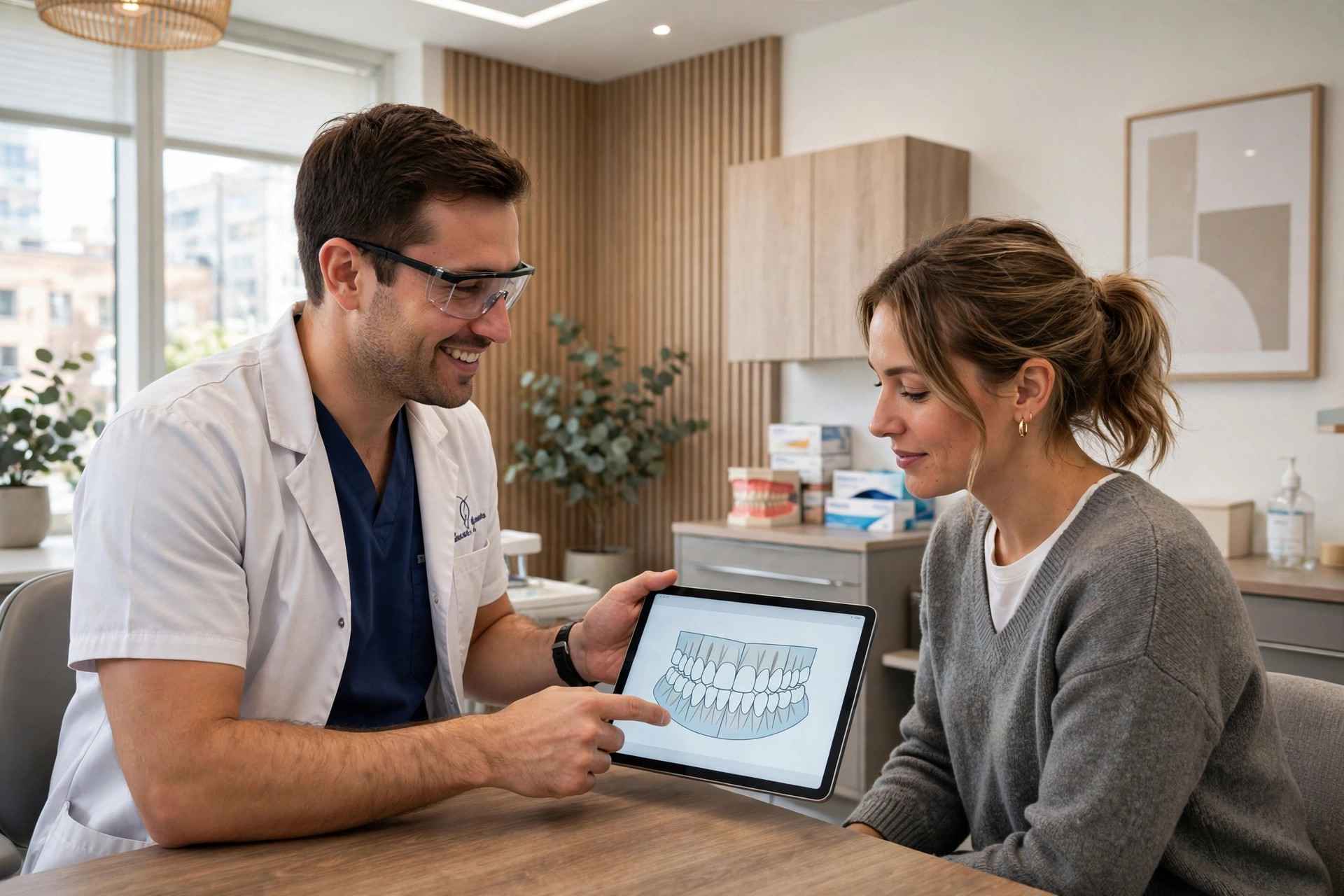
Accepted but unscheduled treatment is production waiting in your software. Follow-up emails turn it into booked chairs.
Treatment-plan follow-ups: closing high-value care
A patient hears they need an implant or Invisalign, says “let me think about it,” and walks out. In many practices, that is where the story ends, and thousands of dollars of accepted-but-unscheduled treatment sits in the software indefinitely. A treatment-plan follow-up sequence picks the story back up.
The key is timing and tone. These are big decisions involving money and some anxiety, so the emails educate rather than pressure. Email one, a few days after the consultation: a recap of the recommendation with a link to schedule, plus answers to the common questions patients ask at home (cost, timeline, what happens if they wait). Email two, two to three weeks later: patient-friendly education about the treatment, financing options your practice offers, and a soft nudge. Email three, a month or two later: a check-in from the treatment coordinator offering to answer questions, with scheduling one click away. For Invisalign specifically, before and after style education about the process works well; for implants, addressing the “what happens if I wait” question honestly is often what moves patients.
Segment by treatment value. A $5,000 implant case deserves a longer, more personal sequence (and a coordinator call) than a single filling. Track which plans get scheduled after which email so you can see the sequence working. This campaign routinely produces the highest revenue per email of anything a practice sends, because it targets production that is already diagnosed and merely unscheduled.
Review-request emails after every visit
Reviews are how new patients choose a dentist, and a steady stream of fresh Google reviews is one of the strongest local ranking signals a practice can build. The ask should be automatic: after every completed visit, the patient gets a short email thanking them and linking directly to your Google review page. Time it for the evening of the visit, when the experience is fresh.
Keep it to three lines: thanks, the direct link, and one sentence on why reviews help (“Reviews help other local families find us”). Do not offer incentives for reviews, which violates platform policies. Respond to every review, because prospective patients read your responses as closely as the reviews themselves; our guide to getting more Google reviews for your dental practice covers the full system. A practice that generates a few new reviews every week will outrank and out-trust competitors relying on a stale profile, and review emails are the simplest automation on this list to set up.
Building the list from your patient base
None of these campaigns work without email addresses and permission to use them. Most practices already have the addresses in their practice management software; the gap is consent and organization. Close it at three points.
First, at check-in: add a simple consent line to your intake and update forms (“May we email you about appointments, recalls, and practice news? Yes / No”), and train the front desk to confirm it verbally. Second, on your website: the new-patient forms and contact page should capture email with the same clear consent. Third, after every visit: the review-request and reminder emails themselves confirm the address is good. Export and sync the list with your email platform regularly, or better, use a CRM that integrates with your practice software so recalls, lapses, and treatment plans trigger sequences automatically instead of by spreadsheet. Clean the list as you go: remove hard bounces and honor every unsubscribe immediately.
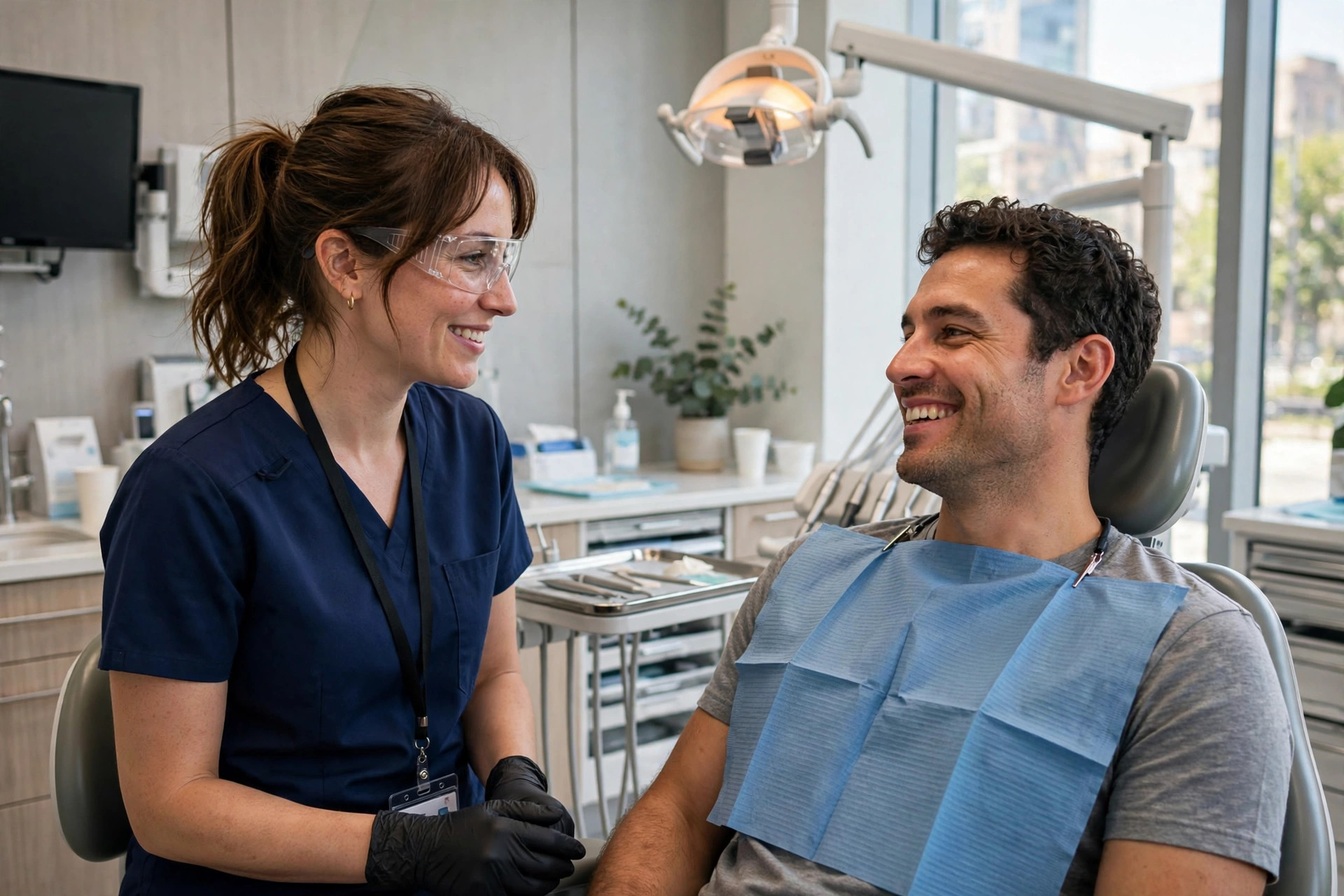
A great visit is the best list-building moment you have. Capture consent while the patient is happiest.
HIPAA and consent basics
Dental email marketing touches patient data, so the compliance basics are non-negotiable. This is a plain-language overview, not legal advice: when in doubt, check with your compliance advisor.
First, get clear consent before sending marketing emails, and keep a record of it. Appointment-related messages (reminders, confirmations) are generally treated differently from marketing messages (promotions, newsletters), so many practices collect consent for both separately at intake. Second, every marketing email must include a working unsubscribe link, and unsubscribes must be honored promptly. Third, never put protected health information in a marketing email: no diagnoses, no treatment details, no “your root canal” in a blast. Recall emails should say “time for your visit,” not name the procedure. Fourth, use tools that will sign a Business Associate Agreement (BAA) when patient data is involved, and keep your patient list out of generic marketing tools that will not. Get these four right and the program runs safely; get them wrong and one complaint can cost far more than the emails ever earned.
Missed calls still leak out of the schedule
Email fills the schedule from your existing base, but new patients still call, and they still call when the front desk is busy or closed. A missed-call text back for dentists sends an instant message to every caller you could not pick up, turning a lost inquiry into a booked consultation. Combined with the email program above, you cover both directions: new patients captured at first contact, existing patients pulled back automatically. That is what a full patient-communication system looks like.
Your email launch checklist
Set these up in order. The whole program can be live within a month.
- 1Audit your patient data. Export emails from your practice software, check consent records, and segment: active, overdue recall, lapsed, unscheduled treatment.
- 2Choose a compliant email platform. One that integrates with your practice software and will sign a BAA for patient data.
- 3Launch appointment reminders. Confirmation and reminder emails with one-click confirm and reschedule. Fastest win on the list.
- 4Build the recall sequence. Three emails at increasing intervals for overdue hygiene patients, stopping automatically on booking.
- 5Write the win-back sequence. Three emails to lapsed patients, segmented by how long they have been away.
- 6Build treatment-plan follow-ups. Education-first sequences for implants, Invisalign, and crowns, with coordinator calls for high-value cases.
- 7Automate review requests. A same-evening email after every visit with a direct link to your Google review page.
- 8Fix consent capture. Intake forms, website forms, and a verbal check at the front desk, with every unsubscribe honored.

Email handles the patients you already have. Make sure the front desk never loses the new ones calling in.
Frequently asked questions
Does email marketing work for dental offices?
Yes, because a practice’s best growth asset is its existing patient base. Recall sequences, reactivation win-backs, and treatment-plan follow-ups target patients who already trust you, which is why dental email routinely outperforms the same tactics aimed at strangers.
How often should a dental office email patients?
Automated sequences (reminders, recalls, follow-ups) run on triggers, not a calendar, so frequency takes care of itself. For broadcast emails like practice news or promotions, once or twice a month is plenty. Relevance beats frequency every time.
Is dental email marketing HIPAA compliant?
It can be, with the right setup: clear consent, an unsubscribe link on marketing emails, no protected health information in message content, and tools that sign a Business Associate Agreement when patient data is involved. Keep marketing emails free of diagnoses and treatment details.
What is the best email campaign for filling empty hygiene chairs?
The automated recall sequence: emails at set intervals to patients overdue for hygiene, each with a one-click booking link, stopping automatically when they book. Pair it with a quarterly reactivation blast to lapsed patients for the biggest schedule impact.
How do I get patients to open dental emails?
Write subject lines about them, not you: “Your cleaning is overdue” beats “Our practice news.” Keep emails short with one clear action, send from a recognizable name (the practice, not a no-reply address), and segment so recall patients get recall messages and Invisalign consults get Invisalign follow-ups.
Should we email about expensive treatments like implants?
Yes, with an education-first tone. Patients considering implants or Invisalign usually need time and information, not pressure. A timed sequence that answers cost, timeline, and “what if I wait” questions, plus a coordinator call for high-value cases, turns stalled plans into scheduled production.
Put your patient communication on autopilot
Digital Hayder builds CRM and email automation for dental offices: recall sequences, reactivation win-backs, treatment-plan follow-ups, review requests, and AI front-desk coverage that books while your team treats patients. Tell us about your practice and we will map the fastest path to a full schedule.
Contact Us