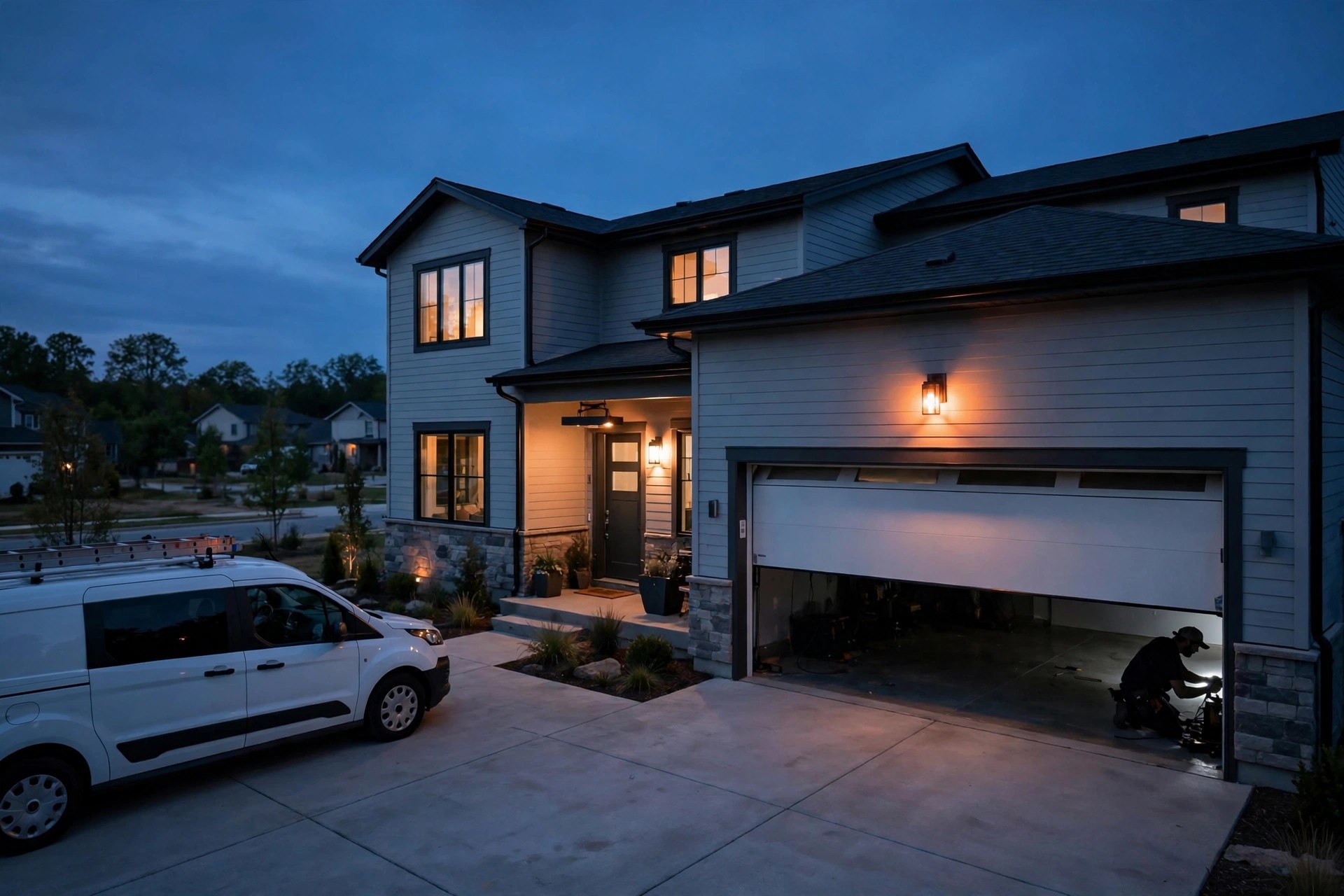
A garage door spring snaps at 9:40 on a Tuesday night. The homeowner’s car is trapped inside, and the morning commute starts in nine hours. They search for a garage door company on their phone, open the first website, and find a contact form that promises a reply “within one business day.” They do not fill it out. They open the second website, tap the chat box, and in three minutes they have a price band for a spring replacement, a technician scheduled for 8 AM, and a text confirmation on their phone. That second company won the job before your techs even woke up. This guide is about becoming that second company: what an AI chatbot does on a garage door website, how it handles emergency calls, spring quotes, and scheduling without a human in the chair, what it costs, and how to set one up without turning your website into a robot maze.
The quick answer
- Speed wins garage door jobs: broken doors are urgent, and the company that answers first usually gets the work. A chatbot answers in seconds, 24 hours a day.
- Quoting works for standard jobs: spring replacements, opener installs, and tune-ups have predictable price bands. The chatbot can quote them and book the visit.
- Emergencies get triage, not silence: after-hours chats collect the address, the problem, and a time window, then hand the job to the on-call tech.
- Scheduling ties to real availability: the bot books into your actual service windows instead of promising times you cannot keep.
- Typical cost: $100 to $400 a month for a solid AI chatbot platform, plus a one-time setup of $500 to $2,500 for scripts and integrations.
- The payback math is simple: one captured spring replacement a month often covers the tool. Most of the extra jobs are pure margin.
Why garage door calls go unanswered
Garage door businesses have a timing problem baked into the trade. Roughly half of all service requests start outside business hours, because doors break at night, on weekends, and during storms, not between 9 and 5. Meanwhile the office is closed, the techs are on the road or off duty, and the website is a brochure that cannot talk. The contact form sits there collecting messages that get read the next morning, by which time the homeowner has already hired someone who answered at 10 PM. Missed-call data across home services tells the same story over and over: the majority of callers who reach voicemail never call back. They call the next company on the list. A garage door company that runs on office hours is effectively closed for the exact half of demand that needs service most urgently, and urgent demand is the demand most likely to convert. The first fix most owners try is a bigger ad budget, but paying more for clicks that land on a silent website is the most expensive way to grow. A chatbot is cheaper than another dispatcher, faster than a callback, and awake for the 9 PM spring break that a form will always miss.
What an AI chatbot actually does on a garage door website
Strip away the hype and an AI chatbot for a garage door company is three things: a greeter that asks the right questions, a quoter that knows your price bands, and a booker that writes jobs into your schedule. It lives in the corner of your website and your Google Business Profile chat, and it talks to customers the way a good dispatcher would, except it never sleeps and never puts anyone on hold.
The conversation the customer sees
A typical chat starts with a short menu, not an open text box. “Hi, what can we help with today?” followed by buttons: Broken door or stuck door, Spring replacement, New opener install, New garage door quote, Maintenance tune-up, Something else. One tap, and the bot narrows down. For a broken door it asks the diagnostic questions your best dispatcher asks: Is the door stuck open or stuck closed? Do you hear the motor running when you press the button? Is there a visible gap in the spring above the door? These questions do real work. They tell the tech what parts to load, they tell the customer whether this is an emergency, and they make the company look competent before anyone has spoken. The bot collects the name, phone number, and address early in the flow, so even if the customer drops off, you have a warm lead to follow up instead of an anonymous bounce.
What happens behind the scenes
Every chat creates a contact record with the full transcript attached. If you connect it to your CRM, the lead lands in your pipeline automatically, tagged by job type: emergency, spring, opener, new door, tune-up. If you connect it to your scheduling system, the booking lands on the calendar with a time window and the notes the tech needs. If a chat hits something the bot cannot handle, a strange noise nobody can describe, a commercial rolling door, a warranty dispute, it escalates: the bot tells the customer exactly what happens next (“Our tech on call will ring you within 15 minutes”) and sends an SMS to the on-call number. Good bots also follow up automatically. A quote that was opened but never booked gets a polite check-in the next morning: “Still need help with the garage door? We have a slot tomorrow between 10 and 12.” That single follow-up recovers a surprising share of jobs that looked lost.
The emergency call flow, hour by hour
Emergency calls are where chatbots pay for themselves. A broken spring with a car trapped inside is a $200 to $400 job, and the customer will pay the after-hours rate gladly, as long as someone answers. Here is how the flow should work when your office is dark.
A broken spring at 9 PM
The customer opens the chat at 9:04 PM. The bot greets them, they tap “Broken door or stuck door,” and the bot asks the triage questions: stuck open or closed, car inside, any visible spring damage. At 9:06 the customer has described a snapped torsion spring with the car stuck in the garage. The bot does three things at once. First, it reassures: “That sounds like a broken torsion spring. This is one of our most common emergency calls, and we can fix it tonight or first thing tomorrow.” Second, it quotes the after-hours band: “Emergency spring replacement tonight runs $275 to $425 depending on the door. First slot tomorrow morning, 8 to 10, runs $189 to $299.” Third, it offers the choice: book tonight with the on-call tech or book the morning slot. The customer picks the morning slot, the bot collects the address, confirms by text, and pings the dispatcher with the job summary. At 8 AM the tech arrives with the right spring size already noted in the job. Nobody answered a phone, and the company booked a $250 job while everyone slept.
After-hours pricing rules the bot should follow
Give the chatbot clear rules so it never invents prices. Set a standard-hours band and an after-hours band for each common job, and tell the bot which hours count as after hours. Most shops define nights after 6 PM, weekends, and holidays. The bot should always present both options when it can: tonight at the emergency rate, or tomorrow morning at the standard rate. Some customers will pay the premium, some will wait, and both are wins you would have lost to a contact form. One rule matters more than the rest: the bot must never quote a firm final price on a job it cannot see. Price bands are honest and protect you. A bot that promises “$219 exactly” for a door it has not seen will create arguments your techs have to settle on the driveway.
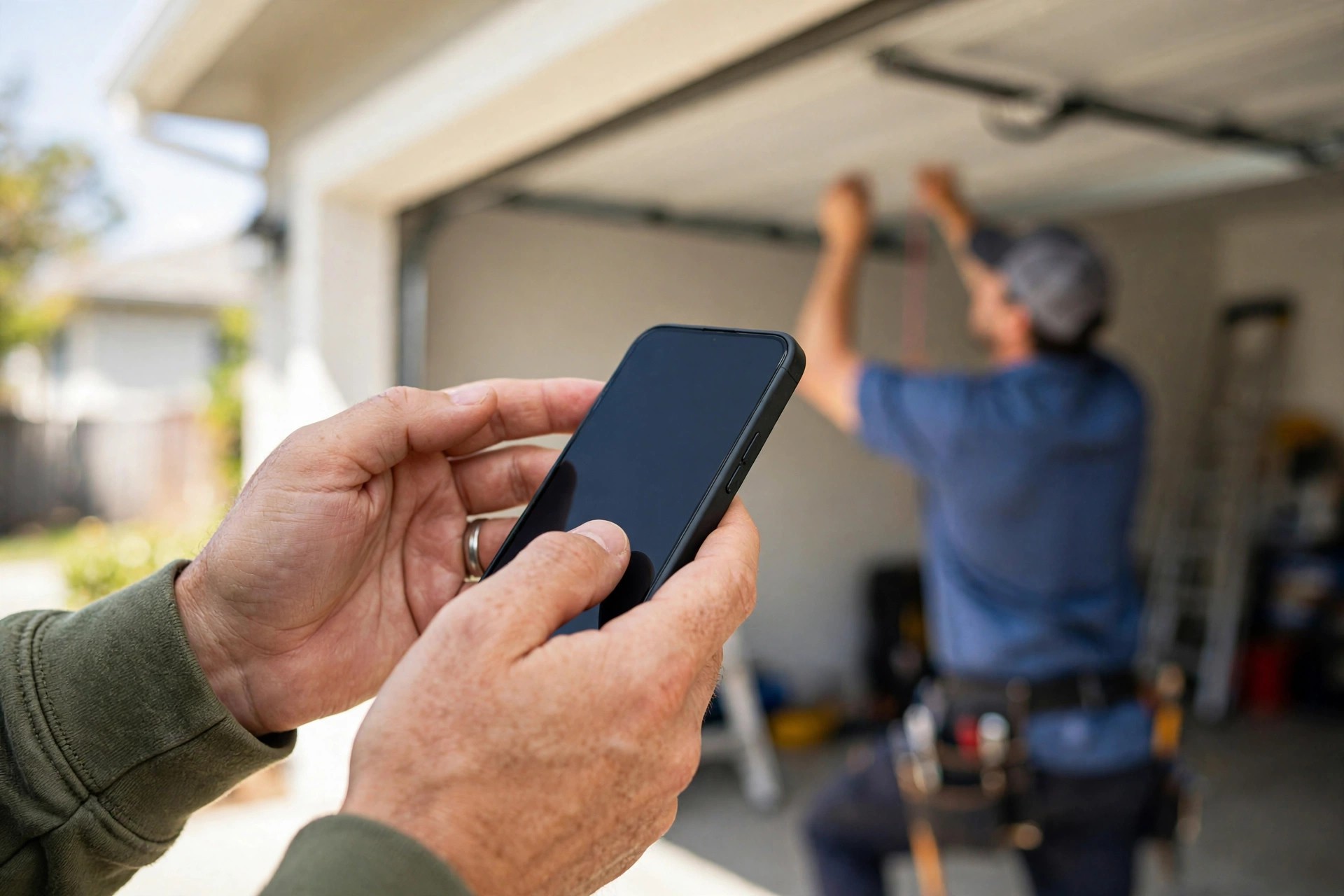
The chat collects the address, the problem, and a time window in about three minutes.
Quoting springs, openers, and new doors through chat
Garage door work is unusually friendly to chatbot quoting, because the most common jobs have predictable costs. A spring replacement, an opener install, and an annual tune-up each fall into a band that a dispatcher can quote over the phone sight unseen, so a chatbot can quote them too. The trick is teaching the bot which jobs get a band and which jobs get a tech visit first.
The spring replacement script
Spring replacement is the bread and butter: it is the most common emergency call, and the price mostly depends on the spring type and the door size. Here is a script that works, adapted for chat:
Bot: “A broken spring is usually a same-day fix. Two quick questions so we bring the right parts: is your door a single-car or double-car door? And does it feel extremely heavy to lift by hand?”
Customer: “Double-car, and yes, super heavy.”
Bot: “Got it. For a double-car door with a broken torsion spring, most jobs run $189 to $299 during business hours. That includes the new spring, installation, and a full safety check of cables and rollers. If you need us tonight, emergency service runs $275 to $425. Want the first available slot tomorrow morning, or should I page the on-call tech now?”
Notice what the script does: it diagnoses, it educates (new customers learn what a torsion spring is), it quotes a band, and it pushes toward a booking. It never claims to know the exact price. Every quote line ends with a booking question, because a quote without a next step is just free advice the customer takes to a competitor.
Opener installs and full door replacements
Opener installs are the second most chatbot-friendly job. The bot asks about the current setup (chain, belt, or screw drive; is there power in the garage; does the customer want a smart opener with phone control), then quotes the install band: a standard chain-drive install typically lands between $300 and $500 including the unit, while a belt-drive or smart opener install runs $400 to $650. Full door replacement is different. A new 16 by 7 insulated steel door installed runs roughly $900 to $2,500 depending on insulation, windows, and hardware, and the exact number depends on measurements and options the customer needs to see. For replacements, the bot should quote a starting band and book a free in-home estimate, not a final price. “New doors start around $900 installed for a basic insulated steel door. Most of our customers pick a model between $1,200 and $1,800. I can book a free 20-minute measurement visit and bring samples, no obligation. When works better, tomorrow or Saturday?” The table below is a good reference to give your chatbot as its quoting brain.
| Job type | Typical US price band | What the chatbot should do |
|---|---|---|
| Torsion spring replacement | $150 to $350 | Quote the band, ask single vs double door, book the visit |
| Extension spring replacement | $120 to $250 | Quote the band, confirm door size, book the visit |
| Opener install (chain drive) | $300 to $500 | Quote the band, ask about smart features, book the install |
| Opener install (belt drive / smart) | $400 to $650 | Quote the band, offer the quiet-drive upsell, book the install |
| Annual tune-up / maintenance | $80 to $150 | Quote the flat rate, offer a recurring plan, book the visit |
| New garage door (16×7 insulated steel) | $900 to $2,500 | Quote the starting band only, book a free measurement visit |
| Off-track door / cable repair | $125 to $300 | Quote the band, warn it needs a tech look, book the visit |
Booking and scheduling that fits a tech route
Quoting is only half the job. The chatbot also has to book in a way that does not wreck the day’s route. The best setups connect the bot to the real schedule, not a fake calendar. The customer picks a two-hour window, the bot confirms the tech’s name and the window by text, and the job appears in the dispatch board with the chat transcript attached. The tech sees “broken torsion spring, double-car door, car stuck inside, quoted $189-$299” before knocking. That preparation shortens the visit and raises the close rate on any upsell, because the tech walks in already knowing the situation.
If your scheduling software has an API or a booking link, wire it straight in. If it does not, the next best setup is a booking form the bot fills and a notification to the dispatcher: text, email, or a message in the office group chat. What you want to avoid is a bot that promises “tomorrow at 9 AM sharp” when the route is already full. Give the bot your real rules: service windows of two hours, blackout dates, the number of jobs a tech can take per day, and the after-hours on-call rotation. A chatbot that books honestly is a dispatcher. A chatbot that overbooks is a complaint generator.
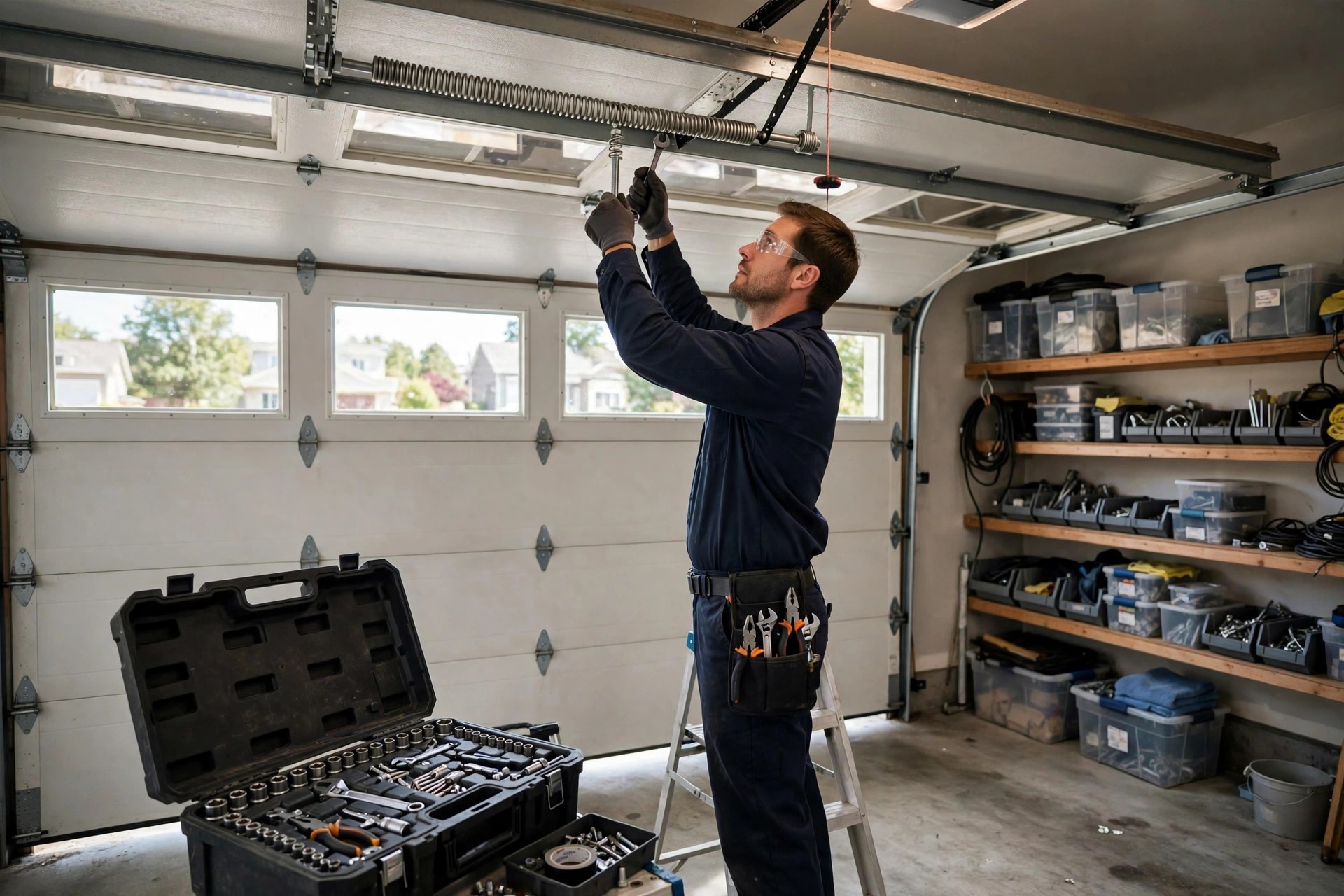
The chat transcript tells the tech the spring size and the quote before the visit starts.
Chatbot vs live chat vs contact forms
Owners often ask whether they should just hire someone to answer live chat, or whether the contact form is fine as is. The honest answer depends on your call volume, but the comparison below lays out the tradeoffs for a typical garage door company doing $500K to $2M a year.
| Factor | AI chatbot | Live chat (human) | Contact form |
|---|---|---|---|
| Availability | 24/7, instant | Office hours only, unless staffed | Always visible, answered next day |
| Response speed | Seconds | Minutes, when staffed | Hours to a day |
| Monthly cost | $100 to $400 | $2,000+ for part-time staffing | Free, but loses most leads |
| After-hours emergencies | Triages and books | Only if someone is awake | Missed entirely |
| Quoting standard jobs | Instant, from your price bands | As good as the agent | Requires a callback |
| Follow-up on quotes | Automatic, next morning | Only if remembered | Rarely happens |
| Weird edge cases | Escalates to a human | Handles well | Slow back-and-forth |
| Best for | Most garage door shops | High-volume shops with staff | Nobody, as a primary channel |
The pattern most growing companies land on is a chatbot first, with human backup. The bot handles the 80 percent of chats that are standard: broken springs, opener questions, tune-up bookings, price shoppers. Anything strange, angry, or commercial escalates to a person with the transcript already collected. That keeps one dispatcher doing the work of three, and it means the weird jobs still get human judgment. If you are comparing your options in more detail, our AI chatbot vs live chat guide breaks the same comparison down for any small business.
CRM and dispatch integrations
A chatbot that is not connected to anything is a toy. A chatbot wired into your systems is an employee. The integrations below are listed in the order most garage door companies should add them, because each one multiplies the value of the last.
What to connect, in order
First, the CRM. Every chat should create or update a contact with the transcript, the job type tag, and the quoted band. That way the morning dispatcher sees last night’s chats as pipeline items, not as mysteries. Second, the scheduler. This is what turns chats into booked jobs without a human middleman. Third, SMS. The bot should confirm bookings and send reminders by text, because email confirmations get ignored and texts get read. Fourth, review requests. After a completed job, an automated text asking for a Google review closes the loop the chatbot opened. Fifth, your ad platforms. If you run Google Ads, feed chatbot conversions back as events so you can see which keywords produce booked jobs, not just chats. If your shop already has a strong website, pairing the chatbot with a proper rebuild pays off fast: see how much a garage door company website costs for the budget picture.
What it actually costs
Chatbot pricing for home services falls into three bands. Basic website chat widgets with scripted flows run $30 to $100 a month; they work but feel robotic and cannot really quote. AI chatbots built for service businesses, with natural conversation, quoting logic, and CRM connections, run $100 to $400 a month; this is the band most garage door companies should shop in. Fully managed setups, where an agency builds the scripts, wires the integrations, and keeps improving the flows, run $500 to $1,500 a month plus a one-time build fee of $1,000 to $3,000. The one-time setup work, writing your scripts, loading your price bands, connecting your calendar, usually costs $500 to $2,500 as a project, depending on how many integrations you want. For a rough sense of how voice-based AI compares on price, our AI receptionist cost guide covers the phone side of the same coin. Expect the build to pay for itself in the first two to three months if even a handful of after-hours chats convert, and the monthly cost to feel trivial by month four.
Mistakes that make chatbots fail
Most chatbot failures are not technology failures. They are setup failures, and they are avoidable.
Mistake one: the bot answers but never books. A chatbot that chats pleasantly and ends with “call us during office hours” is a worse contact form. Every flow must end in a booking, a scheduled callback, or a captured lead with a follow-up.
Mistake two: invented prices. If you do not load your real price bands, the bot will guess, and it will guess wrong. A wrong quote that a tech has to correct on site burns trust and starts the visit with an argument.
Mistake three: no human escape hatch. Some customers will always want a person, especially on big-ticket replacements. Burying the “talk to a human” option, or worse, not having one, turns a warm lead into a closed tab. Put the escalation option in the first menu.
Mistake four: the bot talks too much. Homeowners with a broken door want a price and a time, not a brand story. Keep every message under two short sentences, ask one question at a time, and let buttons do the heavy lifting.
Mistake five: nobody reads the transcripts. The first two weeks of chat transcripts are pure gold: they show you the questions customers actually ask, the prices that make them hesitate, and the moments they drop off. Read them, then tune the scripts. Shops that skip this step leave half the value on the table.
Mistake six: the mobile experience is an afterthought. Most garage door searches happen on phones, often from a driveway. If the chat widget covers the call button, loads slowly, or is hard to tap, you have built a lead trap that catches nothing. Test every flow on a real phone before launch.
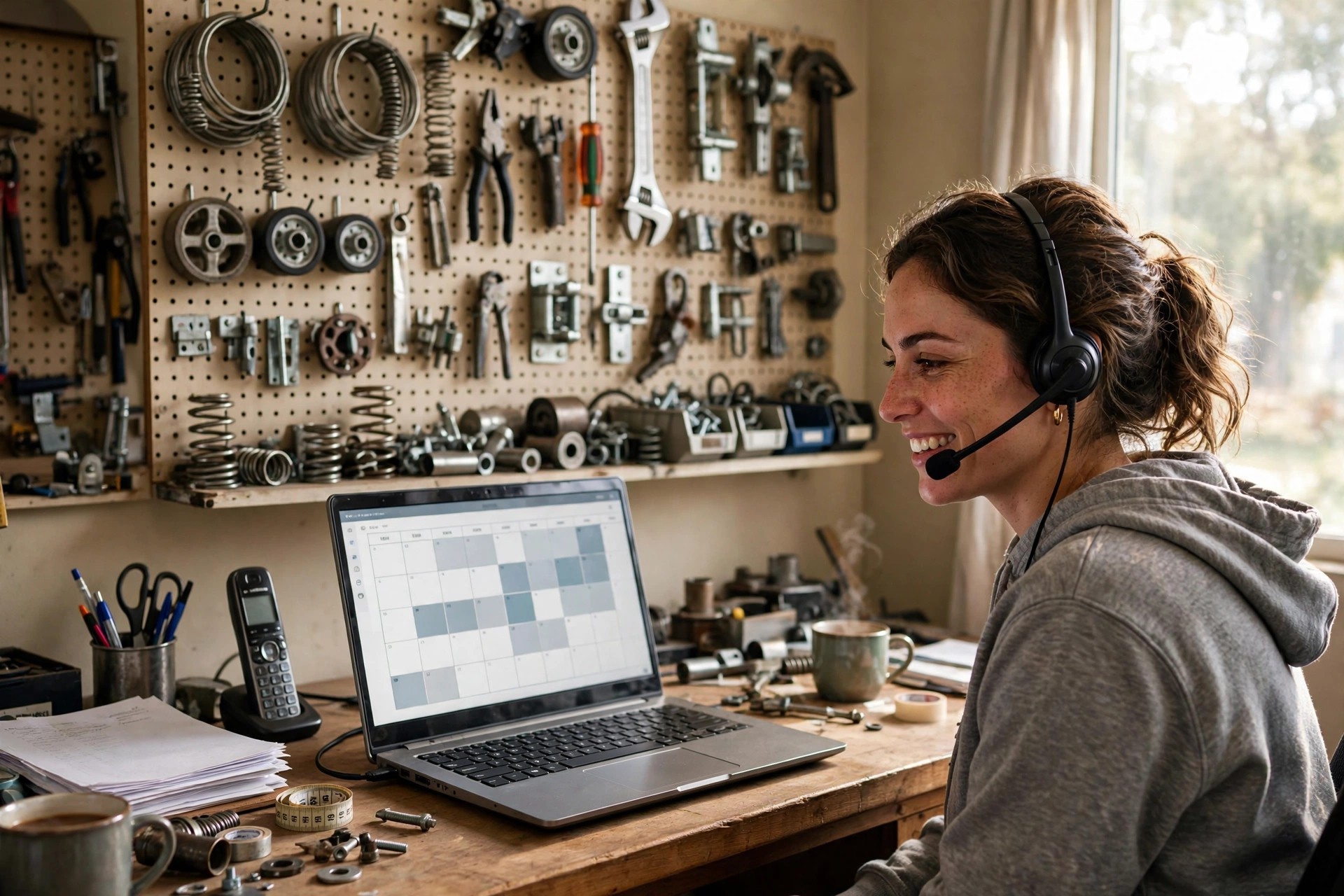
Every overnight chat should land in the morning schedule with the transcript attached.
Your rollout checklist
From first demo to a bot that books jobs on its own, most shops need three to six weeks. Work the list in order.
- 1Map your top five chat reasons. Pull a month of call logs and list the five jobs customers ask about most. Those become your first five chat flows.
- 2Write your price bands down. Standard and after-hours bands for springs, openers, tune-ups, and repairs. The bot quotes only what you approve.
- 3Define your service area and hours. Zip codes you serve, real office hours, and the after-hours policy. The bot must say no cleanly outside your area.
- 4Pick the platform. Shop in the $100 to $400 a month band, and confirm it supports natural conversation plus the integrations below.
- 5Connect the CRM first. Every chat creates a tagged contact with the transcript attached. Test with fake chats before going live.
- 6Connect the real schedule. Two-hour windows, blackout dates, daily job caps. Never let the bot promise a slot that does not exist.
- 7Set the escalation rules. Strange jobs, angry customers, and commercial doors go to a human within 15 minutes, with the transcript included.
- 8Add SMS confirmations and reminders. Book by text, remind the day before, and ask for a review after the job is done.
- 9Test everything on a phone. Run every flow on a real mobile device from a driveway. Fix anything slow, tiny, or confusing.
- 10Read transcripts weekly for a month. Tune the questions customers stumble on, fix the drop-off points, and update price bands quarterly.
Frequently asked questions
Can an AI chatbot really quote garage door repairs?
For standard jobs, yes. Spring replacements, opener installs, and tune-ups have predictable price bands that dispatchers already quote over the phone, so a chatbot can quote the same bands. For full door replacements or unusual damage, the bot should quote a starting range and book a free in-home estimate instead of guessing a final price.
How much does an AI chatbot cost for a garage door company?
Expect $100 to $400 a month for a capable AI chatbot platform, plus a one-time setup of $500 to $2,500 for scripts, price bands, and integrations. Fully managed setups run higher, $500 to $1,500 a month. Most shops cover the cost with one or two captured after-hours jobs per month.
What happens when the chatbot cannot answer a question?
A well-built bot escalates instead of guessing. It tells the customer exactly what happens next, for example that the on-call tech will ring within 15 minutes, and it sends the transcript to your on-call number by SMS. Strange jobs, commercial doors, and angry customers should always route to a human.
Will a chatbot replace my dispatcher?
No, it makes your dispatcher more productive. The bot handles the routine chats, quoting, and booking, which frees the dispatcher for complex jobs, upset customers, and route planning. Most shops find one dispatcher can handle noticeably more volume with a chatbot in front.
Does the chatbot work after hours?
That is its main job. It answers instantly at night and on weekends, triages emergencies, quotes the after-hours band, and books either the on-call tech or the first morning slot. Without it, those chats become missed calls that go to a competitor.
Can the chatbot connect to my scheduling software?
Most modern platforms connect directly or through tools like Zapier. The bot books into real two-hour windows, respects blackout dates and daily job caps, and writes the job into your dispatch board with the transcript attached. If your software has no connection option, the fallback is a filled booking form plus an instant notification to the dispatcher.
How long does setup take?
Three to six weeks for most shops: one week to map your jobs and price bands, one to two weeks to build the scripts and integrations, and one to two weeks of testing and transcript tuning. Simple setups with fewer integrations can go live faster.
What about customers who hate talking to bots?
Keep a visible “talk to a human” option in the first menu and make escalation fast. A large share of customers will still use the bot for speed, and the ones who want a person get one quickly with their details already collected. Forcing everyone through the bot is what creates frustration.
Does a chatbot help with Google reviews?
Indirectly but powerfully. Connect post-job review requests to your completed jobs, and the chatbot’s booking confirmations give you the phone numbers to send them to. More completed jobs plus automatic review asks equals a steadier stream of fresh reviews.
Is a chatbot better than just answering live chat myself?
For after-hours coverage and instant response, yes, because you cannot staff live chat around the clock cheaply. The best setup for most shops is a chatbot first with human backup for edge cases, which beats both a form and office-hours-only live chat on cost and coverage.
Stop losing after-hours jobs to competitors
Digital Hayder builds AI chatbots for garage door companies: emergency triage, spring and opener quoting, real scheduling, and CRM connections that turn night-time chats into morning jobs. Tell us about your service area and we will design the flows around your price bands.
Contact Us