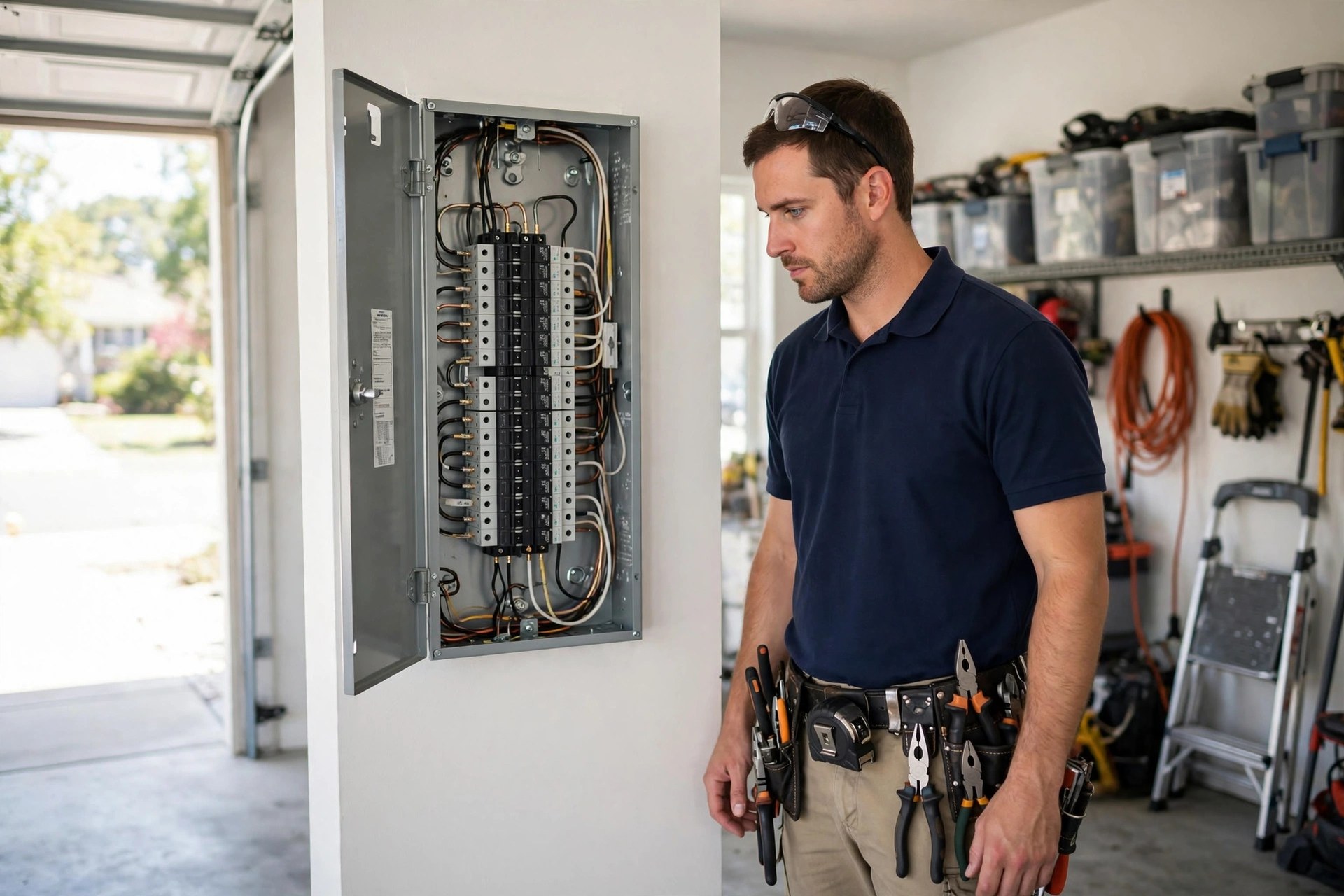
When a breaker panel starts sparking or half the house loses power at 9 pm, the homeowner does not browse websites. They grab a phone, type “emergency electrician near me,” and call whoever looks trustworthy in the map pack. That single screen, your Google Business Profile, decides who gets the call before your website ever loads. Electrical work is a high-trust, high-urgency trade. Homeowners cannot judge the quality of wiring from a photo, so they judge you on signals: a real license number, proof of insurance, recent reviews that mention the exact job they need, and photos that show clean, professional work. This guide walks through every field and tactic that matters for electricians: license and insurance trust signals, a services catalog built per job type, emergency keyword coverage, a review system that fits how electrical jobs actually end, and the mistakes that quietly push electricians out of the map pack.
The quick answer
- License and insurance up front: put your license number in the business description and mention insured status in posts and Q and A, because electrical customers filter on trust first.
- Emergency keywords in the right fields: add “emergency electrician,” “24 hour electrician,” and “after hours electrical repair” to services, the description, and posts so panic searches find you.
- Services catalog per job type: list panel upgrades, EV charger installation, rewiring, lighting, ceiling fans, troubleshooting, and generator installation as separate services with plain descriptions.
- Category discipline: keep the primary category exactly “Electrician” and add “Electrical contractor” and “Lighting contractor” as secondaries, nothing cute.
- Reviews tied to the job: ask right after power is restored with a script that names the work, and answer every review, especially ones that mention price.
- Photos that prove competence: open panels, labeled breaker boxes, uniformed techs, and clean vans. No stock photos, ever.
Why the map pack decides who gets the emergency call
Think about the last three electrical jobs you won. How many of them started with a Google search from a phone, made in a hurry, by someone who had never heard of your company? For most electricians that answer is most of them. National data on local search behavior consistently shows that the majority of local service searches happen on mobile, that a huge share of “near me” searches come from phones, and that callers contact the first business that looks credible. Electrical searches skew even harder toward urgency than most trades. Nobody searches “panel upgrade” casually at 2 am, but they do search “electrician open now” with a tripped main breaker and a fridge full of food going warm.
The map pack, those three business listings with the map above the regular results, captures the bulk of those calls. Businesses outside it split what is left. That makes your Google Business Profile the highest-value page your company owns, and it costs nothing to maintain well. Unlike ads, which stop producing the day you stop paying, a strong profile compounds. Reviews stack, photos accumulate, and the listing gets stronger month after month. The sections below treat the profile like the asset it is, starting with the fields most electricians set once and never touch again.
Lock down the profile basics first
Before any advanced tactic, get the foundation right. Roughly half of the electrician profiles sitting in any market have at least one basic error, and each error costs calls. Walk through these fields one by one and fix them in a single sitting.
Name, category, and service areas
Your business name should be your real, legal business name, nothing more. Adding keywords like “Smith Electric Emergency Electrician 24 Hour” to the name field is against Google’s rules and is one of the most common reasons profiles get suspended. Use the name on your license and your trucks. For categories, set the primary category to “Electrician” exactly. Good secondary categories are “Electrical contractor” and “Lighting contractor.” Skip unrelated categories like “Handyman” unless you genuinely take handyman work; mixed categories confuse the ranking system about what you do.
Service areas deserve real thought. List every city and town you genuinely serve, not the whole state. A profile that claims a 60-mile radius competes weakly everywhere; a profile focused on 8 to 12 towns ranks strongly in them. Check that each listed area is a place your techs actually drive to for a normal service call. If a job would need a trip charge, the area probably should not be listed.
Hours, phone, and website
If you take emergency calls, set your hours to reflect that. Many electricians list 8 to 5 weekday hours while answering the phone all night, which hides the “Open now” badge exactly when it matters most. If you answer around the clock, say so. If you take emergencies after hours with a trip fee, list regular hours plus an “emergency service available” note in the description and posts. Use a local phone number, not a toll-free one, because local numbers build trust and match the area you serve. Link the profile to a fast, mobile-friendly website page, ideally your homepage or a dedicated service page, not a social media page.
| Profile field | What to set | Why it matters for electricians |
|---|---|---|
| Business name | Legal business name only, no keyword stuffing | Stuffed names trigger suspensions and erode trust with license-conscious customers |
| Primary category | Electrician | Exact-match category is the strongest single relevance signal for electrical searches |
| Additional categories | Electrical contractor, Lighting contractor | Covers commercial and lighting searches without diluting the profile |
| Service areas | 8 to 12 towns you truly serve | Tight areas rank better than a huge radius you cannot cover |
| Hours | Real hours plus emergency availability note | The “open now” badge wins late-night emergency searches |
| Phone | Local area code number, answered or forwarded | Local numbers build trust; missed calls during emergencies go to competitors |
| Description | License number, insured status, services, areas | The trust block homeowners read before calling |
| Services | Every job type listed separately | Each service is a doorway for a specific search like “EV charger installation” |
| Attributes | Women-led, veteran-led, or other true attributes | True attributes can sway a close call between two similar profiles |
| Photos | Real jobs, real techs, real vans, updated monthly | Photos are the visual proof that backs up every claim in the text |
License and insurance: the trust signals your competitors skip
Electrical work scares homeowners in a way that painting or yard work does not. Bad wiring burns houses down. Every homeowner has heard a story about an unlicensed “electrician” who made things worse, and that fear shapes how they pick. A license number on your profile does more work than any slogan. It says you are accountable to the state, that your work gets inspected, and that the homeowner has somewhere to turn if things go wrong. Shockingly few electrician profiles display a license number anywhere. Adding yours is a one-line change that separates you from every profile that hides behind a generic description.
A description template that builds trust
You get 750 characters in the business description. Use them for facts, not fluff. A structure that works for electricians: license and insurance first, then what you do, then who you serve, then how to reach you. For example: “Licensed electrical contractor (License EC-0001234), fully insured. We handle panel upgrades, EV charger installation, whole-home rewiring, lighting design, ceiling fans, troubleshooting, and standby generators for homes and small businesses across [towns]. Emergency service available after hours. Call for upfront pricing and same-day appointments.” Adapt the license format to your state, keep the claims you can prove, and cut anything vague like “best quality” or “customer satisfaction guaranteed” unless you can back it with a written policy.
Repeat the signals in posts and Q and A
Trust signals lose power if they appear once and never again. Work your license and insurance status into posts naturally: “Our licensed electricians completed a 200-amp panel upgrade in [town] this week,” or a generator-season post that mentions your insured installation crew. Seed the Q and A section with the questions homeowners actually ask: “Are you licensed and insured?” with an answer that gives the license number, and “Do you offer free estimates?” with your real policy. When a panicked homeowner expands your profile at 10 pm, every visible surface should answer the question they are really asking: is this person safe to let into my home?
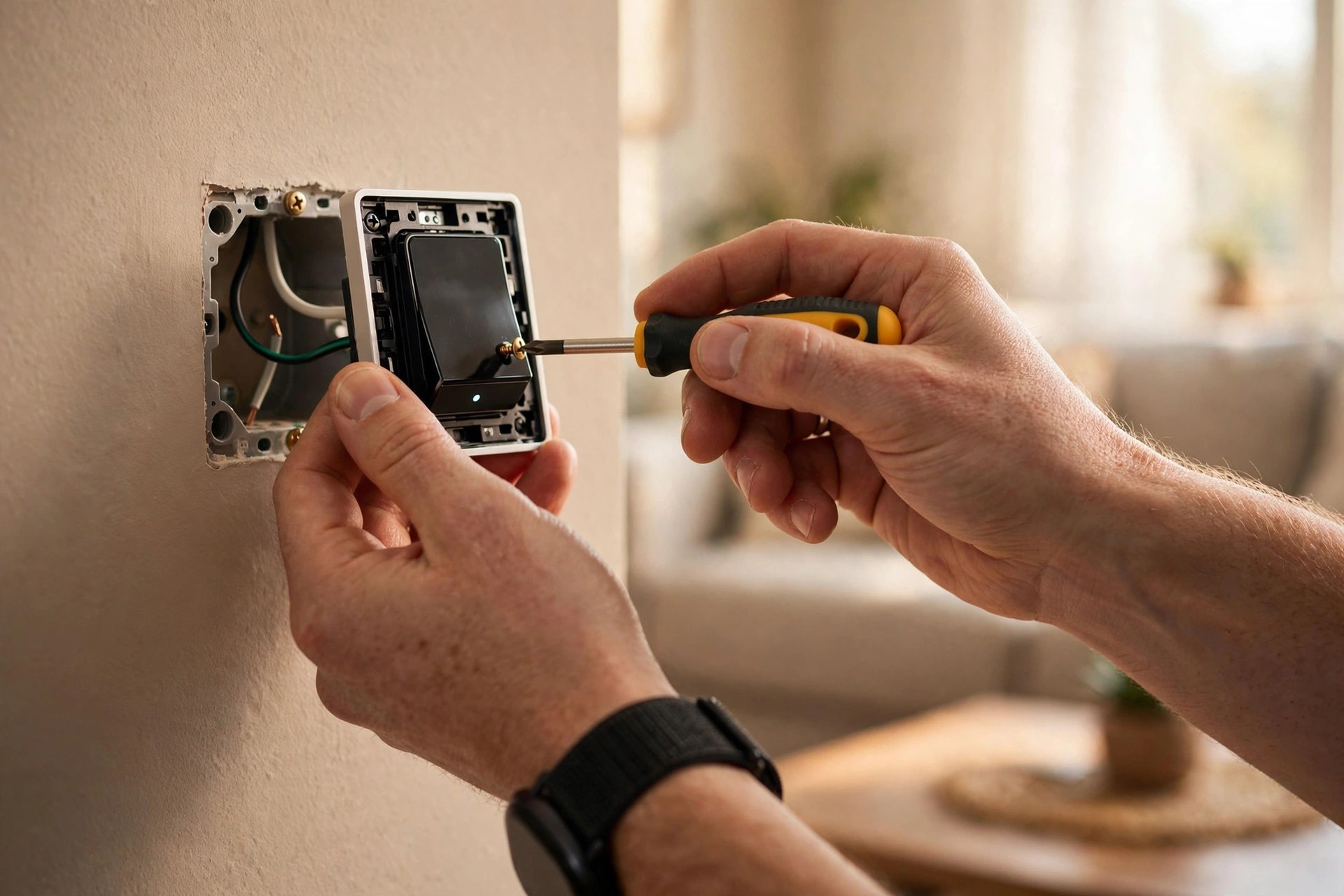
Photos of real installations, like this smart switch, prove competence better than any slogan.
Build the services catalog by job type
The services section is the most underused field on electrician profiles. Most profiles list five to eight generic services. Each service you add is a separate doorway for a specific search, and electrical work breaks naturally into dozens of distinct jobs. A homeowner searching “EV charger installation near me” sees very different results than one searching “ceiling fan installation,” and a profile with both services listed has a real advantage over one with neither.
Residential services to list
Write each service with a plain, specific description, not a single word. “Panel upgrade: replace outdated 100-amp panels with safe, modern 200-amp service, permitted and inspected.” Cover the core list: electrical troubleshooting and repair, panel upgrades and replacements, whole-home rewiring, lighting installation and design, ceiling fan installation, outlet and switch installation, GFCI outlet installation, smoke and carbon monoxide detector installation, EV charger installation, home generator installation, surge protection, electrical safety inspections, code corrections, and kitchen and bath electrical for remodels. Add prices only where you have standard flat rates; for the rest, “free estimates” or “upfront pricing” is enough.
Commercial and emergency services
If you take commercial work, list it separately: office and retail electrical, restaurant electrical, lighting retrofits and LED upgrades, dedicated circuits for equipment, and electrical maintenance plans. Then add the emergency layer as its own set: 24-hour emergency electrical repair, power outage troubleshooting, sparking outlet or panel repair, and storm damage electrical repair. Labeling emergency work explicitly matters because Google matches service names to searches, and “emergency electrician” is one of the highest-intent searches in the trade. Homeowners in a crisis click the profile that names their exact problem.
Cover emergency keywords like a pro
Emergency searches are where electricians make their best money: high intent, low price shopping, and a caller who needs someone now. Keyword coverage across the profile decides whether you appear for them. The trick is placing the right phrases in the right fields without stuffing, which gets profiles penalized.
Where the keywords belong
Put your main terms in four places: the services list (as actual services you offer), the business description (in natural sentences), Google Posts (in headlines and first lines), and the Q and A (in real questions and answers). The phrases that matter: “emergency electrician,” “24 hour electrician,” “after hours electrician,” “electrician open now,” plus problem phrases like “power outage repair,” “sparking outlet,” “breaker keeps tripping,” and “no power in house.” Then add the planned-job phrases: “panel upgrade,” “EV charger installation,” “ceiling fan installation,” “whole house rewiring,” and “generator installation.” Each phrase should read naturally in a sentence a real person would write. If it sounds like a keyword list, rewrite it.
Match posts to real emergency patterns
Post on a rhythm that matches the trade. Storm season: “Power out after the storm? Our licensed electricians offer emergency troubleshooting across [areas]. Call now.” Summer heat: breaker panels tripping under AC load, with a panel inspection offer. Holiday season: safe holiday lighting installation. Generator season: standby generator installs before winter outages. Each post should include a photo from a real job, a clear next step (“Call now for emergency service”), and the license mention where it fits. Two to four posts a month is plenty; consistency beats volume. If you also run paid ads for these same emergency terms, our guide to electrician Google Ads costs helps you compare the two channels.

Job photos tied to specific services, like lighting installs, reinforce your keyword coverage.
Photos and videos that prove you are the safe choice
Homeowners choosing an electrician from the map pack compare photos side by side. A profile with 40 real job photos beats a profile with 6, even when the second company does better work, because the customer can only judge what they can see. Google also favors profiles with fresh, original photos. Build a simple habit: every tech takes three photos per job, and someone uploads the best ones weekly.
The 12 photos to upload first
Start with these: a clean, labeled breaker panel you installed or upgraded; a before and after of a messy panel you replaced; a tech in uniform at a panel; an EV charger installation; a ceiling fan or chandelier install; a generator installation; a lighting project at night showing the result; your branded van parked at a job; your team photo; the shop or office exterior; a tech using a multimeter during troubleshooting; and a short video walkthrough of a completed panel upgrade. Then keep adding monthly: seasonal jobs, new van wraps, training days. Name the image files descriptively before upload, like “panel-upgrade-springfield.jpg,” since file names can add a small relevance signal.
What to avoid
Never use stock photos. Homeowners spot them instantly, and a stock photo of a smiling model with a wrench actively destroys the trust your license number built. Avoid photos of messy trucks, cluttered shops, or jobs in progress that look chaotic. Skip photos with other companies’ logos or license numbers visible. And do not upload the same photo to ten profiles or directories; duplicate images across the web look spammy. One original photo per job, uploaded once, used on your profile first.
A review system built for how electrical jobs end
Electrical jobs end with relief. The power is back, the new panel is humming, the EV charger works. That relief is the best moment to ask for a review, and most electricians let it pass. A simple system, run on every job, compounds into the review count and rating that win the map pack. For the full playbook, see our guide on how to get more Google reviews for electricians.
When and how to ask
Ask in person, right after the job is done and tested, while the customer is still happy. The tech’s line is simple: “Everything is tested and working. If you are happy with the work, a Google review mentioning the panel upgrade would really help our small business. I can text you the link right now.” Then send the link by text within the hour, because every hour of delay cuts the response rate. Follow up once, the next day, with a thank-you text that includes the link again. No more than one follow-up; pestering turns a happy customer into an annoyed one.
Answer every review, especially the price complaints
Electrical work gets price complaints more than most trades because the customer cannot see what they paid for. A $900 panel repair looks like “he was here for two hours” to a homeowner who does not know what the parts and permits cost. Answer these reviews calmly and factually: name the work, mention the permit and parts, and invite them to call. “We replaced a failed 100-amp main breaker, pulled the permit, and brought the panel up to code. We are sorry the cost surprised you; we provide upfront written pricing on every job.” Future customers reading that exchange learn that you are professional and transparent, which is exactly the trust signal that wins the next emergency call.
| Job type | Best moment to ask | One-line script for the tech |
|---|---|---|
| Emergency repair | Right after power is restored | “Glad we got your power back tonight. A quick Google review about the emergency visit helps us a lot.” |
| Panel upgrade | After the final test, panel labeled | “Your new 200-amp panel is tested and labeled. Would you mention the panel upgrade in a Google review?” |
| EV charger install | After the first successful charge | “Your charger is live. If you have a minute, a review about the EV charger install would mean a lot.” |
| Lighting or ceiling fan | With the lights on, customer admiring it | “It looks great. Would you leave us a review mentioning the lighting work?” |
| Whole-home rewiring | At final walkthrough | “The rewire passed inspection. A review about the whole project would really help our business.” |
| Generator install | After the test run | “The generator ran clean on the test. Would you review the generator installation for us?” |
Posts, offers, and Q and A
The interactive parts of the profile, posts and Q and A, are where most electricians go silent. Google rewards active profiles, and customers read posts when deciding between two similar listings. A little consistent effort here separates a live profile from a dead one.
A posting rhythm that fits the trade
Two to four posts a month is enough. Rotate through four types: completed jobs (“200-amp panel upgrade completed in [town], permitted and inspected”), seasonal reminders (“Storm season is here. If your panel is over 25 years old, get it checked before the next outage”), offers (“Free electrical safety inspection with any panel upgrade this month”), and trust builders (“Our team just completed advanced generator training”). Each post needs a real photo and one clear next step. Posts expire after a while, so the rhythm matters more than any single post.
Seed your own Q and A
The Q and A section lets anyone ask questions, and competitors or trolls occasionally post there. Take control by posting and answering the common questions yourself from the business account. Good seeds: “Are you licensed and insured?” with your license number in the answer. “Do you charge for estimates?” with your real policy. “Do you offer emergency service?” with your after-hours process and any trip fee. “How much does a panel upgrade cost?” with your typical range and the factors that move it. Check the section monthly and answer new questions within a day or two.
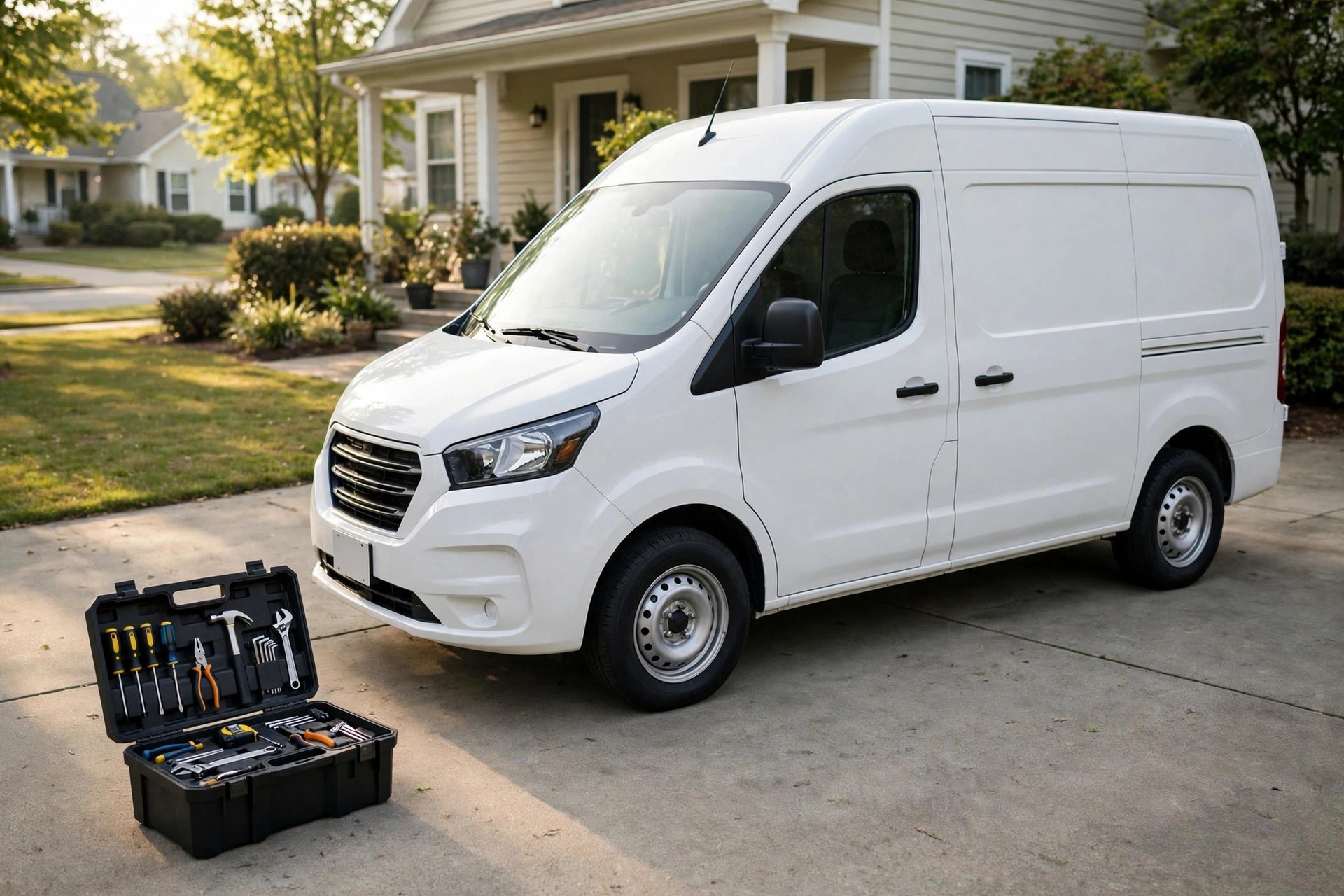
A clean, professional van in your profile photos tells homeowners the crew will treat their home the same way.
Common mistakes electricians make
These are the errors we see on electrician profiles in almost every market. Each one is fixable in an afternoon.
Keyword-stuffed business names. “Smith Electric | 24 Hour Emergency Electrician | Panel Upgrades” looks spammy and risks suspension. Use your real name and put the keywords in the fields built for them.
Service areas set too wide. Claiming every town within 60 miles weakens your ranking in the towns you actually serve. Tighten to the real service map.
Generic or empty services. Five one-word services (“Wiring,” “Lighting,” “Repairs”) waste the field. Write every job type out with a plain description.
Hidden license. The license number sits on the truck and the invoice but never appears on the profile, exactly where strangers are judging you. Put it in the description.
Stock photos. A profile full of stock images signals a company with nothing real to show. One real job photo beats ten stock ones.
Ignored Q and A. Unanswered questions sit for months, or worse, get answered by strangers. Seed and monitor the section.
No review system. Reviews arrive randomly, a few a year, and the rating stalls. A simple ask-on-every-job system fixes this in months.
Dead posts. Nothing posted in over a year tells Google and customers the business is not paying attention. Two posts a month keeps the profile alive.
Costs, timelines, and doing it yourself vs hiring help
Google Business Profile work costs time or money, and it helps to know what each path realistically buys before you choose.
The DIY path
Doing it yourself costs nothing but time. Budget a full weekend, roughly 8 to 12 hours, for the initial build: claiming and verifying the profile, writing the description, building the services catalog, uploading the first batch of photos, seeding Q and A, and setting up the review request system. Then budget 2 to 3 hours a month for posts, photo uploads, review responses, and Q and A monitoring. The DIY path works well if you are organized and actually keep the monthly rhythm. It fails when the profile gets built once and ignored, which is the most common outcome.
What professional help costs
Agencies and freelancers that handle GBP optimization for trades typically charge $300 to $1,500 for a one-time setup and cleanup, depending on how broken the profile is, and $300 to $800 a month for ongoing management: posts, photos, review monitoring and responses, Q and A, and monthly reporting. Watch out for anyone promising a guaranteed number-one ranking; nobody can promise that, and the guarantee is a red flag. Ask what they actually do each month and how they report it. For most electricians, the smart split is DIY for the setup, which forces you to learn the fields, and professional help for the monthly rhythm if you know you will not keep it up yourself. Pair the profile with a broader plan from our electrician marketing ideas guide to make every channel pull in the same direction.
A realistic timeline
Expect the profile cleanup to take 2 to 4 weeks, mostly waiting on verification and photo uploads. Review velocity starts changing the profile’s strength within 30 to 60 days of launching the ask system. Visible ranking movement in the map pack typically takes 60 to 120 days of consistent work: complete fields, growing reviews, fresh photos, and steady posts. Emergency keyword coverage can move faster because fewer competitors target those phrases well. Measure with profile insights: calls, direction requests, and website clicks, tracked month over month, tell you more than any rank checker.
Your rollout checklist
Work this list in order. Each step builds on the one before it.
- 1Claim and verify the profile. Confirm ownership, fix the business name to the legal name, and remove any keyword stuffing.
- 2Set categories correctly. Primary “Electrician,” plus “Electrical contractor” and “Lighting contractor” as secondaries.
- 3Tighten service areas. List the 8 to 12 towns you truly serve and drop the rest.
- 4Write the trust-first description. License number first, then insured status, services, areas, and how to reach you.
- 5Build the full services catalog. Every residential, commercial, and emergency job type as a separate service with a plain description.
- 6Upload the first 12 photos. Real jobs, real techs, real vans. Name the files descriptively before upload.
- 7Seed the Q and A. License and insurance, estimates, emergency process, and panel upgrade pricing, answered from the business account.
- 8Launch the review system. Ask on every job with a job-specific script, text the link within the hour, one follow-up the next day.
- 9Start the posting rhythm. Two to four posts a month: completed jobs, seasonal reminders, offers, and trust builders, each with a real photo.
- 10Review insights monthly. Track calls, direction requests, and website clicks. Double down on whatever is already producing calls.
Frequently asked questions
How long does Google Business Profile optimization take for an electrician?
The initial cleanup takes 2 to 4 weeks, mostly verification and uploads. Ranking movement in the map pack typically shows within 60 to 120 days of consistent work: complete fields, growing reviews, fresh photos, and steady posts. Emergency keyword terms can move faster because fewer competitors target them well.
Should I put my electrical license number on my Google Business Profile?
Yes. Put it in the business description and in your answer to the seeded Q and A question about licensing. Homeowners choosing between two electricians trust the one who shows a license number. Match the format your state uses and keep it current.
What is the best primary category for an electrician?
“Electrician,” exactly. Add “Electrical contractor” and “Lighting contractor” as secondary categories if you do that work. Avoid unrelated categories like “Handyman,” which dilute what the profile ranks for.
How do I rank for “emergency electrician near me”?
List emergency services explicitly in the services section, use emergency phrases naturally in the description and posts, keep hours that reflect emergency availability, and build reviews that mention emergency work. Fast response to calls matters too, because missed emergency calls go straight to a competitor.
How many photos should an electrician have on the profile?
Start with at least 12 strong ones: panels, installs, techs, vans, and the team. Then add new job photos monthly. Profiles with 40 or more real photos consistently outperform thin ones, because customers compare photos side by side in the map pack.
Should electricians use Google Posts?
Yes, two to four posts a month. Rotate completed jobs, seasonal reminders, offers, and trust builders, each with a real photo and a clear next step. Posts expire, so the rhythm matters more than any single post.
How do I get more reviews as an electrician?
Ask in person right after the job is done and tested, while the customer is relieved and happy. Text the review link within the hour and follow up once the next day. Name the specific work in your ask so reviews mention services like “panel upgrade,” which helps keyword relevance.
How should I respond to a review complaining about price?
Calmly and factually. Name the work done, mention permits and parts, and invite them to call. Future customers reading the exchange learn you are transparent and professional, which wins the next emergency call.
Can I do Google Business Profile optimization myself?
Yes. The initial build takes a weekend, and maintenance takes 2 to 3 hours a month. The risk is not difficulty, it is consistency: most DIY profiles get built once and ignored. If you will not keep the rhythm, outsource the monthly work.
Does my Google Business Profile affect my website rankings?
It affects map pack rankings directly and local organic rankings indirectly. A strong profile with reviews and complete fields also raises click-through rates, which sends more traffic to your site. The profile and the website work as a pair, not as substitutes.
Make your profile the one panicked homeowners call
Digital Hayder helps electricians win local search with Google Business Profile optimization, local SEO, review systems, and websites built to turn map pack clicks into booked jobs. Tell us about your service area and we will show you exactly what your profile is missing.
Contact Us