
A visitor lands on your website at 9pm with a simple question about pricing, and nobody is there to answer. You have two realistic ways to fix that: an AI chatbot that answers automatically around the clock, or live chat staffed by a real person during set hours. Vendors on each side will tell you the other option is obsolete, and both are wrong. AI chat and live chat solve different parts of the same problem, and most small businesses end up best served by a layered setup: the AI handles routine questions and booking day and night, and humans step in for the complex, emotional, or high-value conversations. This guide compares the two honestly on cost, coverage, empathy, and accuracy risk, then gives you a decision framework based on the kinds of conversations your business actually gets.
The quick answer
- AI chatbot strengths: answers instantly 24/7, costs $50 to $300 a month, never sleeps or takes breaks, and handles routine questions and booking with total consistency.
- Live chat strengths: real empathy and judgment for upset or complex situations, flexible problem-solving, and the human touch that closes high-value sales.
- The honest answer for most: run both in layers. AI takes the routine 70 to 80 percent of conversations around the clock; humans handle the complex 20 to 30 percent.
- Cost comparison: staffing live chat costs $2,000 to $4,000 a month per full-time agent; an AI chatbot costs a fraction of that and scales to unlimited simultaneous chats.
- Biggest AI risk: confident wrong answers. Fix it with approved scripts and an instant human handoff, not blind trust.
- Biggest live chat risk: limited hours and slow replies when agents juggle too many chats, which is exactly when visitors leave.
What each option actually is
Before comparing, get the definitions straight, because vendors blur them. An AI chatbot is software on your website that holds text conversations with visitors automatically. Modern ones understand natural language, follow conversation flows you design, answer from scripts you approve, book appointments into your calendar, collect contact details, and hand off to a human when the conversation goes beyond their scripts. Nobody staffs it. It runs at 3am on a Sunday the same way it runs at 10am on a Tuesday.
Live chat is a chat window staffed by real people, either your own team or an outsourced service. A visitor types, a human reads and replies, usually within a minute or two during staffed hours. Outside those hours, live chat typically shows an offline form or a “we will reply soon” message. The quality depends entirely on the humans behind it: a well-trained team member gives thoughtful, flexible answers, while an overloaded agent copy-pastes generic replies and keeps three visitors waiting.
There is also a hybrid that matters for this comparison: AI chat with human takeover. The AI handles the conversation from the start, and when it detects confusion, frustration, or a high-value situation, it brings a human into the same chat window with the full transcript. This is the layered setup this guide recommends, and most good chatbot platforms now include it. Keep it in mind as you read the comparison, because “AI versus human” is increasingly “AI first, human when it counts.”
Head-to-head: the honest comparison
Cost
This is the least close category. An AI chatbot for a small business typically costs $50 to $300 a month depending on conversation volume and features, with setup ranging from zero to a few hundred dollars. It handles unlimited simultaneous conversations at no extra cost. Live chat staffed in-house costs whatever your staff time costs: a part-time team member watching chat 40 hours a week runs $1,500 to $2,500 a month in most markets, and that covers only business hours. Outsourced live chat services typically charge $200 to $800 a month for limited hours and a set number of chats, with overage fees beyond that. For a small business that gets most website traffic in the evenings and on weekends, staffing live chat to match that coverage quickly becomes the most expensive option on this page. AI wins on cost by a wide margin, and the gap grows with every after-hours conversation.
Coverage and speed
AI chat is always on and always instant. Every visitor gets a reply in seconds, at any hour, with no queue and no “please hold.” That consistency is its superpower: the 11pm visitor with a pricing question gets the same instant answer as the 11am one. Live chat is fast during staffed hours, with typical first replies in under two minutes at good operations, but it degrades in predictable ways. When one agent handles four chats at once, replies slow down. During lunch, breaks, and sick days, coverage gaps appear. And outside staffed hours, which is when a large share of small business website traffic arrives, live chat is simply absent. For coverage, AI wins outright. The fair counterpoint is that a fast human reply during business hours often feels better than an instant bot reply, which brings us to empathy.
Empathy and judgment
This is where live chat earns its keep and where AI has real limits. A human agent reads frustration between the lines, adjusts tone, apologizes sincerely, and solves problems that do not fit any script. An upset customer who gets a thoughtful human response often becomes more loyal than one who never had a problem. AI chatbots have improved enormously at sounding natural, but they still miss emotional nuance, and nothing damages trust faster than a cheerful bot response to an angry message. For complaints, disputes, sensitive topics, and high-value sales conversations, humans are still clearly better. This is not a temporary gap that the next software update closes; judgment in ambiguous situations is the durable human advantage. Live chat wins on empathy, and businesses with emotional or high-stakes conversations should never go AI-only.
Accuracy risk
Both options can give wrong answers, in different ways. AI chatbots can produce confident, fluent answers that are simply wrong: invented prices, wrong hours, promises your business never made. This is the famous AI failure mode, and in a customer-facing chat it can create real damage before anyone notices. The fix is structural: approved scripts for common questions, a strict rule against improvising outside the scripts, and instant human handoff when the bot is unsure. Humans make different mistakes: they misremember the price, give outdated information after a policy change, or freelance answers when they are unsure rather than checking. Human errors are usually caught faster because a manager can coach the person, but they are harder to prevent systematically. Call it a draw with an asterisk: AI errors are more preventable with good configuration, human errors are more forgivable to customers. Either way, the business owner who never reviews conversations will get burned by both.
| Factor | AI chatbot | Live chat (human) |
|---|---|---|
| Monthly cost | $50 to $300, unlimited simultaneous chats | $200 to $800 outsourced; $1,500 to $4,000+ in-house per agent |
| Availability | 24/7, instant replies always | Staffed hours only; gaps on breaks, nights, weekends |
| Routine questions | Excellent: instant, consistent, never tired | Good, but slow when agents juggle multiple chats |
| Booking appointments | Excellent with calendar integration | Good, but depends on agent diligence |
| Empathy, upset customers | Weak: misses nuance, risks tone-deaf replies | Excellent: reads emotion, adapts, de-escalates |
| Complex problem-solving | Weak outside its scripts | Excellent: flexible judgment |
| Accuracy risk | Confident wrong answers; preventable with approved scripts | Outdated or improvised answers; fixable with training |
| Consistency | Perfect: same answer every time | Varies by agent, mood, and workload |
| Lead capture at night | Excellent: chats, qualifies, books | Absent: offline form at best |

Humans read frustration between the lines. That judgment is the durable advantage live chat keeps.
The layered answer: how most small businesses should run it
The comparison above points to an answer that is not either-or. Run AI chat as the front door and humans as the specialists behind it. The AI greets every visitor instantly, answers the routine questions, books appointments, and collects details. The moment the conversation turns complex, emotional, or high-value, a human takes over inside the same chat window with the full transcript in front of them. The visitor never repeats themselves, the AI never fakes its way through a situation it cannot handle, and your team spends its time only on conversations that need a human.
In practice, the split usually lands around 70 to 80 percent AI-handled and 20 to 30 percent human-handled. That ratio is what makes the economics work: you get 24/7 instant coverage for the cost of the chatbot, and your humans handle a manageable number of escalations instead of sitting idle waiting for chats. Set the escalation triggers generously at first: any sign of frustration, any question outside the approved scripts, any mention of complaints or cancellations, and any visitor who asks for a person. You can tighten the triggers later once you see the patterns. It is far better to escalate too often in month one than to let the AI bungle a conversation that a human would have saved.
The staffing for the human layer does not have to be a dedicated chat agent. For most small businesses, escalation alerts go to the owner’s phone or to whoever is on duty, and they join the chat from a mobile app. Ten escalations a day at three minutes each is thirty minutes of human time for full chat coverage. That is the real promise of the layered setup: human-quality conversations where they matter, at a fraction of the cost of staffing every chat.
Decision guide: which setup fits your conversations
Your conversation mix decides the right setup more than your industry does. Work through these four common patterns and find the one closest to your business.
Mostly routine questions and booking
Typical for salons, clinics, home services, and restaurants: “Are you open Saturday?”, “How much is a cleaning?”, “Can I book Thursday?” Here the AI chatbot does the heavy lifting and live chat adds little. Run AI chat with strong booking integration and human takeover for the exceptions. Our guide to the AI chatbot for home services websites shows what this looks like in a trade business, and the AI booking chatbot for restaurants covers the reservation-heavy version.
Mix of routine and consultative selling
Typical for dental practices, med spas, law firms, and contractors: routine questions plus “which treatment is right for me?” or “is my case worth pursuing?” Run the layered setup with generous escalation. Let the AI qualify and book, but route anything advisory to a human fast. Speed matters here: a prospect asking a consultative question is showing buying intent, and a human who joins the chat within a minute converts far better than a callback tomorrow. See how dental practices handle this balance in our guide to the AI chatbot for dental websites.
High-emotion or high-stakes conversations
Typical for businesses handling complaints, disputes, or sensitive situations: the human layer carries real weight here. AI still works as the front door for hours, location, and status questions, but escalation triggers should be hair-trigger sensitive. Any negative sentiment goes straight to a human. In these businesses, an AI-only chat is a reputation risk, and the layered setup is not optional.
Very low chat volume
If your website gets a handful of chats a week, a full live chat operation is hard to justify and an AI chatbot may feel like overkill too. The pragmatic answer is still the AI chatbot, because the cost is low and it captures the after-hours visitors you would otherwise miss entirely. Set expectations honestly in the chat greeting and keep the human takeover path ready for the occasional conversation that needs it.
Setting up the layered system
The layered setup sounds more complex than it is. Most chatbot platforms include human takeover as a standard feature, so you are configuring one tool, not wiring two systems together. The work is in the scripts and the escalation rules, and it follows a clear order.
Start by writing the AI’s knowledge base from your real conversations. List the twenty questions your team answers most often, and write the approved answer for each one in plain language. Prices, hours, services, booking rules, and policies go in first. Anything you would not want quoted wrong goes in with exact wording. Next, define what the AI must never do: no inventing prices, no promises about outcomes, no handling complaints beyond acknowledging them and escalating. Then set the escalation triggers: frustration signals, unknown questions, complaint keywords, and any direct request for a human. Connect the calendar so booking works end to end, and connect notifications so escalations reach a phone that is actually monitored. Finally, run twenty test conversations including the hard ones: an angry customer, a question outside the scripts, and a request for a person at 11pm. Fix every wrong answer before real visitors arrive.
Training the human side
The human layer needs its own brief preparation. Whoever takes escalations should know how to join a chat from their phone, should see the full transcript before typing, and should have authority to actually solve problems, not just apologize. A takeover agent who has to say “I will have someone call you back” is barely better than the bot. Give them the power to book, discount within limits, and resolve the common complaints. Also set a response-time target for takeovers: under two minutes during business hours. An escalation that sits for ten minutes teaches visitors that asking for a human was a mistake. For the phone equivalent of this layered thinking, see our comparison of an AI receptionist versus a human answering service.
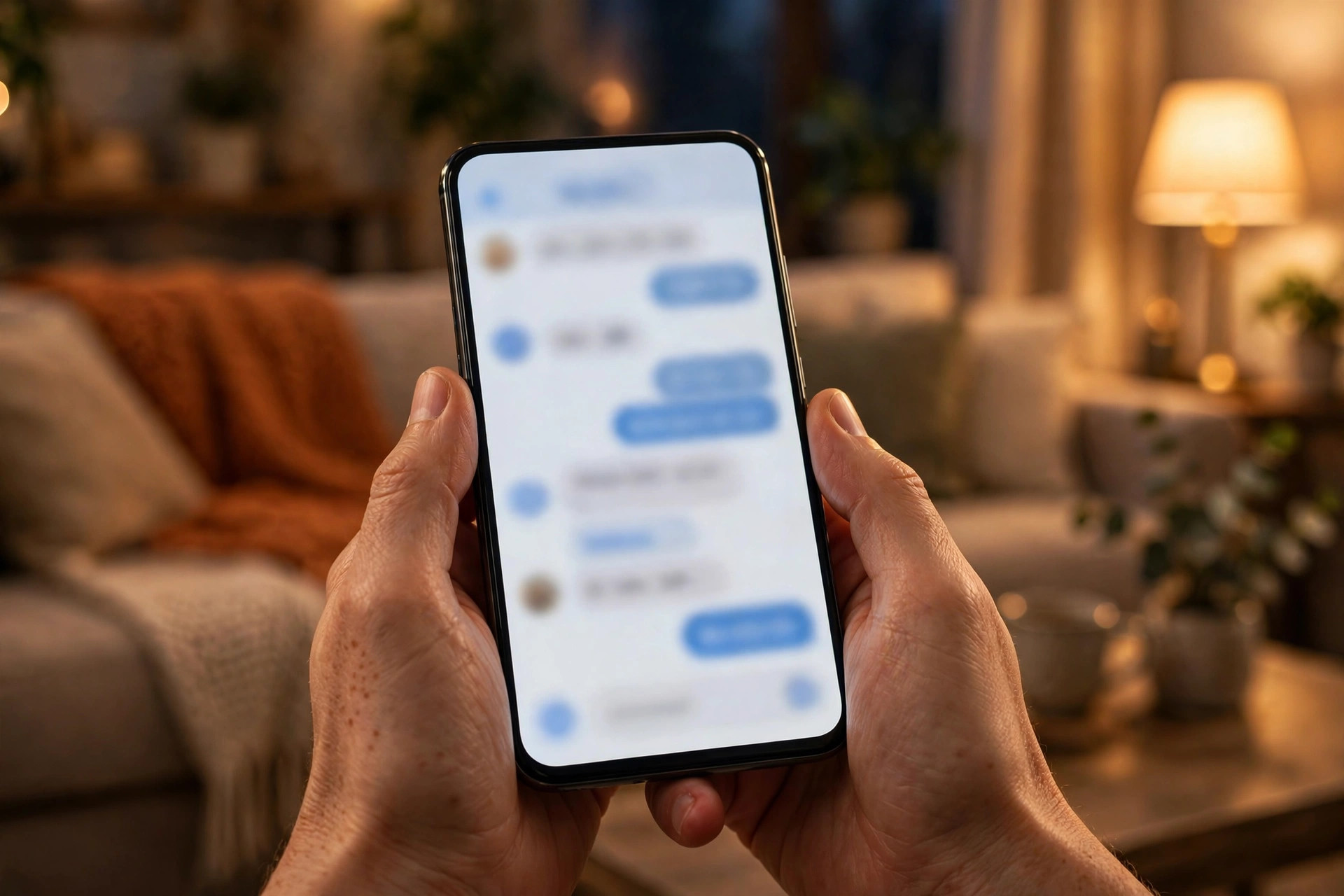
Most chat happens on phones, often after hours. The AI layer makes sure someone is always there to answer.
The setup checklist
Follow this order and the system will be live within two weeks:
- 1Write your top 20 answers. The questions your team hears most, with approved wording for prices, hours, services, and booking rules.
- 2Define the AI’s limits. What it must never invent, never promise, and never handle alone. Write the escalation triggers generously.
- 3Connect calendar and notifications. Test a full booking end to end, and confirm escalation alerts reach a monitored phone day and night.
- 4Brief the human layer. Who takes escalations, how they join from a phone, their authority to solve problems, and the two-minute response target.
- 5Run 20 test conversations. Include angry customers, unknown questions, and after-hours tests. Fix every wrong answer before launch.
- 6Review transcripts weekly. Look for missed escalations, wrong answers, and new questions to add to the approved scripts. Tune monthly after that.

The layered setup: AI handles the routine front door, humans take the conversations that need judgment.
Mistakes small businesses make with website chat
The most common mistake is choosing AI-only to save money and discovering the cost in angry reviews. A chatbot with no human escape hatch will eventually trap a frustrated visitor, and that visitor will tell the internet about it. The second mistake is the reverse: paying for staffed live chat that sits empty most of the day and goes dark at night, which is when the visitors actually arrive. The third is launching the chatbot with default scripts and never reviewing transcripts. Default answers quote default prices, which are never your prices. The fourth is hiding the chat behind a tiny icon on mobile. Most website traffic is mobile, and a chat widget visitors cannot find might as well not exist. The fifth is measuring the wrong thing: chat volume instead of booked appointments and resolved questions. A chatbot that chats with 500 visitors and books nothing is entertainment, not marketing. Finally, do not copy a competitor’s chat setup blindly. Their conversation mix, margins, and staffing are different from yours. Build for your conversations, not theirs.
Frequently asked questions
Should my small business use an AI chatbot or live chat?
Most small businesses do best with both in layers: an AI chatbot handles routine questions and booking 24/7, and humans take over for complex, emotional, or high-value conversations. AI-only risks tone-deaf replies to upset visitors; live-chat-only leaves nights and weekends uncovered. The layered setup costs little more than the chatbot alone.
How much does an AI chatbot cost compared to live chat?
AI chatbots typically cost $50 to $300 a month with unlimited simultaneous conversations. Outsourced live chat runs $200 to $800 a month for limited hours, and in-house staffing costs $1,500 to $4,000 or more per month per agent. For after-hours coverage especially, AI is far cheaper.
Will an AI chatbot give wrong answers to my customers?
It can if it is allowed to improvise. Prevent this with approved scripts for common questions, a strict rule against answering outside those scripts, and instant human handoff when the bot is unsure. Review transcripts weekly at first and fix wrong answers the same week you find them.
Do customers prefer talking to a human?
For complex or emotional situations, yes, clearly. For routine questions and booking, most customers prefer the instant answer over waiting for a human. The key is making the human easy to reach: a visible escalation path keeps satisfaction high even when the AI starts the conversation.
How do I handle chat outside business hours?
This is the AI chatbot’s strongest case. It answers, books, and captures leads at 11pm the same way it does at 11am, with escalation alerts sent to whoever is on call for anything urgent. Live chat alone cannot cover these hours affordably for a small business.
Get chat that answers at midnight and knows when to hand off
Digital Hayder builds layered chat systems for small businesses: an AI chatbot with your approved scripts and real calendar booking, plus instant human takeover for the conversations that need judgment. Tell us about your website visitors and we will map the setup before you pay anything.
Contact Us