
A dog owner notices her Labrador limping at 9pm and searches for answers. A new cat owner wants to know what the first vet visit costs and whether Saturday appointments exist. A longtime client realizes at 11pm that the dog’s prescription runs out tomorrow morning. Pet owners worry at all hours, and a worried pet owner is one click away from the emergency clinic across town or the competitor with a friendlier website. An AI chatbot for veterinary clinics answers them right now: it takes appointment requests, separates true emergencies from routine questions, captures prescription refill requests, and covers your website after hours. This guide covers what a vet clinic chatbot should do, the triage line it must never cross, the practice-management questions to ask vendors, and what it costs.
The quick answer
- What it does: books appointments around the clock, triages urgent versus routine concerns, captures prescription refill requests, and answers everyday questions about hours, pricing, and services.
- Why vet clinics buy it: pet emergencies happen at night, new clients comparison-shop online, and your front desk is already stretched thin during the day.
- The visit math: routine exams run $50 to $100, emergency exams average about $135 to $143, and a typical emergency visit totals $300 to $4,000 once diagnostics are added; capturing even a few extra appointments a month covers the cost.
- The medical line: the chatbot must never diagnose or prescribe; it routes urgent cases to your emergency line immediately and defers everything clinical to your team.
- Typical cost: roughly $120 to $350 a month; setup usually runs $0 to $750.
- What to demand: real scheduling integration with your practice management system, clear emergency routing, and refill capture that reaches your pharmacy workflow.
Why vet clinic websites lose clients after hours
More than 75 million US households own a dog or cat, and pet owners treat their animals like family. That emotional bond is exactly why vet websites get urgent, anxious visitors at all hours. The dog is vomiting at midnight. The cat ate something suspicious on a Sunday. The new puppy needs shots and the owner is comparing clinics on a phone at 10pm. Your website is often the first impression, and for a large share of these visitors it is also the last one if nobody answers.
Pet emergencies do not check your hours
Dogs do not schedule their crises for Tuesday at 10am. Toxin ingestion, allergic reactions, injuries, bloat, seizures: these happen in the evening, on weekends, and on holidays. An owner facing one of those moments has two questions: is this an emergency, and who can see my pet right now. A website that answers neither question sends them to the 24-hour emergency hospital, possibly permanently. A chatbot that recognizes emergency signals, gives your approved “call now” guidance, and routes to your emergency line or the nearest emergency clinic keeps that client in your orbit. Even when you cannot see them tonight, being the clinic that helped at 1am builds loyalty that lasts years.
New clients shop your website like a storefront
Routine visitors are quieter but just as valuable. The new puppy owner comparing three clinics wants to know: what does a first visit cost, do you see rabbits or just dogs and cats, are Saturday appointments available, how long is the wait for a new-client appointment. If your site answers those questions instantly and offers a booking slot, you win the client. If it shows a phone number and a form, the owner keeps shopping. Client acquisition in veterinary care is expensive and slow; losing a ready-to-book new client to a voicemail greeting is one of the costliest failures a clinic website can have.
Your front desk is drowning in calls
Ask any practice manager what the front desk does all day: phones ringing, clients checking in, prescriptions to process, callbacks to make, and a line of people asking “how much for…” questions. Website chats sit at the bottom of that priority list because nobody is standing at the counter. A chatbot takes the entire website queue off the desk: hours, directions, pricing, appointment requests, refill requests. Your team gets their day back for the clients already in the building. Clinics that also want the phones covered should look at the voice side: our guide to the AI receptionist for veterinary clinics covers 24/7 call answering that pairs naturally with website chat.
What an AI chatbot for veterinary clinics should do
A vet clinic chatbot is an appointment booker and triage assistant with strict clinical boundaries. The ones worth buying are built around your services, your schedule, and your emergency protocols. Here is the work it should take off your plate.
Appointment requests, day and night
This is the core job. The chatbot should handle the full appointment flow: new versus existing client, dog versus cat versus exotic, reason for the visit, preferred days, and real open slots from your schedule. It should know the difference between appointment types your clinic offers: wellness exams, vaccine visits, sick visits, dental consultations, surgical consults, and grooming if you offer it. Each type needs the right duration and the right provider. The visitor picks a time, gets a confirmation text, and your schedule shows the booking with the pet details and visit reason attached. Add a reminder text the day before and no-shows drop. Test this end to end in the trial with your actual schedule, because a booking chatbot that cannot see real availability is just a fancy contact form.
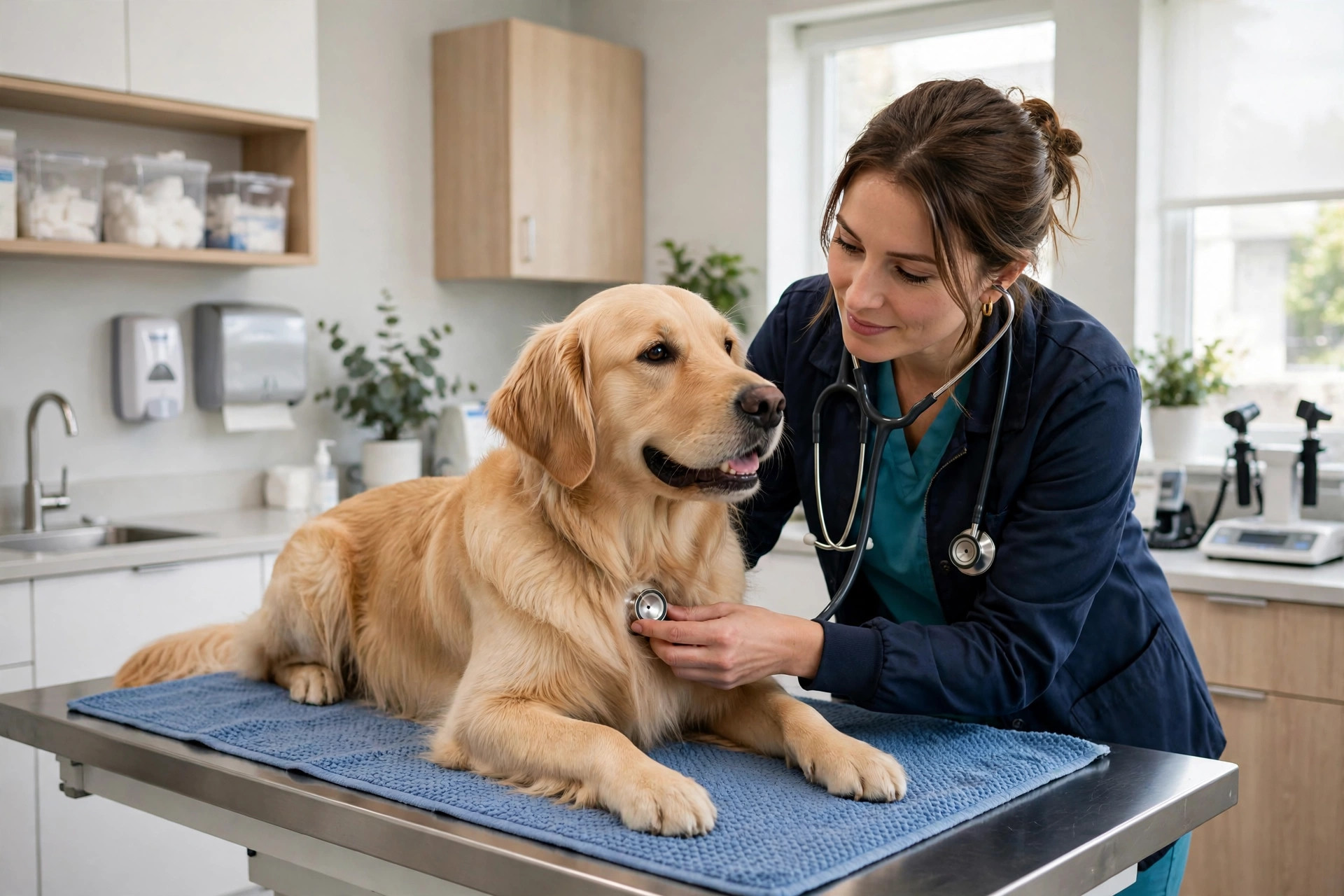
Appointments booked at midnight show up on your schedule with the pet details and visit reason attached.
Emergency triage versus routine questions
This is the feature that makes or breaks a vet chatbot. It must do two things flawlessly: recognize true emergencies and never pretend to diagnose. Your approved emergency list should include the classics: difficulty breathing, bleeding that will not stop, seizures, suspected poisoning, bloating with retching, inability to urinate, eye injuries, and severe trauma. When the chat matches those signals, the bot stops asking questions and acts: “This sounds urgent. Call us now at [your emergency number],” plus your after-hours emergency clinic details if you refer out. For everything else, the bot answers routine questions from your approved scripts, hours, location, services, pricing ranges, new-client process, and books the appointment. The line is bright: the bot describes your services and your process; it never says what is wrong with the animal or what treatment it needs. Test this with hard cases in the trial: “my dog ate chocolate,” “my cat is breathing fast,” “is this lump cancer.” Read every word of each answer.
Prescription refill capture
Refills are quiet revenue that leaks through phone tag. A client realizes at 10pm that the heartworm prevention runs out tomorrow, calls in the morning, gets voicemail, forgets, and the pet misses doses. The chatbot should capture refill requests any hour: pet name, medication, pickup versus delivery, and how urgent it is. The request lands in your pharmacy workflow with the client and pet identified, so your team processes it in the morning batch instead of playing phone tag. Some clinics report that refill and food-order chats become one of the highest-volume chatbot conversations within weeks of launch, because clients prefer typing a request at midnight to calling during business hours. If your practice management system supports refill requests, the chatbot should feed them directly; if not, a clean handoff to your team inbox works.
After-hours coverage that keeps clients yours
When your clinic is closed, the chatbot is your entire digital front desk. It should answer the questions that decide whether a visitor waits for you or goes elsewhere: are you accepting new clients, what are your hours, where are you located, do you offer emergency services, what does a visit cost. It should capture appointment requests for the morning, route true emergencies correctly, and take messages your team sees first thing. The tone matters here: pet owners are anxious, often upset, and talking about a family member. The bot should sound like your most compassionate receptionist, not a phone tree. During the trial, read its answers to worried-pet-owner questions out loud. If it sounds cold, keep shopping.
What to ask about practice management integration
A vet chatbot that cannot talk to your practice management system creates double work. These are the integration questions that matter, and the table below gives you a script for vendor calls.
Scheduling: real availability or nothing
Ask which practice management systems the vendor integrates with by name: Cornerstone, ezyVet, Avimark, DaySmart, Hippo Manager, and the rest. Then test it. Book a fake appointment through the chat and watch it appear in your schedule with the right appointment type and duration. Ask about multi-doctor scheduling, blocked surgical days, and new-client versus existing-client slot rules. A chatbot that books into the wrong doctor’s day or double-books a surgery slot will be unplugged within a week.
Reminders that actually reduce no-shows
Every appointment the chatbot books should trigger a confirmation text immediately and a reminder the day before, automatically. Ask whether reminders come from your clinic’s number, whether clients can confirm or reschedule by replying, and what happens to the schedule when they do. Missed appointments cost exam fees plus the cascade of a disrupted day; the reminder system is where the chatbot quietly pays for itself.
Records, refills, and follow-up
Ask where chat transcripts live and who can see them. Client conversations touch on pet health, so access should be limited to your team and retention should be short and documented. Ask how refill requests reach your workflow, and whether post-visit follow-ups, vaccine reminders, dental reminders, senior wellness nudges, can trigger from the same system. A chatbot that only books appointments is useful; one that feeds your reminder and recall engine is a growth tool. For more on keeping clients coming back, see our guide to how much a veterinary website costs, which covers the digital pieces clinics most often underinvest in.
| Question to ask the vendor | Why it matters | A good answer sounds like |
|---|---|---|
| Which practice management systems do you integrate with? | Double-booking destroys trust fast | Your system named, with a live booking test in the trial |
| Show me the emergency routing. | Wrong triage is a liability | Your emergency list loaded, keywords demoed live |
| What does the bot say when it cannot tell if it is an emergency? | Guessing wrong either way is bad | “It errs toward urgent and routes to your line” |
| How do refill requests reach my team? | Refills are quiet, high-volume revenue | Direct feed into your workflow or a clean morning handoff |
| Can it tell new clients from existing ones? | Different flows, different slot rules | Separate paths with your new-client process built in |
| What reminders fire after booking? | No-shows disrupt the whole day | Confirmation plus day-before text, reschedulable by reply |
| Where is chat data stored, and for how long? | Pet health conversations need tight handling | A specific location, short retention, limited access, in writing |
| How do I review conversations? | You need to catch triage mistakes fast | A transcript review screen with weekly summaries |
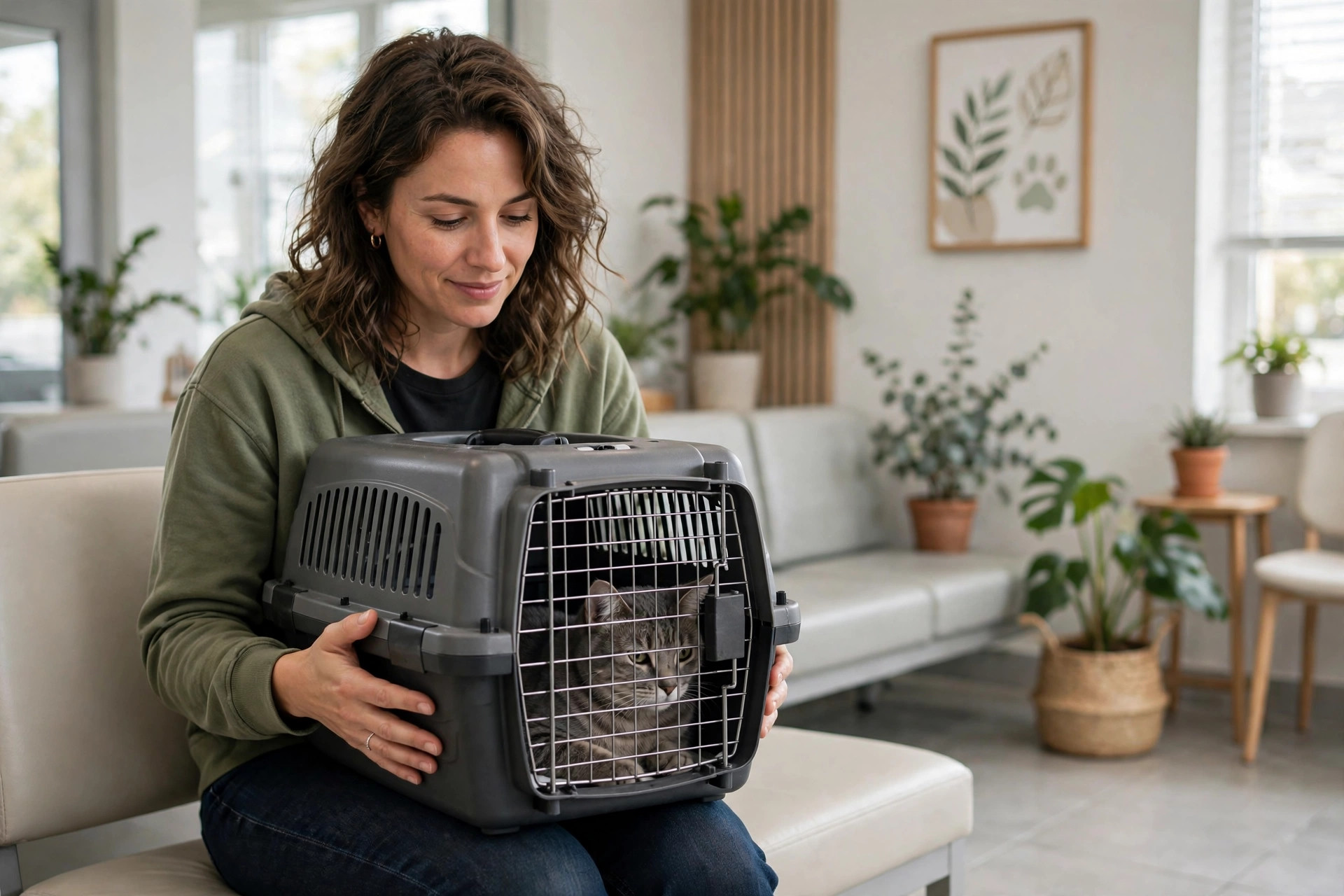
New clients compare clinics online before they ever call. Answer their questions instantly and offer the booking.
What it costs
Vet clinic chatbots price on conversation volume, integration depth, and locations. Typical market ranges:
| Setup | Typical cost | What you get |
|---|---|---|
| Starter, single location | $100 to $250/mo | Website chatbot, appointment requests, FAQs, after-hours coverage, email notifications |
| Standard, with PMS integration | $200 to $350/mo | Real schedule booking, SMS reminders, refill capture, emergency routing, transcript review |
| Multi-location | $300 to $600/mo | Everything above plus per-location routing, separate schedules, consolidated reporting |
Setup fees typically run $0 to $750, covering triage-script building, schedule integration, and emergency-protocol review. Compare that to a missed after-hours emergency client worth thousands in lifetime value, and the math is straightforward. For the voice side of the same problem, see our breakdown of how much an AI voice agent costs.
Rolling it out in 30 days
The clinics that get value treat the first month as a tuning period. This order keeps risk low:
- 1Write your emergency list first. Every condition that means “call now,” in plain words pet owners use. Have a veterinarian approve the list and the exact routing for each one.
- 2Write your FAQs. Hours, location, services, species you see, new-client process, pricing ranges for common visits. Keep answers short and warm.
- 3Define the clinical boundary. The exact deferral language for diagnosis and treatment questions. Test it with the hardest cases you can think of before going live.
- 4Connect the schedule. Test bookings end to end: chat to schedule entry to confirmation text to reminder. Check multi-doctor days and blocked surgical time.
- 5Set up refill capture. Decide how refill requests reach your pharmacy workflow and who processes the morning batch. Test with three fake requests.
- 6Review transcripts weekly for a month. Look for triage misses first, then booking failures, then tone. Tune the scripts, then move to a monthly review.

The first month is a tuning period. Review transcripts weekly, starting with triage accuracy.
Mistakes vet clinics make with chatbots
The most dangerous mistake is letting the bot drift into diagnosis. It starts with “helpful” answers about common symptoms and ends with the bot telling an owner their dog’s lump is probably fine. Audit the clinical boundary quarterly and attack it with hard questions the way you would test a smoke alarm. The second mistake is weak emergency routing. A chatbot that chats pleasantly with someone whose dog ate rat poison instead of routing to the emergency line immediately is a liability, not an asset. The third is booking without real availability. Nothing burns trust like a confirmed appointment your schedule never heard of. The fourth is a cold tone. Pet owners are emotional; a bot that sounds like a phone tree will send them to the warmer competitor. The fifth is ignoring the refill goldmine. Clinics that skip refill capture leave one of the highest-volume, lowest-effort chatbot use cases on the table. Finally, do not buy on demo charm. The vendor that loads your emergency list and books into your real schedule during the trial is showing you the product. The vendor showing a video of someone else’s clinic is showing you marketing.
Frequently asked questions
How much does an AI chatbot for veterinary clinics cost?
Most single-location clinics pay $100 to $250 a month for a starter setup, $200 to $350 a month with practice management integration, SMS reminders, and refill capture, and $300 to $600 a month for multi-location operations. Setup fees usually run $0 to $750.
Can the chatbot tell if my pet’s problem is an emergency?
It can recognize the emergency signals on your approved list, difficulty breathing, seizures, suspected poisoning, uncontrolled bleeding, and similar, and route the owner to your emergency line immediately. It cannot diagnose. Anything uncertain should err toward urgent and reach a human fast.
Will it book appointments into our real schedule?
A proper setup does: the visitor picks a real slot, gets a confirmation text, and your schedule shows the booking with the pet details and visit reason attached. Test this end to end in the trial with your actual practice management system before you sign.
Can clients request prescription refills through the chatbot?
Yes. The chatbot captures the pet name, medication, and urgency at any hour, and the request lands in your pharmacy workflow for the morning batch. This is one of the highest-volume chatbot use cases for most clinics.
Will pet owners trust a chatbot with their worried questions?
They trust fast, warm, honest answers. A chatbot that responds in seconds, sounds compassionate, books the appointment, and hands off to a human instantly for anything clinical beats a contact form that promises a callback tomorrow. Tone is everything: read its answers out loud during the trial.
Be the clinic that answers at midnight
Digital Hayder builds AI chatbots for veterinary clinics with appointment booking, emergency triage routing, prescription refill capture, and after-hours coverage your clients will feel. Tell us your services and schedule and we will map your chat flows before you pay anything.