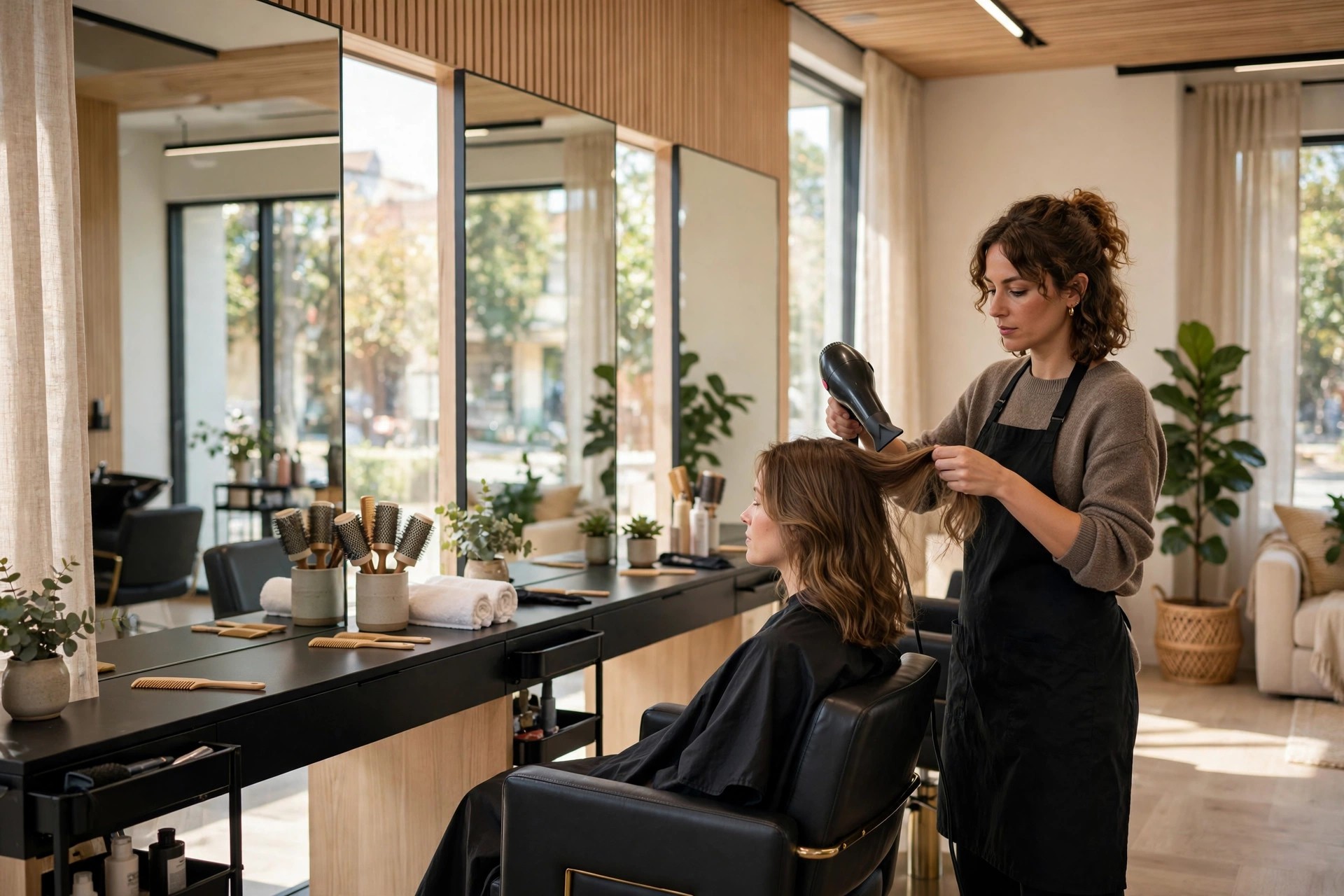
Every salon owner knows the feeling: a fully booked Saturday on paper, then two empty chairs at noon because clients forgot, double-booked themselves, or simply decided not to come. An empty chair still costs you rent, wages, and product, while earning nothing. Appointment reminders for salons fix this at the root. Done right, they are not nagging texts; they are reply-to-confirm messages signed by the client’s own stylist, timed to each service, with one-tap rescheduling and a waitlist that backfills cancellations in minutes. This guide covers the reminder timing that works, how to personalize by stylist, the waitlist texts that refill empty slots, what the software costs, and the mistakes that make reminders annoying instead of effective.
The quick answer
- No-shows are a silent profit leak: salons commonly lose 5 to 15 percent of booked appointments to no-shows and late cancellations, each one an hour of chair time that still costs rent and wages.
- Reply-to-confirm beats one-way texts: interactive reminders that let clients confirm, reschedule, or cancel in one tap cut no-show rates far more than plain notification texts.
- Timing depends on the service: a 30-minute trim needs a different reminder rhythm than a three-hour color appointment; the 48-24-2 sequence below shows what to send when.
- Sign every reminder from the stylist: “Hi, this is Maya from Glow Studio” gets answered; a generic salon blast gets ignored.
- Waitlist texts refill cancellations: when a client cancels, an instant message to your waitlist can refill the slot the same day instead of leaving it empty.
- Costs are small: reminder automation runs $30 to $150 a month for most salons, and one saved color appointment can cover the whole month.
The no-show math salons already live with
No-shows rarely feel like a crisis on any single day. One missed trim on Tuesday, one late cancellation on Thursday; the week still looks busy. But added up over a month, the numbers are sobering. A four-chair salon running eight appointments per chair per day, six days a week, books roughly 750 appointments a month. At a 10 percent no-show and late-cancellation rate, that is 75 empty slots a month. At a $65 average ticket, that is nearly $5,000 a month in revenue that simply evaporated, while rent, wages, and product costs stayed exactly the same. Over a year, that is a full-time stylist’s salary walking out the door.
Most no-shows are not malicious. Clients forget, their week shifts, or they meant to cancel but calling felt like a confrontation so they just did not come. Long appointments suffer most: a client who booked a balayage six weeks ago has had six weeks to forget, and a three-hour color block is the most expensive slot on your book to lose. New clients no-show at higher rates than regulars because they have no relationship with the stylist yet and feel less social pressure to show up. Walk through your own book for the last month and count the gaps; most owners are surprised, because the booking software shows a full day while the till tells a different story.
The cost is not only the lost ticket. An empty chair at 11 AM cannot be sold at 11:05 to someone passing by. Stylists paid on commission lose income and morale when their day has holes in it. Regulars who wanted that Saturday slot got told you were fully booked, then see an empty chair on Instagram stories and wonder why they could not have it. Every no-show is a small trust dent with the clients you turned away. Reminder automation attacks all of this at once, for less than the price of one saved appointment per month.
There is also a quieter benefit: data. Once reminders are replyable, you learn exactly who confirms, who reschedules, and who goes silent. After a few months you can spot your chronic no-show clients and apply the right policy to the right people, instead of punishing your reliable regulars with blanket rules. The reminder system becomes a client behavior record that makes every policy decision smarter.
What automated reminders change
A good reminder system does three things a human front desk cannot do consistently: it contacts every single client at exactly the right time, it makes responding effortless, and it acts instantly on the response. When a client taps “confirm,” the appointment is locked and your team sees it. When they tap “reschedule,” they pick a new slot from real availability without calling anyone. When they tap “cancel,” the slot opens and the waitlist gets pinged within seconds. The front desk stops playing phone tag and starts handling only the exceptions.
The reply-to-confirm format is the heart of it. Compare the two messages. One-way: “Reminder: you have an appointment tomorrow at 2 PM.” The client reads it, maybe remembers, maybe not, and you learn nothing. Two-way: “Hi Emma, this is Maya from Glow Studio confirming your cut and color tomorrow at 2 PM. Reply YES to confirm, or tap here to reschedule.” The client replies, and now you know. Unconfirmed appointments get a follow-up nudge; confirmed ones are safe. By the evening before, your team has a short list of maybe five unconfirmed clients to call personally instead of calling the whole next day’s book.
Automation also fixes the timing problem humans always get wrong. A busy receptionist sends reminders when there is a quiet moment, which means some go out too early to matter and some go out too late to act on. The software sends each reminder at the exact configured interval for that service type, every time, including Sundays and holidays. Consistency is what makes the no-show rate drop and stay down; one month of perfect reminders followed by a sloppy month just trains clients to ignore you again.
Finally, reminders protect the client relationship. A client who gets a warm, personal-feeling confirmation from their stylist feels looked after before they even walk in. A client who can reschedule with one tap at 10 PM, instead of dreading an awkward phone call, stays a client instead of quietly disappearing. The system pays for itself in saved appointments, but the loyalty effect is what compounds over years.
The timing sequence that actually works
One reminder is better than none, but the salons with the lowest no-show rates run a sequence, not a single message. The classic pattern is 48 hours, 24 hours, and 2 hours before the appointment, with each message doing a different job. The 48-hour reminder is the planning message: it arrives early enough that the client can still rearrange their day, and early enough that a cancellation gives you time to refill the slot. The 24-hour reminder is the confirmation message: reply YES, tap to reschedule. The 2-hour reminder is the logistics nudge: “See you at 2 today, we are at 450 Main Street, parking behind the building.”
Timing should flex with the service. A 30-minute beard trim booked yesterday does not need three reminders; one message a few hours before is plenty, and more feels like pestering. A three-hour color correction booked six weeks out needs the full sequence, because the client has had weeks to forget and the slot is your most valuable inventory. New clients get the full sequence regardless of service, because they have no habit of showing up yet. The table below gives a starting point; tune it against your own confirmation data after the first month.
| Service type | 48 hours before | 24 hours before | 2 hours before |
|---|---|---|---|
| Quick services under 45 min (trim, beard, brow) | Skip | Single reminder with confirm or reschedule | Skip, or short nudge for morning slots |
| Standard services 45 to 90 min (cut, blowout, manicure) | Planning reminder | Confirm-or-reschedule message | Short logistics nudge |
| Long services over 90 min (color, balayage, extensions) | Planning reminder with service details | Confirm-or-reschedule message | Logistics nudge with arrival notes |
| New clients, any service | Welcome reminder with what to expect | Confirm-or-reschedule message | Logistics nudge with directions and parking |
| Consultations | Planning reminder | Confirm message with prep notes | Skip |
Two rules keep the sequence welcome instead of annoying. First, stop the sequence the moment the client confirms; nothing irritates people like a reminder for an appointment they already confirmed. Second, never send more than three messages per appointment, and keep each one short enough to read on a lock screen. If your confirmation rate is already high after the 24-hour message, the 2-hour nudge can be reserved for long services and new clients only.
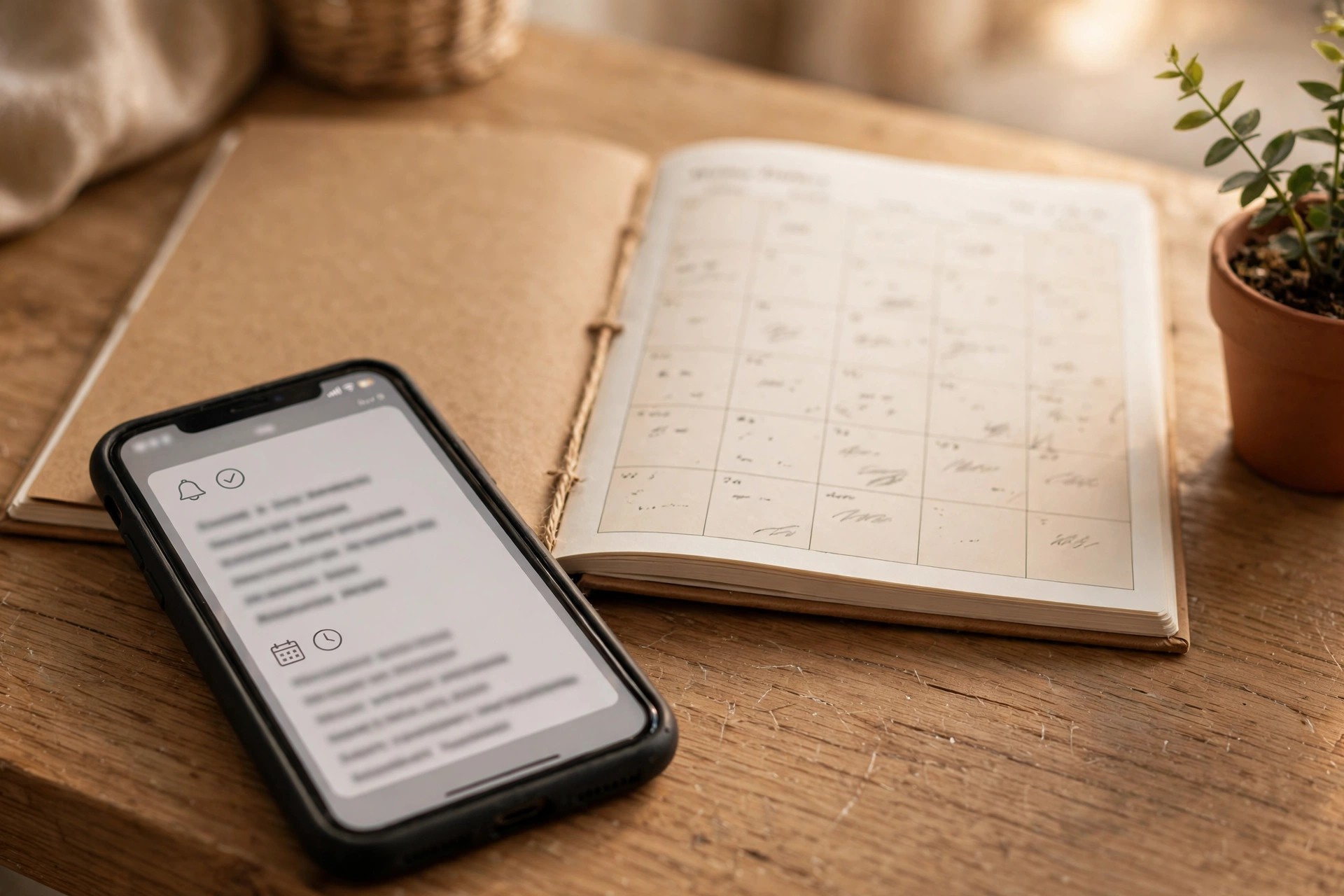
Timed, replyable reminders turn a full-looking book into a full-paying day by catching forgetful clients before the slot goes empty.
Reply-to-confirm, signed by the stylist
The single highest-impact tweak in salon reminders is also the simplest: sign every message from the stylist, not the salon. “Hi, this is Maya from Glow Studio confirming your cut tomorrow at 2 PM” outperforms “Glow Studio appointment reminder: tomorrow 2 PM” on every measure that matters: open rate, confirm rate, and reply rate. Clients have relationships with people, not brands. A message from Maya feels like a person waiting for them; a message from the salon feels like a system.
Personalization goes beyond the signature. Use the client’s name, the exact service, and the stylist’s name in every message. Reference the last visit when it adds warmth: “Looking forward to touching up your balayage, Emma.” For color clients, include practical prep notes in the 48-hour message: “Please arrive with dry, unwashed hair.” For first-time clients, include what to expect: “Your consultation is 15 minutes, then we will plan your color together.” These small details cut day-of confusion and make the salon feel organized before the client arrives.
Let clients reply in their own words, not just YES and NO. Someone will reply “running 10 min late,” another will ask “can I add a toner to my appointment,” a third will say “my kid is sick, can we move to Friday.” A smart system handles the simple ones automatically: lateness noted on the booking, reschedule offered from live availability. Anything nuanced routes to the front desk with the full thread attached. The goal is that no client ever has to call to manage their appointment, because the chat thread handles all of it.
Stylist-level reporting closes the loop. Track confirm and no-show rates per stylist, not just salon-wide. You will usually find the pattern is not random: one stylist’s clients confirm at 95 percent, another’s at 80. That gap is coaching gold. It might be pre-booking habits at checkout, or the warmth of the reminder wording, or simply that one stylist’s clientele skews newer. Share the numbers with the team monthly and let the best performer explain what they do differently at the chair.
Waitlist backfill: filling cancellations in minutes
Even perfect reminders will not eliminate cancellations; life happens. The waitlist is how you make cancellations harmless. When a client cancels through the reminder thread, the system should immediately message clients on the waitlist for that service and time window: “Hi Jess, a spot opened with Maya tomorrow at 2 PM for a cut and color. Want it? Reply YES to claim it.” First to reply gets the slot, and the book refills itself while your team does nothing.
Building a useful waitlist takes almost no effort if you ask at the right moment. Whenever you tell a client their preferred time is unavailable, offer the waitlist instead of just the next open slot: “Saturday is full, but I can put you on the waitlist for Saturday morning with Maya and message you the moment something opens. Want me to?” Most clients say yes, because it costs them nothing and might get them the time they actually want. Over a few months this builds a standing pool of flexible clients who happily take last-minute openings.
Speed is everything in backfill. A cancellation at 9 AM for a 2 PM slot is fillable; the same cancellation discovered at 1:30 PM is not. That is why the waitlist trigger must be automatic, not something the front desk remembers to do between clients. The message should go out within a minute of the cancellation, and it should make claiming effortless: one reply, no phone call, instant confirmation. If the first waitlisted client declines or does not answer in 15 minutes, the offer moves to the next one automatically.
Prioritize fairly and clients will love the system. Offer the slot to waitlisted clients in the order they joined, and tell them their position: “You are second on the waitlist for Saturday morning.” Transparency turns the waitlist into a perk rather than a black box. Some salons even find their waitlist becomes a marketing asset: “Join our waitlist and get first dibs on cancellations” is a genuine reason for a client to stay engaged with your booking system instead of drifting to a competitor.
SMS vs WhatsApp vs app push for salon reminders
Most salons already send some kind of reminder. The question is which channel does the job best. Each has a place, and the right answer for most salons is a deliberate mix rather than a single channel.
| Factor | SMS | Salon app push | |
|---|---|---|---|
| Reach | Works on every phone, no app needed | Needs WhatsApp installed; most clients under 50 have it | Only clients who installed your app |
| Reply experience | Simple replies; clunky for rescheduling | Rich chat: confirm, reschedule, ask questions in one thread | Varies; often just opens the app |
| Rich content | Plain text and links | Photos, price lists, location pins, before and after shots | Rich, but only inside your app |
| Cost | 1 to 3 cents per segment; adds up at volume | A few cents per conversation; replies in the 24-hour window are free | Nearly free per message |
| Client preference under 40 | High but impersonal | Highest: the app they already use daily | Low: another app to manage |
| Best use | Backup channel and clients without WhatsApp | Primary: reminders, rescheduling, waitlist, rebooking | Loyalty perks and broadcast offers |
The practical setup: WhatsApp as the primary reminder channel for clients who have it, SMS as the automatic fallback for everyone else, and app push reserved for loyalty content if you have an app at all. The key detail is fallback logic in your software: if the WhatsApp message is not delivered or read within a set time, the same reminder goes out by SMS. Nobody falls through the cracks because of a channel preference you did not know about.
Deposits and cancellation policies that pair with reminders
Reminders reduce forgetfulness, but they do not fix clients who simply do not respect the booking. That is what deposits and cancellation policies are for, and they work best as a pair with reminders, not a replacement. The reminder gives the client every chance to show up or reschedule properly; the policy gives the consequence when they do not. Together they change behavior without punishing your good clients.
Deposits make the most sense for long, high-value services: color, extensions, bridal parties. A $50 deposit on a $200 color appointment, taken at booking and applied to the service, cuts no-shows dramatically because the client now has money on the line. State the deposit policy inside the booking confirmation and repeat it in the 48-hour reminder: “Your $50 deposit will be applied to your visit tomorrow.” Clients accept deposits readily when the terms are clear up front; they resent them when the charge feels like a surprise.
Cancellation windows should match the service length. A 24-hour window is standard for cuts and blowouts; 48 hours is fair for color and other long blocks that are hard to refill. State the window at booking, restate it in the reminder, and enforce it consistently. The most common failure is a policy that exists on paper but is waived every time someone pushes back. If you waive it for everyone, it is not a policy; it is a suggestion. Train the front desk on exact wording: “Our policy is a 50 percent charge for cancellations inside 24 hours, and I do need to apply it here. Can I get you rebooked for next week?”
Use your reminder data to apply policies surgically. A regular who has confirmed 40 appointments in a row and has one emergency deserves grace, and the system shows you that history. A new client who no-showed twice in two months gets the deposit requirement before their third booking. Blanket harshness drives away good clients; blanket leniency invites abuse. The data lets you be firm exactly where firmness is needed, which clients perceive as fair.
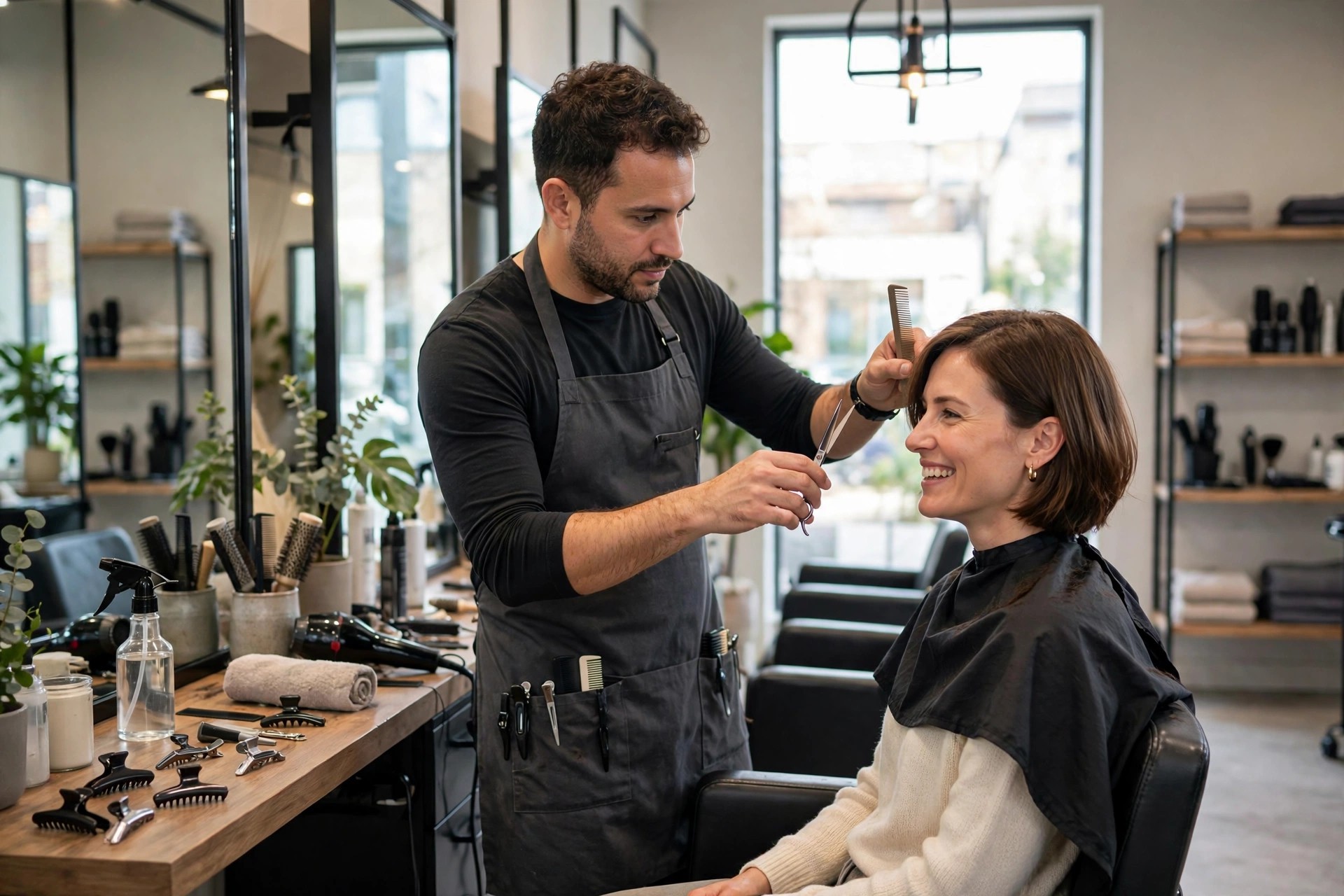
When reminders are signed by the stylist, clients feel a personal commitment to show up, not just a calendar entry.
What reminder automation costs
Reminder software is one of the cheapest upgrades a salon can buy, and the pricing is straightforward. Most salons need only the software layer plus the per-message charges; agency help is optional unless you want the whole system designed for you.
| Cost layer | Typical price band | What it covers |
|---|---|---|
| Booking software reminders (built-in) | $0 to $50 per month add-on | Basic SMS or email reminders inside your existing booking system; limited personalization |
| Standalone reminder platform | $30 to $150 per month | Multi-channel reminders, reply-to-confirm, waitlist backfill, per-stylist reporting |
| SMS charges | 1 to 3 cents per segment | Per-message carrier cost when SMS is the channel |
| WhatsApp conversations | A few cents per conversation | Meta’s charge for business-initiated conversations; client replies inside 24 hours are free |
| Setup help (optional) | $300 to $1,500 one time | Template writing, timing configuration, booking software integration, team training |
A realistic budget for a four-chair salon: $80 a month for a reminder platform plus $20 to $40 a month in message charges, or roughly $120 a month all-in. One saved color appointment at $180 covers six weeks of the system. Salons that track the numbers usually find the payback lands in the first month, because the no-show rate starts dropping the week reminders go live.
Connecting your booking software
Reminders only work if they read your real book. The software must sync with whatever holds your appointments: your online booking system, your salon management software, or the calendar your front desk maintains. When the sync is live, every new booking automatically enters the reminder sequence with the right timing for its service type, every reschedule updates the sequence, and every cancellation triggers the waitlist. Without the sync, reminders become a manual chore and the system dies within a month.
Most modern booking systems either include reminders or connect to reminder platforms through direct integrations. Check three things before committing: does the sync run in real time or on a delay, does it carry the service type and stylist name into the reminder, and does a cancellation in your book instantly fire the waitlist. A 15-minute sync delay is fine for reminders; it is not fine for waitlist backfill, where minutes decide whether the slot refills. If your current booking software cannot do real-time sync, it may be time to compare options; our roundup of the best online booking software for salons covers which systems handle reminders and integrations well.
If you want clients to book through chat as well as receive reminders, add a booking chatbot on the same number. An AI booking chatbot for salons answers questions, offers real availability, and books the appointment straight into your system, and the reminder sequence then takes over automatically. The combination covers the full client journey: chat booking in, reminders and waitlist in the middle, rebooking prompts after the visit. For salons that also take a lot of phone bookings, an AI receptionist for salons can answer calls, book appointments, and feed the same reminder system, so phone and chat clients get identical treatment.
Mistakes that waste good reminders
Reminding from a faceless brand name. “Salon appointment reminder” gets skimmed and forgotten. “Hi, this is Maya from Glow Studio” gets read and answered. Sign every message from the stylist, every time.
One message for every service. A trim and a full color correction are different commitments and deserve different reminder rhythms. If your software cannot vary timing by service type, you are leaving no-show reduction on the table.
No reply path. A reminder the client cannot answer is just a notification. If confirming requires calling the salon, half your clients will not bother, and you will learn nothing about who is actually coming. Every reminder needs a one-tap confirm and a one-tap reschedule.
Reminding after confirmation. Sending the 2-hour nudge to a client who already confirmed at the 24-hour mark trains people to ignore your messages. Stop the sequence on confirmation, always.
Manual waitlists. A waitlist that depends on the front desk remembering to call people is a waitlist that never fires. Backfill must trigger automatically within a minute of cancellation, or the slot stays empty.
Hiding the cancellation policy. A policy the client first hears about when they are being charged feels like a trap. State deposits and windows at booking, repeat them in the reminder, and enforce them evenly.
Setting it and forgetting it. Review confirmation and no-show rates monthly, per stylist and per service type. You will find timing to tune, wording to sharpen, and chronic no-show clients to put on deposit requirements. Fifteen minutes a month keeps the system honest.

A client who confirms, shows up, and rebooks at checkout is worth many times the few cents each reminder costs to send.
Your rollout checklist
Work through these in order. Each one builds on the last.
- 1Measure your baseline. Count no-shows and late cancellations for the last 60 days, per stylist and per service type, so you can prove the improvement.
- 2Pick the channel mix. WhatsApp as primary, SMS as automatic fallback, and collect client consent for both at booking and checkout.
- 3Connect the booking sync. Real-time two-way sync between your book and the reminder platform, carrying service type and stylist name.
- 4Set timing by service type. Full 48-24-2 sequence for long services and new clients; lighter touches for quick services.
- 5Write the templates. Signed by the stylist, with client name, service, and one-tap confirm and reschedule in every message.
- 6Build the waitlist flow. Automatic offer to waitlisted clients within one minute of cancellation, moving down the list every 15 minutes.
- 7Set deposits and windows. Deposit amounts for long services, cancellation windows by service length, written into booking confirmations and reminders.
- 8Train the team. Who handles chat replies and handoffs, exact policy wording for the front desk, and response-time targets.
- 9Soft-launch on one stylist’s book. Watch the first 200 reminders, fix wording and timing, then roll out salon-wide.
- 10Review monthly. Confirm and no-show rates per stylist and service type; tune timing, sharpen wording, and tighten policies where the data points.
Frequently asked questions
How much can reminders really cut no-shows?
Salons moving from no reminders, or one-way texts, to reply-to-confirm sequences commonly see no-show rates fall by a third to a half. A salon at 10 percent often lands around 4 to 6 percent within two months. The waitlist backfill then recovers a share of the remaining cancellations on top of that.
Will clients find automated reminders annoying?
Not when the messages are personal, timely, and stop after confirmation. Clients get annoyed by generic blasts, by reminders for appointments they already confirmed, and by too many messages. A signed, useful, three-message-max sequence is welcomed; most clients say it makes the salon feel organized.
Should I use SMS or WhatsApp for salon reminders?
Use WhatsApp as the primary channel where clients have it, because the rich reply experience makes confirming and rescheduling effortless, and fall back to SMS automatically for everyone else. That combination covers the whole client list without you thinking about it per client.
How do I collect consent for reminder messages?
Ask at booking and at checkout with one plain sentence: “Can we send your appointment reminders by text and WhatsApp?” Record the yes in your booking software. Keep marketing messages on a separate opt-in so reminders never feel like ads.
What should the reminder say?
Stylist name, client name, service, date and time, one-tap confirm, one-tap reschedule. Example: “Hi Emma, this is Maya from Glow Studio confirming your cut and color tomorrow at 2 PM. Reply YES to confirm, or tap here to reschedule.” Short enough to read on a lock screen, warm enough to feel personal.
How do deposits fit with reminders?
Take deposits at booking for long or high-value services, state the terms clearly, and repeat them in the 48-hour reminder so nothing feels like a surprise. The reminder gives clients every fair chance to reschedule properly; the deposit gives the consequence when they do not.
Can the system handle clients who reply with questions?
Yes. Simple replies like running late or asking to move the appointment are handled automatically from your live availability. Anything nuanced routes to your front desk with the full chat history attached, so the client never repeats themselves.
Do reminders work for booth renters and multi-stylist salons?
Yes, and per-stylist signing makes them work better. Each reminder comes from the client’s own stylist, and reporting breaks down confirm and no-show rates by stylist so you can coach the gaps. Booth renters can run their own templates under the salon’s number or their own line.
What about clients who book by phone instead of online?
They get the same reminders. As long as the appointment lands in your synced booking system, the channel they used to book does not matter. If phone bookings are a big share of your business, pairing reminders with an AI receptionist that books callers straight into your system keeps everything consistent.
Do other appointment businesses use reminders the same way?
Yes. Any business that lives on booked time uses the same pattern: confirmable reminders, smart timing, and backfill for cancellations. For a look at how the same chat logic works in a completely different industry, see our guide to WhatsApp chatbots for real estate agents, where instant response and automated booking protect high-value appointments the same way.
Fill every chair without adding front-desk hours
Digital Hayder builds reminder automation and AI receptionist systems for salons: reply-to-confirm reminders signed by each stylist, waitlist backfill that refills cancellations in minutes, and booking integrations that run on your real schedule. Tell us about your salon and we will design the system around it.
Contact Us