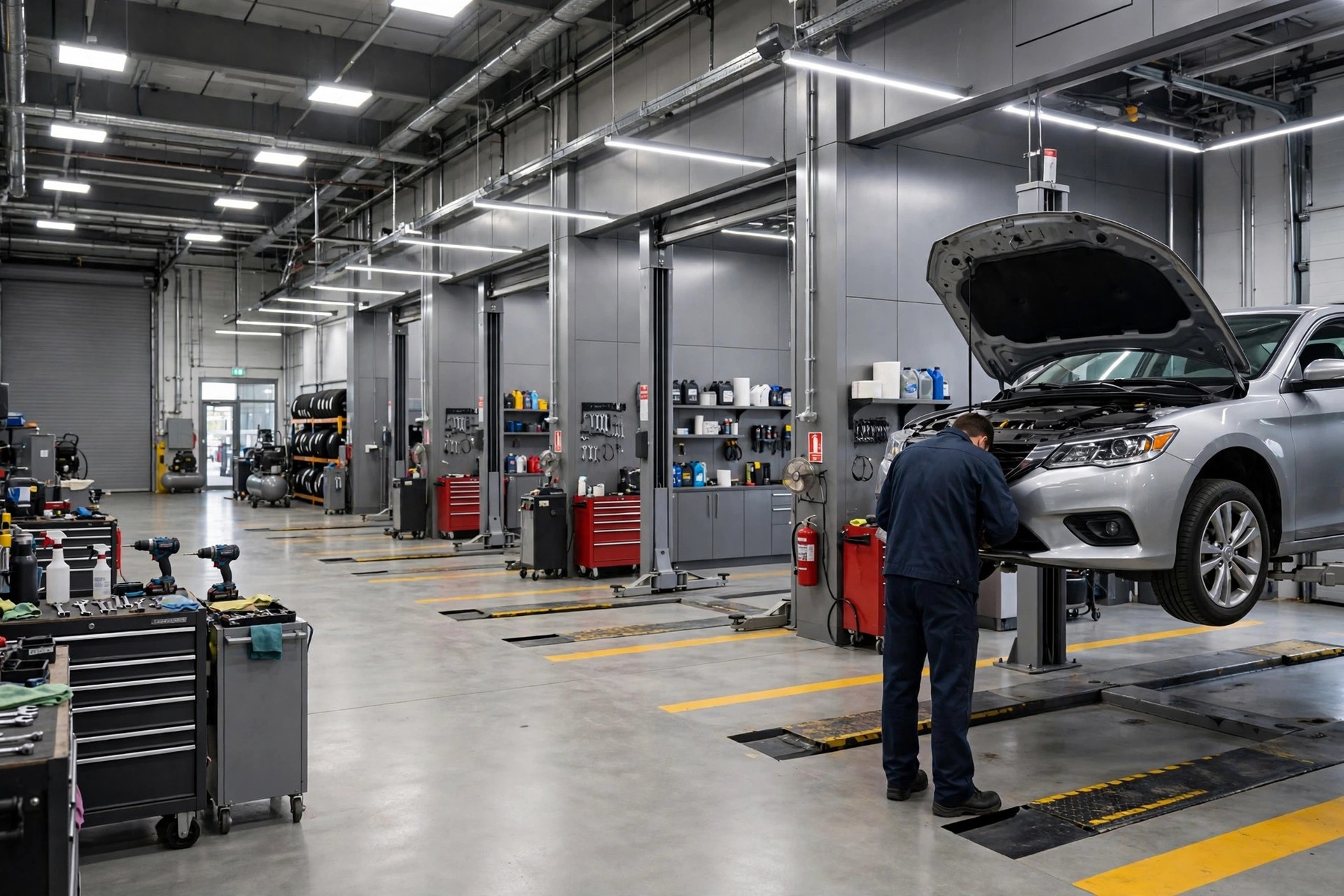
Every auto repair shop owner knows the same Monday morning pain: a full schedule on paper, then a no-show at nine, a late cancellation at ten, and a bay sitting empty while the tech on the clock waits for work. An empty bay is not a minor inconvenience. It is labor you already paid for, a lift earning nothing, and a customer who needed that slot stuck waiting two more days. Appointment reminders for auto repair shops fix most of this. This guide covers the reminder sequence that cuts no-shows, the reply-to-confirm setup that makes confirmations automatic, mileage-based service reminders that bring old customers back, exact message scripts, what it costs, and the mistakes that make reminder systems fail.
The quick answer
- No-shows are a margin killer: a single empty bay hour can cost a shop $100 to $200 in lost labor revenue, and most of it is preventable.
- Three-touch reminders work best: confirm at booking, remind 24 hours before, and nudge two hours before, with every message replyable.
- Reply-to-confirm changes the game: customers who tap CONFIRM show up far more often, and the front desk stops calling everyone by hand.
- Service-due reminders fill slow weeks: mileage and time-based follow-ups bring customers back for oil, brakes, and tires without ad spend.
- Costs stay low: most shops run reminders for $40 to $150 a month plus a few cents per message.
- Live in under two weeks: connect your shop software, load the message templates, test with staff cars, then switch it on.
Why no-shows hit repair shops harder than most businesses
A missed haircut costs a stylist one chair hour. A missed repair appointment costs a shop much more, because of how the business is built. You have techs on hourly pay or guaranteed hours, lifts and alignment racks that only earn when a car is on them, parts that were ordered and staged for a job that never arrives, and a schedule packed so tightly that one gap cascades into the rest of the day. When the 9 AM brake job does not show, you cannot fill that bay at 9:05. The customer who could have taken it is at work, unaware the slot opened.
Put numbers on it. A shop running 200 appointments a month with a 10 percent no-show rate loses 20 visits. With an average repair order of $300 to $400, that is $6,000 to $8,000 in revenue that never happens, every month, from people who already wanted the work done. Late cancellations add to the damage: a slot canceled at 7:45 AM for an 8:30 job is almost as costly as a no-show, because there is no time to refill it. Add it up over a year and an average independent shop can easily lose $70,000 or more to appointments that were booked but never kept.
Most of these customers are not being rude. They forgot, their morning shifted, or they meant to call but the shop was closed when they thought of it. That is exactly why reminders work: they solve a memory and convenience problem, not a manners problem. The shops with the lowest no-show rates are not the ones with the strictest cancellation policies. They are the ones whose customers get a clear confirmation at booking, a useful reminder the day before, and a simple way to reschedule from their phone.
There is a second cost that gets less attention: the slow leak of customers who drift away between visits. A customer who got brakes done in January and never hears from you again will pick whatever shop has the best reviews when the oil light comes on in August. Service-due reminders turn that one-time brake job into a repeat customer. The rest of this guide covers both sides of the system: keeping booked appointments on the schedule, and pulling past customers back before they forget you exist.
What a complete reminder system includes
A reminder system is more than one text the night before. Shops that get the full benefit run six connected pieces, each handling a different moment in the customer’s visit.
The booking confirmation goes out the moment the appointment is set. It repeats the date, time, service, and any drop-off instructions: where to park, where the key drop box is, what time the loaner car needs to be back. This single message prevents a surprising number of problems, including customers arriving on the wrong day and customers showing up before the shop opens.
Pre-visit reminders are the core sequence: a planning reminder two days before and a confirm-or-reschedule message the day before. The two-day message exists so the customer can rearrange their day; the day-before message exists so the shop knows the real schedule for tomorrow.
Reply-to-confirm turns each reminder into a two-way conversation. The customer replies CONFIRM or taps a link, and that appointment is locked. No reply means the front desk calls only that customer, not the whole day’s list. This is the feature that saves the most staff time, and it is worth confirming your tool supports before you buy anything.
Day-of logistics messages handle the practical details: “We are at 450 Main Street, park in the customer spots on the left,” or “Your 10 AM drop-off is with Mike today.” They cut late arrivals and the confused phone calls that clog the morning.
Running-late rescue messages fire when a customer misses their drop-off window by 15 to 30 minutes. A short note, “We have your 10 AM slot held, are you still on your way?” saves appointments that would otherwise become silent no-shows, and it tells the shop to release the bay fast if the answer is no.
Service-due reminders run on a separate track from appointments. They watch mileage estimates and calendar dates from the last visit and nudge customers when oil, tires, brakes, or inspections come due. If your shop already books work after hours, pairing reminders with an AI chatbot for auto repair shops means the reminder reply can turn straight into a booking at midnight. And if the phone is the weak link, an AI receptionist for auto repair shops makes sure the customers who call after getting a reminder actually reach someone.
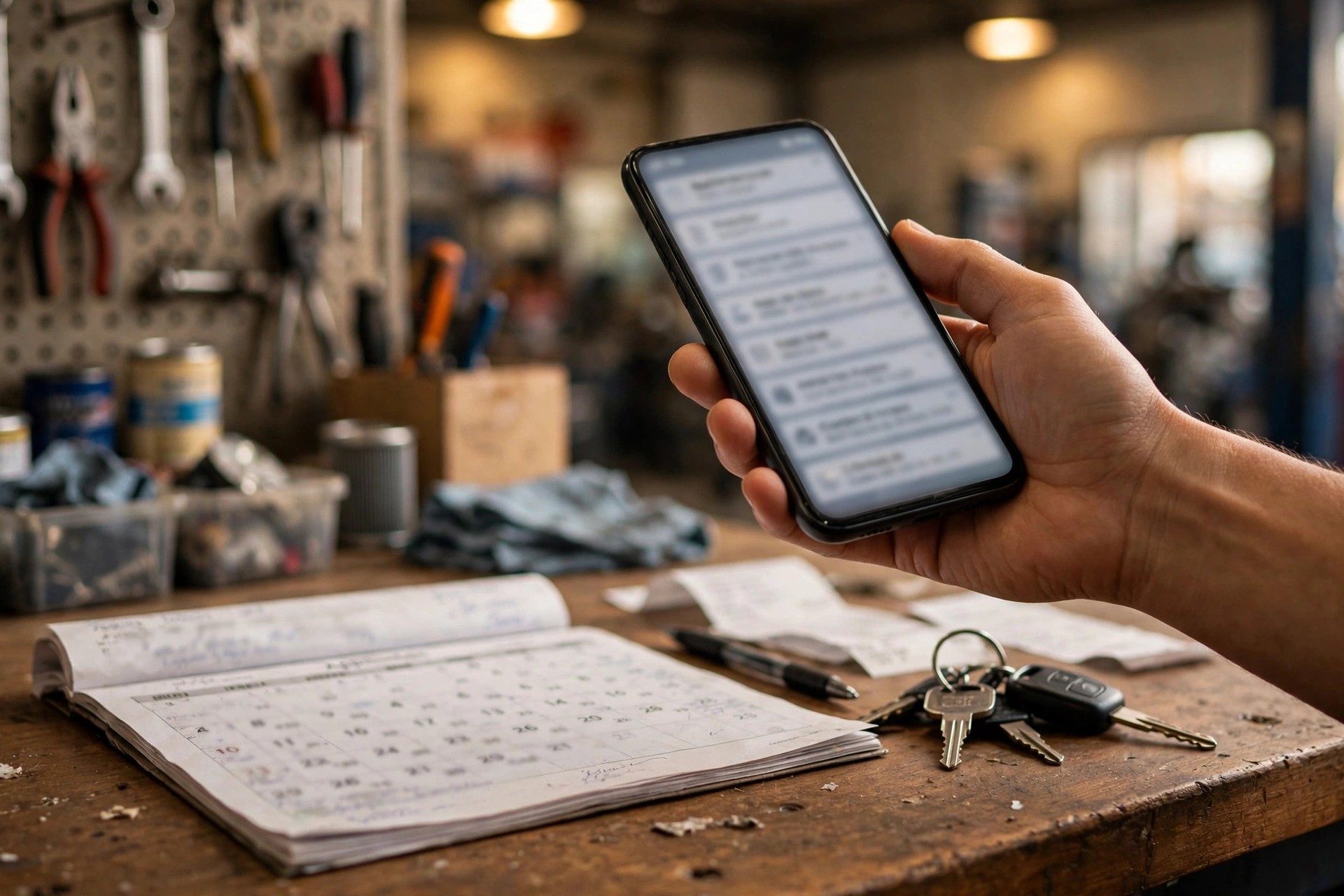
A reminder the customer can reply to turns a one-way broadcast into a confirmed appointment in seconds.
The reminder sequence that fills bays
The exact timing of each message matters as much as the wording. Too early and the customer forgets again; too late and there is no time to refill a canceled slot. The table below is the sequence most independent shops settle on after testing.
| Reminder | When it goes out | What it covers | Why it matters |
|---|---|---|---|
| Booking confirmation | Immediately at booking | Date, time, service, drop-off and parking instructions, key drop details | Prevents wrong-day arrivals and sets expectations while the booking is fresh |
| Planning reminder | 48 hours before | Service recap with a reschedule link | Gives the customer time to rearrange their day and gives you time to refill a canceled slot |
| Confirm or reschedule | 24 hours before | Reply CONFIRM or tap to pick a new time | The main confirmation driver; no-replies become a short call list, not a full day of calls |
| Day-of nudge | 2 hours before | Address, parking, who to ask for, “see you soon” | Handles morning confusion and cuts late drop-offs |
| Running-late rescue | 15 to 30 minutes after a missed drop-off | “We have your slot held, still coming?” | Saves silent no-shows and releases the bay fast when the answer is no |
| Review request | 2 to 4 hours after pickup | Thanks plus a review link | Catches the customer at peak satisfaction and feeds the review profile |
Two details make this sequence work. First, every message in the chain must be replyable. A customer who wants to move Tuesday to Thursday should do it by tapping a link, not by calling during your busiest hour and sitting on hold. Second, the messages should come from your shop’s main number, the one the customer already has saved or recognizes. Reminders from an unknown short code get ignored; reminders from the shop’s own number get read.
The wording should sound like a person, not a corporation. Compare “This is an automated reminder from Precision Auto Care regarding your scheduled service appointment tomorrow at 10:00 AM” with “Hi Tom, this is Precision Auto confirming your brake job tomorrow at 10 AM. Reply YES to confirm or tap here to pick a new time.” Same information, very different response rate. Write every template the way your best service advisor talks, then read it out loud before you approve it. If it sounds stiff spoken, it reads stiff on a screen.
Reply-to-confirm: the one feature that changes everything
Most shops start with one-way reminders: a text goes out, the customer reads it, and the shop learns nothing. Reply-to-confirm closes the loop. The customer answers the 24-hour reminder with a single word or a tap, and the appointment is marked confirmed in the schedule. That confirmation is worth real money, because confirmed appointments show up at dramatically higher rates than unconfirmed ones.
The bigger win is what it does to the front desk’s morning. Without reply-to-confirm, a service advisor spends 30 to 60 minutes calling down the next day’s schedule, leaving voicemails that half the customers never hear. With it, the advisor opens the schedule, sees exactly which appointments are confirmed, rescheduled, or silent, and calls only the silent ones. A 45-minute calling session becomes 10 minutes of targeted follow-up. Across a month, that is 10 to 15 hours of staff time returned to work that actually earns: writing estimates, answering customers in the shop, selling needed maintenance.
Set clear rules for each reply. A CONFIRM marks the appointment locked and stops further reminders for that visit. A reschedule request opens the booking link and releases the old slot back to the schedule immediately, so another customer can take it. A question (“Can I wait for this one?” or “How long will it take?”) routes to the front desk or the chatbot with the appointment details attached. And no reply after the 24-hour message puts that customer on the short call list, with the call happening in the afternoon before the appointment, not the morning of, when it is too late to refill the slot.
One caution: give every automated message an escape hatch. Include “Reply STOP to opt out” where the law requires it, and “Reply 0 to reach our team” on every flow. A customer with a real problem who cannot reach a human does not reschedule; they go somewhere else and leave a review about it.
Service-due reminders from mileage and last visit
Appointment reminders protect today’s schedule. Service-due reminders build next month’s. Every car that leaves your shop carries a clock: oil in about 5,000 miles, tires to rotate in 6,000 to 8,000, brakes to inspect yearly, the state inspection due on its anniversary. A customer who gets a timely nudge books with you. A customer who hears nothing books with whoever they find first when the warning light comes on.
You do not need a telematics device on every car to do this well. Start with the mileage you recorded at the last visit and add a standard monthly estimate: most US drivers cover about 1,000 miles a month. A customer at 62,000 miles in January is likely near 67,000 by June, which makes a 5,000-mile oil reminder roughly right. For time-based services like inspections, filters, and batteries, the calendar date alone is enough. The estimate does not have to be perfect; it has to be close enough to be useful, and the customer will correct you if their driving is unusual.
| Service | Reminder interval | Trigger |
|---|---|---|
| Oil change | 5,000 miles or 6 months | Estimated mileage from last visit |
| Tire rotation | 6,000 to 8,000 miles | Estimated mileage from last visit |
| Brake inspection | 12 months | Calendar date of last brake service |
| Engine and cabin air filters | 12 months | Calendar date of last replacement |
| State safety or emissions inspection | 12 months | Inspection anniversary date |
| Battery test | 24 to 36 months | Calendar date of last battery install |
| Coolant flush | 30,000 miles or 2 to 3 years | Estimated mileage or calendar date |
| Transmission service | 30,000 to 60,000 miles | Estimated mileage from last service |
The message should reference the specific car and the specific service: “Hi Lisa, your Honda CR-V is about due for an oil change based on your last visit in March. We have openings Thursday or Friday if you want to get it handled. Tap here to book.” That beats a generic “time for service!” blast in every test shops run, because it proves you know the car. Send one reminder per due service, not a barrage, and stop the sequence the moment the customer books. Nothing kills trust in reminders faster than getting nagged about an oil change you already scheduled.
Service-due reminders also pair naturally with email, which has room for the longer explanation: why the service matters, what happens if it waits, a coupon for the visit. If you want the full playbook for that channel, see our guide to email marketing for auto repair shops. The two channels split the job well: text for the timely nudge and the booking link, email for the education and the offer.

Service-due reminders keep the bays full with repeat customers, so slow weeks get booked without spending on ads.
SMS, phone calls, or an app: picking your channel
Shops choose between text messages, phone calls, email, and branded apps. In practice the decision is simple once you see what each channel does well and where it fails.
| Channel | Strength | Best use | Watch out |
|---|---|---|---|
| SMS text | Over 90 percent opened, usually within minutes | Reminders, confirmations, day-of logistics | A few cents per message; keep templates short |
| Phone call | Personal and hard to ignore | Silent no-replies and big-ticket jobs | Staff time per call; most go to voicemail |
| Cheap and roomy for detail | Service-due campaigns, receipts, education | Weak for time-sensitive notes; many go unread | |
| Shop app push | Free once installed | Loyalty members and frequent customers | Most customers never install a repair shop app |
The setup that works for most independent shops is text first, phone as backup, email for campaigns. Texts carry the reminders and confirmations because they get opened. The phone covers the customers who never reply to texts and the jobs worth a personal touch, like a $2,000 transmission rebuild. Email handles the longer service-due campaigns and the monthly newsletter if you run one. Skip the branded app unless you have a loyalty program with real traction; building an app that sits unused on 40 phones is money spent on nothing.
Whichever channel carries the reminder, collect consent the plain way. At booking, on the intake form, and at checkout, one sentence: “We will text you a reminder before your visit. Reply STOP to opt out anytime.” That is enough. A paragraph of legal language at the service counter just annoys people and gets you the same consent with worse will.
What appointment reminders cost a repair shop
Reminder pricing has two parts: the software and the messages. The software is a monthly subscription; the messages cost a few cents each on top. Both are small next to one saved appointment.
| Cost item | Typical US price | What it covers |
|---|---|---|
| Messaging platform, DIY | $20 to $60 per month | Send texts and calls yourself; per-message charges extra |
| Shop software reminder add-on | $40 to $150 per month | Reminders built into your shop management system, synced with the schedule |
| Standalone reminder app | $30 to $100 per month | Calendar, reminders, and review requests in one tool |
| Per-message charges | 1 to 3 cents per text | A few dollars a month for most shops at these volumes |
| Agency setup, one time | $500 to $2,000 | Flow design, template writing, software integration, staff training |
| Agency management | $150 to $500 per month | Monitoring, monthly tuning, campaign management, reporting |
A realistic budget for a shop doing 200 appointments a month: a $70 per month shop-software add-on plus roughly $10 in message charges, so about $80 a month all-in. Save two no-shows a month at a $350 average repair order and the system has paid for itself almost nine times over. The three common ways to buy it:
DIY messaging tool
You load the templates and manage the lists yourself. Cheapest option and fine if someone on the team owns it. The risk is neglect: nobody updates the templates, nobody checks the replies, and the system quietly dies in three months.
- Lowest cost, full control
- You handle setup, replies, and list hygiene
- Best for shops with a tech-savvy advisor
Shop software reminder add-on
Reminders built into the shop management system you already use, reading the real schedule. This is the sweet spot for most independents: confirmations, reschedules, and service-due triggers all stay in sync automatically.
- Syncs with your real schedule, no double entry
- Reply-to-confirm and reschedule links included
- Minimal staff training needed
Done-for-you managed setup
An agency builds the flows, writes the templates, integrates the software, and manages the campaigns. You approve the wording and watch the dashboard. Best for multi-bay shops and owners who want it handled, not learned.
- Professional templates and testing from day one
- Monthly reporting on no-show and booking rates
- Service-due campaigns run for you

Every confirmed appointment is a bay earning money instead of sitting empty while the tech waits.
Mistakes that keep reminders from working
Sending from a number nobody recognizes. Reminders from a random short code get deleted. Use the shop’s main number or announce the reminder line clearly at checkout, on the website, and on the invoice.
One-way messages only. A reminder the customer cannot reply to is a poster, not a tool. If your platform does not support replies and reschedule links, it is the wrong platform.
Too many touches. Confirmation, planning reminder, day-before confirm, day-of nudge: that is the full sequence. Add “just checking in” texts between them and customers start opting out of everything, including the useful ones.
No reschedule path. A customer who wants to move an appointment and cannot do it by phone will often just not show up. Every reminder needs a one-tap way to pick a new time, which also frees the old slot for someone else.
Stale phone numbers. People change numbers constantly. Verify the mobile number at every visit and flag landlines so the system stops texting a number that can never reply.
Blasting promotions through the reminder line. The reminder number is trusted because it is useful. Send weekly discount blasts from it and customers will block it, and then they will miss the reminder that actually mattered.
Nobody owns the replies. Replies need a person or a bot watching them. A CONFIRM that sits unread for six hours and a question that never gets answered are both worse than no reminder at all, because the customer did their part and the shop did not.
Launching everything on day one. Start with booking confirmations and the 24-hour reminder. Add the 48-hour touch, the day-of nudge, and service-due campaigns in the following weeks. Shops that launch six flows at once spend a month debugging instead of booking.
Your rollout checklist
Work through these in order. Each one builds on the last.
- 1Measure your baseline. Pull two months of no-show and late-cancel counts from your schedule so you can see the improvement.
- 2Pick the sender number. Your main shop number, announced at checkout and on the website, so customers recognize every message.
- 3Choose the tool. Shop-software add-on for most independents; DIY platform only if someone owns it; managed if you want it handled.
- 4Write the templates. Booking confirmation, 48-hour, 24-hour confirm, day-of nudge, late rescue, each in your advisor’s voice.
- 5Make every message replyable. CONFIRM by reply, reschedule by tap, question routed to the desk, opt-out on every flow.
- 6Connect the real schedule. Reminders must read live availability or a reschedule link will offer times you do not have.
- 7Build the service-due triggers. Mileage estimates and calendar dates for oil, tires, brakes, filters, and inspections.
- 8Assign reply ownership. One named person or a bot watches replies, with a 15-minute response target during shop hours.
- 9Test with staff cars. Run the full sequence on real staff phones: book, confirm, reschedule, go silent, ask a question.
- 10Launch and review monthly. Start with confirmations and the 24-hour reminder, add the rest, then check no-show rates every month.
Frequently asked questions
How much do appointment reminders reduce no-shows at a repair shop?
Shops running a three-touch reply-to-confirm sequence commonly cut no-show rates from around 10 percent down to 3 to 5 percent. The exact drop depends on your starting rate and how faithfully customers reply, but most shops see the biggest improvement in the first 60 days.
Should reminders go out by text, call, or email?
Text first for almost everything, because customers open texts within minutes. Use phone calls only for customers who never reply to texts and for high-ticket jobs worth a personal touch. Use email for longer service-due campaigns and receipts. Skip the branded app unless a real loyalty program drives installs.
How many reminders should a customer get per appointment?
Four at most: the booking confirmation, a 48-hour planning reminder, the 24-hour confirm-or-reschedule message, and a short day-of nudge. More than that and opt-outs climb. The running-late rescue only fires if the customer misses their drop-off window.
What should the reminder say?
Keep it short and personal: the customer’s name, the service, the date and time, and one clear action. “Hi Tom, this is Precision Auto confirming your brake job tomorrow at 10 AM. Reply YES to confirm or tap here to pick a new time.” Avoid corporate wording and never send a wall of fine print.
How do service-due reminders estimate mileage?
Start from the mileage recorded at the last visit and add about 1,000 miles per month, which is close to the average US driver. For time-based items like inspections, filters, and batteries, the calendar date alone is enough. The estimate just needs to be close enough to be useful.
Do I need customer permission to send reminder texts?
Yes. Collect consent with one plain sentence at booking, on the intake form, or at checkout: “We will text you a reminder before your visit. Reply STOP to opt out anytime.” Keep records of consent and honor opt-outs immediately.
What happens when a customer does not reply to the reminder?
They go on a short call list for the afternoon before the appointment. The point of reply-to-confirm is that the front desk calls only the silent customers instead of the whole schedule, which cuts the calling session from 45 minutes to about 10.
Can reminders connect to my shop management software?
Most modern shop management systems have reminder add-ons or integrations that read your live schedule, so confirmations and reschedules stay in sync automatically. Confirm the integration exists for your specific software before you commit to any tool.
Will reminders annoy my customers?
Not if you keep them useful and rare. Confirmations, reminders, and service-due nudges are welcome because they help the customer. Weekly promotional blasts from the same number are what cause opt-outs and blocks. Keep promotions on a separate channel.
How long does it take to set up?
Under two weeks for the core sequence: booking confirmation and the 24-hour reminder. Connecting the schedule and writing the templates are the longest steps. Add the 48-hour touch, the day-of nudge, and service-due campaigns in the following weeks rather than all at once.
Fill every bay without adding front-desk hours
Digital Hayder builds reminder and AI receptionist systems for auto repair shops: booking confirmations, reply-to-confirm sequences, mileage-based service reminders, and after-hours booking that runs on your real schedule. Tell us about your shop and we will design the system around it.
Contact Us