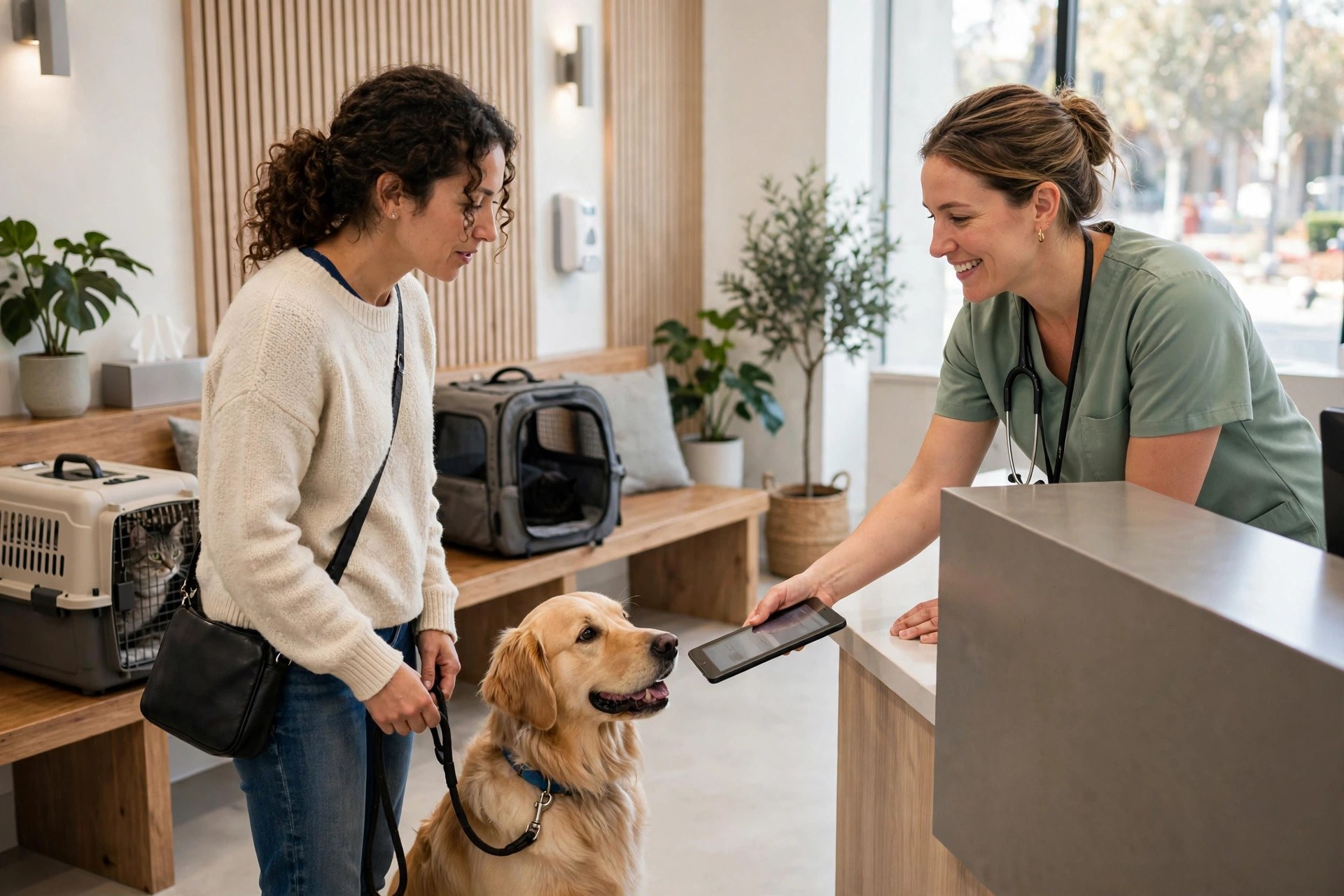
A dog owner notices her lab limping at 10:15 on a Sunday night. She searches for a vet, finds your clinic, and wants the first available appointment Monday morning. Your website says “Call during office hours.” She books with the clinic across town that let her pick a time on her phone in under a minute. That client is worth two to three thousand dollars a year in exams, vaccines, and prevention products, and she was lost to a booking page, not to better medicine. Veterinary clinics run on appointments, but pet owners live on their phones, and the two rarely meet during office hours. This guide covers everything a veterinary practice owner needs about online booking systems: real US pricing, the features that matter for vet workflows like triage and vaccine reminders, a 30-day setup plan, the mistakes that break schedules, and the honest build-versus-buy math. The vendor pages ranking for this topic sell software. This guide answers the owner’s questions.
The quick answer
- What it costs: vet booking tools run $100 to $500 per month. Full client-communication suites with reminders run $300 to $700. Custom-built booking runs $3,000 to $10,000.
- What it must handle: triage between emergency and routine visits, species and appointment-type rules, vaccine and prevention reminders, and online intake forms.
- Where the money is: after-hours bookings, often 30 to 50 percent of online bookings, plus automated vaccine and wellness reminders that bring clients back on schedule.
- Biggest risk: emergencies booking routine slots and routine visits clogging urgent slots. Triage questions in the booking flow are non-negotiable.
- Build vs buy: buy a vet-specific tool if you want practice-management sync and reminders. Build custom only for unusual multi-location workflows.
- Timeline: most clinics go from decision to live booking in two to four weeks, including staff training.
Why the phone is costing your clinic clients
Veterinary demand does not respect office hours. Pets get sick at night, owners notice symptoms on weekends, and working pet owners handle personal tasks in the evening. A clinic that only takes appointments by phone is closed to new business roughly two-thirds of the week. Every pet owner who hits “call us Monday” during a moment of worry is a client who may book elsewhere or, just as costly, delay care until a small problem becomes an expensive emergency somewhere else.
The phone also drains your team during the hours you are open. Client service representatives spend large parts of their day on scheduling calls, and vet clinics are notorious for phone bottlenecks: long hold times, missed calls during busy periods, and appointment requests piling up in voicemail. Each routine wellness booking that moves online is a call your team does not have to take, which means shorter hold times for the callers who truly need a human, like the owner describing urgent symptoms or the client anxious about a surgery. Practices that add online booking commonly report calmer phones and fewer missed calls within the first month.
Then there is the compliance angle, which is unique to veterinary medicine. A huge share of clinic revenue comes from repeat preventive care: annual exams, vaccines, parasite prevention, and dental cleanings. Clients forget these on schedule, and every overdue vaccine is lost revenue. Online booking tied to automated reminders turns “we should call them” into a system that books the client before they drift. If you want the full picture on keeping the schedule full, see our vet clinic marketing ideas guide.
What a veterinary booking system actually does
Vet booking has to do something most appointment tools never face: sort patients by urgency before they book. A vomiting puppy and a healthy cat due for vaccines cannot land in the same kind of slot. The system has three jobs: triage the request, book the right appointment type with the right details, and keep the schedule accurate everywhere.
Triage before booking
The booking flow should ask a short set of questions before showing times: what species, what is the reason for the visit, and is this urgent? Based on the answers, the system routes the client correctly. True emergencies get directed to call immediately or to the emergency clinic, with the phone number displayed prominently, not a booking form. Urgent-but-stable cases get same-day sick slots. Routine wellness, vaccines, and rechecks get standard slots. This triage protects your schedule from the two failure modes: emergencies booking three days out when they needed care today, and routine nail trims consuming the urgent slots you hold for sick pets. Keep the triage to three or four questions; a long questionnaire before booking costs you the routine appointments.
Species and appointment-type rules
A 15-minute vaccine appointment for a cat and a 45-minute new-puppy wellness visit are different products that need different slots, rooms, and staff. The system must enforce appointment-type rules: species restrictions (your exotics vet works Tuesdays only), duration by visit type, and doctor assignment (surgery consults go to the surgeon, not whoever has an opening). Multi-doctor practices need per-doctor calendars with individual blackout rules for surgery blocks, lunch, and days off. The configuration work here is the same discipline as mapping a dental schedule: every appointment type defined once, correctly, and the system enforces it forever.
Confirmations, reminders, and preventive care recall
Vet no-show rates commonly run 5 to 12 percent, and each empty exam slot is lost revenue in a business with high fixed costs. Automated confirmations at booking plus reminders 48 hours and 24 hours before, with one-tap confirm or reschedule by text, cut no-shows substantially. But the bigger win in veterinary medicine is preventive care recall: automated reminders when vaccines, parasite prevention, or annual exams come due, each with a direct booking link. Clinics that automate vaccine and wellness reminders see meaningfully higher on-time compliance, which is recurring revenue that used to depend on a staff member finding time to call. Our email marketing for veterinary clinics guide covers the campaign side of that retention engine.

Pet health worries peak at night. Online booking turns that worry into a scheduled visit before morning.
Real pricing: what veterinary online booking costs in the US
Vet booking pricing sits between dental and gym pricing: cheaper than full dental suites, more specialized than generic tools. The bands below reflect published vendor pricing and what practices report paying.
| Option | Typical monthly cost | Setup cost | Best for |
|---|---|---|---|
| Booking add-on inside your practice management software | $100 to $300 | $0 to $500 | Clinics that want booking tied directly to the schedule they already use |
| Standalone vet scheduling platform | $150 to $500 | $300 to $1,500 | Practices that want triage, intake forms, and client messaging |
| Full client-communication suite (booking plus reminders, recall, reviews) | $300 to $700 | $500 to $2,000 | Clinics replacing several disconnected tools with one system |
| Generic booking widget on your website | $15 to $75 | $0 to $300 | Tiny practices with simple schedules and no triage needs |
| Custom-built booking on your own website | $50 to $200 hosting and upkeep | $3,000 to $10,000 build | Multi-location groups with unusual scheduling workflows |
What drives the cost up or down
Two-way sync with your practice management software is the main cost driver, and it is worth every dollar: without it, the front desk reconciles two schedules by hand and double bookings follow. The second driver is the communication bundle: two-way texting, automated reminders, and recall campaigns each add to the monthly price while replacing staff hours. The third is per-location and per-doctor pricing, which multiplies fast for multi-doctor practices. Price the full first year including texting overages, because reminder-heavy clinics send thousands of messages a month. Ask for the total in writing before signing, and check the contract term: annual contracts with auto-renewal are standard, so calendar the renewal date.
A vet-specific pricing trap: the reminder and recall features are sometimes sold as a separate module from booking, and the combined price is much higher than the booking price on the homepage. Get the quote for the bundle you will actually run, not the starter tier. The starter tier without reminders is a booking page that fills slots but does nothing about no-shows or overdue vaccines, which is where most of the ROI lives.
Build vs buy: the honest comparison
The veterinary software market has mature booking options, so buying wins for nearly every clinic. The table lays out both sides plainly.
| Factor | Buy a vet booking tool | Build custom booking |
|---|---|---|
| Time to live | 2 to 4 weeks | 8 to 16 weeks |
| Year-one cost | $1,200 to $8,400 in subscriptions | $3,000 to $10,000 build plus upkeep |
| Practice-management sync | Pre-built and tested across many clinics | Custom API work, breaks when the vendor updates |
| Triage and reminders | Standard in vet-specific tools | You build and maintain every flow |
| Vaccine recall | Usually included in suites | Separate build on top of booking |
| Maintenance | Vendor handles it | Budget 15 to 20 percent of build cost yearly |
| Best fit | Nearly every veterinary clinic | Large groups with unusual multi-location rules |
Buy when you want proven sync with your practice management software, built-in triage, reminders, and vaccine recall without a development project. Vet-specific tools have already solved the hard problems: species rules, urgent-slot holds, and preventive-care due-date logic. Build when your workflow genuinely does not fit any vendor, for example a large multi-location group standardizing one booking experience across general practice, emergency, and specialty hospitals with shared on-call rules. If you build, the maintenance burden is real and yearly. For single clinics and small groups, buying wins on cost, speed, and reliability.
Features that actually matter for a veterinary clinic
Vet booking fails in vet-specific ways: emergencies in routine slots, wrong species with the wrong doctor, and no-shows on surgery days. The features below prevent those exact failures.
Two-way sync with your practice management software
Same rule as every medical booking: the website must show exactly what the front desk sees, updated within seconds in both directions. A client reschedules by phone, the website updates. A client books online at midnight, the morning schedule shows it. Ask the vendor the direct question: does a change made in either place appear in the other within a minute, including cancellations? Get it in writing. Vet schedules change constantly through the day as emergencies arrive and cases run long; a booking page showing stale availability will double-book your busiest days.
Online intake forms and consent signatures
The booking flow should collect the patient record essentials: pet name, species, breed, age, weight, the reason for the visit, and the owner’s contact details. For new clients, add the standard new-client form, vaccine history upload, and consent signatures. Clinics that collect this at booking cut check-in time dramatically and start appointments on schedule instead of ten minutes late behind a clipboard. For surgery bookings, the flow should collect the surgical consent and fasting instructions acknowledgment in advance, which reduces day-of-surgery confusion and no-shows.
Urgent-slot holds and doctor rules
Your schedule needs protected capacity for sick pets, and the booking system must respect it. Configure a set of same-day urgent slots each day that only the triage flow can fill, never the routine booking path. Set doctor rules: surgery consults route to the surgeon, exotics route to the exotics vet on their days, and new-client appointments spread across doctors instead of piling onto whoever has the most open time. The system should also handle the daily reality of vet medicine: when emergencies blow up the schedule, the front desk needs to block online booking for the rest of the day in one action, not slot by slot.
Deposits for surgery and high-value appointments
Surgery no-shows are the most expensive empty slots in the clinic: a blocked surgical suite, an idle technician team, and a patient that needed the procedure. Many clinics take a deposit at booking for surgeries, dentals, and advanced imaging. The booking flow should state the deposit and cancellation policy clearly, collect the card or deposit, and restate the policy in the confirmation. Clients accept automated deposit rules far better than front-desk negotiations, because the terms were clear at booking. Check your state’s rules on deposits and card storage before enabling this.
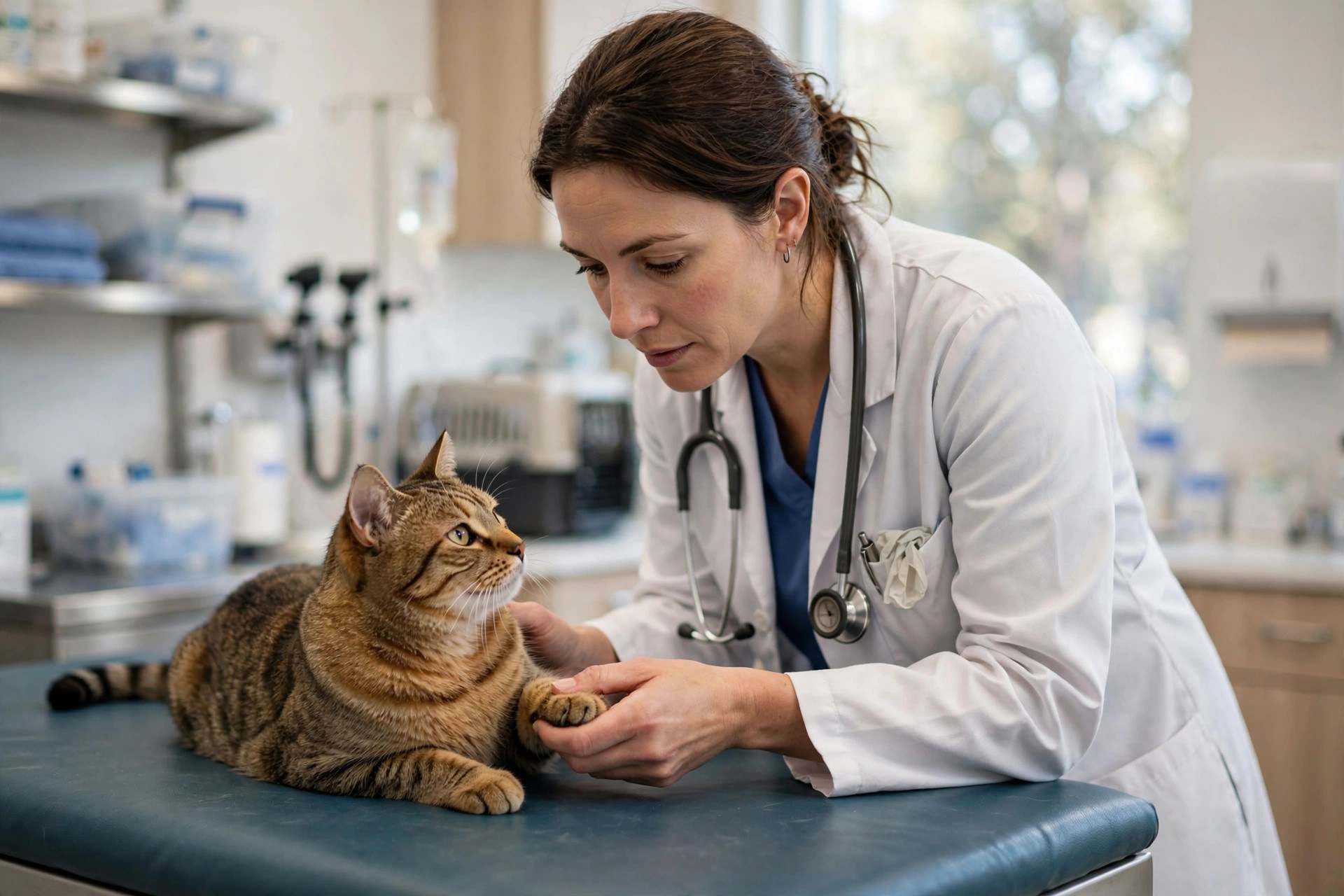
Online intake done at booking means appointments start on time instead of ten minutes behind a clipboard.
Setup plan: from zero to live in 30 days
Vet booking touches triage, the schedule, reminders, and the front desk, so roll it out in sequence. Rushed launches put emergencies in routine slots.
Week 1: map appointment types and triage rules
List every visit type: wellness exams by species, vaccine-only visits, sick visits, rechecks, surgery consults, dentals, and grooming or boarding if you offer them. For each, define duration, doctor eligibility, and room needs. Then write the triage questions: three or four questions that sort emergency, urgent, and routine. Demo two or three tools with your real appointment types and your triage flow, not vendor demo data. Bring your practice manager and lead client service representative; they know where the schedule actually breaks.
Week 2: configure, connect, and test internally
Build the appointment types, doctor calendars, urgent-slot holds, and blackout rules. Connect two-way sync and watch it for several days: book online, move it at the desk, cancel online, and confirm every change appears both places within a minute. Set up confirmations, reminders, and the vaccine recall messages in your clinic’s voice. Test the triage flow hard: run an emergency scenario, an urgent scenario, and a routine scenario, and confirm each lands in the right slot type. Test on a phone, because that is where most clients book.
Week 3: soft launch to existing clients
Turn booking on quietly. Text a few hundred active clients the link, mention it at checkout, and add it to your email signature. Watch every booking against the schedule for the first week and fix the configuration gaps you find, which will mostly be appointment-type rules and triage edge cases. Train the team on the new workflow: how online bookings appear, how to fix a mis-triaged booking, and the one-action schedule block for emergency-heavy days. Keep the phone fully staffed; online booking should relieve the phones, not replace the team answering them.
Week 4: full launch and measurement
Add the booking button to your homepage header, your Google Business Profile, and social profiles. Wire the booking link into your vaccine and wellness recall messages so overdue clients can rebook in one tap; this is the fastest payback in the whole project. Start tracking the core numbers: share of appointments booked online, after-hours booking share, no-show rate, and preventive-care compliance. Review monthly for the first quarter. Most clinics see booking quality improve through month two as clients learn the option and staff tighten the configuration.
Common mistakes that kill bookings
These patterns show up in clinic after clinic that installs booking and then says it does not work. All are fixable configuration problems.
Skipping the triage step
A booking page with no triage is a scheduling hazard in veterinary medicine. Emergencies book routine slots days out, routine visits consume urgent slots, and the front desk spends the day rebooking. The triage flow is not optional polish; it is the core safety feature. Keep it short, test it with real scenarios, and review mis-triaged bookings weekly for the first month to tighten the questions.
Hiding the booking button
The booking button belongs in the header of every page, in a contrasting color, reachable in two taps on a phone. It also belongs on your Google Business Profile as the appointment link, because many pet owners search and book without ever visiting your website. A booking page buried on the contact page might as well not exist. If a worried pet owner at 10 PM cannot find booking in seconds, you have lost them.
Requiring an account before showing availability
Forcing account creation before showing open times loses bookings. Show availability first, collect details at booking, and offer to save the information after confirmation. A pet owner deciding between two clinics books with the one that shows times immediately. Every required field before the schedule costs you a share of bookings.
Forgetting the clients who still call
Many clients, especially older ones and anyone with a genuinely urgent or complex situation, will keep calling, and they should. Online booking exists to move routine scheduling off the phones, not to force every client onto a website. Keep the phones staffed, train the team to mention online booking once for next time, and protect unanswered calls with an automatic text-back so a missed call still becomes a booking. Our missed-call text-back for veterinary clinics guide covers that safety net.

Online booking relieves the phones so the team can focus on urgent callers and in-clinic clients.
Measuring ROI: the numbers that matter
Vet booking ROI comes from four channels. First, new-client capture: count new clients booking online monthly and the share booking outside office hours, then multiply by your average first-year client value. Second, no-show reduction: compare no-show rates before and after automated reminders go live; each recovered exam slot is high-margin revenue. Third, preventive-care compliance: track on-time vaccine and wellness visit rates before and after automated recall with booking links. This is recurring revenue that compounds, because a client on schedule this year is a client on schedule next year. Fourth, staff time: estimate weekly scheduling-call hours before launch versus three months after, and redirect the freed hours to client service and case follow-up.
Review quarterly, not weekly, because booking behavior needs time to settle. Watch one metric closely in the first 90 days: the mis-triage rate, meaning bookings that arrive in the wrong slot type. A high mis-triage rate means the triage questions need work, not that the tool is broken. Tune the questions, watch the rate fall, and the schedule cleans itself up. Also track client satisfaction with booking itself: a short post-visit question about ease of booking surfaces friction you cannot see in the numbers.
The long game is the client record. Every online booking captures structured data: pet details, visit history, vaccine due dates, and communication preferences. That data powers reminders, recall, review requests, and reactivation for years. A booking page is not just a scheduling convenience; it is the intake valve for the client database that drives the clinic’s recurring revenue.
Your rollout checklist
Work this list in order. Each step builds on the one before it.
- 1Map every visit type. Wellness by species, vaccine-only, sick, recheck, surgery consult, dental, each with duration, doctor eligibility, and room needs.
- 2Write the triage flow. Three or four questions sorting emergency, urgent, and routine, with emergencies routed to call immediately.
- 3Confirm two-way sync in writing. Shortlist only tools that sync both directions with your practice management software within a minute.
- 4Build intake into booking. Pet details, vaccine history upload, new-client forms, and consent signatures collected before the visit.
- 5Protect urgent capacity. Hold same-day urgent slots that only the triage flow can fill, and give the desk a one-action booking block for emergency-heavy days.
- 6Set deposits for high-value visits. State surgery and dental deposit policies in the booking flow and confirmations where your state allows it.
- 7Write reminders in your voice. Confirmation at booking plus 48-hour and 24-hour reminders with one-tap confirm or reschedule.
- 8Wire recall to booking links. Every vaccine and wellness reminder carries a direct booking link so overdue clients rebook in one tap.
- 9Put the button everywhere. Website header on every page, Google Business Profile appointment link, social profiles, and checkout mentions.
- 10Review the numbers monthly. Track online booking share, after-hours share, no-show rate, mis-triage rate, and vaccine compliance for the first 90 days.
Frequently asked questions
How much does an online booking system cost for a veterinary clinic?
Most clinics pay $100 to $500 per month for a vet-specific booking tool, plus $300 to $1,500 in setup. Full client-communication suites with reminders and recall run $300 to $700 a month. A custom-built booking page costs $3,000 to $10,000 to build. Price the full first year including texting overages before signing.
How do I keep emergencies from booking routine slots?
Build triage questions into the booking flow: three or four questions that sort emergency, urgent, and routine cases. True emergencies get routed to call immediately with the phone number displayed, urgent cases get same-day sick slots, and routine visits get standard slots. Hold urgent slots that only the triage flow can fill.
Will online booking cause double bookings?
Only without true two-way sync with your practice management software. With two-way sync, changes made at the desk appear on the website within seconds and vice versa. Vet schedules change constantly as emergencies arrive, so verify the sync with test bookings in both directions and re-check it during the first month.
Do pet owners actually book vet visits online?
Yes, and heavily outside office hours. Pet health worries peak at night and on weekends, which is exactly when the phone is closed. A large share of online bookings typically happens outside staffed hours. Routine visits like wellness exams and vaccines book online readily; emergencies should always be routed to call.
Can online booking improve vaccine compliance?
Yes. Automated reminders tied to each patient’s due dates, each carrying a one-tap booking link, bring a meaningful share of overdue patients back on schedule. This is recurring revenue that used to depend on staff finding time to call, and it compounds year after year as more patients stay on schedule.
How long does setup take?
Two to four weeks for a typical clinic: one week to map visit types and triage rules and choose the tool, one week to configure and test the sync, one week of soft launch to existing clients, and one week of full launch. The triage configuration deserves real time; it is the highest-value work in the project.
Should I take deposits for surgery bookings online?
Many clinics do, because surgery no-shows are the most expensive empty slots in the building. State the deposit and cancellation policy clearly in the booking flow and again in the confirmation, and collect the card or deposit at booking. Check your state’s rules on deposits and card storage first.
What about clients who still want to call?
Let them. Online booking moves routine scheduling off the phones so your team has time for urgent callers and in-clinic clients. Keep the phones staffed, mention the online option once for next time, and use missed-call text-back so unanswered calls still convert to bookings.
How is vet booking different from a generic appointment tool?
Triage, species and doctor rules, urgent-slot holds, vaccine recall tied to due dates, and two-way sync with vet practice management software. A generic widget cannot sort emergencies from nail trims or enforce which doctor sees which species. For a working clinic schedule, you need the vet-specific tool.
Should I build custom booking on my clinic website?
For most clinics, no. Vet-specific tools already handle triage, species rules, reminders, and vaccine recall at $100 to $500 a month. Build only for unusual multi-location workflows, such as combined general practice, emergency, and specialty hospitals, and budget 15 to 20 percent of the build cost yearly for maintenance.
Book the worried pet owner at 10 PM
Digital Hayder builds online booking systems for veterinary clinics: triage-smart booking pages, two-way schedule sync, automated reminders, and vaccine recall campaigns that keep patients on schedule. We also handle the website, ads, and review engine around it. Tell us about your clinic and we will map the fastest path to live booking.
Contact Us