
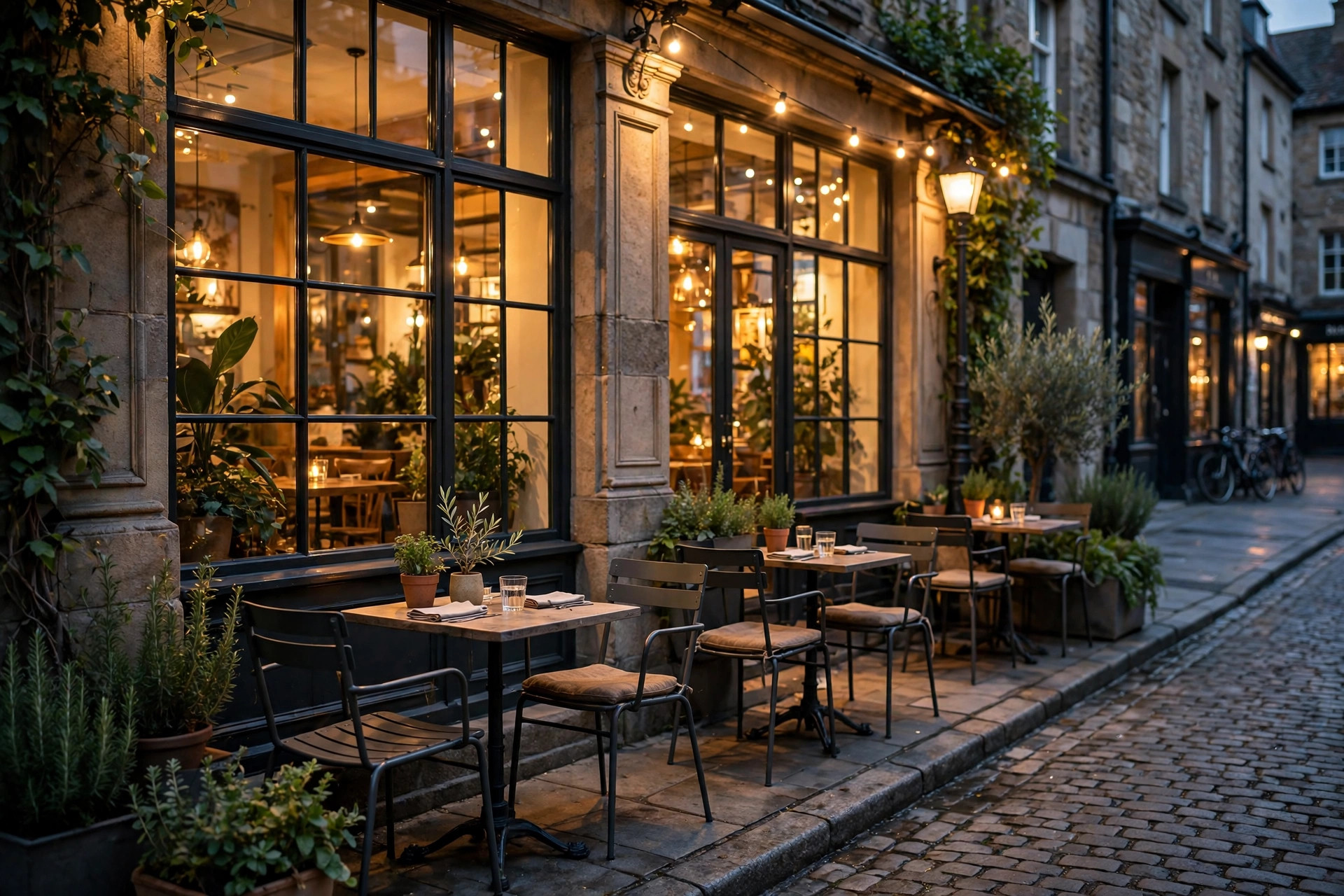
When someone searches “best Italian restaurant near me,” Google does not show websites first. It shows a map pack of three Google Business Profiles, and most diners pick from those three without scrolling further. Google Business Profile optimization for restaurants is the work of making your listing the obvious choice in that moment: complete and accurate information, a menu diners can actually read, reservation and ordering links that work, photos that make people hungry, and a review profile that builds trust before anyone walks in. This guide is a practical, restaurant-specific checklist: what to fill in, what to upload, and what to maintain every week, so your profile keeps sending diners through your door.
The quick answer
- Why it matters: the map pack decides most “near me” dining searches; a complete profile wins clicks, calls, and direction requests over incomplete competitors.
- Restaurant-specific priorities: accurate hours (including holidays), a readable menu with prices, working reservation and order links, and appetizing photos.
- Review target: aim for a 4.3+ star rating with steady new reviews; respond to every review within 48 hours.
- Photo target: at least 30 to 50 photos covering food, interior, exterior, and team; profiles with more photos get significantly more direction requests.
- Weekly habit: post once a week (specials, events, new dishes), check hours accuracy, and reply to new reviews and questions.
- Start today: claim and verify the profile, fix the category and hours, and upload your ten best food photos.
Why the map pack decides restaurant revenue
Dining decisions happen fast and close to the moment of hunger. A large share of restaurant searches include “near me” or a neighborhood name, and those searches trigger the local map pack: three business listings with star ratings, photos, hours, and distance. Diners compare those three cards in seconds. The restaurant with complete hours, a tempting cover photo, and a 4.6 rating beats the one with no photos and a 3.9, even if the food is equally good. Your profile is your storefront on the busiest street in town.
The profile also feeds everything else Google shows about you: the knowledge panel on branded searches, voice assistant answers (“find a sushi place nearby”), and the “order” and “reserve” buttons that let diners act without ever visiting your website. A neglected profile leaks customers at every one of these touchpoints. A complete one converts searchers into reservations while competitors are still waiting for their website to load. For how this fits the wider marketing picture, see our restaurant marketing ideas guide.
Unlike paid ads, profile optimization costs nothing but time and compounds. Every photo, review, and answered question stays on the profile permanently, building an asset that keeps working. Restaurants that treat the profile as a living storefront instead of a one-time listing consistently report more calls, more direction requests, and more reservations from Google, which is exactly what the profile’s own insights dashboard will show you once it is set up properly.
Step 1: Claim, verify, and get the basics right
Everything starts with ownership. Search your restaurant name on Google and Maps; if a profile exists but you have never managed it, claim it. If none exists, create one. Google will verify you, usually by video verification or postcard, which can take a few days to a couple of weeks. Start this now, because nothing else on the checklist works fully until verification completes.
Choose the right primary category
Your primary category is the single biggest ranking factor you control directly. Be specific: “Italian restaurant” beats “Restaurant,” and “Sushi restaurant” beats “Japanese restaurant” if sushi is what you are known for. Google offers hundreds of restaurant categories, so pick the one that matches your main cuisine and identity. Then add secondary categories for what else you genuinely offer: “Pizza restaurant” plus “Italian restaurant,” or “Cocktail bar” alongside “American restaurant” if the bar is a real draw. Do not add categories for things you do not do; mismatched categories confuse Google and disappoint diners.
Name, address, and phone discipline
Use your real-world business name exactly, with no keyword stuffing. “Bella Napoli” is correct; “Bella Napoli Best Italian Restaurant Downtown” will get you flagged and looks desperate. The address must match your signage and your website exactly, down to suite numbers and abbreviations. Use a local phone number that someone actually answers during service hours, and consider how missed calls are handled; our contractors’ guide to Google Business Profile optimization covers the same fundamentals for trades, and the discipline is identical.
Hours, including the hours everyone forgets
Wrong hours are the fastest way to lose a diner’s trust permanently. Nobody forgives driving to a closed restaurant. Set regular hours for each day, add special hours for holidays well in advance, and use the “more hours” fields for kitchen hours, bar hours, happy hour, and delivery hours if they differ from dining hours. Update hours the moment anything changes: seasonal shifts, private events, renovations, or weather closures. Google lets you mark temporary closures, which is far better than letting diners discover it themselves.
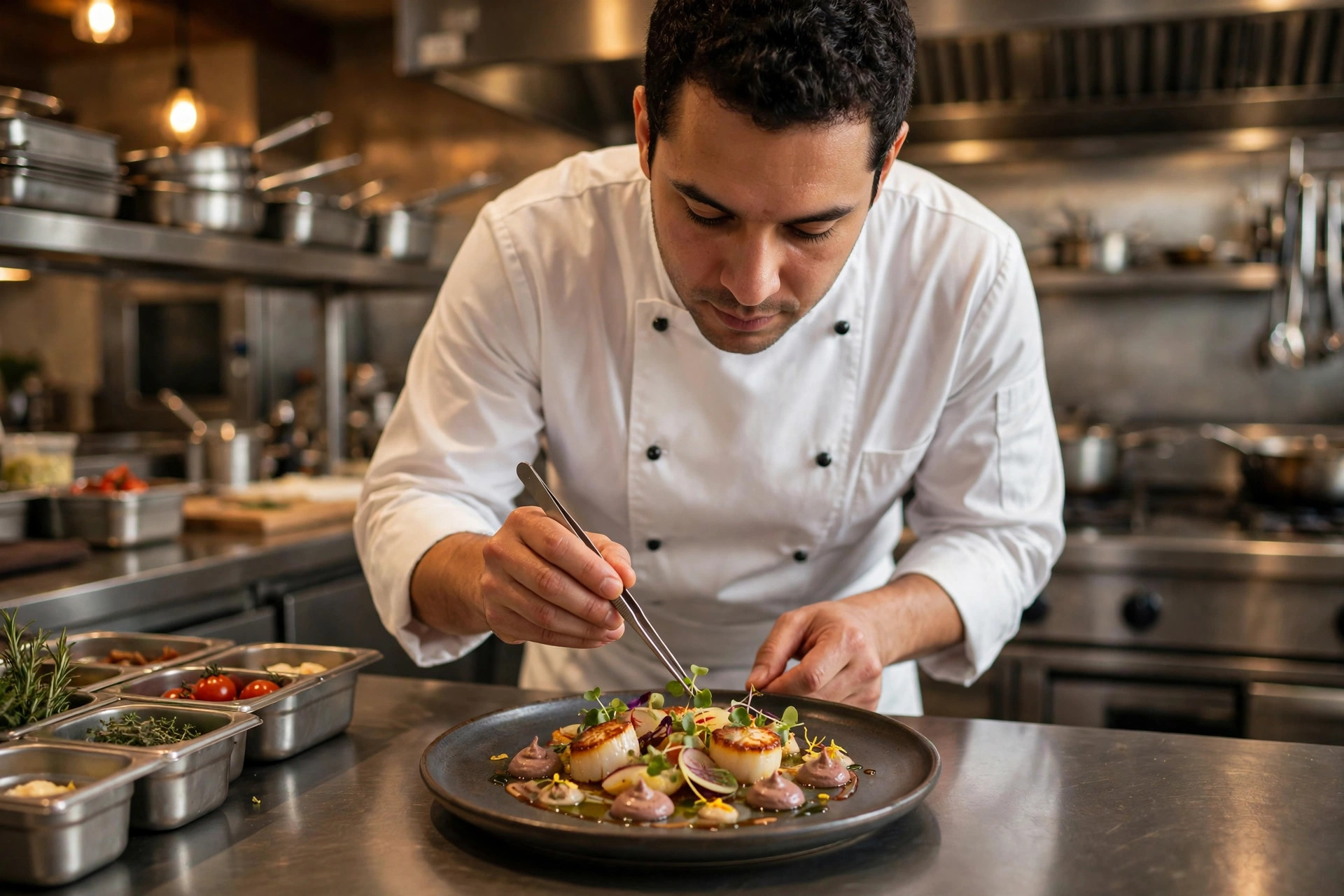
Your profile is your storefront on the busiest street in town. Pair complete information with photos that show the craft behind the food.
Step 2: The menu, done properly
The menu is the most-viewed part of a restaurant profile after hours, and it is where most restaurants fail. Google offers two menu options, and you should understand both.
The first is Google’s structured menu editor, where you enter dishes by section with names, descriptions, and prices. This is the better option: it displays cleanly on phones, feeds Google’s search understanding of your cuisine, and lets diners browse without downloading anything. Enter your full menu, not just highlights, with current prices. Update it whenever the menu changes; a diner who finds a dish online that you no longer serve feels misled before they arrive.
The second is a menu link to your website or a PDF. If you use this, the link must open the actual menu immediately, not your homepage. A PDF that takes ten seconds to load on a phone is a lost customer. Better yet, put your menu on a fast, mobile-friendly page of your own site; our breakdown of how much a restaurant website costs explains what that page should include and what it typically runs.
Menu photos deserve special attention. Google lets diners see popular dishes with photos, and dishes with good photos get ordered more. Photograph your ten to fifteen most-ordered dishes in natural light, plated as they are actually served. No stock photos: diners can tell, and the dish that arrives should match the dish they saw.
Step 3: Reservations, ordering, and waitlists
Google can put booking and ordering buttons directly on your profile, which removes the biggest friction between “this place looks good” and “we are going.” Set up every action link that fits your operation:
- Reservations: connect your reservation platform (OpenTable, Resy, Tock, or your own system) so the “Reserve” button books real tables. Test it monthly; broken reservation links are silent revenue killers.
- Online ordering: if you offer takeout or delivery, link your ordering flow. Google also shows third-party ordering links automatically, which can surprise owners with commission fees, so claim and manage which ordering options appear.
- Waitlist: if you take waitlist signups during busy periods, make sure the option is visible and working. A diner who can join the waitlist from the parking lot is a diner who stays instead of driving to the next option.
- Menu and directions: obvious, but verify both work from the profile on a phone. Directions should open the right entrance, not the back alley your address technically resolves to.
Each of these buttons should be tested quarterly from a phone that is not logged into your Google account, so you see exactly what a diner sees. Profiles change, integrations break, and nobody tells you.
Step 4: Photos that make people hungry
Photos are the highest-impact, lowest-effort part of profile optimization. Listings with more and better photos get substantially more clicks, calls, and direction requests than photo-poor competitors. Google’s own data has consistently shown that businesses with photos receive more engagement across every action type. For restaurants, photos are not decoration; they are the product preview.
Aim for 30 to 50 photos minimum, covering five categories:
- Food (15 to 20 photos): your best-selling and most photogenic dishes, shot in natural light, plated as served. Update seasonally as the menu changes.
- Interior (8 to 10 photos): the dining room at its best, the bar, any private dining space, and details that show atmosphere: lighting, table settings, artwork.
- Exterior (3 to 5 photos): the storefront in daylight and at night, the entrance clearly visible, nearby parking or landmarks that help diners find you.
- Team and action (5 to 8 photos): chefs at work, bartenders pouring, staff setting tables. People connect with people, and these photos make the restaurant feel alive.
- Events and specials (ongoing): holiday decorations, live music nights, patio season. These keep the profile feeling current.
Upload the best three first: your cover photo (the single image that represents you, usually a signature dish or a beautiful dining room shot), your logo, and an exterior shot. Then add the rest over the following weeks. Keep uploading; profiles with fresh photos signal an active, thriving business to both Google and diners.
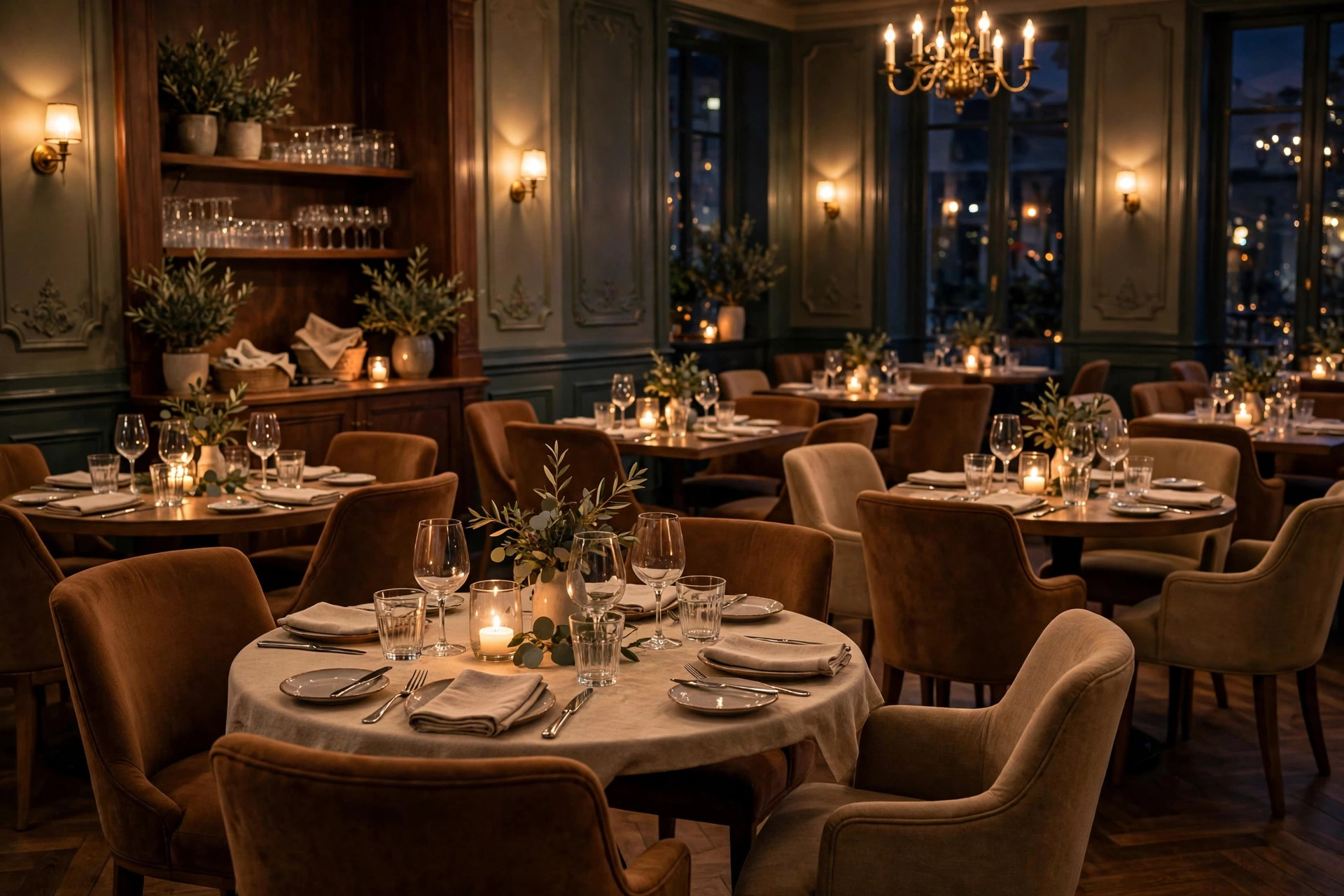
Interior photos that show atmosphere help diners picture their evening before they book.
Step 5: Reviews, the trust engine
Star ratings are the first thing diners compare in the map pack, and review count is the second. A 4.6 with 400 reviews beats a 4.9 with 12 reviews, because diners trust volume. The goal is a steady flow of new reviews, a rating above 4.3, and visible owner responses that show you care.
Generating a steady review flow
Ask every happy table. The most effective moment is at payment, when satisfaction is highest: a brief, genuine ask from the server beats every automated system. Support it with a QR code on the receipt or table tent linking directly to your Google review form, and a follow-up email or text for online orders a day after delivery. Never offer discounts or freebies for reviews; it violates platform policies and experienced diners can smell incentivized reviews.
Target a realistic pace: 5 to 15 new reviews a month for a typical independent restaurant, more for high-volume spots. Consistency matters more than bursts. A profile that gains ten reviews every month for a year looks far healthier than one that gained a hundred in one month two years ago.
Responding to every review
Respond to all reviews, positive and negative, within 48 hours. Thank happy reviewers by name and mention something specific from their review; it shows a human read it. For negative reviews, stay calm, acknowledge the specific complaint, apologize without groveling, and invite them to contact you directly. Never argue, never blame, never reveal private details. Future diners read your responses as a preview of how you treat customers, so a gracious reply to a harsh review can win more business than the review cost you.
Watch for the patterns in negative reviews. Three complaints about slow service on Fridays is not three rude customers; it is a staffing signal. The review profile is free market research if you read it that way.
Step 6: Posts, questions, and attributes
Google Business Profile posts are free mini-ads on your own listing. Post once a week: the weekend special, a new dish, a holiday event, a behind-the-scenes moment, or a limited-time offer. Each post can include a photo, a short description, and a button (order, reserve, learn more). Posts expire after a while, so the weekly rhythm keeps the profile feeling alive. Seasonal posts, like a holiday menu or patio opening, tend to get the most engagement.
The questions and answers section needs proactive management. Anyone can ask a question on your profile, and anyone can answer it, including competitors and confused strangers. Seed it yourself: ask and answer the ten questions diners ask most (do you take reservations, is there parking, do you have vegetarian options, are kids welcome, do you do takeout). Then monitor it monthly and correct wrong answers immediately. An unanswered question section slowly fills with guesses; a managed one becomes a second FAQ that saves your staff phone calls.
Attributes are the checkboxes Google shows as icons: outdoor seating, wheelchair accessible, serves alcohol, good for groups, kid-friendly, free Wi-Fi, and dozens more. Fill in every attribute that truthfully applies. Diners filter searches by these (“restaurants with outdoor seating near me”), so each accurate attribute is another way to be found. Review them twice a year; Google adds new ones regularly.
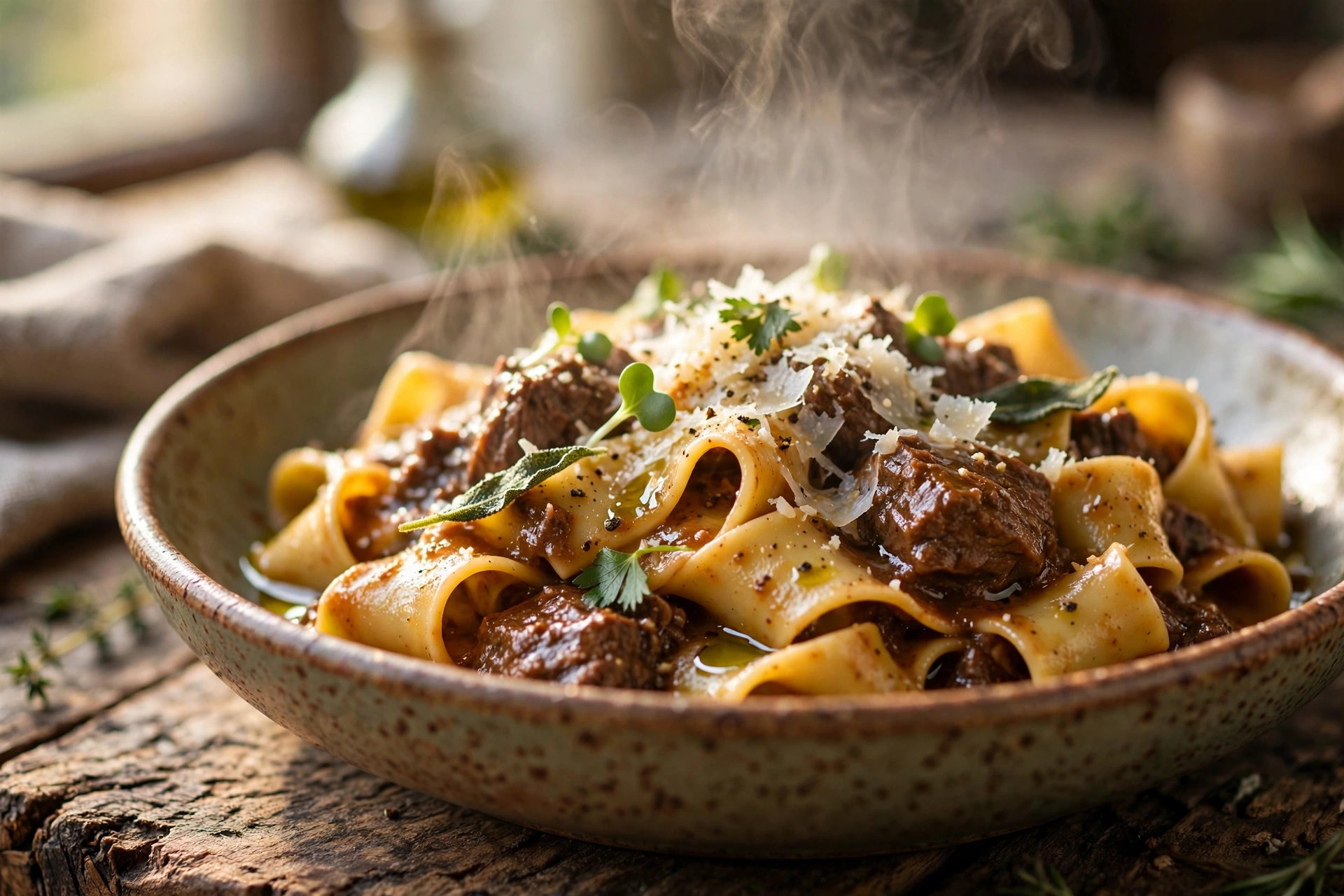
Menu photos win orders. Photograph your best sellers in natural light, plated as they are actually served.
What moves the ranking needle
Not every checklist item matters equally for ranking in the map pack. Google weighs three things: relevance (does this listing match the search), distance (how close is it), and prominence (how well-known and trusted is this business). You cannot change your location, but you control relevance and prominence signals:
| Factor | What to do | Impact |
|---|---|---|
| Primary category | Pick the most specific accurate category | High: directly controls which searches you appear for |
| Reviews (count, rating, recency) | Steady flow of new reviews, 4.3+ stars, respond to all | High: trust signal for diners and Google alike |
| Complete information | Hours, menu, attributes, booking links all filled in | Medium-high: complete profiles outrank sparse ones |
| Photos (quantity and quality) | 30+ photos across food, interior, exterior, team | Medium: drives clicks, which reinforces ranking |
| Posts and updates | Weekly posts, current hours, answered questions | Medium: signals an active, well-managed business |
| Keywords in reviews | Cannot be faked; earned when diners mention dishes | Medium: reinforces relevance for cuisine searches |
| Website and citations | Consistent name, address, phone everywhere online | Low-medium: foundational trust signal |
One thing to avoid: never try to game reviews or rankings with fake reviews, review gating (only asking happy customers), or keyword-stuffed business names. Google detects and penalizes these, and a suspension during your busy season costs far more than any shortcut was worth.
Your step-by-step optimization checklist
Work through this in order. The first pass takes an afternoon; the ongoing habits take minutes a week.
- 1Claim and verify the profile. Search for your restaurant on Google and Maps, claim the listing, and complete verification. Nothing else works fully until this is done.
- 2Set the exact business name, address, and phone. Match your signage and website character for character. No keyword stuffing in the name.
- 3Choose the most specific primary category. Add truthful secondary categories for real secondary offerings like a bar or private dining.
- 4Enter complete hours. Daily hours plus kitchen, bar, happy hour, and delivery hours where they differ. Add holiday hours in advance.
- 5Build the structured menu with prices. Full menu by section, current prices, updated whenever the menu changes. Link must open the menu directly, not the homepage.
- 6Connect reservation and ordering links. Test every button from a logged-out phone. Re-test quarterly.
- 7Upload your first 10 photos. Cover photo, logo, exterior, and your seven best dishes. Build toward 30 to 50 over the coming weeks.
- 8Fill in every truthful attribute. Outdoor seating, parking, dietary options, accessibility, group-friendly, and the rest.
- 9Seed the Q and A section. Ask and answer the ten most common diner questions yourself, then monitor monthly.
- 10Start the review engine. Train staff on the payment-moment ask, add QR codes to receipts, and commit to responding to every review within 48 hours.
- 11Post weekly. Specials, new dishes, events, and seasonal moments with a photo and an action button.
- 12Review insights monthly. Check the profile dashboard for calls, direction requests, and bookings. Double down on whatever is growing.
Mistakes that cost restaurants diners
The most expensive mistake is set-and-forget: verifying the profile once and never touching it again. Hours go stale, menus change, photos age, and questions pile up unanswered. A profile that was perfect two years ago and untouched since is now a liability.
Second is ignoring the Q and A section, where wrong answers from strangers sit next to your name indefinitely. Third is stock photography, which diners spot instantly and which sets expectations your kitchen never promised. Fourth is fighting with negative reviewers in public; every harsh reply is read by hundreds of future diners. Fifth is inconsistent information across the web: if your website says you close at 10 and your profile says 11, Google trusts neither fully, and a diner who arrives at 10:30 learns the hard way.
Finally, do not treat the profile as separate from the operation. The profile promises; the restaurant delivers. If reviews keep mentioning slow lunch service, the fix is in the kitchen and the schedule, not in the review responses. The best profile optimization in the world cannot outrun a dining room that does not match it.
Frequently asked questions
How long does it take to optimize a restaurant’s Google Business Profile?
The initial pass takes one focused afternoon: claiming, categories, hours, menu, photos, and attributes. Verification can add a few days to a couple of weeks. Ongoing maintenance is about 30 minutes a week for posts, review responses, and questions. Most restaurants see improved engagement within the first month of consistent effort.
How many photos should a restaurant have on its profile?
Aim for 30 to 50 photos minimum: 15 to 20 of food, 8 to 10 of the interior, 3 to 5 of the exterior, plus team and event photos. Profiles with more photos get significantly more clicks, calls, and direction requests. Keep adding fresh photos as dishes and seasons change.
Should I use Google’s menu editor or link to my website menu?
Use Google’s structured menu editor with dish names, descriptions, and current prices: it displays best on phones and helps Google understand your cuisine. If you link out instead, the link must open the actual menu immediately, not your homepage, and it must load fast on a phone.
How do I get more Google reviews for my restaurant?
Ask at the payment moment when satisfaction peaks, add a QR code linking to your review form on receipts or table tents, and follow up online orders a day after delivery. Respond to every review within 48 hours. Never pay for reviews or offer incentives; steady organic asking beats every shortcut.
Can I take reservations directly through my Google Business Profile?
Yes. Connect your reservation platform so a Reserve button appears on your profile and books real tables. Also verify your online ordering links, since Google may display third-party ordering options automatically. Test every action button quarterly from a logged-out phone.
Make your restaurant the obvious choice on Google
Digital Hayder helps restaurants win the map pack: complete profile optimization, menu and photo strategy, review generation systems, and the website and booking links your profile points to. Tell us about your restaurant and your slowest nights, and we will show you what a fully optimized profile can do.
Contact Us
