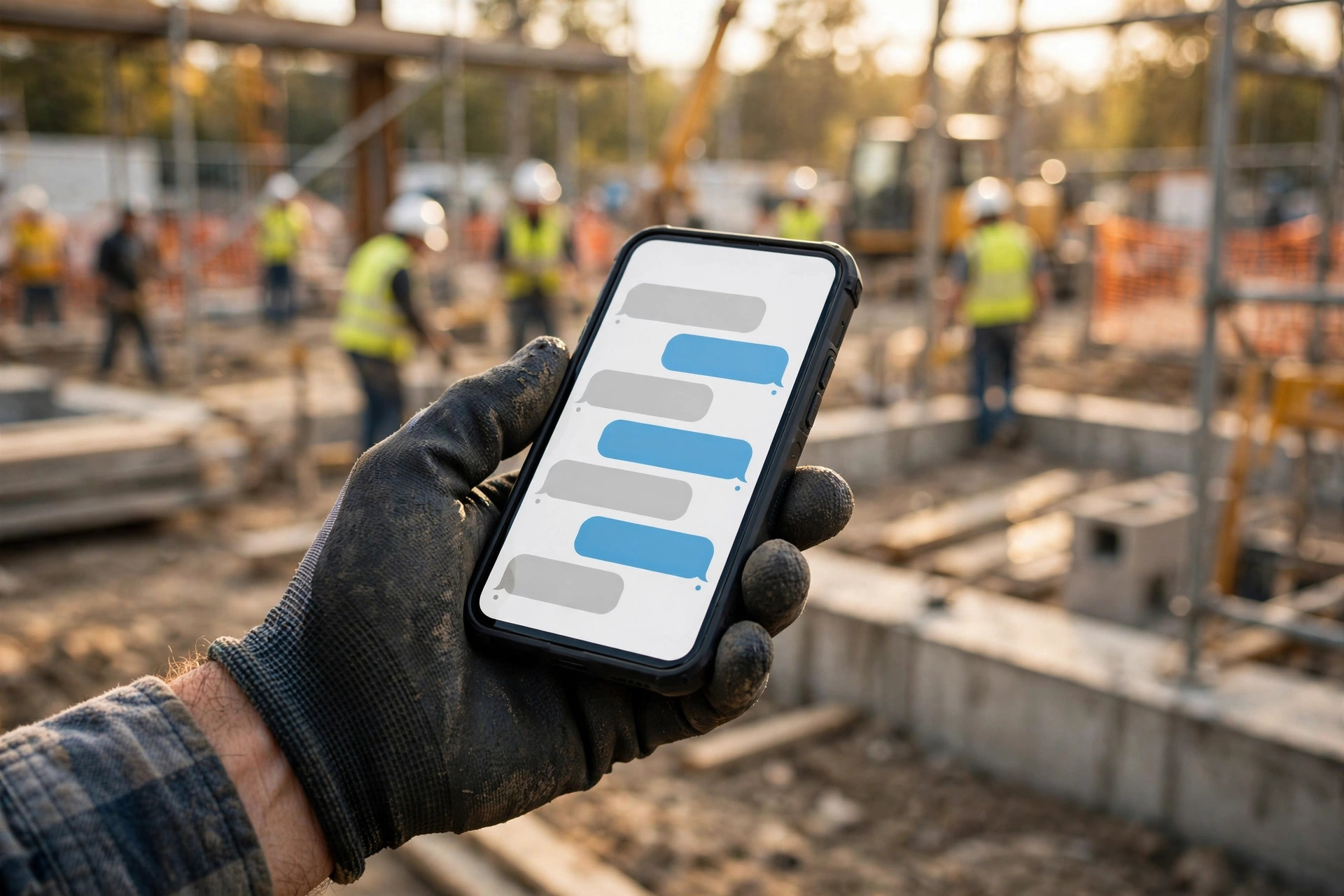
You are under a sink when the phone rings. By the time you wash your hands and call back, the homeowner has booked someone else. Thirty missed calls a month, a third of them real jobs, at a $450 average ticket: that is over $50,000 a year walking to a competitor, not because your work is worse, but because nobody picked up.
Missed call text-back is the simplest automation a contractor can run. When a call goes unanswered, your business texts the caller within seconds. That single text stops the homeowner from dialing the next company on Google. This guide shows how it works, what it costs, and how to set it up right.
The quick answer
- What it is: an automation that texts a caller from your business number seconds after their call goes unanswered, so the conversation continues by text instead of dying in voicemail.
- What it costs: $15 to $100 per month for standalone tools, or included in CRM platforms from $97 per month.
- The math: if it recovers even one job a month, it pays for itself many times over.
- The key: the first text is just the start. What wins the job is the follow-up conversation that happens after.
How missed call text-back works
- You miss a call. You are on a roof, under a sink, or with another customer.
- A text goes out in seconds. From your business number: “Sorry I missed your call, this is [Name] at [Company]. What do you need?”
- The homeowner replies by text. A large share of missed callers reply to a text instead of leaving a voicemail.
- You or your system respond. Ask what they need, qualify the job, and book it. Some systems carry the whole conversation and book the appointment for you.
- It becomes a job record. The conversation lands in your CRM or dispatch system as a lead, not a forgotten voicemail.
What the first text should say
- Identify yourself: your name and company, so they know it is not spam.
- Ask what they need: one open question, not a menu.
- Keep it short: two sentences max. This is a text, not an email.
Example: “Sorry I missed your call, this is Mike at Apex Plumbing. What can I help you with?” What it should not do: quote prices, diagnose the problem, or promise arrival times. Those stay human.
Tools and what they cost
| Approach | Typical cost | Best for |
|---|---|---|
| Phone system auto-reply (OpenPhone, Grasshopper) | $15 to $50/mo | Solo operators who just want the first text |
| Standalone text-back tools | $29 to $99/mo | Small crews wanting follow-up sequences |
| CRM with text-back built in | $97 to $497/mo | Growing shops that also need CRM, pipeline, and booking |
| AI conversation + booking | $100 to $300/mo | Shops that want the whole conversation handled |
Setting it up right
- Your number keeps ringing first. The worst tools answer for you and make customers feel they hit a bot. The text should only fire when you genuinely miss the call.
- Write the text by service category. A plumbing emergency and a quote request can get slightly different first messages.
- Define emergency routing. Urgent keywords (flooding, gas smell, no heat) should alert you or your on-call tech immediately.
- Connect it to your CRM. Every texted conversation should become a lead record with a callback task, not vanish into a phone app.
- Measure it. Track reply rate, booked jobs from text-back, and recovered revenue. If you cannot measure it, you cannot improve it.
Mistakes contractors make
- No text-back at all. The default. Voicemail as a strategy loses to anyone who texts back.
- A text that sounds like a robot. “This is an automated message” kills the conversation. Write like a person.
- Ignoring the reply. The text buys you minutes, not days. Respond to replies fast.
- No follow-up sequence. If they do not reply to the first text, most tools should try again. Set that up.
- Texting compliance. US business texting requires proper registration (10DLC). Any serious tool handles this in onboarding. Do not skip it.
Frequently asked questions
Will customers think the text is spam?
When it arrives seconds after their call, from your business number, identifying you by name, they connect the dots immediately. Response rates are high precisely because the context is fresh.
Does it work for emergency trades?
Yes, and that is where it pays most. Pair it with emergency keyword alerts so urgent jobs reach you instantly while routine ones get a text conversation.
Can it book appointments by itself?
Advanced tools can carry the conversation and book into your calendar. Simpler tools just start the conversation and hand it to you. Pick based on how much you want automated.
What if I already have a CRM?
Most CRMs built for home services include text-back or integrate with tools that do. Check yours before buying something new.
Stop losing jobs to missed calls
Digital Hayder sets up missed call text-back and full follow-up automation for contractors: instant texts, two-way conversations, CRM integration, and booking that runs while you work.
Book a Free Demo