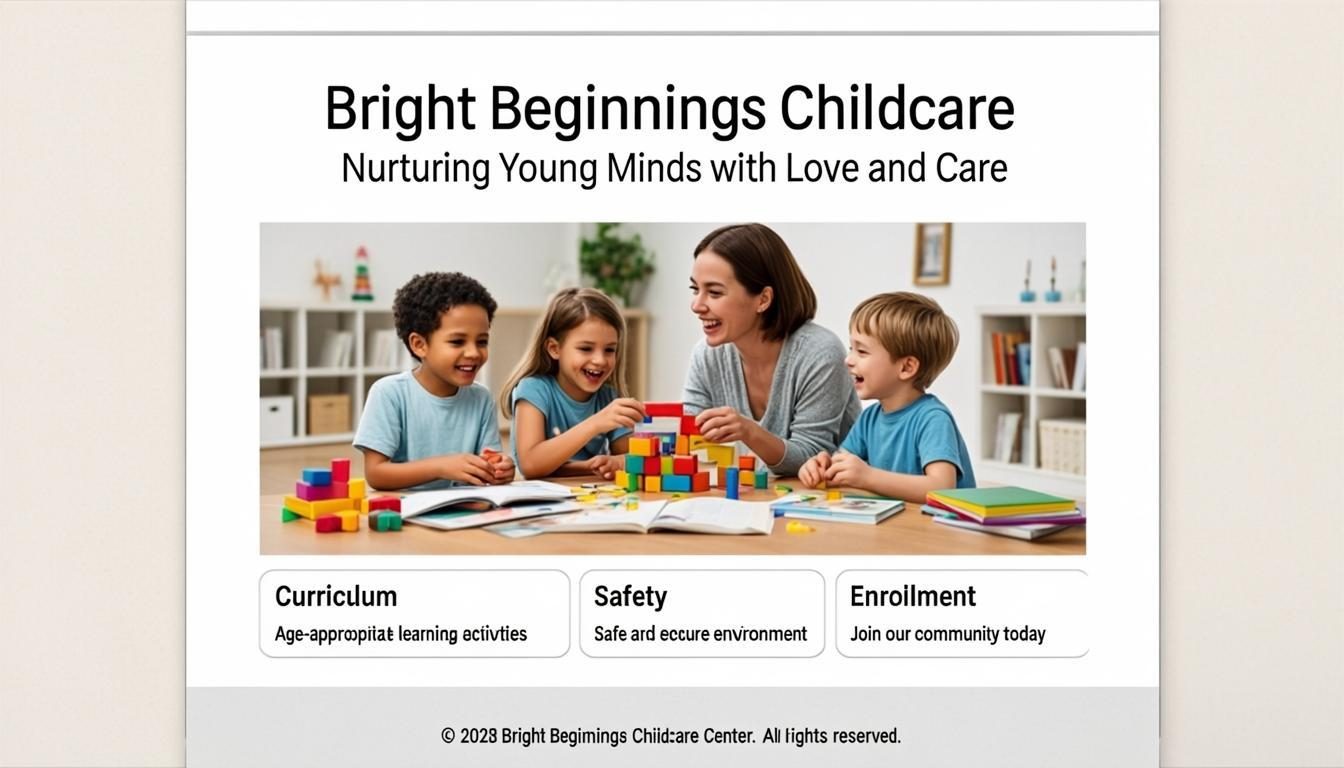
15 Must-Have Features of a Childcare Website
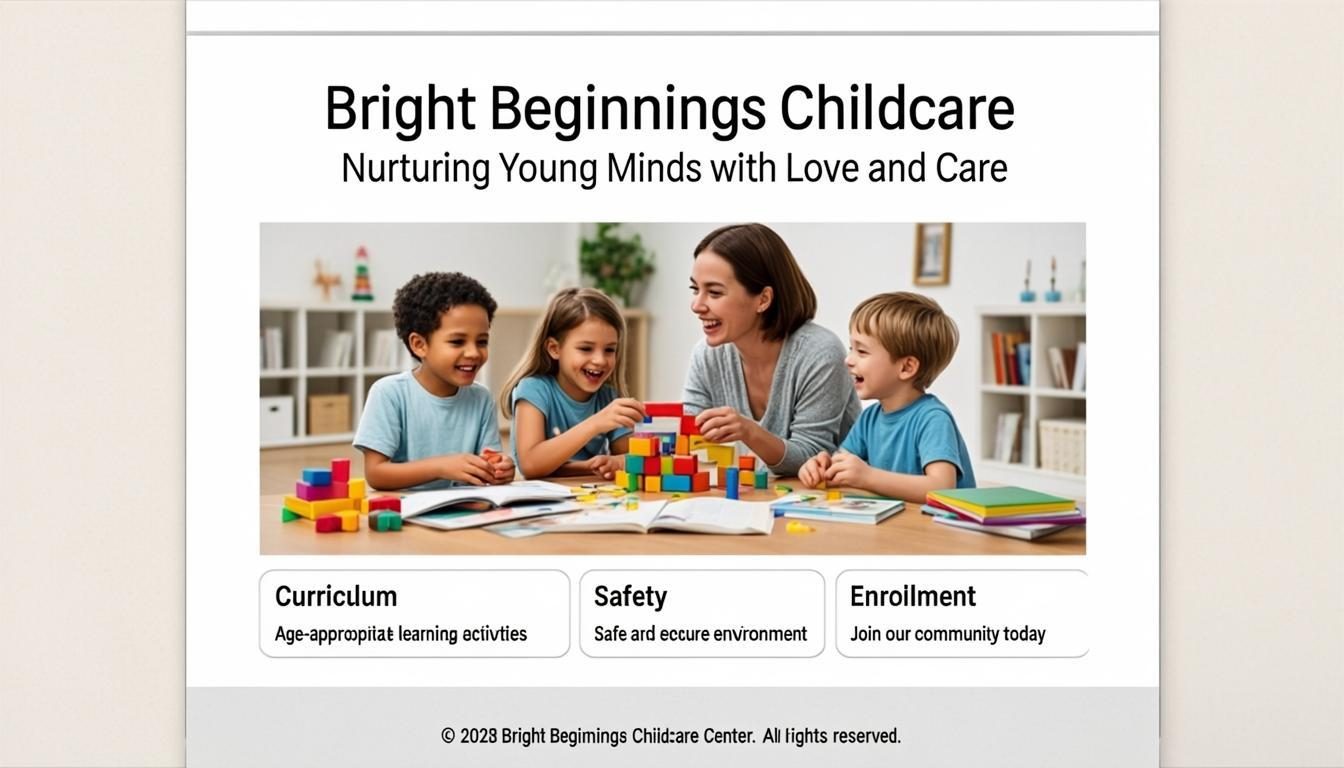
In today's competitive childcare landscape, your website is often the first impression potential families have of your program. With 14.8 million children under age 5 needing childcare but only 10.8 million formal spots available, creating a gap of 28% [1], parents are searching for reliable options online. Your website needs to stand out in a crowded digital space to attract and retain families.
A well-designed childcare website does more than just display information,it builds trust, communicates your values, and makes it easy for busy parents to learn about and enroll in your program. This guide covers the essential features every childcare website should include to effectively serve your community and grow your enrollment.
Here's what you'll learn:
- The core information parents need to find you
- How to showcase your program's unique value
- Features that build trust and credibility
- Tools that make enrollment easier for parents
- Ways to keep current families engaged
Essential Information Parents Need
Your website must provide clear, easily accessible information that helps parents evaluate if your program is right for their family. This foundational content builds the first layer of trust and helps potential families quickly understand your basic offerings.
Contact Information and Location
Clearly displayed contact information and location are non-negotiable elements [4]. Parents need to know how to reach you and where you're located without searching. Your phone number, email address, and physical address should be visible on every page, preferably in the header or footer.
Include an interactive map showing your exact location with driving directions. Many parents will visit your facility before enrolling, so make it easy for them to find you. Consider adding parking information and nearby landmarks to help first-time visitors.
Hours and Availability
Display your operating hours prominently on your homepage. Include details about holidays, school breaks, and any special closures. If you offer different hours for different age groups or programs, make this distinction clear.
For programs with waitlists, include information about your current availability. Phrases like "Limited spots available for fall 2026" create urgency and encourage prompt action from interested families.
Program Options and Age Groups
Clearly outline the different programs you offer, including age ranges, classroom names, and educational approaches. Use photos of your actual classrooms and teachers to help parents visualize their children in your environment.
Create a dedicated page for each program with detailed information about curriculum, daily routines, and developmental focus areas. This helps parents quickly find the information most relevant to their child's age and stage.
Showcasing Your Program's Value
Beyond basic information, your website should communicate what makes your childcare program unique and valuable. This section helps parents understand why they should choose your program over others in your area.
Educational Philosophy and Curriculum
Dedicate a section to explaining your educational approach and curriculum. Whether you follow Montessori, Reggio Emilia, play-based learning, or another method, articulate how this philosophy benefits children's development.
Include specific examples of learning activities, projects, and daily experiences that illustrate your curriculum in action. Photos and videos of children engaged in these activities provide powerful social proof of your educational approach.
Teacher Qualifications and Experience
Parents want to know who will be caring for and educating their children. Create a page introducing your teaching staff, including their credentials, years of experience, and special training.
Consider featuring teacher bios with professional photos and personal statements about their teaching philosophy. This personal connection helps build trust and shows that you value your staff, which correlates with higher quality care [2].
Facility Highlights and Safety Features
Showcase your physical environment with high-quality photos and videos of your classrooms, playground, and common areas. Highlight features that make your facility stand out, such as specialized learning centers, outdoor play areas, or technology resources.
Dedicate a section to your safety protocols, including security measures, illness policies, and emergency procedures. Parents need to feel confident that their children will be safe in your care. Specific details about staff-to-child ratios, background checks, and first aid training can significantly boost trust.
Building Trust and Credibility
Trust is the foundation of the parent-childcare provider relationship. Your website should include multiple elements that establish credibility and reassure parents of your program's quality and reliability.
Parent Testimonials and Reviews
Social proof is powerful in building trust. Feature testimonials from current and former parents about their experiences with your program. Include specific examples of how your program has benefited children and families.
Consider creating a dedicated reviews page that aggregates testimonials from various sources, including Google reviews, social media, and parent surveys. Respond professionally to all reviews, both positive and negative, to show you value feedback and are committed to continuous improvement.
Accreditation and Licensing Information
Display your licensing status and any accreditations prominently on your website. Include information about the requirements you meet or exceed, such as staff qualifications, child-to-teacher ratios, and safety standards.
If you've received any awards or recognition, create a dedicated page or section to showcase these achievements. This demonstrates your commitment to excellence and sets you apart from competitors who may not meet the same standards.
Health and Safety Policies
Dedicate a comprehensive page to your health and safety policies. Include details about illness prevention, medication administration, emergency procedures, and communicable disease protocols.
During and after the pandemic, parents are particularly concerned about health and safety. Be transparent about your cleaning procedures, symptom screening, and policies regarding sick children. Specific, detailed information reassures parents that you take these matters seriously.
Streamlining Enrollment and Communication
Your website should make it easy for interested families to take the next step and for current families to stay connected. These features reduce administrative burden while improving the parent experience.
Online Enrollment System
Implement an online enrollment system that allows parents to register their children, submit required documents, and pay fees electronically. This convenience can be a significant differentiator in today's digital world.
Your enrollment process should be simple and intuitive, with clear instructions at each step. Consider offering a downloadable enrollment packet for parents who prefer to complete paperwork manually, while still providing the option for online submission.
Parent Portal or Communication Hub
Create a secure parent portal where families can access important information about their children, including daily reports, lesson plans, and upcoming events. This transparency builds trust and keeps parents engaged in their child's learning journey.
Include features for direct communication with teachers and administrators, such as messaging systems or appointment scheduling tools. Regular updates through newsletters or app notifications help keep current families informed and connected.
Tuition Information and Payment Options
Be transparent about your tuition structure, including rates, payment schedules, and accepted payment methods. Include information about any available financial assistance, sliding scale fees, or employer partnerships that might reduce costs for families.
Consider offering online payment options for convenience. Many parents appreciate the ability to set up automatic payments and view payment history through a parent portal. Clear information about your withdrawal and refund policies helps prevent misunderstandings later.
Engaging Current Families and Community
Your website should serve not just prospective families but also your current community. Features that engage existing families can improve retention and turn satisfied customers into advocates for your program.
News and Events Calendar
Maintain an updated calendar of events, holidays, and important dates. Include details about parent-teacher conferences, school closures, special activities, and community events.
Consider creating a newsletter section where you share updates about program developments, staff news, and educational resources. Regular communication keeps current families engaged and demonstrates your program's vibrancy and growth.
Resources for Parents
Provide valuable resources that support families beyond your program's hours. This could include articles about child development, activity ideas for home learning, or guidance on common parenting challenges.
Consider creating resource libraries organized by age group or topic. When parents see that you're invested in their child's overall well-being, not just their time at your facility, they're more likely to remain loyal to your program.
Community Involvement Opportunities
Showcase how your program connects with the broader community. Highlight partnerships with local schools, businesses, or organizations that benefit your families and demonstrate your commitment to community engagement.
Create opportunities for parents to get involved through volunteer programs, committees, or social events. When families feel connected to your program's community, they're more likely to become long-term participants and advocates.
Comparing Website Builders for Childcare Programs
When creating your childcare website, you'll need to choose a platform that meets your specific needs. Here's a comparison of popular website builders suitable for childcare programs:
| Feature | Wix | Squarespace | Brightwheel | ChildcareCRM |
|---|---|---|---|---|
| Ease of Use | ★★★★★ | ★★★★☆ | ★★★★☆ | ★★★☆☆ |
| Childcare-Specific Features | ★★☆☆☆ | ★★☆☆☆ | ★★★★★ | ★★★★★ |
| Online Enrollment | ★★★☆☆ | ★★★☆☆ | ★★★★★ | ★★★★★ |
| Parent Portal | ★★☆☆☆ | ★★★☆☆ | ★★★★★ | ★★★★★ |
| Pricing | $16-$45/month | $12-$40/month | $0-$149/month | $99-$299/month |
| Customer Support | 24/7 chat, phone | Email, ticket | Email, chat | Phone, email, chat |
Pros and Cons of Key Website Features
Online Enrollment Systems
Pros:
- Reduces administrative paperwork
- Speeds up enrollment process
- Provides convenient payment options
- Collects necessary information systematically
Cons:
- Requires initial setup time
- May have subscription costs
- Technical issues could frustrate parents
- May not suit all families' preferences
Parent Portals
Pros:
- Increases parent engagement
- Provides transparency about child's day
- Facilitates direct communication
- Centralizes important documents and information
Cons:
- Requires ongoing maintenance
- May have learning curve for some parents
- Potential privacy concerns
- Needs regular updates to remain useful
Step-by-Step Guide to Creating Your Childcare Website
- Define your goals and audience
- Identify what you want your website to achieve
- Determine the primary information parents need
- Consider the needs of both prospective and current families
- Choose the right platform
- Consider childcare-specific solutions like Brightwheel
- Evaluate general platforms like Wix or Squarespace
- Ensure the platform offers necessary features like enrollment systems
- Gather your content and media
- Collect high-quality photos of your facility and activities
- Write clear descriptions of your programs and philosophy
- Prepare testimonials and accreditation information
- Design with parents in mind
- Use a mobile-responsive design
- Create clear navigation with intuitive menus
- Prioritize essential information above the fold
- Implement key features
- Set up online enrollment if possible
- Create parent communication tools
- Develop resources for current families
- Test and launch
- Check all links and forms
- Test on multiple devices
- Proofread all content thoroughly
- Maintain and update regularly
- Add new photos and events regularly
- Update information as needed
- Gather parent feedback for improvements
Key Takeaways
- Your childcare website is often the first impression potential families have of your program
- Essential information like contact details, hours, and program options must be easily accessible
- Showcasing your educational philosophy, teacher qualifications, and facility features helps communicate your value
- Building trust through testimonials, accreditation information, and detailed health policies is crucial
- Online enrollment systems and parent portals streamline processes and improve the family experience
- Regular updates and community resources help engage current families and improve retention
- Mobile responsiveness and intuitive navigation are technical necessities for modern childcare websites
Frequently Asked Questions
What information should be most prominent on a childcare homepage?
Your homepage should feature your program name, contact information, a compelling headline about your educational approach, and clear calls-to-action like "Schedule a Tour" or "Enroll Now." Include high-quality photos that showcase your facility and happy children engaged in learning activities.
How can I make my childcare website stand out from competitors?
Highlight what makes your program unique, whether it's a specialized curriculum, exceptional facilities, or outstanding staff qualifications. Share authentic parent testimonials and specific examples of children's learning experiences. Regularly update your site with current photos and news to demonstrate your program's vibrancy.
What's the most important feature for parent communication?
A secure parent portal that provides daily updates about children's activities, meals, and mood is invaluable. This transparency builds trust and keeps parents connected to their child's day. Direct messaging capabilities for communicating with teachers also significantly enhance the parent experience.
How often should I update my childcare website?
Plan to update your website at least monthly with new photos, events, and news. More frequent updates, such as weekly classroom highlights or monthly parent resources, can significantly increase engagement. Ensure all information, especially hours and availability, is always current.
What technical features are essential for a childcare website?
Mobile responsiveness is non-negotiable, as most parents will visit your site from phones. Fast loading speeds, secure forms for enrollment, and SSL encryption for protecting family data are also essential. Consider accessibility features to ensure all parents can easily navigate your site.
Conclusion
In a childcare landscape where demand outstrips supply by nearly 30% [1], your website is a critical tool for attracting and retaining families. By implementing these 15 must-have features, you'll create a digital presence that effectively showcases your program's value while making it easy for parents to learn about and enroll in your services.
Remember that your website is not just a brochure,it's a dynamic communication tool that should evolve with your program. Regular updates, fresh content, and responsive design will keep your site effective in the long term.
Ready to enhance your childcare website? Start by auditing your current site against these must-have features and create a plan to implement any missing elements. Your program deserves to stand out in the digital space, and with the right website, you'll connect with more families who share your educational values and commitment to children's development.
[related: childcare marketing strategies]
[related: parent communication tools]