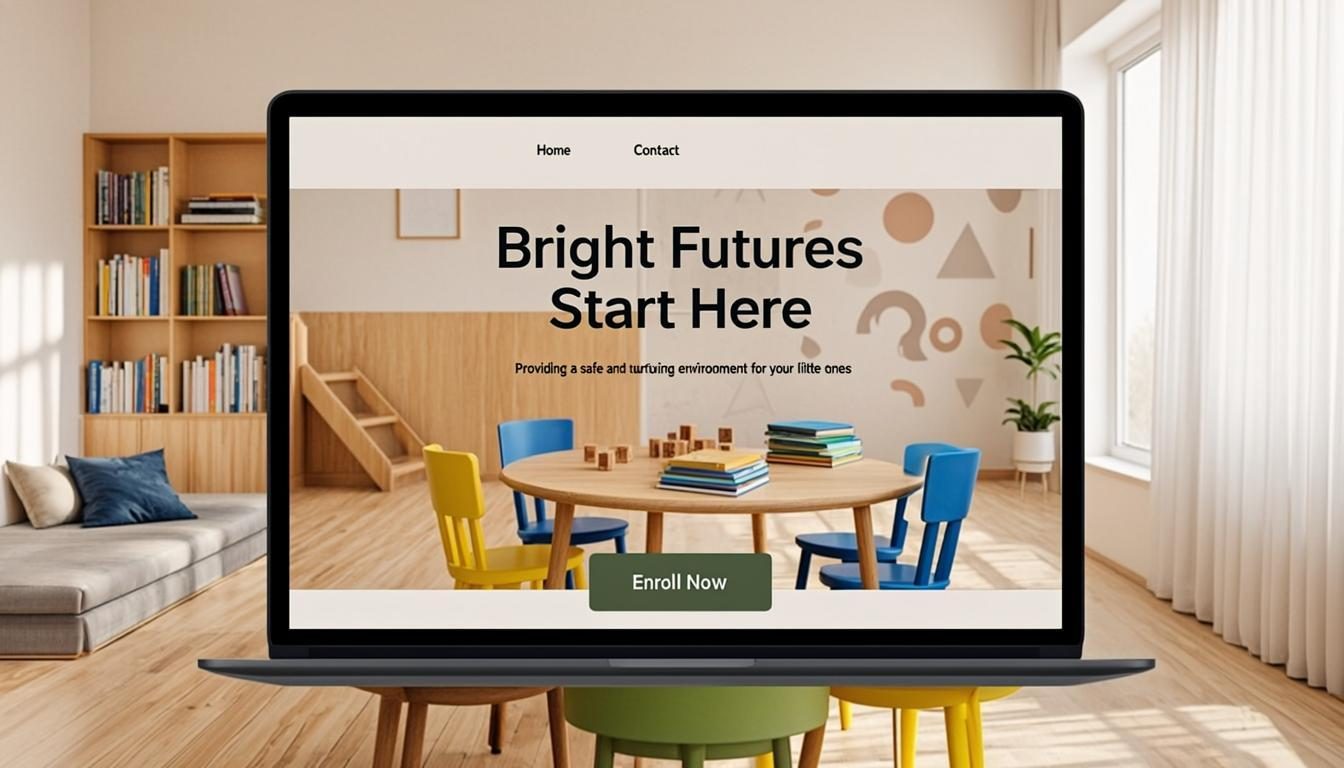
Best Website Design for Childcare Centers
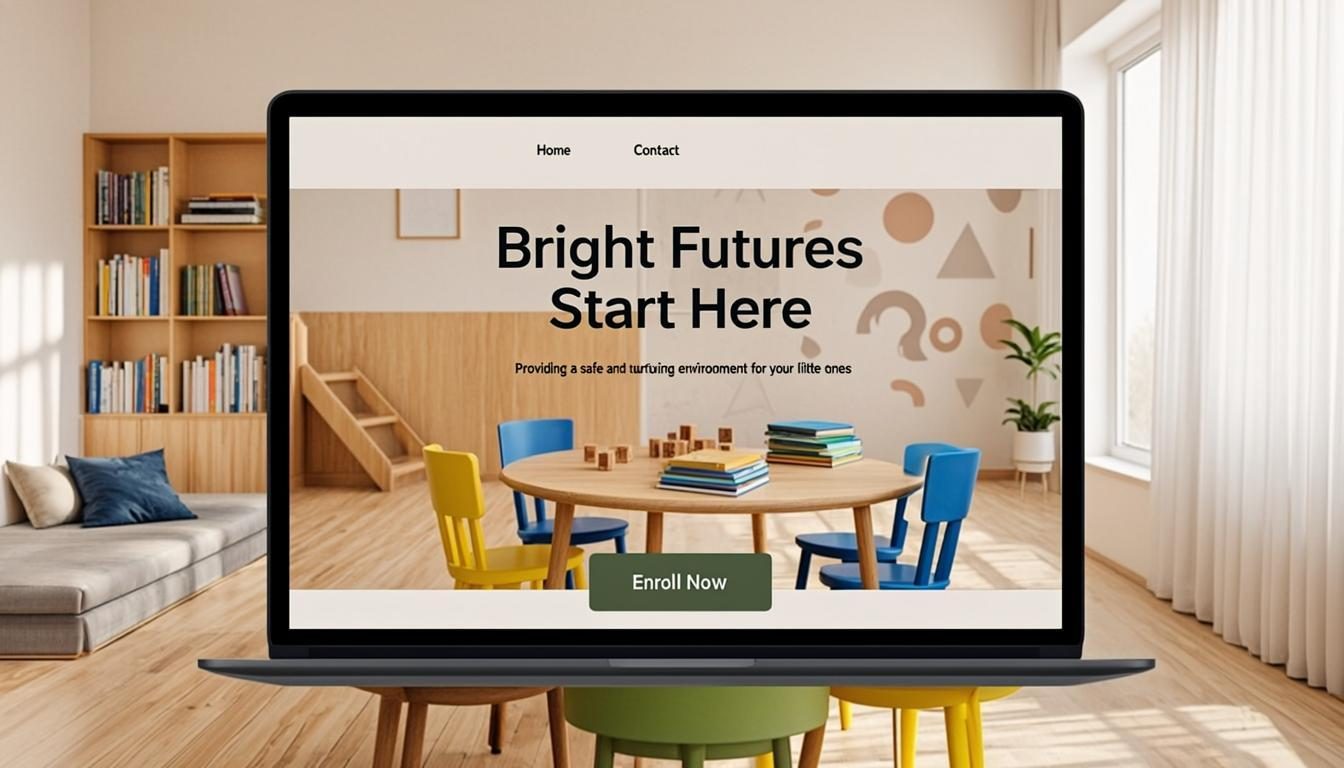
Is your childcare center's website doing enough to attract parents in today's competitive market? With 14.8 million children under age 5 needing care but only 10.8 million formal spots available nationwide, parents are searching online more than ever to find quality childcare options [1]. Your website is often the first impression potential families have of your center, and in an industry where 72% of areas are now considered child care deserts, standing out online is crucial [2].
In this comprehensive guide, you'll discover how to create a website that builds trust, showcases your unique offerings, and converts visitors into enrolled families. We'll cover everything from essential design elements to content strategies that speak directly to parents' concerns. By implementing these proven techniques, you'll not only improve your online presence but also strengthen your enrollment numbers and center reputation.
Why Your Childcare Website Needs a Professional Makeover
Your website is your digital storefront in an increasingly competitive childcare landscape. Parents spend hours researching options before making this critical decision about their child's care. A professional website builds credibility and trust immediately. When parents visit your site, they want to see evidence that you provide safe, nurturing environments with qualified staff.
The World Bank's Invest in Childcare initiative emphasizes how quality digital presence can drive investments in childcare centers [3]. Your website is often the first interaction potential families have with your center, making it essential to make a strong first impression. A well-designed website can significantly reduce the time your staff spends answering basic questions, allowing them to focus on what matters most
- caring for children.
Consider this: most parents will leave a website within seconds if it doesn't load quickly or looks outdated. In today's mobile-first world, your site must perform flawlessly on all devices. A professional website design communicates that you value quality in every aspect of your operation, including your online presence.
Essential Elements of a High-Converting Childcare Website
Mobile-First Design
With over 60% of parents searching for childcare options on their smartphones, a mobile-first approach is non-negotiable [4]. Your website must load quickly, display properly on small screens, and allow parents to easily find critical information with minimal scrolling. Mobile optimization isn't just about aesthetics; it's about accessibility for busy parents who are making quick decisions between appointments and pickups.
A responsive design automatically adjusts to different screen sizes, ensuring your site looks great whether parents are viewing it on a smartphone, tablet, or desktop. This flexibility means you can reach parents wherever they are, whether they're researching during their lunch break or late at night after the kids are asleep.
Clear Navigation and Information Architecture
Parents visiting your childcare website have specific questions they need answered quickly. Your navigation should be intuitive, with clearly labeled sections that guide visitors to the information they need most. Consider organizing your menu around parent priorities rather than internal department structures.
Essential pages include:
- Programs and curriculum details
- Staff credentials and experience
- Health and safety protocols
- Tuition and payment information
- Enrollment process
- Contact information and location
When parents can't find what they're looking for within a few clicks, they'll likely move on to a competitor's site. A logical information hierarchy reduces bounce rates and keeps engaged parents exploring your offerings.
Visual Storytelling Through Photography and Video
High-Quality Facility Images
Your facility photos should showcase your center's best features and create an emotional connection with parents. Invest in professional photography that captures bright, clean spaces, engaging learning environments, and happy children under proper supervision. Authentic images of daily activities build more trust than stock photos that look staged or generic.
Consider creating photo galleries organized by areas of your center
- classrooms, playgrounds, lunch areas, and special activity spaces. Before and after photos of recent renovations or improvements can demonstrate your commitment to maintaining and enhancing your facility over time.
Video Content That Builds Trust
Video content allows parents to virtually tour your facility and meet your staff before scheduling an in-person visit. Short clips of children engaged in learning activities, teachers interacting with students, or testimonials from satisfied parents can significantly boost conversion rates. Research shows that websites with video content can increase conversion rates by over 80% [4].
Create introductory videos of your director and lead teachers, highlighting their credentials and passion for early childhood education. Time-lapse videos of classroom setups or special events can showcase your center's vibrant learning environment and the care taken in preparing daily activities.
Building Trust Through Transparency and Social Proof
Detailed Program Information
Parents want to understand exactly what their child will experience at your center. Provide comprehensive details about your curriculum, daily schedules, educational philosophy, and learning objectives. Specific information about how you address different developmental stages, learning styles, and special needs demonstrates your expertise and commitment to individualized care.
Include sample daily schedules, curriculum overviews by age group, and explanations of your teaching methodologies. The more transparent you are about what children learn and how they spend their days, the more confident parents will feel in choosing your center.
Testimonials and Reviews
Social proof is incredibly powerful in the childcare industry. Feature testimonials from current and past parents that highlight different aspects of your center
- from the quality of education to communication with parents or how well children transitioned to kindergarten. Include photos of the families (with permission) to make these testimonials more authentic and relatable.
Consider creating a dedicated reviews page that aggregates positive feedback from multiple platforms, including Google reviews, parent surveys, and social media comments. Responding professionally to both positive and negative reviews demonstrates your commitment to continuous improvement and parent satisfaction.
Effective Content Strategy for Childcare Websites
Parent Resources Blog
A blog section that addresses common parenting concerns and educational topics positions your center as an authority in early childhood education. Content ideas include age-appropriate activity suggestions, developmental milestone guides, nutrition tips, and school preparation advice. This valuable content not only engages current families but also attracts prospective parents searching for information online.
Regular blog posts (2-4 per month) improve your search rankings and give parents reasons to return to your site. Each post should include clear calls-to-action that guide readers toward enrollment tours or program information.
News and Updates Section
Keep your website fresh with regular updates about center events, curriculum enhancements, staff achievements, and community involvement. This section demonstrates that your center is active, engaged, and continuously improving. Recent updates might include new playground equipment, special learning programs, or staff certifications.
A newsletter signup form integrated with this section allows you to maintain communication with interested parents who aren't quite ready to enroll. Regular email updates keep your center top-of-mind when parents make their final childcare decisions.
Website Design Tools and Platforms Comparison
When selecting a website platform for your childcare center, consider factors like ease of use, cost, and specific features relevant to your industry needs. Here's a comparison of popular options:
| Platform | Starting Price | Key Features | User Rating | Best For |
|---|---|---|---|---|
| Brightwheel | $25/month | Parent communication, enrollment tools, photo sharing | 4.5/5 | Centers wanting all-in-one solution |
| Procare Solutions | $40/month | Billing, attendance, parent portal | 4.3/5 | Larger centers with complex needs |
| Weebly | $12/month | Drag-and-drop builder, mobile responsive | 4.2/5 | Budget-conscious centers |
| Squarespace | $16/month | Beautiful templates, easy content management | 4.4/5 | Centers prioritizing design aesthetics |
| WordPress | Free (hosting extra) | Highly customizable, plugin support | 4.6/5 | Centers needing specific functionality |
Implementation Checklist for Your Childcare Website
- Audit your current website to identify strengths, weaknesses, and outdated information
- Research competitor websites to identify industry best practices and gaps you can fill
- Define your brand voice and ensure consistency across all content and visuals
- Gather high-quality photos and videos of your facility, staff, and children in action
- Develop a content calendar with regular updates for blog posts, news, and events
- Implement mobile optimization and test your site on various devices
- Set up analytics tracking to monitor traffic sources, user behavior, and conversion rates
- Create a maintenance schedule for regular updates, security checks, and content refreshes
Key Takeaways
- Your website is often the first impression potential families have of your center, making professional design essential in a competitive market
- Mobile-first design is critical, with over 60% of parents searching for childcare options on smartphones
- High-quality visual content including photos and videos builds trust and emotional connections with parents
- Transparency through detailed program information and authentic testimonials establishes credibility
- Regular content updates through blogs and news sections keep your website fresh and improve search rankings
- Selecting the right platform depends on your center's specific needs, budget, and technical capabilities
- Consistent implementation of website best practices can significantly increase enrollment inquiries and conversions
Frequently Asked Questions
How often should I update my childcare website?
You should update your website at least monthly with fresh content, events, and news. Regular updates signal to both parents and search engines that your center is active and engaged. Consider a content calendar to ensure consistent posting of valuable information for your audience.
What's the most important element of a childcare website?
Trust-building elements are most critical, including clear information about staff credentials, health and safety protocols, and authentic testimonials. Parents need to feel confident that their children will be safe and well-cared for, so highlighting your qualifications and positive experiences from current families should be prioritized.
How can I improve my childcare website's search ranking?
Focus on local SEO by including your service area, optimizing Google My Business listing, and creating location-specific content. Regular blog posts addressing parent questions, proper keyword usage in page titles and descriptions, and building quality backlinks from local organizations will improve your visibility in search results.
Should I include pricing information on my website?
Transparency about pricing builds trust with parents. While you don't need to list exact rates for every program, providing general price ranges or a clear pathway to request detailed pricing information shows honesty and helps filter families who can't afford your services before they invest time in tours.
How can my website help reduce administrative workload?
Implement features like online enrollment forms, parent portals for communication and documentation, and automated scheduling systems. These digital tools streamline administrative processes, reduce paperwork, and improve communication efficiency, allowing your staff to focus more on direct care and less on administrative tasks.
Taking the Next Step
Your childcare center deserves a website that reflects the quality care you provide every day. By implementing the strategies outlined in this guide, you'll create a digital presence that builds trust, attracts qualified families, and supports your center's growth. Remember, your website is not just a marketing tool,it's an extension of your commitment to excellence in early childhood education.
Start by auditing your current website against the elements we've discussed, then create a prioritized improvement plan. Whether you're working with a professional designer or using a DIY platform, focus on creating an authentic, informative, and engaging experience for parents researching childcare options. In an industry with increasing demand and limited supply, a standout website can be your most powerful enrollment tool.
[related: childcare marketing strategies]
[related: parent communication tools for childcare]
[related: improving childcare center enrollment]