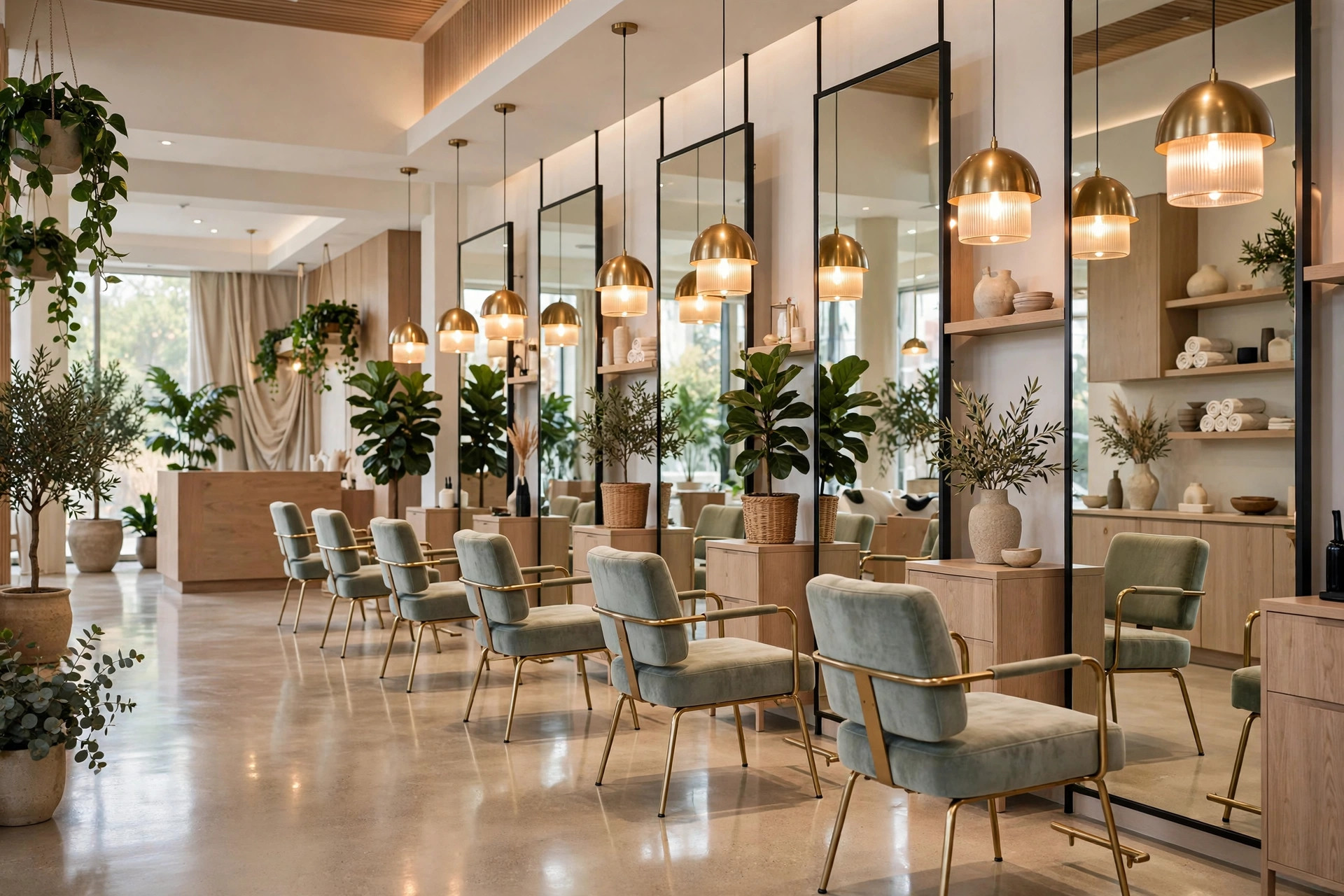
An empty styling chair is the salon version of money walking out the door. Every gap in the book is a slot you can never sell again, and most salons lose far more revenue to quiet client drift than to any competitor. Email marketing for salons fixes this with four high-value sequences that run on their own: win-back emails that bring lapsed clients home, rebooking reminders timed to each service interval, opening-slot alerts that fill cancellations within the hour, and new-service announcements that sell your latest treatments to people who already trust you. This guide breaks down all four, with sample subject lines, exact timing, and how to tie everything to your booking software so the right email reaches the right client at the right moment.
The quick answer
- The four sequences: win-back for lapsed clients, rebooking by service interval, opening-slot alerts, and new-service announcements.
- Highest value first: the win-back sequence typically recovers 10 to 20% of lapsed clients at near-zero cost per booking.
- Timing is everything: rebooking emails fire just before each client’s usual visit interval (4 weeks for cuts, 6 to 8 for color, 2 to 3 for nails).
- Benchmarks to beat: aim for 35 to 45% open rates and 3 to 5% click rates; salons beat most industries because the content is personal.
- Key integration: connect email to your booking software so visit history, service intervals, and cancellations trigger the right message automatically.
- Start today: export clients who have not visited in 90+ days and send the first win-back email this week.
Why salons are built for email marketing
Salons have something most businesses would pay dearly for: a list of named clients with known purchase histories. You know that Sarah gets a balayage every eight weeks, that Marcus comes for a fade every three, and that Priya tried a keratin treatment once last spring. That data turns email from generic marketing into personal service. A reminder that arrives exactly when a client’s roots are due does not feel like advertising; it feels like attention.
The repeat-visit nature of salon services makes email uniquely profitable. A single recovered client is not one booking, it is a year of bookings. If your average client visits six times a year at $75 a visit, every lapsed client you win back is worth roughly $450 a year in revenue. Win back fifty lapsed clients with one automated sequence and you have added more than $20,000 in annual revenue without spending a dollar on ads. Few marketing channels touch that math.
Email also reaches people SMS cannot reach as cheaply at scale. Text messages are excellent for appointment reminders and last-minute openings, and our guide to SMS marketing for salons covers that side in detail. But SMS costs per message and annoys people when overused. Email is nearly free per send, allows rich visuals of your actual work, and is the right channel for anything that is not urgent: win-backs, rebooking nudges, new services, and seasonal campaigns.
Sequence 1: Win-back for lapsed clients
Every salon has a silent list of clients who stopped booking without a word. They moved, they got busy, they tried the salon near their office, or they simply fell out of the habit. Most are not angry; they are just inactive. A win-back sequence is the cheapest revenue your salon will ever generate, because these people already know you, already trust your work, and only need a nudge.
Define “lapsed” as 90 days past the client’s normal interval. A color client who comes every eight weeks becomes lapsed at about five months; a haircut client on a four-week cycle becomes lapsed at three months. Your booking software can flag these clients automatically if it tracks visit history. Export or segment everyone who crosses that line, and run this three-email sequence:
- Email 1, the check-in: “We miss you, [name]” – warm, personal, no discount. Mention something specific if you can, like their stylist by name. Include one photo of recent work from their stylist. The message is simple: we noticed you have not been in, everything is great here, and your chair is waiting. Send 90 days past their normal interval.
- Email 2, the incentive: “A little something to welcome you back” – this is where the offer lives. A 15 to 20% discount on their next visit, or a free add-on like a deep-conditioning treatment, works better than a large discount, which trains clients to wait for deals. Give the offer a two-week expiry to create a reason to act now.
- Email 3, the honest ask: “Can I ask why you left?” – a short email from the salon owner asking for honest feedback, with a one-question reply prompt. Many lapsed clients reply to this one, and the answers are gold: a stylist who left, a price concern, a scheduling problem. Fix what you can, and invite them back personally.
Space the three emails about a week apart. After the sequence ends, lapsed clients who never engaged move to your general newsletter list at low frequency. Do not keep hammering them; the sequence did its job.
Expect 10 to 20% of the lapsed list to book again from the sequence, with most bookings coming from emails 1 and 2. On a list of 200 lapsed clients at a $75 average ticket, a 15% recovery rate is 30 clients and $2,250 in immediate revenue, plus the future visits of everyone who comes back into the habit. Run the sequence continuously as new clients cross the lapsed line, and it becomes a permanent revenue tap.
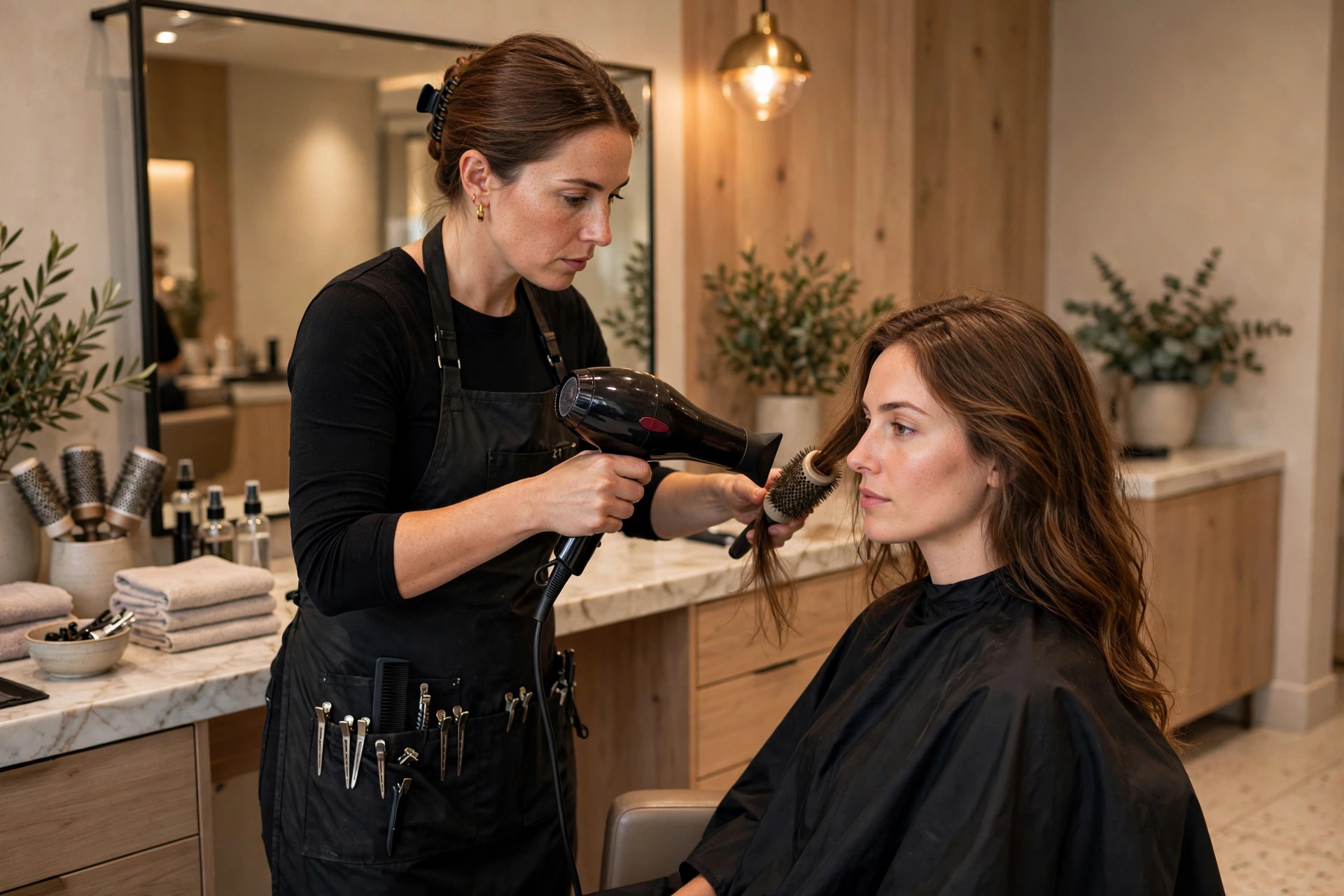
A win-back email that shows your stylists’ actual work reminds lapsed clients what they are missing.
Sequence 2: Rebooking by service interval
The rebooking sequence is the quiet workhorse of salon email. Instead of hoping clients remember to book, you remind them at exactly the right moment based on what they had done last time. This single automation can lift rebooking rates by 15 to 30%, because most clients who drift do not leave for a reason; they just never got around to booking.
Set intervals by service type:
- Haircuts: reminder 3 to 4 weeks after the last cut, so it lands just before the hair starts looking grown out.
- Color and balayage: reminder 6 to 7 weeks after the last color appointment, timed to beat the visible root line.
- Highlights: reminder at 6 to 8 weeks, matching the typical grow-out cycle.
- Keratin and smoothing treatments: reminder at 10 to 12 weeks, as the treatment wears off.
- Nails: reminder 2 to 3 weeks after the last manicure or fill.
- Facials and skin treatments: reminder 4 to 6 weeks after the last treatment.
Each reminder email follows the same proven shape: a friendly subject line like “Time for a refresh, [name]?”, one sentence noting it has been about X weeks since their last visit, a single prominent booking button linked to your online booking page with their stylist pre-selected if possible, and one small piece of content, such as a photo of a recent transformation or a tip for maintaining the style between visits. Keep it short. The email exists to make booking take thirty seconds, not to be read like a magazine.
The critical detail is the booking link. Every extra step between the email and a confirmed booking loses people. The link should open your booking software directly to an available-slot view, ideally with the client’s details pre-filled. Our breakdown of the best online booking software for salons covers what to look for in that integration. If your booking tool supports it, pre-select the client’s last stylist; familiarity is a booking driver.
Sequence 3: Opening-slot alerts
Cancellations are pure lost revenue unless the slot gets refilled. Opening-slot alerts turn cancellations into opportunities by emailing the right clients the moment a gap appears. The key word is “right”: blasting your whole list every time someone cancels trains people to ignore you. Instead, maintain a waitlist segment of clients who opted in to last-minute alerts, and email only them.
Build the waitlist naturally. After every booking confirmation, add one line: “Want first dibs on last-minute openings? Join our priority list.” Clients who take same-day or next-day appointments self-select into this segment, and they are exactly the people who will act on a 10am email about a 2pm opening. Keep the segment warm with an occasional message so they remember they signed up, but send actual alerts only when a real opening exists.
The alert email is the shortest email you will ever send: subject line “Opening today at 2pm with [stylist]”, body with the date, time, stylist, and one booking button. Send it within minutes of the cancellation; the first salon to fill the slot wins. For same-day openings, pair the email with a text message to the waitlist, since email open times are too slow for a slot three hours away. The email catches the planners; the text catches the opportunists.
Track which clients book from alerts and tag them as your rapid-response list. Over time you will learn that certain clients reliably take Friday openings or prefer specific stylists, and you can prioritize the alert order accordingly.
Sequence 4: New-service announcements
When you add a service, a treatment line, or a new stylist, your existing clients are the easiest people to sell it to. They already trust your salon; they just do not know the new thing exists. A new-service announcement email is a launch event for an audience that is already warm.
Run it as a short two-email sequence rather than a single blast. Email 1 is the reveal: what the service is, who it is for, and why you added it, with before-and-after photos from your own team, not stock images. Include an introductory price or a launch-week bonus, such as a free consultation or a complimentary add-on. Email 2, sent a week later, is the proof: early client results, a short testimonial, and a reminder that the introductory pricing ends soon.
Segment the announcement when you can. A new balayage technique goes to your color clients; a new men’s grooming service goes to your short-hair and barbering clients. Targeted announcements get dramatically higher booking rates than list-wide blasts, and they avoid the “this does not apply to me” fatigue that makes people tune out future emails.
This sequence also works for seasonal pushes: a “holiday hair prep” campaign in the weeks before the party season, a “summer frizz rescue” series for keratin treatments, or a bridal package launch in engagement season. Tie the service to a moment in the client’s calendar and the email writes itself.
Every sequence should end at your booking page: the shorter the path from email to confirmed slot, the higher the conversion.
Tying it all to booking automation
Four sequences are only manageable if they run themselves. The connective tissue is your booking software, which knows every client’s visit history, service types, and future bookings. Here is how the automation wiring works in practice.
First, your booking data must flow into your email platform. Most salon booking tools integrate directly with email platforms or through a CRM; the integration should sync client name, email, phone, last visit date, services received, preferred stylist, and any future bookings. Without future-booking data, you cannot suppress reminders for clients who already booked, which is the number one source of embarrassing automation mistakes.
Second, build the segments once and let them update automatically. Your segments are: active clients (visited within their interval), due for rebooking (interval nearly up, no future booking), lapsed (90 days past interval), waitlist (opted in to opening alerts), and service-specific groups for targeted announcements. Each segment should refresh daily from booking data without anyone touching it.
Third, set the trigger rules and test them. The win-back fires when a client crosses the lapsed threshold. The rebooking reminder fires at the service interval minus a few days. The opening alert fires on cancellation, but only to the waitlist. The new-service announcement fires on your schedule to the relevant segment. Test every trigger with a test client profile before going live, and watch the first month closely for misfires.
If your current booking tool cannot do this, the email strategy is a good reason to evaluate alternatives rather than a reason to run everything manually. Manual sequences die within weeks; automated ones run for years. The same principle applies in other appointment businesses: our article on email marketing for gyms shows how fitness businesses wire similar sequences to their membership systems.
Subject lines that get opened
Salon emails compete with everything else in the inbox, so subject lines need to sound personal and specific. Keep them under 50 characters, use the client’s first name where your platform supports it, and write like a stylist texting a client, not a brand announcing a sale.
- Win-back: “We miss you, Sarah”, “Your chair is still here”, “Is everything okay? We have not seen you”
- Rebooking: “Time for a refresh?”, “Your roots called, they miss us”, “It has been 6 weeks, ready for a touch-up?”
- Opening alerts: “Opening today at 2pm with Jess”, “Last-minute spot just opened Friday”, “Someone cancelled, want their 11am?”
- New services: “We just added something you will love”, “The treatment everyone is asking about”, “First look: our new bridal styling suite”
- Seasonal: “Holiday hair starts now (book before the rush)”, “Your summer frizz fix is here”
Avoid spam-trigger words like “free,” “guarantee,” “act now,” and excessive exclamation marks. And always send from a person’s name or your salon’s name, never from a “noreply” address. Clients reply to salon emails with questions about services and availability; a noreply address tells them you do not want the conversation, which is the opposite of what a salon should signal.
| Sequence | Trigger | Emails | Expected result |
|---|---|---|---|
| Win-back | 90 days past normal visit interval | 3 over 3 weeks | 10 to 20% of lapsed clients rebook |
| Rebooking reminder | Service interval approaching, no future booking | 1 per cycle | 15 to 30% lift in rebooking rates |
| Opening-slot alert | Cancellation, sent to waitlist only | 1 per opening | 30 to 50% of alerted slots refilled same day |
| New-service announcement | Launch or seasonal push, targeted segment | 2 over 2 weeks | 5 to 15% of targeted segment books the new service |
What good numbers look like
Salon email benchmarks run above average for local businesses because the relationship is personal and the content is visual. Target 35 to 45% open rates on your regular campaigns; win-back and rebooking emails often open even higher because they feel personally relevant. Click rates of 3 to 5% are healthy, and most of those clicks should land on your booking page.
Watch unsubscribe rates as your early warning system: anything consistently above 0.5% per send means you are emailing too often or to the wrong segments. And track revenue per send, not just opens. A rebooking email that generates twelve $80 appointments from one send is worth more than a newsletter with a 50% open rate and zero bookings. Connect booking revenue back to the email that drove it; most booking platforms with email integration can report this directly.
One caution on open rates: Apple Mail privacy protection inflates them, so a sudden jump in opens with flat clicks usually means more of your clients switched to iPhones, not that your subject lines improved. Weight clicks, replies, and bookings more heavily than opens when judging a sequence.
Mistakes that empty the chairs faster
The most common failure is the generic monthly blast: one email to the entire list about whatever the salon felt like promoting. It trains clients to ignore you because most of the content never applies to them. Segmentation is not optional polish; it is the difference between email that fills chairs and email that gets deleted.
Second is discount addiction. A salon that sends 20% off every other week teaches clients to wait for the coupon, which erodes full-price bookings permanently. Use discounts surgically: in win-backs where the client is genuinely at risk of never returning, and in new-service launches where trial matters. Never discount rebooking reminders; the client was coming anyway.
Third is the missing booking link, or a booking link that leads to a generic homepage instead of an open scheduling view. Every email should end at a bookable slot in one or two taps. Fourth is ignoring replies: clients answer salon emails with real questions, and an unanswered reply is a lost booking. Route replies to someone who checks them daily. Fifth is letting the list go stale: remove hard bounces quarterly, and send lapsed non-openers a final “should we keep you on the list” email before quieting them down.
Your setup checklist
Launch the system in this order. Each step takes an afternoon at most, and the win-back sequence alone usually pays for the whole project within weeks.
- 1Connect booking software to your email platform. Sync client data, visit history, services, and future bookings. Verify the sync runs daily before building anything on top of it.
- 2Export and segment your lapsed clients. Anyone 90 days past their normal interval goes into the win-back segment. Write and schedule the three-email sequence this week.
- 3Set service intervals and build the rebooking reminder. Map each service to its reminder timing, write one template, and let the booking data personalize it per client.
- 4Start the waitlist. Add the opt-in line to booking confirmations and a signup link in your regular emails. You need this list ready before the first cancellation alert goes out.
- 5Test every trigger with a fake client. Book, cancel, and lapse a test profile and confirm the right emails fire and the wrong ones stay silent, especially the suppression when a future booking exists.
- 6Plan your next new-service or seasonal announcement. Write the two-email sequence in advance so launches never go out as last-minute blasts.
- 7Review monthly and prune quarterly. Check bookings per sequence every month, rewrite the weakest email, and clean bounces and dead addresses every quarter.
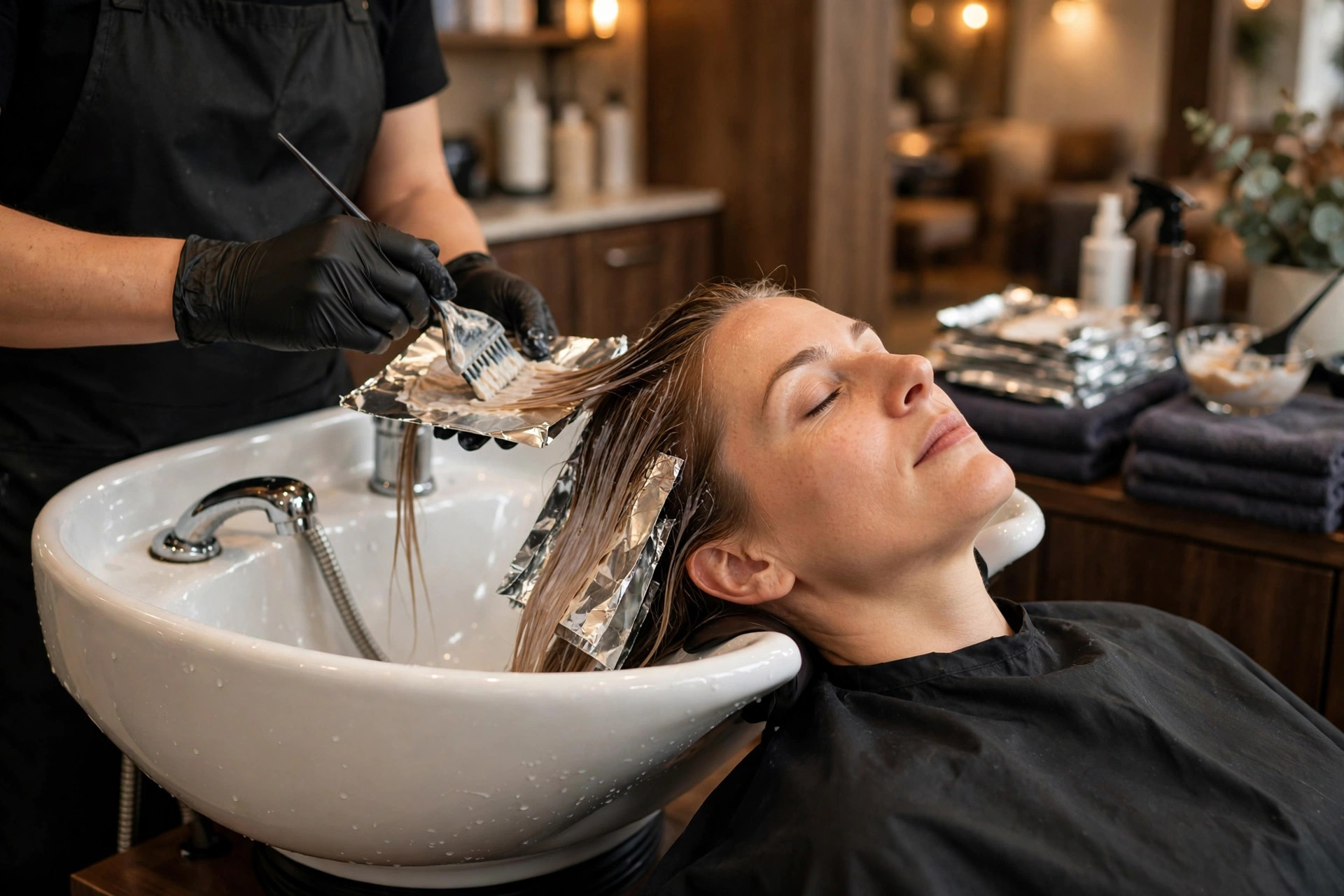
New services sell best to existing clients: announce them to the segment most likely to book, not the whole list.
Frequently asked questions
How often should a salon send marketing emails?
Send automated sequences as triggered (rebooking reminders per service interval, win-backs at the lapsed threshold, opening alerts on cancellation) plus one general campaign per month. Triggered emails feel personal because they arrive at the right moment; limit list-wide promotional blasts to monthly so they stay welcome.
What is a good open rate for salon emails?
Target 35 to 45% on regular campaigns, with win-back and rebooking emails often performing higher because they feel personally relevant. If opens fall below 25%, check your subject lines, sender name, and list hygiene before changing anything else.
Should salons use email or SMS for marketing?
Use both for different jobs. SMS is best for urgent, short messages: appointment reminders, same-day opening alerts, and confirmations. Email is best for everything else: win-backs, rebooking nudges, new-service announcements with photos, and seasonal campaigns. Email costs far less per send and handles rich visuals better.
How do I win back clients who left for another salon?
Run the three-email win-back sequence: a warm check-in with no discount, then a modest welcome-back incentive with an expiry, then an honest feedback ask from the owner. About 10 to 20% of lapsed clients rebook. The feedback replies also tell you what to fix, whether it is pricing, scheduling, or a stylist issue.
How do I connect my booking software to email marketing?
Use your booking tool’s direct integration with an email platform or a CRM in between. The sync must include visit history, services received, and future bookings so reminders fire at the right interval and suppress automatically when a client already booked. Test with a fake client profile before going live.
Fill every chair on your schedule
Digital Hayder builds automated email and booking systems for salons: win-back sequences, interval-based rebooking reminders, waitlist alerts, and new-service launches, all wired into your booking software. Tell us about your client list and your no-show gaps, and we will show you what a full book is worth.
Contact Us