Your customers already live on WhatsApp. This guide shows how local businesses use it to win more jobs: instant replies that beat competitors, broadcasts that actually get read, catalogs that sell in the chat, and automations that follow up while you work. You will learn the setup, the rules that keep your number safe, the campaigns that produce bookings, and what it all costs.
The quick answer
- Why WhatsApp wins for local business: messages get opened at rates near 90%, most within minutes. Customers reply in a chat thread they already use every day.
- Start free: the WhatsApp Business app is free and handles catalogs, labels, quick replies, and broadcast lists for small contact lists.
- Scale with the API: when you outgrow the app, the WhatsApp Business Platform (API) adds automation, chatbots, and CRM connections. Typical cost is a few cents per marketing message.
- Opt-in is mandatory: every marketing message must go to someone who agreed to hear from you. No purchased lists, no exceptions.
- Best first plays: missed-call text back, appointment reminders, quote follow-ups, order updates, and a monthly broadcast with a real offer.
- What it costs: $0 to start with the free app; roughly $30 to $300 a month for API-based tools at small business volume.
Why WhatsApp wins for local businesses
Think about how your customers already use their phones. A restaurant regular, a salon client, a homeowner waiting on a repair quote: they all live in chat apps. Email sits unopened for days. Phone calls interrupt. SMS feels transactional. WhatsApp sits in the middle, familiar and personal, and that changes how people respond to a business message.
The open rate gap is real
Industry measurements consistently put WhatsApp message open rates near 90% or above, with most messages read within the first hour. Email open rates for small businesses usually land between 15% and 25%, and click rates sit far lower. This is not because WhatsApp messages are better written. It is because the message arrives in the app the customer checks reflexively, next to messages from people they know. For a local business, that placement is worth more than any subject line trick.
Where WhatsApp fits in your marketing
WhatsApp is not a replacement for your website or your Google presence. People still find you on Google first. WhatsApp is what happens after that first contact: it turns a one-time inquiry into an ongoing conversation. A customer who asked about prices on your website can get the answer on WhatsApp, then get a follow-up quote, then a booking confirmation, then a review request, all in the same thread. No other channel keeps the full relationship in one place like that.
It also fixes the biggest leak in local marketing: slow follow-up. Businesses that respond to a new inquiry within minutes close far more jobs than those that respond the next day. A WhatsApp chat thread makes fast replies natural, because answering feels like texting a friend rather than working a CRM queue.
A WhatsApp chat thread keeps the whole customer relationship in one place, from first question to repeat booking.
The rules you must follow first
WhatsApp protects its users aggressively, and businesses that treat it like a spam cannon get banned. The rules are simple, and following them keeps your number healthy for years.
Opt-in is not optional
You may only send marketing messages to people who explicitly agreed to receive them. An opt-in can be a checkbox at checkout, a “send me offers on WhatsApp” tick box on your website form, a QR code on your counter that customers scan to join, or a reply keyword like “YES” to your first service message. What counts is clear consent for business messages on WhatsApp specifically. Buying a contact list and messaging it is the fastest way to get your number reported and banned.
Free app vs. Business Platform (API): which one you need
The WhatsApp Business app is a free phone app built for small businesses. It gives you a business profile, product catalogs, labels to organize chats, quick replies for common answers, greeting messages, away messages, and broadcast lists that reach up to 256 contacts at a time. For a shop with a few hundred customers, this is often everything you need, and it costs nothing.
The WhatsApp Business Platform (the API) is for businesses that need automation at scale: chatbots that answer after hours, messages triggered by your booking system or CRM, bulk campaigns to thousands of contacts, and multiple team members sharing one number. You access it through an official provider (a BSP) such as Twilio, 360dialog, or Wati, or through a marketing tool with built-in WhatsApp support. You cannot use the API from the phone app; it is a separate setup tied to a phone number.
The practical rule: start with the free app. Move to the API when broadcast limits, manual replies, or missed after-hours messages start costing you real money.
Nine WhatsApp marketing plays for local businesses
These are the specific campaigns and workflows that local businesses run on WhatsApp. Start with the first three. They produce the fastest returns.
1. The missed-call text back
When a customer calls and you cannot pick up, an automated WhatsApp message goes out within a minute: “Sorry we missed your call. What do you need help with?” For service businesses, this one automation recovers jobs that would otherwise go to a competitor. Most callers who reach voicemail simply dial the next business on Google. A fast text keeps them in your thread instead. This works on the free app with an away message, and better with API automation that triggers on the missed call itself.
2. Appointment and booking reminders
No-shows cost local businesses real money: an empty salon chair, a technician dispatched to a locked house, a table held for guests who never arrive. WhatsApp reminders cut no-shows because customers actually read them. Send a confirmation right after booking, a reminder 24 hours before with a simple “Reply C to confirm,” and a morning-of nudge for high-value appointments. Businesses that switch reminders from email or SMS to WhatsApp commonly see no-show rates drop by a third or more.
3. Quote and estimate follow-up
A contractor sends a quote, the homeowner says “let me think about it,” and the thread dies. A WhatsApp follow-up sequence revives a real share of these: a check-in the next day, the quote re-attached at day three with one question answered, a gentle nudge at day seven, and a final “should I close this out?” at day fourteen. Because it arrives as a chat rather than a formal email, it feels like a person following up, not a company chasing. Even a modest recovery rate on dead quotes pays for the whole system, since the marketing cost of winning that lead is already spent.
4. Order and job status updates
“Your order is ready for pickup.” “The technician is on the way, arriving in 30 minutes.” “Your repair is done, here is the invoice.” These updates keep the chat thread alive, which makes your next promotional message land in a warm conversation instead of a cold one. Automate them through the API connected to your ordering or job system.
5. The monthly broadcast with a real offer
Once or twice a month, send your opted-in list something worth opening: a seasonal service reminder, a limited appointment window, a subscriber-only discount, a new product arrival. The keys are infrequency and value. A list that hears from you twice a month with good offers stays subscribed. A list that gets blasted weekly with generic promos gets blocked. Always include a simple way to opt out, and honor it immediately.
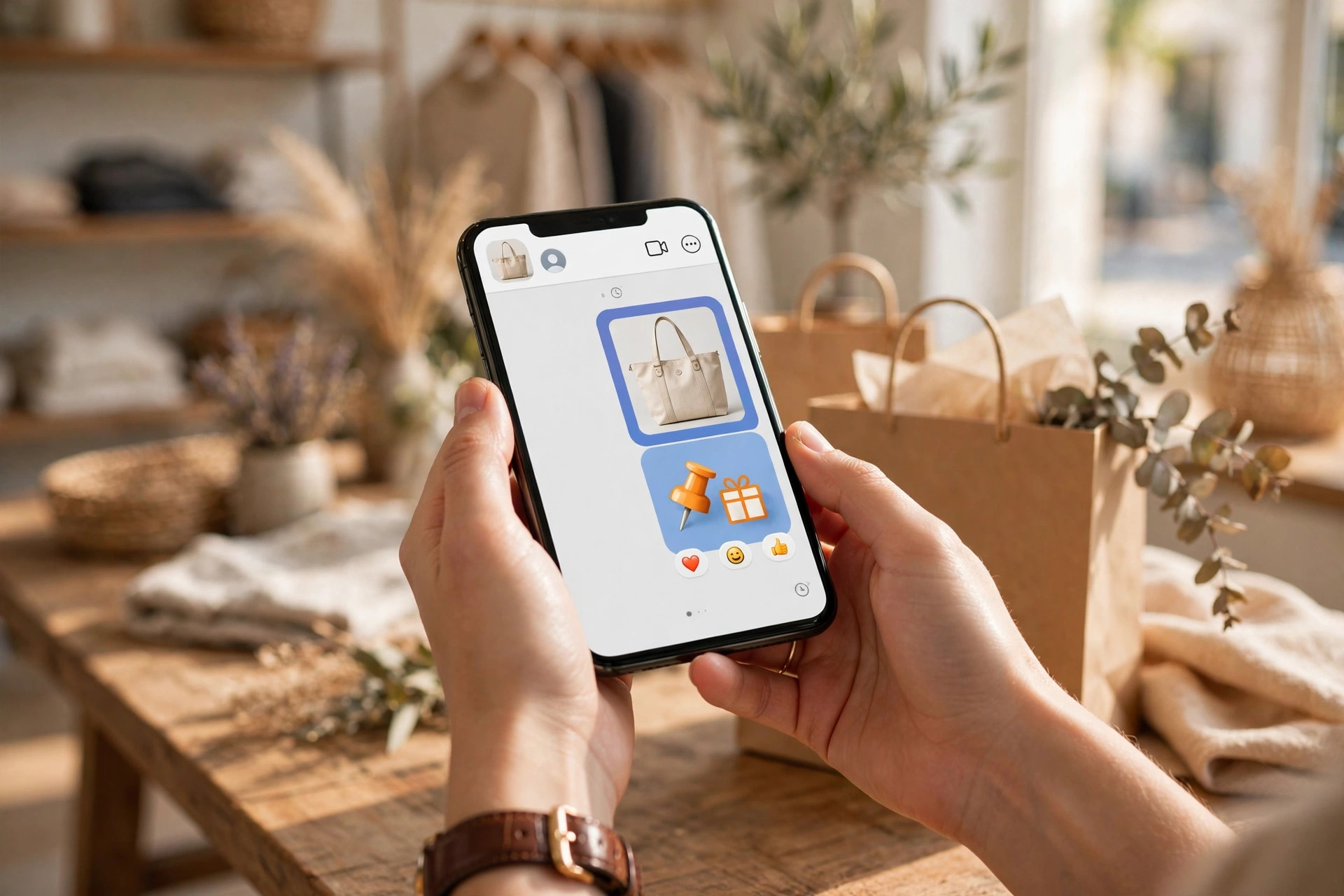
A monthly broadcast works when the offer is real and the frequency stays low.
6. Click-to-WhatsApp ads
Meta lets you run Facebook and Instagram ads with a button that opens a WhatsApp chat with your business instead of sending people to a website. For local businesses, this shortens the path from ad to conversation dramatically: the prospect taps, asks their question, and your team (or chatbot) answers in real time. These ads work best with a specific offer in the creative, like “Get a free quote on WhatsApp” or “Book a free consultation.” Typical cost per conversation started runs a few dollars in most local markets, and you only pay when someone actually messages you.
7. Catalogs that sell in the chat
The free WhatsApp Business app includes a product catalog: photos, prices, and descriptions your customers can browse without leaving the chat. A bakery can list the weekly menu, a salon can list services with prices, a hardware store can list seasonal items. When a customer asks “how much is X,” you send the catalog item instead of typing the answer for the twentieth time. On the API, catalog messages can include “add to cart” style flows that hand off to checkout.
8. Review requests at the perfect moment
The best time to ask for a Google review is right after a happy customer thanks you, and on WhatsApp that moment happens in the chat itself. When a customer replies with praise, send your review link immediately while the feeling is fresh. A short message works: “Glad we could help! If you have a minute, a Google review means a lot to a small business like ours,” plus the link. Asking in the chat where the customer is already engaged converts far better than an email sent three days later.
9. Win-back campaigns for quiet customers
Every local business has customers who bought once and vanished. A WhatsApp message to customers who have not ordered in 90 days, with a personal tone and a small incentive, brings a meaningful share of them back. Send it once per lapsed segment, not on a loop.
Message templates that get replies
Through the API, opening messages use pre-approved templates. Keep them short, specific, and easy to answer:
- Booking confirmation: “Hi [name], your appointment is booked for [day] at [time] with [business]. Reply C to confirm or R to reschedule.”
- Quote follow-up: “Hi [name], just checking whether you had questions about the [service] quote we sent. Happy to walk through it, just reply here.”
- Offer broadcast: “Hi [name], our [season] slots are filling up. Book this week and get [offer]. Reply BOOK and we will set it up.”
- Review request: “Thanks for choosing [business] today. A quick Google review helps us a lot: [link]”
- Win-back: “Hi [name], it has been a while. We would love to see you again. Here is [offer], valid until [date].”
The pattern: one idea per message, the customer’s name, a clear next step, and a reply they can send in one word.
How much does WhatsApp marketing cost?
Typical ranges for a small local business:
| Option | Typical cost | Best for |
|---|---|---|
| WhatsApp Business app | $0, free | Solo operators and small teams, broadcasts up to 256 contacts, manual replies |
| API via a provider (Twilio, 360dialog) | $15 to $100/mo platform fee plus per-message charges | Automation, chatbots, CRM connections, higher volume |
| All-in-one WhatsApp marketing tools (Wati, Interakt, AiSensy) | $30 to $300/mo by contact volume | Broadcasts, automation, and team inbox without building anything |
| Meta per-message fees (API) | A few cents per marketing message in most markets; service and utility messages cheaper | Charged by Meta on top of your provider’s fees, varies by country |
| Click-to-WhatsApp ads | A few dollars per conversation started | Buying new chat conversations from Facebook and Instagram |
Typical ranges, not fixed prices. Meta adjusts per-message pricing by country and message category, and providers add their own margins, so confirm current rates with your chosen provider.

Start free with the Business app and move to paid tools only when volume justifies it.
Your 30-day WhatsApp marketing launch plan
- 1Days 1 to 3: install the WhatsApp Business app on a dedicated business number. Complete the business profile: hours, address, website, catalog basics, greeting and away messages.
- 2Days 4 to 7: create your opt-in paths: a QR code at the counter, a checkbox on your website contact form, and a line in your email signature. Start asking every customer at checkout or job completion.
- 3Days 8 to 14: set up labels for new leads, booked customers, and past customers. Write your quick replies for the five questions you answer most. Turn on appointment or order confirmations.
- 4Days 15 to 21: launch your first broadcast to the opted-in list with one clear offer. Send review requests in the chat after every completed job for a full week.
- 5Days 22 to 30: review what worked: reply rates, bookings from the broadcast, reviews collected. If manual replies are eating hours daily, price out an API tool for automation.
Frequently asked questions
Is WhatsApp marketing free?
The WhatsApp Business app is free and covers most small business needs: business profile, catalogs, labels, quick replies, and broadcasts to up to 256 contacts. Costs start when you move to the API for automation, which runs roughly $30 to $300 a month for small business tools, plus Meta’s per-message fees of a few cents per marketing message.
Can I send bulk messages on WhatsApp?
Yes, but only to contacts who opted in, and only through approved methods: broadcast lists in the free app (up to 256 contacts who have your number saved) or template messages through the official API. Unofficial bulk-sending tools violate WhatsApp terms and get numbers banned.
What is the difference between WhatsApp Business app and API?
The app is a free phone app for manual messaging with small lists. The API (WhatsApp Business Platform) connects WhatsApp to software: chatbots, CRM integrations, automated reminders, and large campaigns. You need a provider to use the API, and you cannot run both on the same number at once.
How do I get customers to opt in?
The highest-converting opt-ins happen in person: a QR code at the counter, a question at checkout (“want order updates on WhatsApp?”), or a checkbox on your booking form. Offer a small immediate benefit, like a discount on the next visit, to push signups in the first month.
Will WhatsApp ban my business number?
Only if you break the rules: messaging people who never opted in, sending frequent spammy blasts, or using unofficial automation tools. Businesses that message opted-in contacts with useful, infrequent messages keep their numbers for years without issues.
Want WhatsApp marketing that books local customers on autopilot?
Digital Hayder sets up WhatsApp systems for local businesses: Business app configuration, opt-in flows, automated reminders and follow-ups, broadcast campaigns, and API integrations with your booking system. Tell us about your business and we will map the plan.
Contact Us