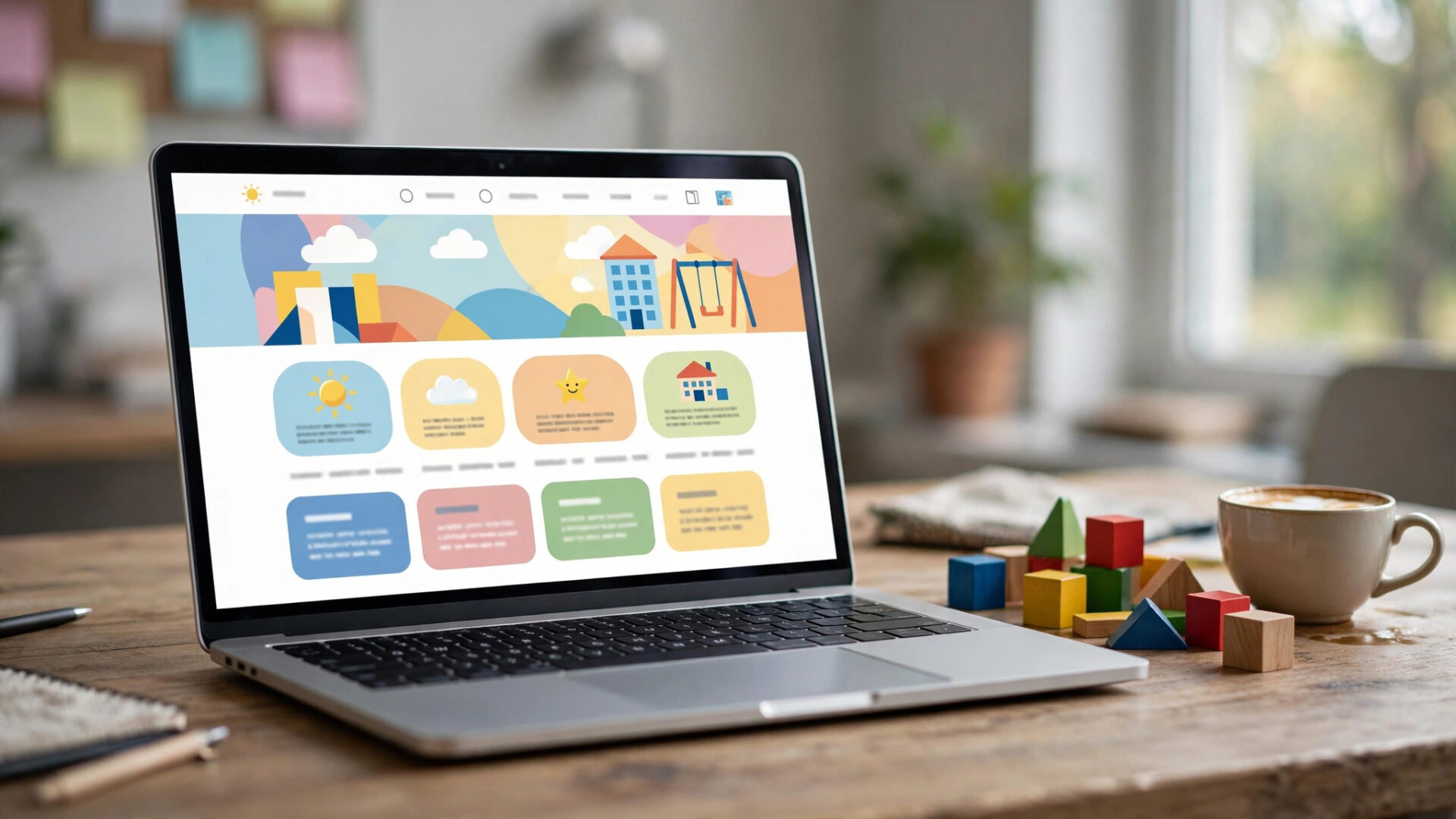
Parents judge your center in eight seconds. Before they read a word, they have decided whether your website feels trustworthy. And trust is what books the tour.
This guide breaks down what the best daycare websites do differently: the design patterns, the content, and the conversion details that turn visitors into tours.
The quick answer
- The job of your site: turn a parent visit into a tour booking. Everything else is decoration.
- What the best sites share: warm photography, clear programs by age, visible tuition guidance, reviews everywhere, and a tour booking button that is impossible to miss.
- Mobile first: most parents browse on phones. If it is not fast and thumb-friendly, nothing else matters.
- What it costs: template sites from free to $100/month, custom childcare sites $2,000 to $10,000+.
9 things the best daycare websites do
- Lead with warmth, not text. A bright photo or short video of real classrooms, right at the top. Parents should feel the center before reading about it.
- Show programs by age. Infant, toddler, preschool, after-school. Each gets its own page with real details: ratios, schedules, curriculum.
- Make tour booking effortless. A “Book a Tour” button in the header, on every page, opening a real booking calendar. Not a contact form.
- Put reviews everywhere. Google reviews on the homepage, program pages, and the tour page. Social proof is the closest thing to a parent referral.
- Answer the money question. Tuition ranges, at minimum. Parents who cannot find pricing assume the worst and leave.
- Introduce the team. Teacher photos, bios, and credentials. Parents are choosing the people, not the building.
- Show a day in the life. Schedules, activities, meals, nap routines. Specifics beat adjectives.
- Load fast on mobile. Under 3 seconds. Compress images, keep it simple, test on a real phone.
- Local SEO baked in. Your city and neighborhoods in titles and content. One page per location for multi-site centers.
Examples worth studying
- The Goddard School. Simplicity done right: clean navigation, fast pages, every program easy to find.
- The Learning Experience. Joyful design with illustrations that make the brand memorable for parents and kids.
- Lightbridge Academy. Bright, brand-consistent pages with strong use of color and clear identity.
- New Horizon Academy. Video hero showing real classrooms, plus testimonials and helpful parent resources.
- Kinderberry Hill. Warm, inviting design with soft colors and large lifestyle photography.
- Little Sprouts. Storybook charm with a distinctive visual identity that stands out from generic templates.
Study them for patterns, not for copying. Your center’s personality is the differentiator.
What a daycare website costs
- DIY templates: free to $100/month. Fine for starting out, limited on conversion features.
- Childcare platform sites: often bundled with management software. Tour booking and CRM built in.
- Custom design: $2,000 to $10,000+ depending on pages, photography, and booking integration.
- The real cost: a site that does not convert. A $500 site that books tours beats a $10,000 site that does not.
Mistakes daycare websites make
- Contact form instead of tour booking. “We will call you back” loses to “pick your time” every time.
- Hiding tuition. “Call for pricing” reads as “expensive.” Publish ranges.
- Stock photos of strangers’ kids. Parents notice. Use your real classrooms, even if the photos are imperfect.
- Slow and cluttered. Autoplay music, sliders, popups. Every distraction is a lost tour.
- No reviews. A beautiful site with zero social proof still feels risky.
- Desktop-only thinking. Design for the phone in a parent’s hand at 10pm, not the office monitor.
Frequently asked questions
Should we use photos of real children?
Only with written parent consent, and many centers prefer showing classrooms, activities, and staff instead. Hands, art projects, and spaces tell the story safely.
How many pages do we need?
Homepage, one page per program, about/team, tuition, tour booking, contact, and a few blog posts. Quality over quantity.
Can our childcare software build the site?
Many platforms now build and host center websites with booking built in. It is often the fastest path to a site that actually converts.
How often should we update it?
Photos and programs: quarterly. Blog: monthly if you can sustain it. Tour availability: always current.
Want a website that books tours?
Digital Hayder builds websites for childcare centers: warm design, program pages, online tour booking, reviews, and local SEO that turns visitors into enrollments.
Book a Free Demo